
How to Build a PC for Gaming in 2027
By James Thompson · Updated:
Some links in my articles are affiliate links. I may earn a commission when you buy through them.
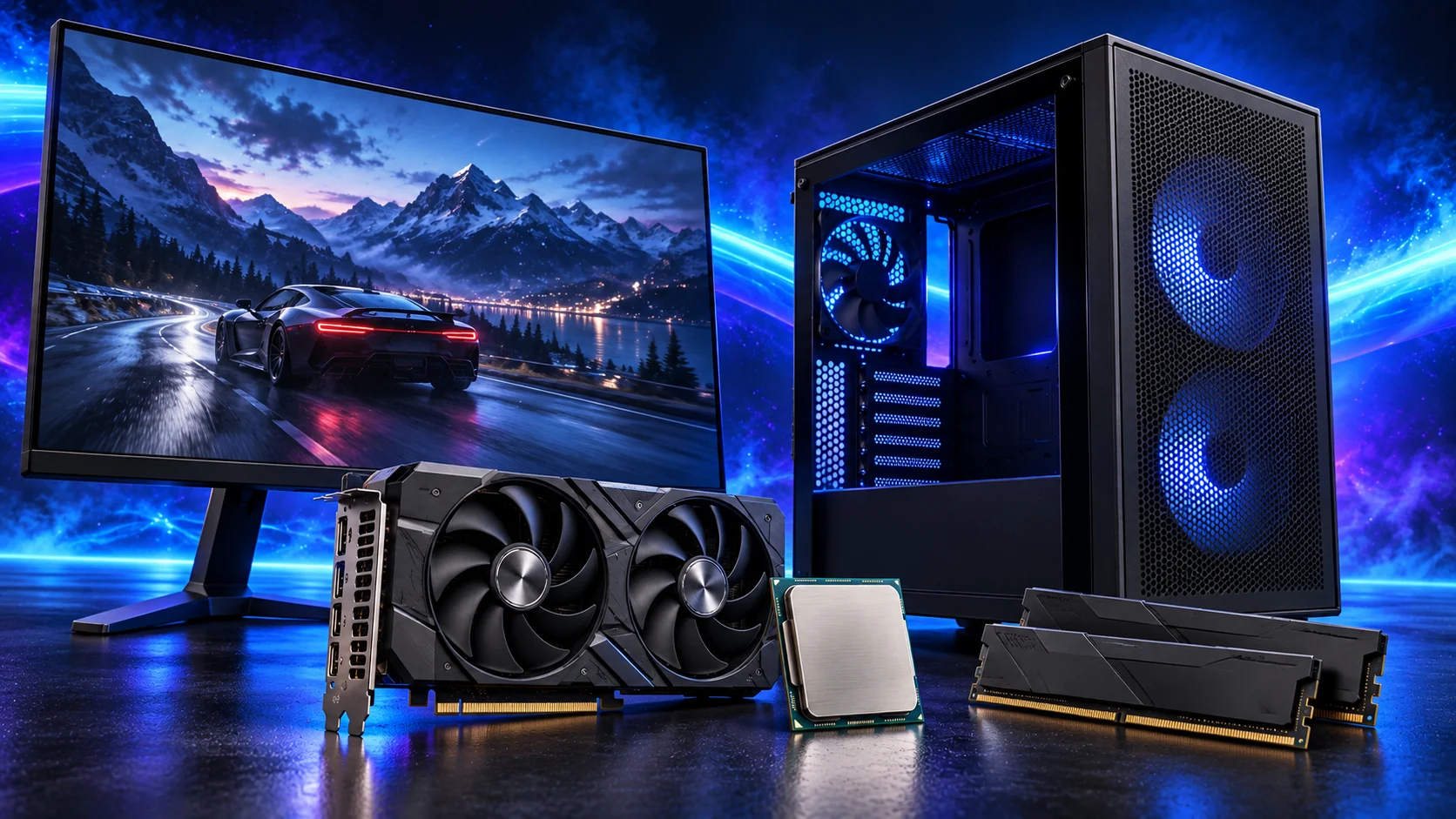
For a balanced first gaming PC, I’d start with the Ryzen 5 9600X, ASUS Dual RX 9060 XT 16GB and 32GB of DDR5. Build around the screen and games you want to enjoy, then spend more where it makes a visible difference. The tables below let you choose a budget, balanced or premium route for each part.
Match the screen to the graphics target, then choose the gaming mouse, UK keyboard and headset around the desk. The network plan covers the fixed PC connection.
Table of Contents
ToggleChoose your gaming target before the parts
Start with the screen. A 1080p setup is the affordable route into PC gaming; 1440p is where I’d aim for a more detailed desktop gaming setup; 4K asks considerably more of the graphics card. Competitive play adds another priority: a fast-refresh monitor and a processor that keeps up with the game at your chosen settings.
For visually demanding single-player games, I’d direct the next chunk of budget towards graphics. For competitive games played at reduced settings, I’d look more closely at CPU performance. A large strategy game can also be limited by simulation work, even when its graphics look less demanding.
Our resolution and refresh-rate guide helps choose the screen, and the gaming budget guide helps divide the parts spend. If this is your first build of any kind, keep the beginner’s guide beside the parts list.
Build an AM5 tower in PC Builder to see the PC in 3D, compare planning estimates and save your selected parts. Use the workload and setup advice here to refine the choices.

My balanced gaming parts list
| Component | Part | Why it belongs |
|---|---|---|
| Processor | Ryzen 5 9600X | Six-core starting point; leave room in the budget for graphics. |
| Graphics | ASUS Dual RX 9060 XT 16GB | 16GB and a compact card for a 1080p / 1440p gaming build. |
| Motherboard | Gigabyte B650 Eagle AX | ATX AM5 board with Wi-Fi. |
| Memory | Crucial Pro 32GB DDR5-6000 | 32GB supplied as a two-module DDR5 kit. |
| Storage | Crucial P310 2TB M.2 2280 | 2TB for Windows, applications and a useful game library. |
| CPU cooler | Thermalright Peerless Assassin 120 SE | Straightforward air cooling. |
| Case | NZXT H5 Flow (2024) | Accessible mesh-front mid-tower layout. |
| Power supply | Corsair RM850e (2025) | Modular cabling and capacity for the more demanding GPU routes. |
This list keeps the CPU, board and memory on the same AM5 platform. The budget route below changes all three to AM4. Changing only the processor to a Ryzen 5 5600 would leave you with the wrong board and memory.
For a tighter build, use the complete entry 1080p list; for a graphics-heavy system, use the 4K build guide. The tables here help you decide which route is worth paying for.
Choose your gaming graphics card
The RX 9060 XT 16GB is my balanced pick for a first gaming build. It offers the capacity I’d want in a new 1440p system without pulling the whole basket into premium territory. Move to the RX 9070 XT when you want more rendering power for demanding 1440p games or a 4K screen.
The RTX 5080 is the premium Nvidia route I’d consider for 4K, ray tracing and a gaming PC that also handles GPU-heavy creative work. If the full setup needs to stay lean, the RTX 5060 gives you a lower-tier Nvidia option for 1080p. Its 8GB memory makes it a different purchase from the 16GB choices.
| Buying tier | My pick | Why I’d choose it |
|---|---|---|
| Budget 1080p | ASUS Dual RTX 5060 8GB OC | Keep the graphics spend lower and leave room for a decent screen. |
| Balanced 1080p / 1440p | ASUS Dual RX 9060 XT 16GB | The default for this build: 16GB in a short dual-fan card. |
| Premium 1440p / step into 4K | Gigabyte RX 9070 XT Gaming OC 16GB | Spend on stronger rendering performance. |
| Premium 4K / Nvidia features | Gigabyte RTX 5080 Gaming OC 16GB | The more ambitious route for a high-end screen and demanding effects. |
For the full breakdown, use Best Graphics Cards for Gaming PCs. If you are also choosing for editing or 3D rendering, compare the purpose routes in Best Graphics Cards for Building a PC.
Compare the complete shortlist in best graphics cards for gaming PCs.
Use the graphics-card guide to match the screen and games, then compare like-for-like frame-rate results.

Choose your gaming processor
I’d keep the 9600X in the balanced build and give extra money to the graphics card first. Move to the 9850X3D when high-refresh play or a CPU-heavy game is the reason you’re building the system. That is a more focused upgrade than buying additional cores because the model number is larger.
The 5600 is the budget AM4 choice. Compare the processor, B550 board and DDR4 kit as a package against the AM5 route. AM4 is attractive when that package leaves a worthwhile saving; if the gap is small, I’d choose AM5 for a new build.
| Buying tier | My pick | Why I’d choose it |
|---|---|---|
| Budget AM4 | Ryzen 5 5600 | Pair with the B550 board and DDR4 kit below. |
| Best overall for this balanced build | Ryzen 5 9600X | Keep the platform spend sensible while you fund the GPU. |
| Premium high-refresh / CPU-heavy gaming | Ryzen 7 9850X3D | An eight-core X3D route for a system built around gaming performance. |
Our high-refresh gaming CPU guide explains when the processor deserves more of the budget, while matching the CPU and GPU helps balance the pair. The PC Gamer 9850X3D review is a useful comparison when weighing the premium CPU route.
Compare the complete shortlist in best processors for gaming PCs.
For the CPU decision, compare gaming core counts and the X3D premium. They explain when extra processor spending helps this build.

Choose your gaming motherboard
The B650 Eagle AX is my default for the AM5 build. I’d rather put spare money into the graphics card, screen or SSD capacity than move to a more elaborate motherboard for a single-GPU gaming PC. Choose the board for the connections, storage slots and network features you will use.
The premium CPU can still use an appropriate B650 board. Match the exact board revision to the CPU-support list and BIOS version before assembly; the newest chipset name is not itself a gaming upgrade.
| Buying tier | My pick | Why I’d choose it |
|---|---|---|
| Budget AM4 route | Gigabyte B550 Gaming X V2 | ATX B550 for the 5600 and DDR4 combination. |
| Overall AM5 route | Gigabyte B650 Eagle AX | ATX B650 with Wi-Fi for the 9600X or supported X3D processor. |
Read our gaming motherboard guide for the features worth paying for. Both picks suit an ATX mid-tower. A compact micro-ATX case needs a different board.
Compare the complete shortlist in best motherboards for gaming PCs.
Read the board/platform guide and check the case’s internal connections. PCIe and M.2 sharing keeps the planned drives and expansion cards usable together.
Choose your gaming memory
For this build, 32GB is the starting point I’d buy. Two matching modules keep the installation straightforward and leave you room for the game, browser, voice chat and everyday applications. I’d put the next upgrade into graphics before buying 64GB for a gaming-only PC.
Choose the memory type around the platform. The lower-cost AM4 combination uses DDR4; the AM5 build uses DDR5. On a new machine, get the first boot working before enabling the kit’s faster memory profile.
| Buying tier | My pick | Why I’d choose it |
|---|---|---|
| Budget AM4 | Corsair Vengeance LPX 32GB DDR4-3200 | A 32GB DDR4 kit for the 5600 / B550 route. |
| Overall AM5 | Crucial Pro 32GB DDR5-6000 | A 32GB DDR5 kit for the AM5 route; no RGB premium needed. |
Our gaming RAM guide covers capacity, timings, slots and profiles. Extra capacity is useful for large creative projects or particular heavily modded games; buy it for that workload rather than assuming it adds frame rate to every game.
Compare the complete shortlist in best ram kits for gaming PCs.
Plan the RAM capacity for the work kept open together and the supported module arrangement. The profile guide covers setup once all memory is working at defaults.

Choose your gaming SSD
A 2TB SSD makes the balanced build much easier to live with. Modern game installations can consume a substantial share of a smaller drive, so capacity is where I’d spend before chasing the highest advertised transfer speed.
The SN850X 1TB is the smaller performance-drive alternative when you keep only a few large games installed. For a growing library, the P310 2TB is the route I’d take. Add a second drive when the first becomes crowded, using a suitable free motherboard slot.
| Buying category | My pick | Why I’d choose it |
|---|---|---|
| Smaller installation | WD_BLACK SN850X 1TB | 1TB for a lean library; choose it for the drive, rather than expecting extra gaming frame rate. |
| Best overall capacity | Crucial P310 2TB M.2 2280 | 2TB makes room for Windows, applications and a broader library. |
| Large library expansion | Crucial P310 2TB M.2 2280 | A second 2TB drive adds storage without replacing the main drive. |
See our gaming SSD guide for choosing the drive and supporting component choices for keeping the whole setup balanced.
Compare the complete shortlist in best ssds for gaming PCs.
Choose enough working storage, then check the exact SSD format/interface. The PCIe comparison helps decide whether the speed premium serves this build.
Choose your gaming power supply
The RM850e is the PSU I’d choose for the balanced list because I like the modular cabling and it accommodates the stronger GPU routes. The 650W MSI unit is the budget alternative for the 5600 and lower-power graphics combination.
Buy around the exact graphics card. Gigabyte specifies 850W and three 8-pin connections for this RX 9070 XT. The RTX 5080 Gaming OC uses a 16-pin connection; the RM850e’s native lead keeps that route straightforward. Use the PSU’s own compatible cables and seat the GPU connector fully before arranging the side panel.
| Buying tier | My pick | Why I’d choose it |
|---|---|---|
| Budget lower-power build | MSI MAG A650BN | 650W for the entry graphics route, with fixed cables. |
| Overall / premium GPU route | Corsair RM850e (2025) | 850W and modular cables; my choice for the balanced list and higher-tier cards. |
Our gaming PSU guide covers capacity and connectors. The Gigabyte RX 9070 XT specifications give the requirements for that exact model.
Compare the complete shortlist in best power supplies for gaming PCs.
Match PSU load, connectors and installed space together, then keep the exact compatible cable set with the unit.

Choose your gaming case
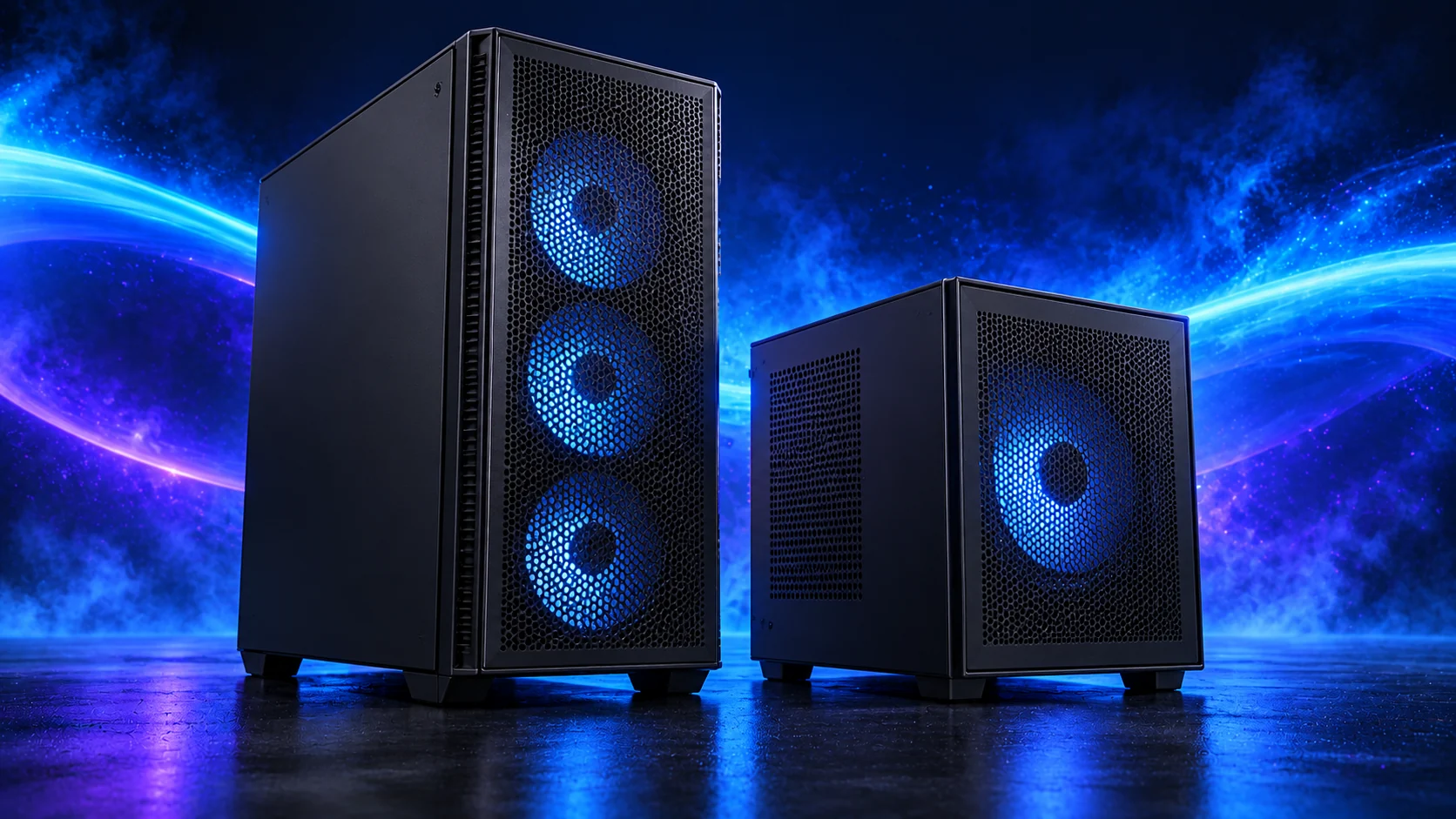
I’d choose the H5 Flow for a first gaming build. It has the mid-tower space that makes installation and cable routing easier, with a mesh front for intake airflow. The H7 Flow is the larger option when your cooling layout and component collection justify the extra size.
Choose the A3-mATX if the compact footprint is part of the brief. Plan it as its own build, with a micro-ATX board, suitable PSU placement and a clear path to the small headers. The short ASUS Dual graphics card is a useful starting point in that layout.
| Buying category | My pick | Why I’d choose it |
|---|---|---|
| Best overall first build | NZXT H5 Flow (2024) | Straightforward ATX mid-tower route. |
| Larger premium layout | NZXT H7 Flow | More room for organising a substantial cooling setup. |
| Compact gaming build | Lian Li A3-mATX wood-front | Smaller footprint with a deliberately chosen micro-ATX platform. |
Read our gaming case guide or follow the separate compact build route. The two ATX boards above belong in the mid-towers, so change the board when choosing the A3.
Compare the complete shortlist in best pc cases for gaming PCs.
Use the case-fan shortlist for the usable mounts and PWM/DC setup for the finished layout.
Choose your gaming cooler
The Peerless Assassin is where I’d start for this air-cooled gaming build. Spending more on a 360mm liquid cooler is a choice about cooling layout and appearance, rather than an automatic requirement for the 9600X.
For a premium CPU setup that also handles sustained production work, the ARCTIC liquid cooler gives you a substantial radiator route. Choose the case around it: the 38mm radiator plus its fans needs more clearance than a thin radiator alone. Position the radiator and tubing before the graphics card closes off the working space.
| Buying category | My pick | Why I’d choose it |
|---|---|---|
| Value / overall air cooling | Thermalright Peerless Assassin 120 SE | The simple route I’d use in the balanced build. |
| Premium liquid-cooled layout | ARCTIC Liquid Freezer III Pro 360 | A 360mm option for a roomy case and a deliberate radiator layout. |
Our gaming cooler guide covers air versus liquid. For the budget boxed 5600, start with its supplied cooler if keeping the purchase lean matters more than the larger air-cooling setup.
Compare the complete shortlist in best cpu coolers for gaming PCs.
Assemble, set up and start playing
Fit the CPU, memory and SSD to the motherboard first, then prepare the cooler mount. Install the board and PSU in the case, connect the small front-panel and fan headers, and fit the graphics card towards the end. That sequence keeps your hands out of the tightest gaps.
Follow the assembly guide and the fit checklist through the build. Keep the GPU intake clear when tidying the leads; a loose cable bundle beside the fans is an easy detail to fix before the panels go on.
At first boot, confirm the CPU, RAM and SSD in the BIOS. Install Windows and the chipset and graphics drivers, then enable the appropriate memory profile. Connect the monitor to the graphics card and set its intended refresh rate in Windows.
Use the first-boot guide for the full sequence. Finish with the settings that suit your games: competitive players should prioritise responsiveness, while slower single-player games often deserve the extra detail. Our ray-tracing and upscaling guide helps choose the visual settings worth using.
For a racing cockpit, use the dedicated sim-racing guide. It separates triple-screen builds from VR builds so the graphics budget matches the view.
For a more focused gaming setup, compare Competitive Esports builds, Strategy and City-Building Games builds, Flight Simulation builds and Living-Room Gaming builds. If broadcasting is part of the plan, Gaming and Streaming builds separates the single-PC encoder route from an external capture setup.
The upgrade I’d choose next
Compare those graphics routes in the gaming GPU buying guide. If you are happy with the performance already, a better monitor, useful SSD capacity or a more comfortable desk setup may be the upgrade you enjoy most.