
Motherboard PCIe Lanes and M.2 Sharing: Plan Your GPU and Drives
By James Thompson · Updated:
Some links in my articles are affiliate links. I may earn a commission when you buy through them.

Read the exact board’s storage and expansion sharing table before adding drives or cards. A socket count is not a list of independent full-speed connections. The installed CPU, lane routing and chipset link determine which combinations the board can support.
Table of Contents
ToggleCPU-connected and chipset-connected devices
The CPU provides connections for memory and a platform-dependent set of PCIe devices. The chipset supplies further connectivity and communicates with the CPU through its own link. Several chipset-connected devices may share that route to the CPU.
This does not mean all devices are constantly fighting for bandwidth. A drive doing occasional background work is different from several drives and network devices transferring heavily together. Plan the simultaneous workload rather than adding theoretical maximums for every socket.
Use the motherboard guide for the platform overview and the GPU PCIe guide for the graphics-slot requirements.
Directly connected GPU/storage where provided.
The path between CPU and chipset.
Additional storage, USB, network and expansion.
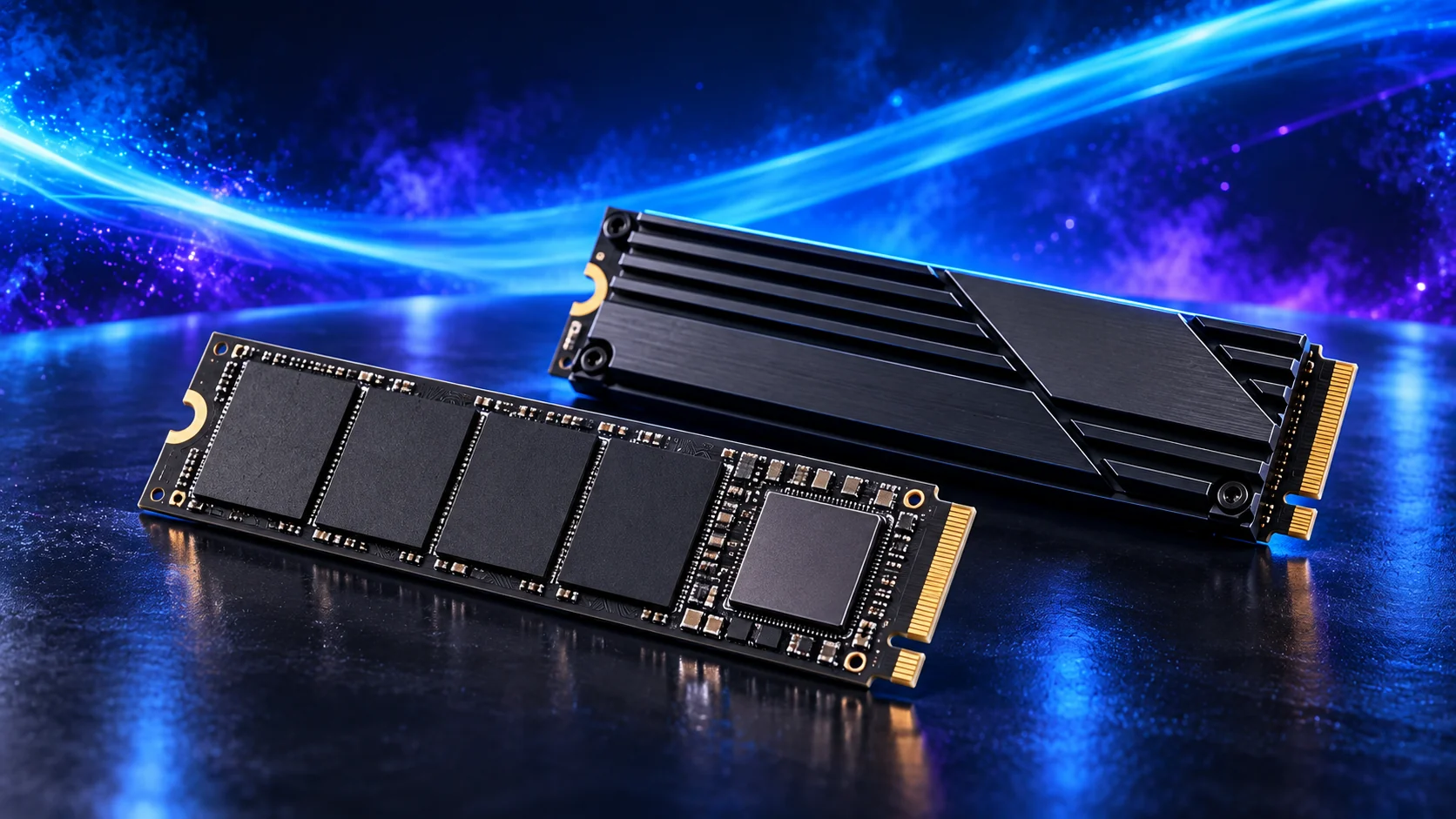
The footnotes can change the configuration
A board may reduce the graphics slot’s lane allocation when a particular M.2 socket is used, or disable a SATA connector when another storage interface is populated. These are exact-model decisions; do not copy a rule from a similar board.
Find the manual’s PCIe bandwidth or storage-sharing table. Include its CPU-family footnotes. Some processors expose a different set of links, so the same board can support different combinations depending on the installed chip.
An MSI B550 UNIFY manual, for example, documents shared bandwidth in a particular CPU-mode arrangement. That is evidence that sharing must be checked, not a rule for every B550 or every MSI board. The manual’s configuration table shows how explicit these conditions can be.
Build a device map before the order
| Device | Record from the manual | Consequence to check |
|---|---|---|
| Graphics card | Recommended slot, generation and electrical lanes. | Changes when selected M.2/PCIe positions are used. |
| First NVMe SSD | Protocol, length, lanes and CPU/chipset connection. | Boot support and cooling. |
| Additional SSD | Supported socket and simultaneous population. | Other ports/lanes that become unavailable. |
| Capture/network card | Electrical link and physical clearance. | GPU thickness and shared resources. |
| SATA drives | Usable port numbers with the planned M.2 population. | Ports disabled by a selected configuration. |
Write the devices into named slots—M2_1, M2_2 or the actual manual labels—rather than “one of the spare sockets”. This makes the purchase and installation repeatable. M.2 and NVMe explained covers the protocol/length checks.

When sharing matters enough to change the board
For a single-GPU PC with a modest storage plan, a shared resource may be easy to avoid by choosing another supported slot. For a workstation handling several active drives or a home lab with extra networking, the layout can become a genuine buying difference.
A chipset-connected SSD is not automatically a bad place for games or ordinary files. Assess the task and simultaneous traffic. Paying for more direct lanes makes sense when the configuration needs them, rather than because one connection label looks more premium.
For a graphics card that uses fewer lanes, check relevant older-link tests before accepting a further lane reduction. The GPU link guide explains that comparison without assigning one fixed performance penalty.
Before adding a second drive
Check the spare socket’s protocol, supported length and heatsink space. Then confirm that its population keeps the devices you need active. The second-SSD installation guide follows the next steps.
If the board cannot support the intended combination, compare another board, a suitable different connection or a revised storage plan. The board buying guide and the SSD guide help price those alternatives together.
M.2 shared-port and compatibility guidance · CPU and chipset connectivity