
Entry 1080p PC build: when AM4 still makes sense
By James Thompson · Published 7 October 2026
Some links in my articles are affiliate links. I may earn a commission when you buy through them.
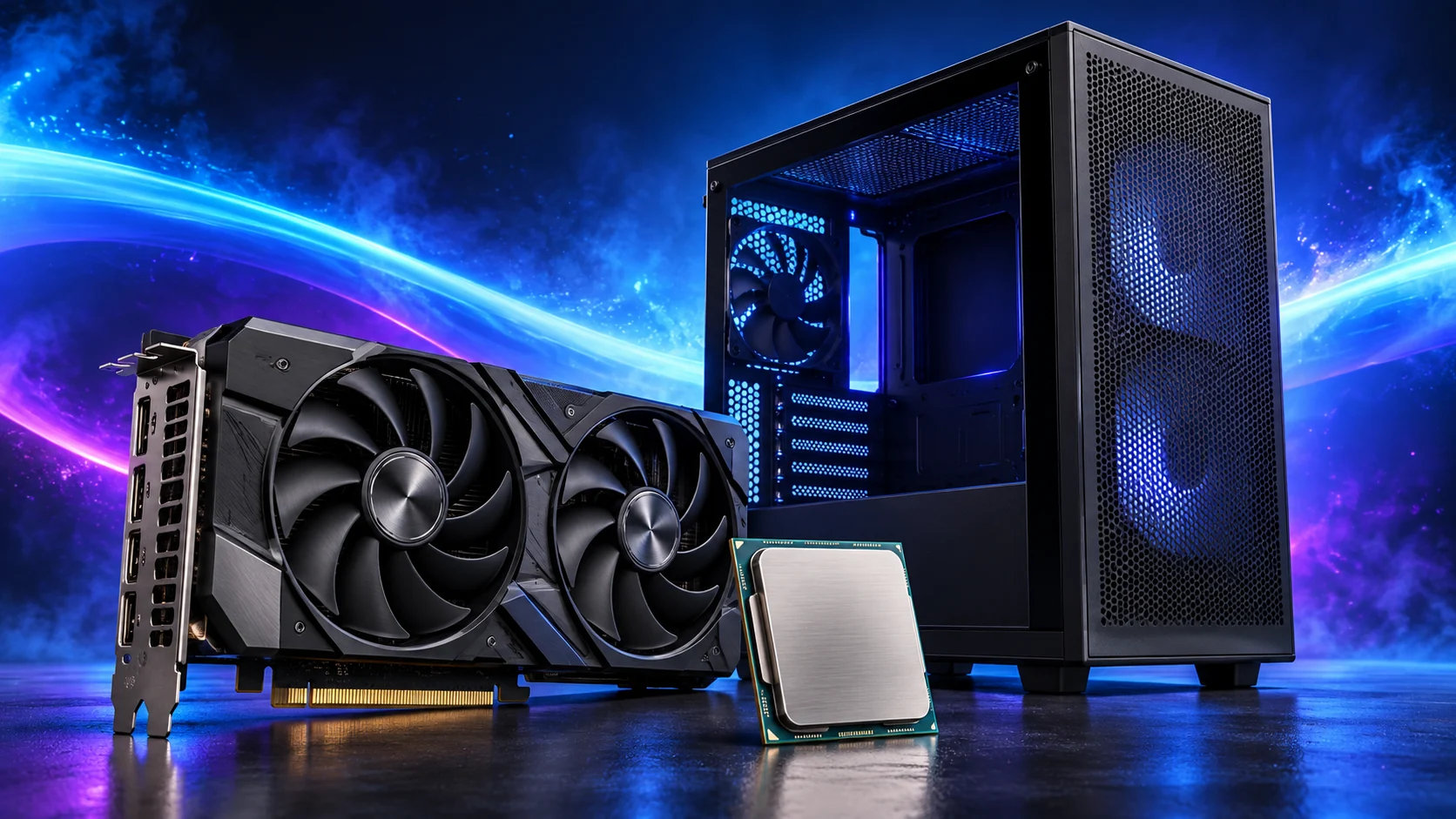
I’d build an affordable 1080p gaming PC around the Ryzen 5 5600 and ASUS Dual RTX 5060. Put the money into graphics, keep the processor platform straightforward and leave room for a decent screen. Here’s the parts list I’d use.
Compare the retained-AM4 route with the complete gaming build guide. Use processors for gaming and graphics cards for gaming when the existing platform or screen changes the purchase.
Table of Contents
ToggleWhy I’d choose this build
The Ryzen 5 5600 gives this PC a straightforward six-core, twelve-thread starting point, and the boxed version includes the Wraith Stealth cooler. I’d rather keep that part of the build simple and put more of the budget into the graphics card and screen.
AM4 is particularly useful if you already have a good DDR4 kit or a supported motherboard. Keep those parts and the money goes further. For a completely new system, put this list alongside my AM5 build and compare the platform totals.
The parts I’d use
| Part | My choice | Why I’d choose it |
|---|---|---|
| Processor and cooler | Ryzen 5 5600 | Six cores and twelve threads; boxed processor with Wraith Stealth air cooler. |
| Motherboard | Gigabyte B550 Gaming X V2 | An ATX DDR4 board for this AM4 platform, with M.2 storage and wired Ethernet. |
| Memory | Corsair Vengeance LPX 32GB | A matched 2×16GB DDR4-3200 kit with room for games and the applications you leave open. |
| Graphics card | ASUS Dual RTX 5060 8GB OC | My graphics choice for this 1080p route, with NVIDIA’s current upscaling features. |
| Storage | Crucial P310 2TB | Space for a useful game library in a neat M.2 installation. |
| Case | NZXT H5 Flow 2024 | Room to build comfortably, route cables and maintain the machine later. |
| Power supply | MSI MAG A650BN | 650W, straightforward fixed cables and the PCIe connections for this graphics card. |
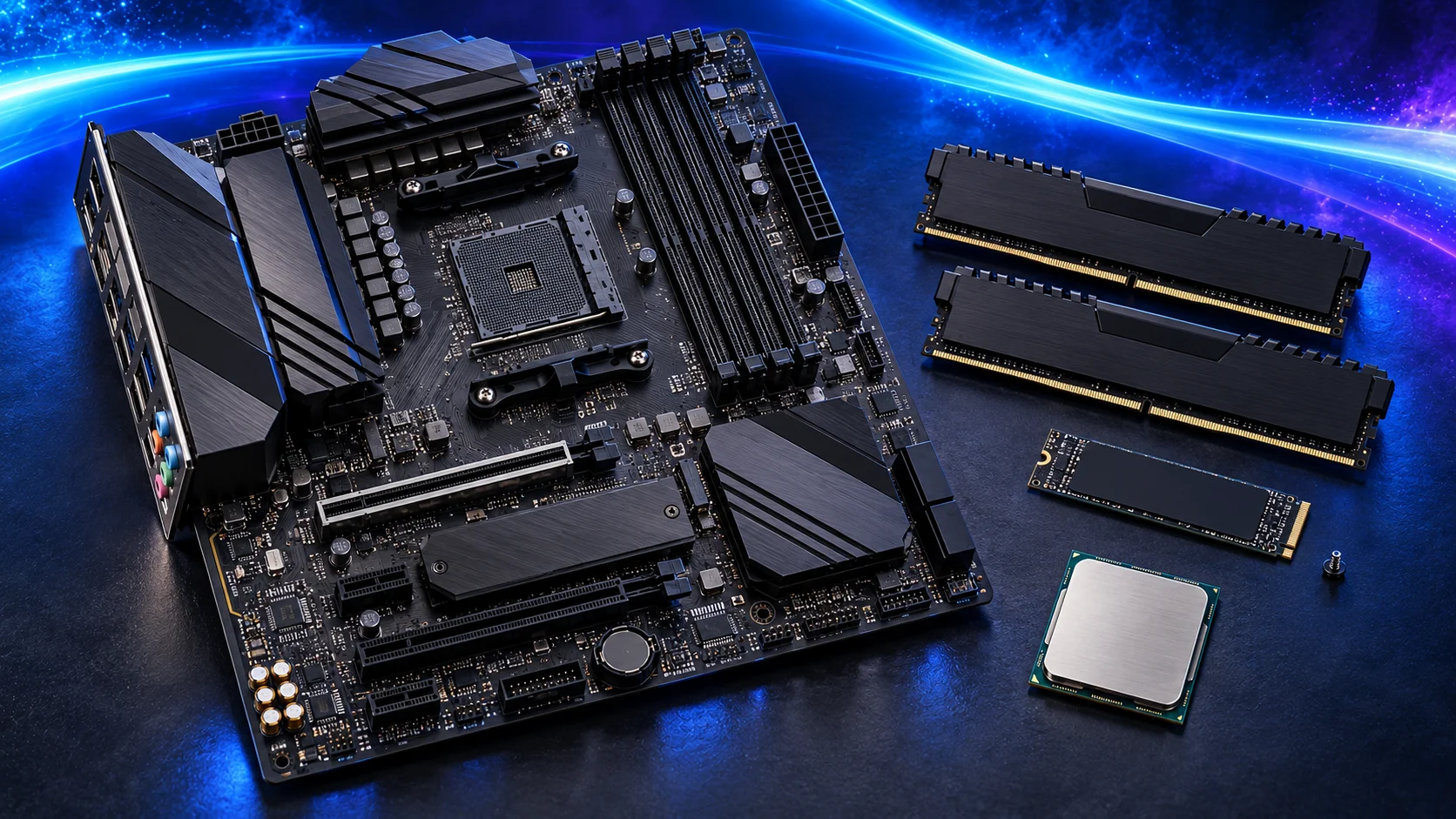
Why the RTX 5060 belongs here
I’d use the ASUS Dual RTX 5060 with a 1080p screen and tune the settings around the games I play. Allow room for the power lead, keep the intake clear and set the intended refresh rate after installing the driver.
Its 8GB of graphics memory is the trade-off I’d watch in demanding games. Turn texture settings down if they cause stuttering. If 1440p or heavy texture mods are already on your list, I’d put the ASUS Dual RX 9060 XT 16GB into the comparison now. The graphics memory guide explains where the extra capacity is useful.
The details that matter during assembly
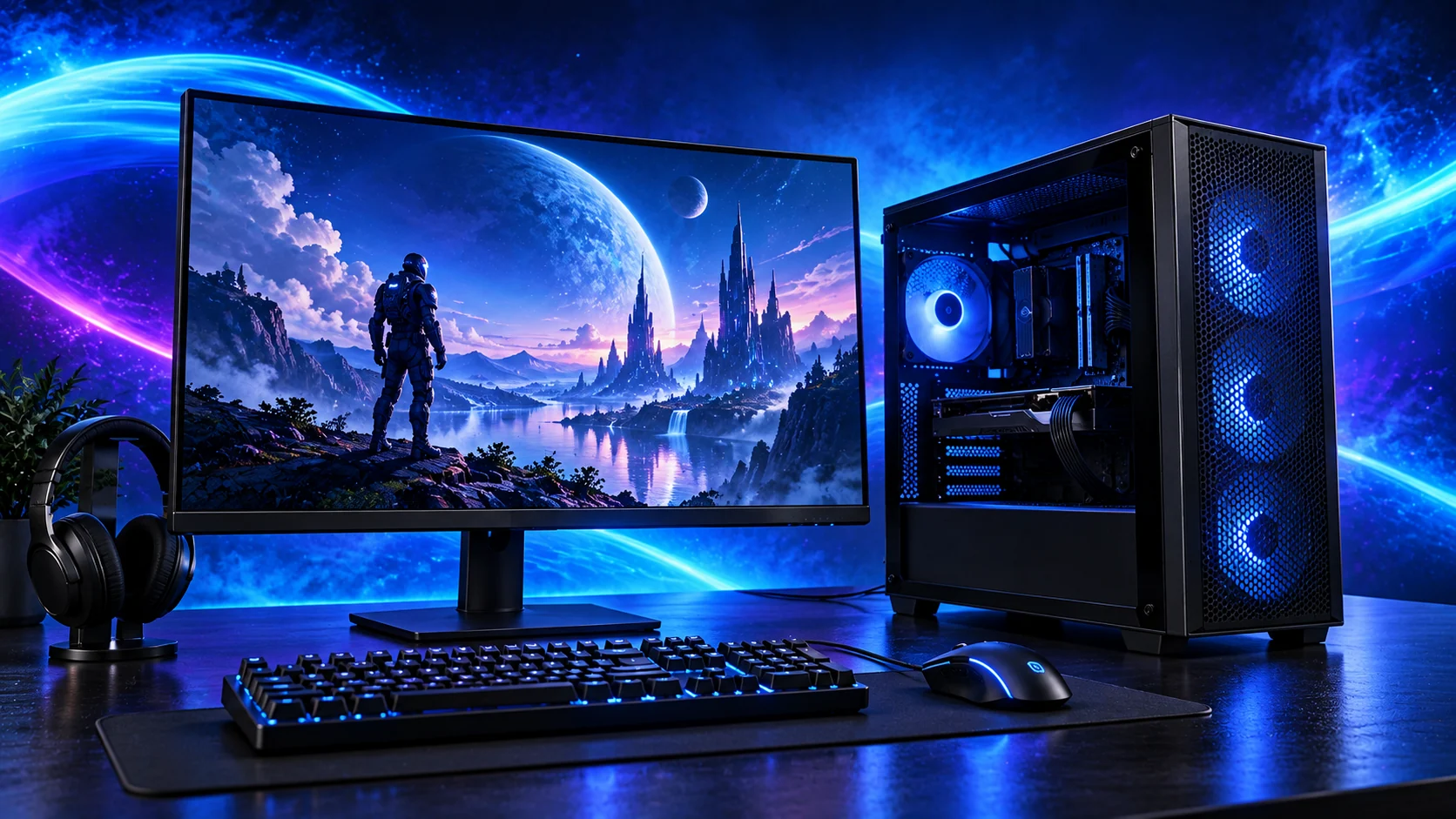
The Ryzen 5 5600 uses the graphics card for display output, so plug the monitor into the RTX 5060. With the 5600, get the system running at defaults before enabling the faster memory profile. Gigabyte’s support page gives the BIOS requirement for the board revision.
Fit the RAM in the motherboard’s recommended first pair of slots and install the P310 in its M.2 position before the graphics card makes access awkward. Route the PSU’s CPU and graphics leads while the case is open. The A650BN specifications list its connectors; ASUS’s RTX 5060 specification identifies the card’s power connection.
Where I’d save, and where I’d spend more
A smaller SSD is the easiest saving if you keep only a few games installed. A suitable DDR4 kit you already own can stay too. I’d keep a proper power supply in the budget and look at case spending next.
For a machine I’ll work on and upgrade, I like the H5 Flow’s space. If getting the lowest starting cost matters more, use a simpler ATX case with enough GPU room and a clear air path. Spend any useful saving on the screen or graphics card.
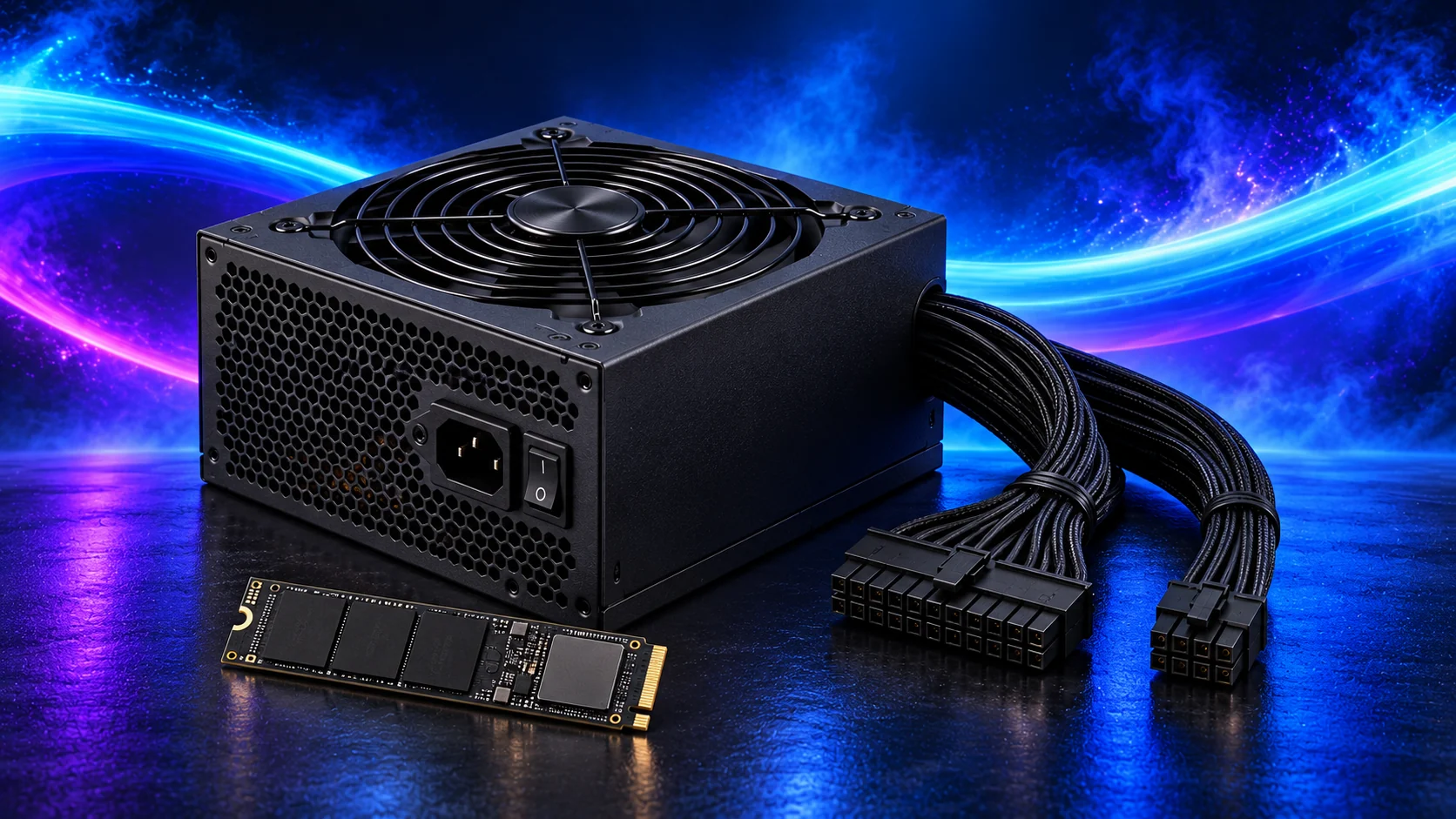
Put the complete setup together
Add the screen, keyboard, mouse, audio and Windows to the build calculator. The B550 Gaming X V2 uses wired Ethernet; add Wi-Fi if that’s how you’ll connect.
Once the parts are chosen, follow the assembly guide and first-boot setup. I’d get the machine running comfortably at defaults, set the screen correctly and start playing before chasing extra tuning.