
Choose a PC case: size, airflow and component fit
By James Thompson · Updated:
Some links in my articles are affiliate links. I may earn a commission when you buy through them.
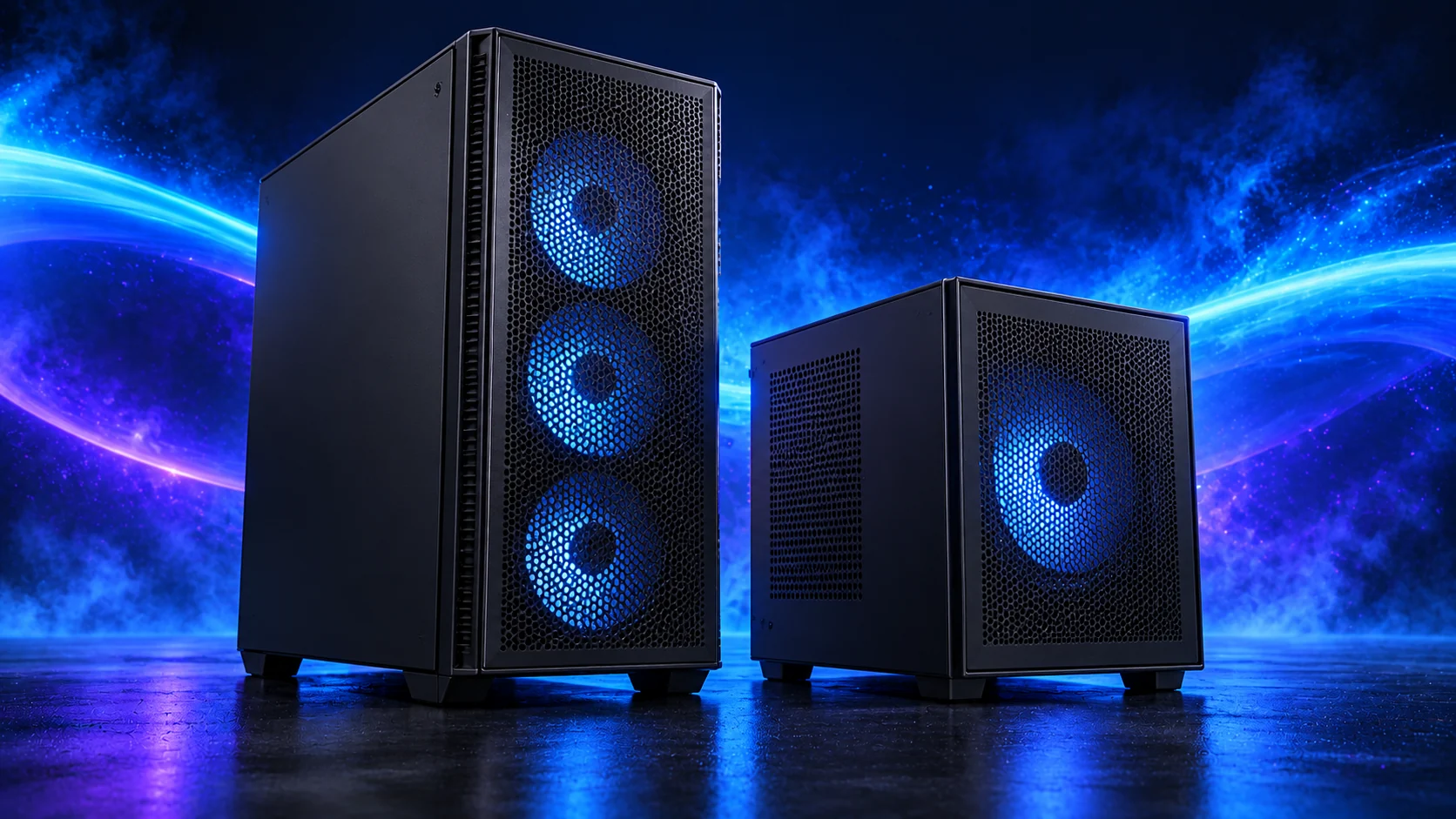
I want a case with an easy air path, room for the graphics cable and enough access to work on the machine later. The best-looking case on a product page still needs to suit the parts going inside it.
Choose the named tower options in the case buying guide. For the smaller layout, the quiet and compact case guide compares footprint with the larger quietness-first route.
Table of Contents
ToggleBegin with board size and installed space
Confirm ATX, micro-ATX or Mini-ITX support and the standoff pattern. Check the graphics card with power-lead space, CPU cooler including raised fans, PSU with connectors and any radiator with fans.
Draw the planned layout. The advertised maximum for one part can shrink when another part occupies the same space. Do not compare bare GPU length with a case maximum and stop there.
See selected tower cases and components together in our 3D PC Builder. Use this guide for the installed measurements and connections before ordering.
Standard tower or compact layout
The NZXT H5 Flow 2024 is our standard ATX case option. Confirm generation and fan package; similarly named older cases are different products. Use NZXT’s support specification and the supplied manual.
The Lian Li A3 mATX wood-front case is an option for a smaller micro-ATX layout. It needs a separate PSU-bracket and cable-space plan. An ATX B650 EAGLE AX motherboard is too large for this case.

Check the front sockets and airflow
Match case USB and audio plugs to motherboard headers. Decide where the case will stand and whether you can reach its controls and remove filters without moving the desk.
Plan airflow around actual components. Buying extra fans is less useful when a drive cage or tightly packed cables blocks their path. Read the fan-layout guide before filling every mount.
Leave room for maintenance
For the H5 Flow and A3, check graphics, cooler and radiator space together, route bulky leads first and plan the order of large-component installation. Leave room to remove filters.
Check access to the M.2 slot, CPU power connector and graphics retention latch. A case that accommodates the parts but makes a simple service difficult may be an unnecessary compromise for a first build.
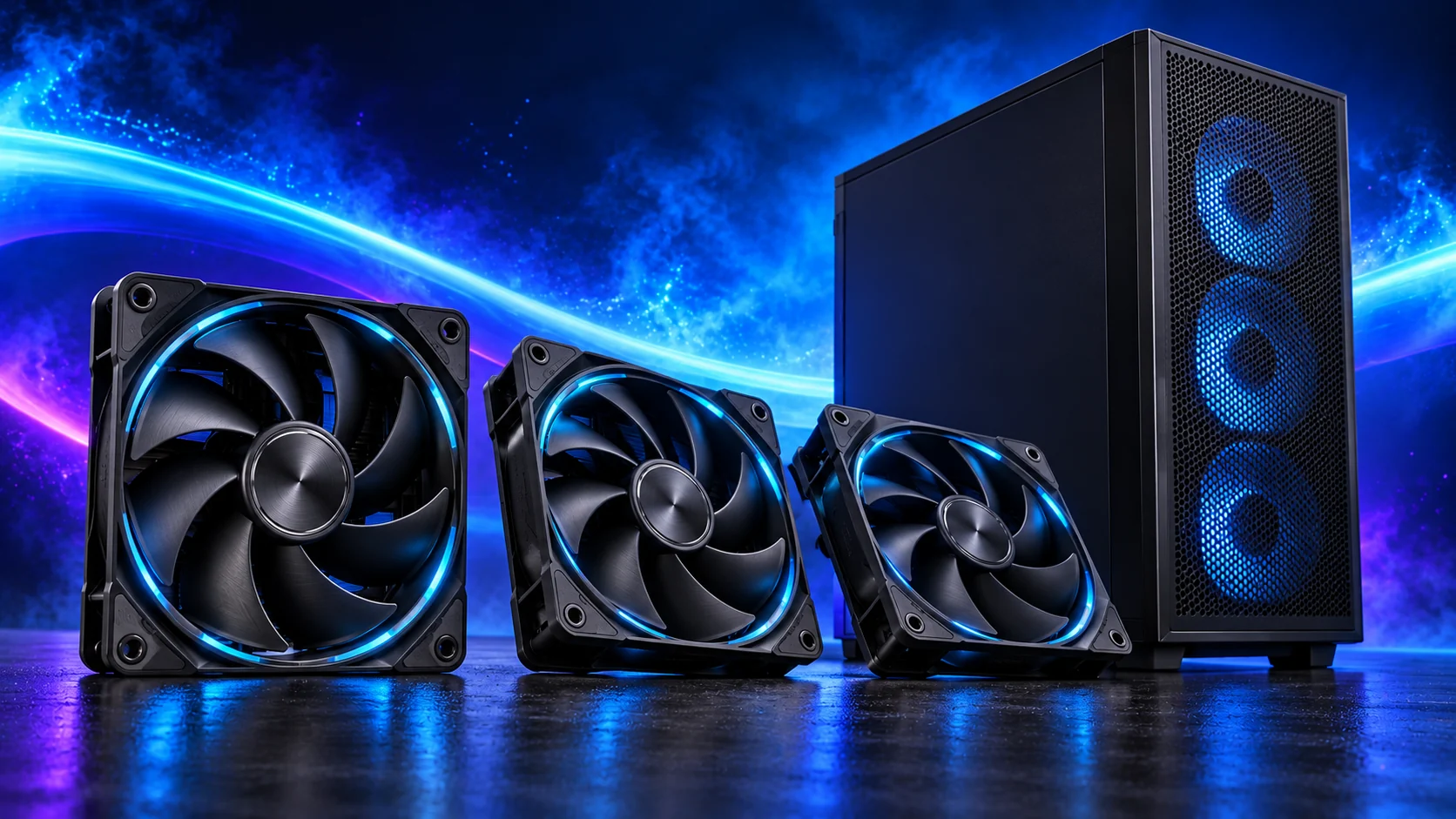
Compare the complete package
Count included fans, needed hubs, mounting hardware and delivery. A cheaper case requiring several extras may lose its advantage.
Use the compact fit checklist for a small layout, or the complete compatibility checklist for any build.
Plan the installed cooling path
Lay out intake and exhaust around the installed GPU, CPU cooler and drive cages. The useful mount is the one with both screw support and surrounding clearance.
Compare 120 mm and 140 mm fan choices only after counting what the case already includes. PWM/DC control and a stable curve help keep the chosen layout pleasant on the desktop as well as under load.