
Best keyboards for PC builds: UK layouts for gaming and work in 2027
By James Thompson · Updated:
Some links in my articles are affiliate links. I may earn a commission when you buy through them.
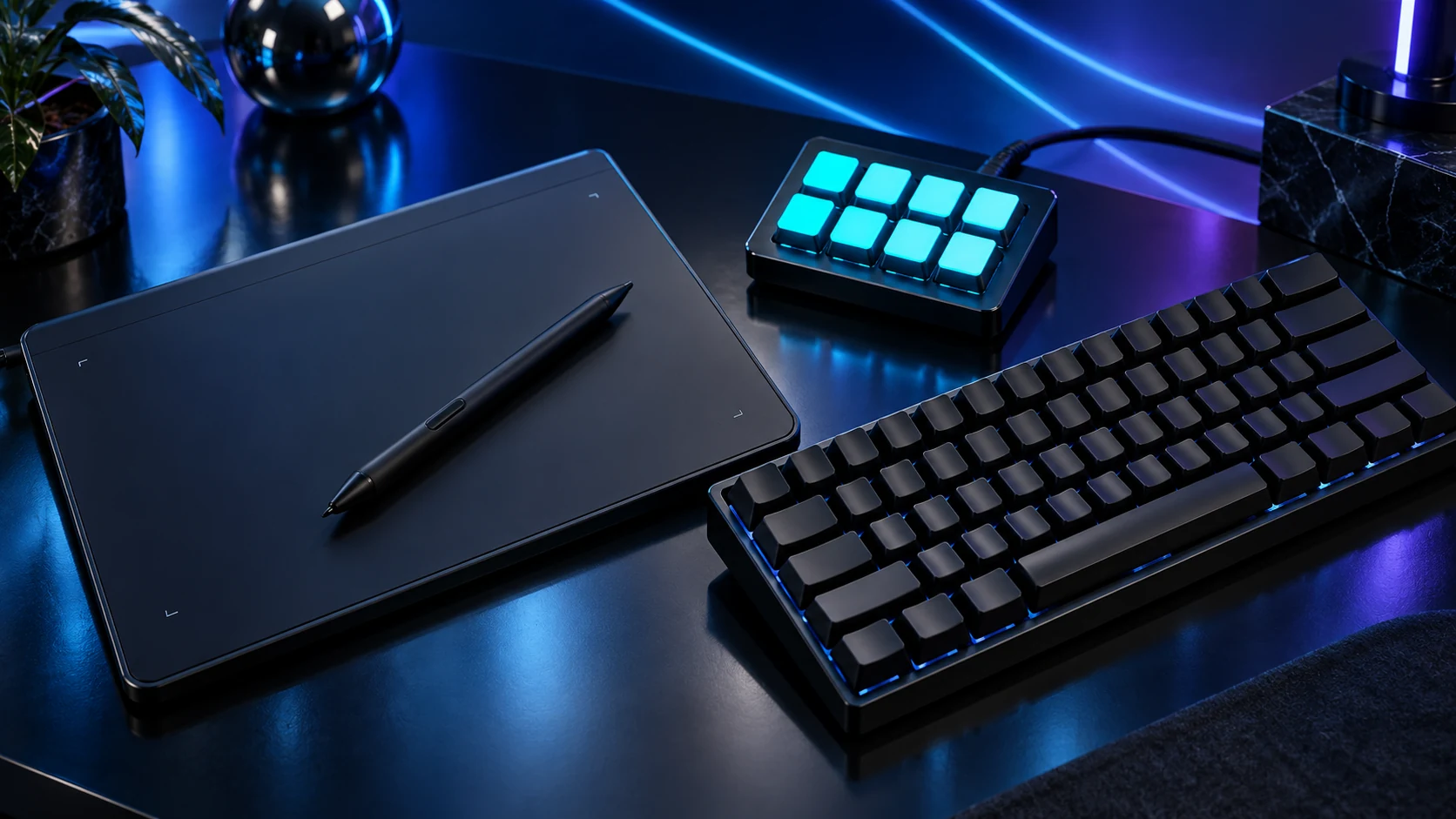
Choose the layout before the switches. K120 covers basic full-size typing, G413 TKL SE gives wired mechanical keys without a number pad, K65 PLUS Wireless adds a compact hot-swappable route and MX Keys S serves a full-size multi-device work desk.
Table of Contents
ToggleThe shortlist: choose for your setup
| Use | My choice | Why choose it | Choose another when |
|---|---|---|---|
| Budget full-size typing | Logitech K120 UK | Wired USB with a number pad and a familiar full-size layout. | You need mechanical switches, wireless or programmable lighting. |
| Simple mechanical gaming | Logitech G413 TKL SE UK | Tenkeyless, tactile mechanical switches and white backlighting. | You need a number pad, hot-swap sockets or extensive software remapping. |
| Compact wireless with replaceable switches | Corsair K65 PLUS Wireless Tactile UK | 75% UK model with a dial, hot-swappable construction and tactile MLX Fusion switches. | You depend on a number pad or want the simplest software-free arrangement. |
| Full-size multi-device work | Logitech MX Keys S UK | Low-profile illuminated keys, a number pad and switching between supported devices. | You want hot-swappable mechanical switches or a compact FPS-focused layout. |
This shortlist compares physical layout, connection, switch construction and useful controls. It separates the simple gaming keyboard from the programmable wireless option and the office-focused alternative.

Budget full-size typing: Logitech K120 UK
The K120 is my simple route for a first work PC, family machine or spare setup where normal typing is the job. Select the UK version so the legends and Windows input layout agree. Its wired connection also gives you an uncomplicated keyboard for first-boot and BIOS work.
A full-size board needs enough desk width to keep the mouse close. If the number pad is used every day, that space earns its place. If it is rarely touched, moving to a narrower board can improve the desk more than paying for a decorative upgrade.
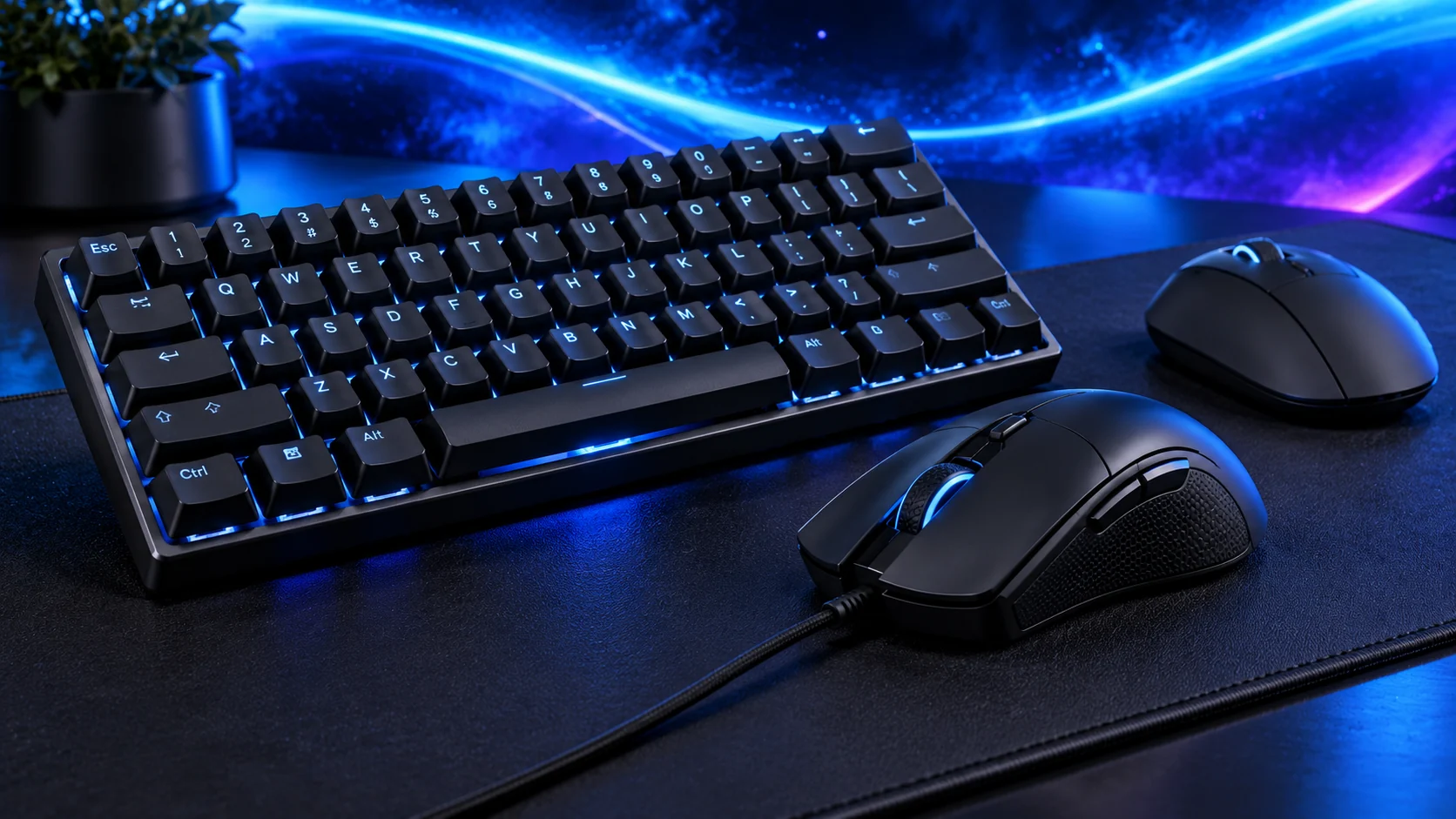
Simple mechanical gaming: Logitech G413 TKL SE UK
The G413 TKL SE is the restrained mechanical choice here. You retain the function row, navigation cluster and arrows while freeing the number-pad space for mouse movement. Logitech specifies tactile switches, PBT keycaps and six-key rollover; this is the TKL SE, not the original G413.
Its appeal is the simple wired arrangement. Choose a more programmable board if remapping and switch changes are central to your plan. A white backlight does the practical visibility job without making lighting software the main reason to own the keyboard.

Compact wireless with replaceable switches: Corsair K65 PLUS Wireless Tactile UK
The UK Tactile K65 PLUS keeps arrows and useful top-row controls in a 75% format. It gives a clearer reason for the premium when compact desk space, wireless use and future switch changes all matter together. The tactile variant’s part number is CH-91D441F-UK; linear and other editions are different choices.
A programmable dial can serve volume, zoom or scrolling through supported iCUE settings. Count those controls as useful only if they fit your normal applications. For games, use the intended low-latency receiver or wired mode rather than treating every wireless connection as equivalent.
Full-size multi-device work: Logitech MX Keys S UK
MX Keys S is my route for writing, spreadsheets and a desk shared between several computers. Its full-size layout keeps the number pad and navigation available, while supported software handles application actions. Choose the UK consumer MX Keys S package; MX Keys, Mini and business editions need their own comparison.
James’s recorded MX Keys S selection starts with the UK layout and adjusts the keyboard and chair together. That remains the useful purchase rule. A premium keyboard belongs on a workable desk; raised rear feet and a wireless label do not automatically improve every typing position.
Choose the whole keyboard, not a switch colour
Check the operating system, exact UK layout, USB/receiver connection and any software needed for the intended actions. A compact board can move useful commands onto Fn layers, so list the keys your games and applications use before cutting them away.
Mechanical, optical and magnetic/Hall-effect switches use different designs. Hot-swappable support is specific to the board and switch socket. The switch guide covers what can be compared and what cannot.
| Priority | Decision |
|---|---|
| Layout | Number pad, arrows and dedicated function keys |
| Feel | Linear, tactile, clicky or low-profile construction |
| Connection | Wired, receiver, Bluetooth and BIOS access |
| Software | Remaps/macros that work in the intended OS |
Finish the setup
Keep usable mouse travel beside the board and choose the gaming mouse or the work mouse accordingly. For repeated application actions, see macro pads.
Specifications and setup: K120 · G413 TKL SE · UK K65 PLUS Tactile · MX Keys S.