
How to Build a PC for Sim Racing in 2027
By James Thompson · Updated:
Some links in my articles are affiliate links. I may earn a commission when you buy through them.
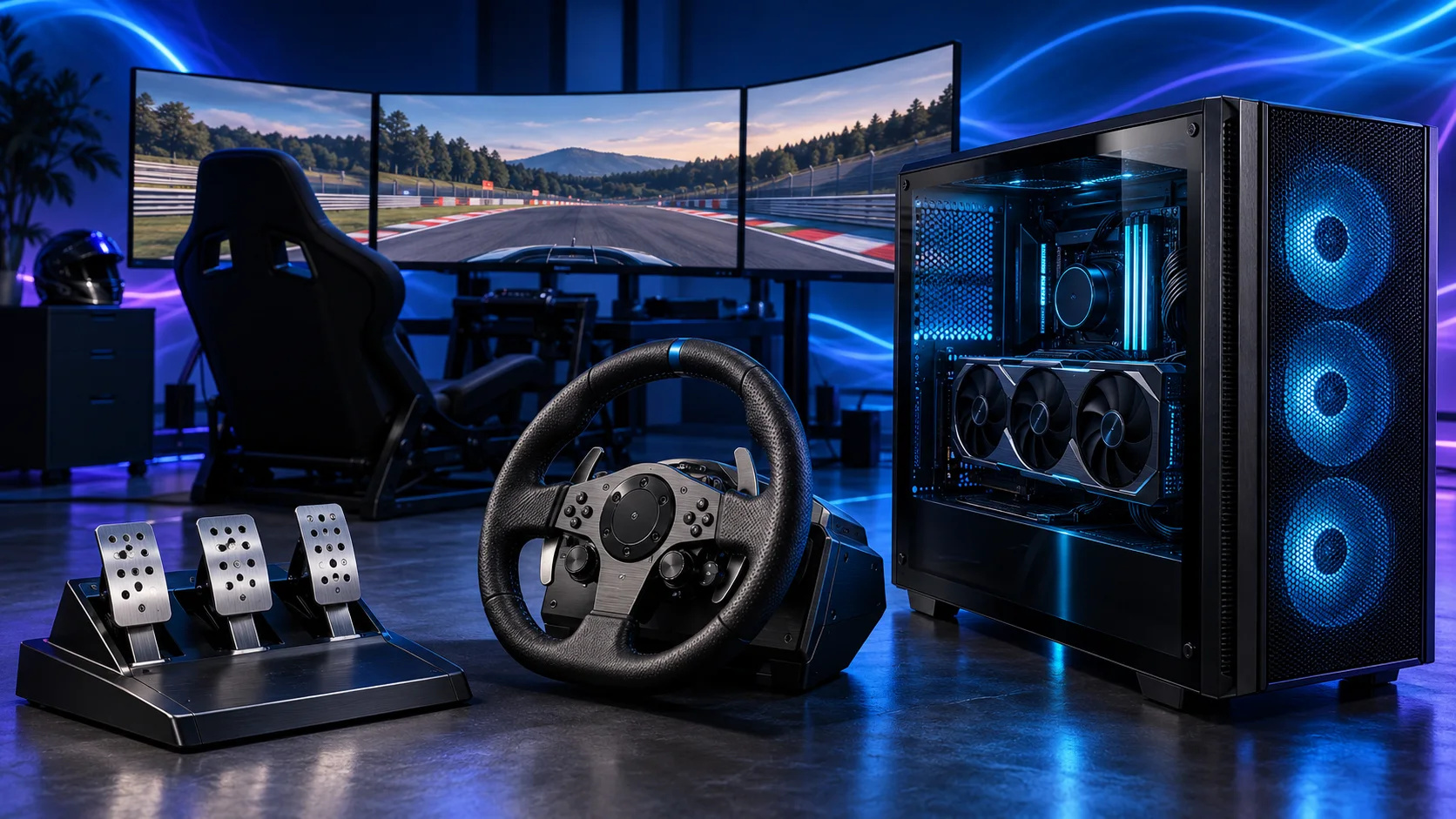
Choose your screen setup before your PC parts. For a first single-screen rig, I’d start with a Ryzen 5 9600X and a 16GB graphics card. For a dedicated iRacing rig, triple 1440p monitors or VR, I’d move to an X3D processor and give the graphics card a larger share of the budget.
Match the screen to the graphics target, then choose the gaming mouse, UK keyboard and headset around the desk. The network plan covers the fixed PC connection.
Table of Contents
ToggleStart with the racing setup you want
A wheel and a screen can turn an ordinary desk into a racing setup. Three screens or a VR headset change both the experience and the hardware bill. Decide which direction you want before buying an expensive tower: the money spent on a graphics card should support the view you will actually race with.
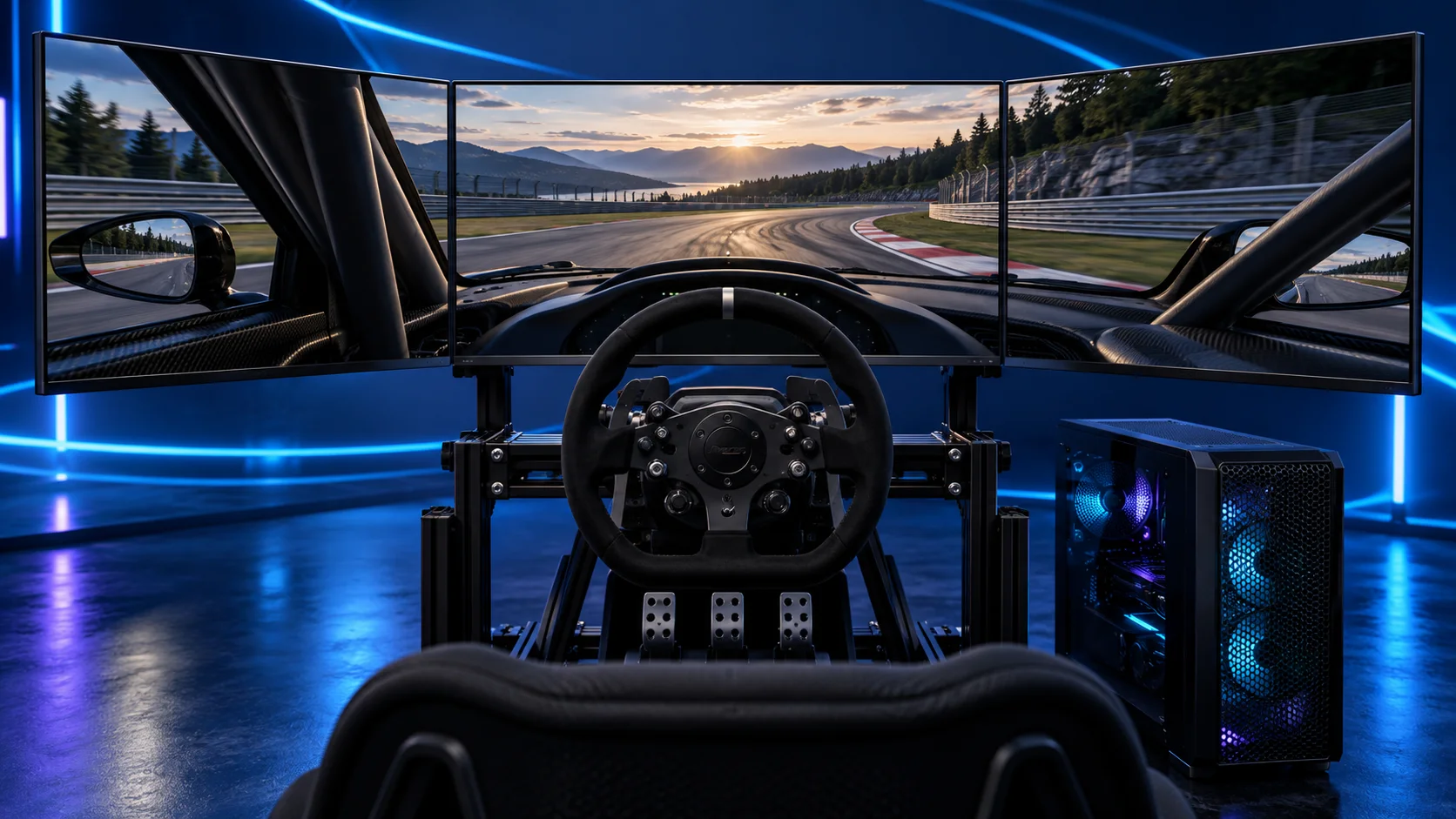
For a desk that still has to work as a normal computer, one 27-inch 1440p screen is a straightforward start. For a permanent cockpit, triples keep your physical controls visible and give you side views. VR puts the cockpit around you, with headset comfort and connection quality added to the build plan.
| Your setup | PC priority | Detailed guide |
|---|---|---|
| One 1080p/1440p screen | Balanced CPU/GPU spend | Compare the single-screen build |
| Three 1440p screens | More GPU budget and suitable outputs | Build for triple monitors |
| VR headset | CPU/GPU frame times and headset connection | Build for VR |
Keep part of the budget for a proper wheel and pedals. An expensive tower connected to weak controls can be a less satisfying first setup than a balanced PC and a securely mounted wheel.
Choose your sim-racing processor
For a new racing-focused tower, I’d choose the Ryzen 7 9850X3D when there is enough budget for a matching GPU. Its eight-core AM5 design and large cache make it the specialist route in this shortlist. The Ryzen 5 9600X is the starting point when the entire setup has to be affordable.
Do not use the number of screens as a reason to buy sixteen CPU cores. Screen resolution adds graphics work; the processor still needs to handle the simulation, draw calls and background applications. Choose more cores because you also have a demanding work task, rather than because the cockpit has three displays.
| Best for | My choice | Why I’d choose it |
|---|---|---|
| Best overall for a dedicated racing PC | Ryzen 7 9850X3D | My X3D platform choice when the PC will anchor a long-term sim setup. |
| Best budget new build | Ryzen 5 9600X | A sensible AM5 start, keeping money for the GPU, screen and controls. |
| Best for keeping an AM4 platform | Ryzen 5 5600 | Only when an existing compatible motherboard and DDR4 save a worthwhile amount. |
Compare the sim-racing processor choices before committing to the platform.
Build an AM5 tower in PC Builder to see the PC in 3D, compare planning estimates and save your selected parts. Use the workload and setup advice here to refine the choices.

Choose your sim-racing graphics card
The MSI RTX 5070 Ti 16G Ventus 3X OC is my central pick for the dedicated iRacing setup. It has three DisplayPort outputs and 16GB of graphics memory. Nvidia’s iRacing-specific rendering modes are another reason for using this route for triples and VR.
For one modest screen, the RTX 5060 Ti 16GB keeps the tower more manageable. The RTX 5080 is the premium step when the display or headset settings justify it. For other racing games on a conventional screen, include the RX 9070 XT in the comparison instead of assuming every sim needs the same brand.
| Best for | My choice | Why I’d choose it |
|---|---|---|
| Best overall for this iRacing/triples shortlist | MSI RTX 5070 Ti 16G Ventus 3X OC | 16GB, three DisplayPort outputs and the Nvidia-specific iRacing rendering route. |
| Best budget single-screen choice | MSI RTX 5060 Ti 16GB Shadow 2X OC Plus | 16GB option for a less demanding display and a controlled parts budget. |
| Best premium choice | Gigabyte RTX 5080 Gaming OC 16GB | A higher GPU tier for demanding triple-screen or VR settings. |
| Best AMD alternative for a conventional screen | Gigabyte RX 9070 XT Gaming OC 16GB | Consider for the games you actually play when its basket price is favourable. |
Compare the graphics-card shortlist for the display and game you are building around.
Use the graphics-card guide to match the screen and games, then compare like-for-like frame-rate results.

Choose your motherboard and connections
I’d use the Gigabyte B650 Eagle AX for the AM5 tower and connect the rig through Ethernet where practical. Plan the rear USB connections for the wheel, pedals, headset and any button box. A dashboard tablet does not need to occupy the fastest GPU output, while a racing screen does.
Before assembly, match the motherboard BIOS support to the exact processor. B650 is an AM5 platform, but a board sitting in older stock can need a firmware update for a newer CPU. Use the board’s documented flashing method and its exact support list.
| Best for | My choice | Why I’d choose it |
|---|---|---|
| Best starting point | Gigabyte B650 Eagle AX | ATX AM5 platform for the standard tower. |
| More platform connectivity | Gigabyte B850 Aorus Elite WiFi7 | A B850 option when its connections earn the extra spend. |
| Smaller tower | MSI B850M Gaming Plus WiFi6E | Micro-ATX alternative; match the case to the board. |
Compare gaming motherboards for the socket, firmware and USB details.
Read the board/platform guide and check the case’s internal connections. PCIe and M.2 sharing keeps the planned drives and expansion cards usable together.

Choose your memory
I’d fit 32GB as a matched pair of 16GB DDR5 modules in a new sim-racing tower. That keeps the build comfortable for Windows, the sim, voice chat and overlays without turning ordinary racing into a 96GB workstation project.
Choose capacity and a matched kit first. Fit the modules in the motherboard’s recommended two-stick slots and set the supported memory profile after the machine boots reliably. Match the DDR5-6000 kit to the motherboard’s memory support and use a stable profile for the completed PC.
| Best for | My choice | Why I’d choose it |
|---|---|---|
| Best starting kit | Corsair Vengeance 32GB DDR5-6000 CL30 | 32GB DDR5-6000 CL30 for the AM5 shortlist. |
| Alternative 32GB kit | Crucial Pro 32GB DDR5-6000 | Compare the whole platform price rather than branding. |
| Large mixed-use projects | Crucial Pro 64GB DDR5-5600 | 64GB if the same PC has a workload that uses it. |
Read the gaming RAM guide for capacity and memory-profile setup.
Plan the RAM capacity for the work kept open together and the supported module arrangement. The profile guide covers setup once all memory is working at defaults.

Choose your SSD
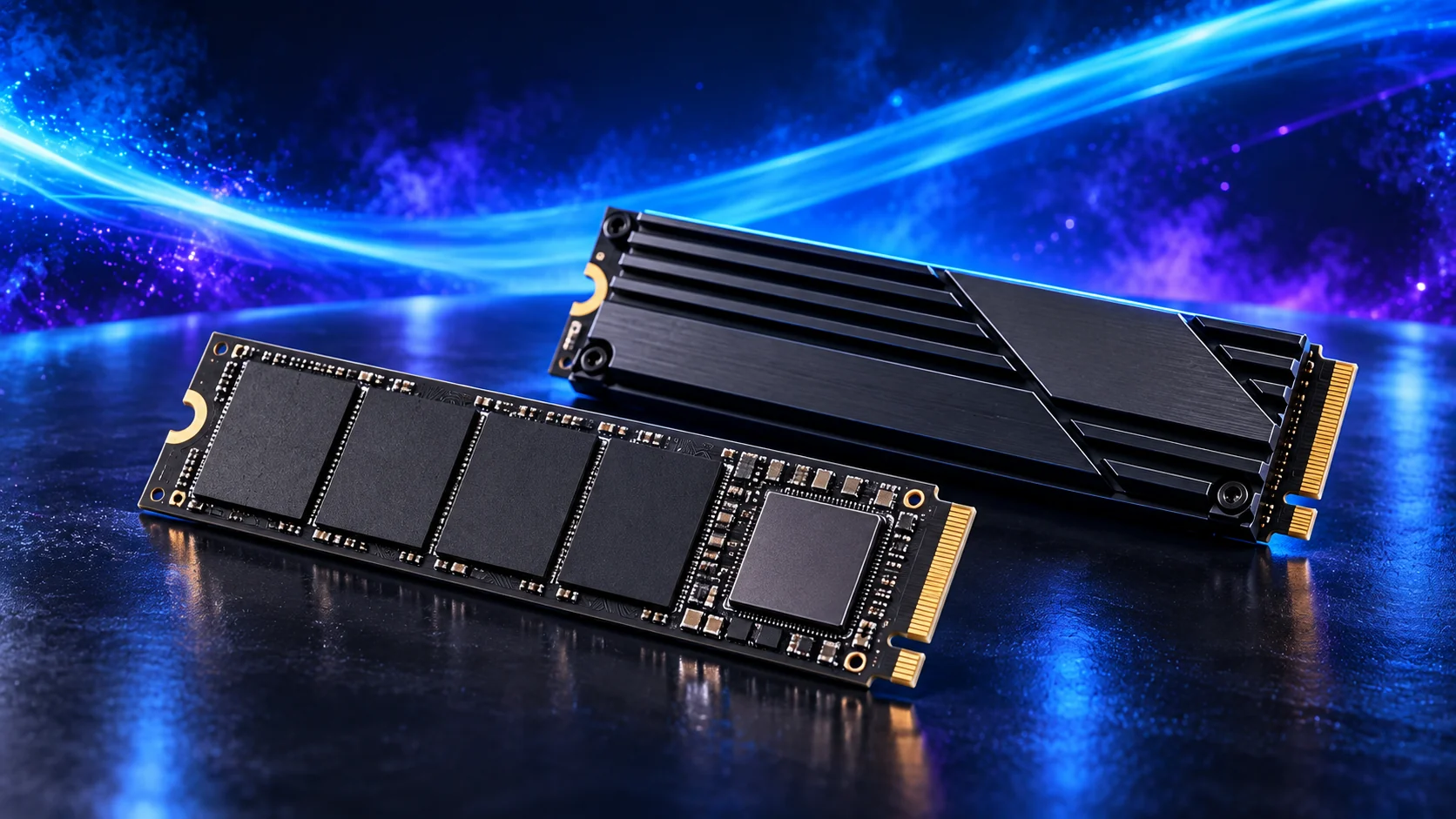
A 2TB drive is my starting choice for a fresh racing PC. It leaves more room for several sims, downloaded cars and tracks, replay files and Windows updates than a tightly packed system drive.
A faster SSD does not replace a faster GPU. The Crucial P310 is the ordinary gaming storage route here; the SN850X is worth comparing when you also move large recordings or want a different drive tier. Install it under the motherboard’s M.2 heatsink where provided.
| Best for | My choice | Why I’d choose it |
|---|---|---|
| Best starter capacity | Crucial P310 2TB M.2 2280 | 2TB M.2 drive for the main game library. |
| Performance alternative | WD_BLACK SN850X 2TB | 2TB SN850X for a higher drive tier. |
| Large local library | WD_BLACK SN850X 4TB | 4TB when several games and recordings genuinely need the space. |
Compare gaming SSDs before spending more on peak transfer numbers.
Choose enough working storage, then check the exact SSD format/interface. The PCIe comparison helps decide whether the speed premium serves this build.
Choose your power supply
The Corsair RM850e (2025) is my supply choice for the main tower. It gives this shortlist a modern GPU cable route and room for the proposed graphics tiers. Use the cables supplied for that exact PSU.
Seat the GPU power plug fully, then route the cable without pulling sideways on the connector or trapping it against the side panel. Leave space around the connector when choosing a graphics card and case together. For a significantly larger future GPU, revisit its manufacturer power recommendation instead of assuming 850W covers every upgrade.
| Best for | My choice | Why I’d choose it |
|---|---|---|
| Best main tower choice | Corsair RM850e (2025) | 850W for the standard and premium shortlist here. |
| Larger future configuration | be quiet! Pure Power 13 M 1000W | 1000W when a specific higher-power configuration requires it. |
| Small-form-factor build | Corsair SF750 (2024) | SFX route only for a case that calls for it. |
Compare gaming power supplies for connectors and capacity.
Match PSU load, connectors and installed space together, then keep the exact compatible cable set with the unit.

Choose your case and cooling
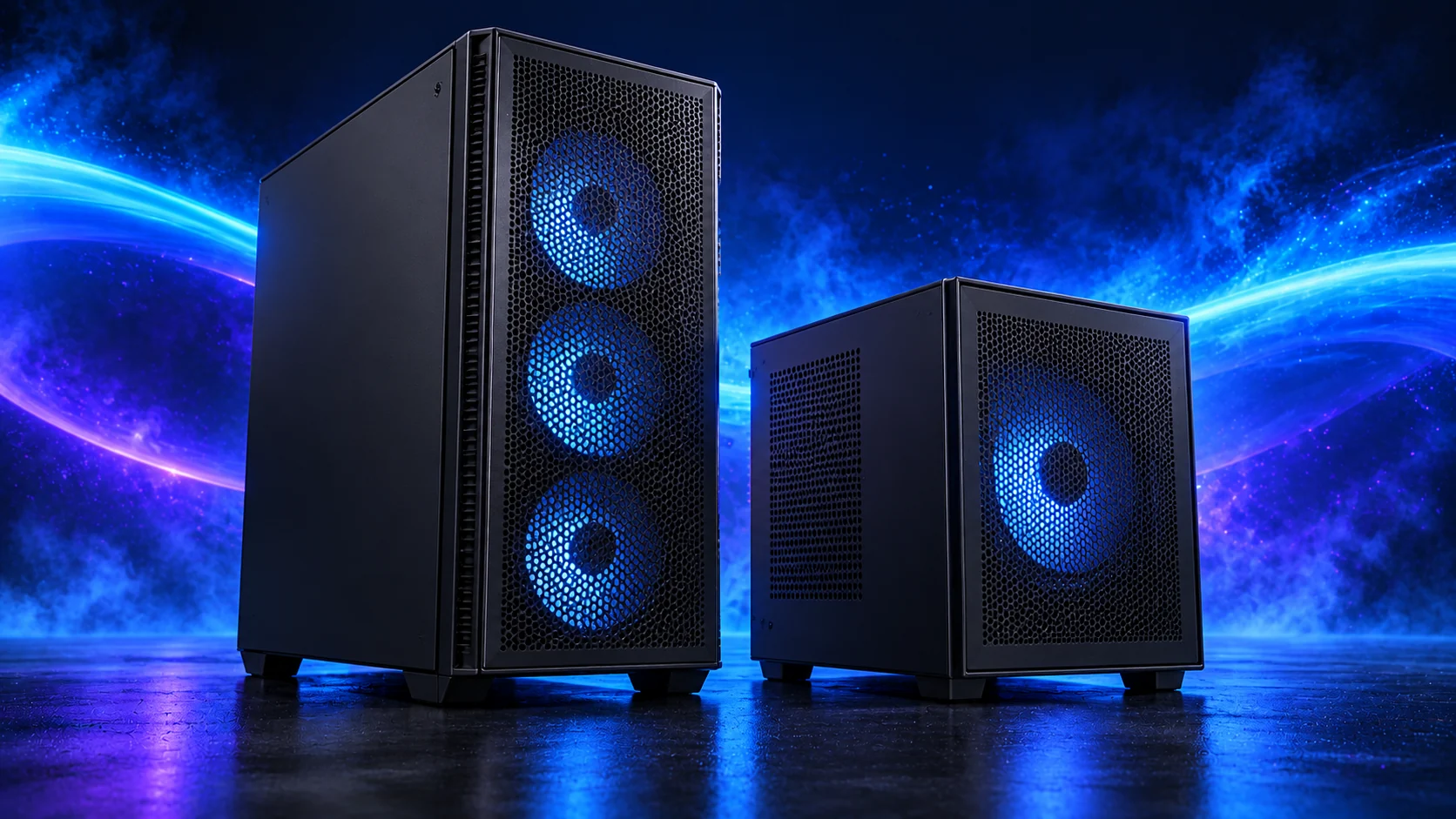
A mesh-front mid-tower is an easy fit for a racing rig. I’d choose the NZXT H5 Flow (2024), then keep the front and rear airflow paths clear. Leave the tower where its vents can breathe rather than squeezed behind the seat with cables across the intake.
The Thermalright Peerless Assassin 120 SE is my AM5 air-cooler starting point. A tower cooler avoids radiator placement decisions; a liquid cooler is an alternative for a chosen build, not a requirement for the sim. Match the cooler height, RAM clearance and graphics-card length before ordering.
| Best for | My choice | Why I’d choose it |
|---|---|---|
| Standard case | NZXT H5 Flow (2024) | Airflow-focused mid-tower for the main parts list. |
| Larger case | NZXT H7 Flow | More physical room for a larger configuration. |
| Starting air cooler | Thermalright Peerless Assassin 120 SE | AM5 dual-tower cooling option. |
| Cooling alternative | Thermalright Phantom Spirit 120 SE Black | Compare fit and fan arrangement for the selected case. |
Gaming case choices · Gaming CPU cooler choices.
Use the case-fan shortlist for the usable mounts and PWM/DC setup for the finished layout.
Choose your screen, wheel and pedals
For one screen or a 27-inch triple set, the MSI G272QPF E2 is my starting monitor choice. Buy three identical units for the triple route and plan the mount as part of the screen purchase. For VR, route the headset connection independently of the wheel cables so neither pulls when you sit down.
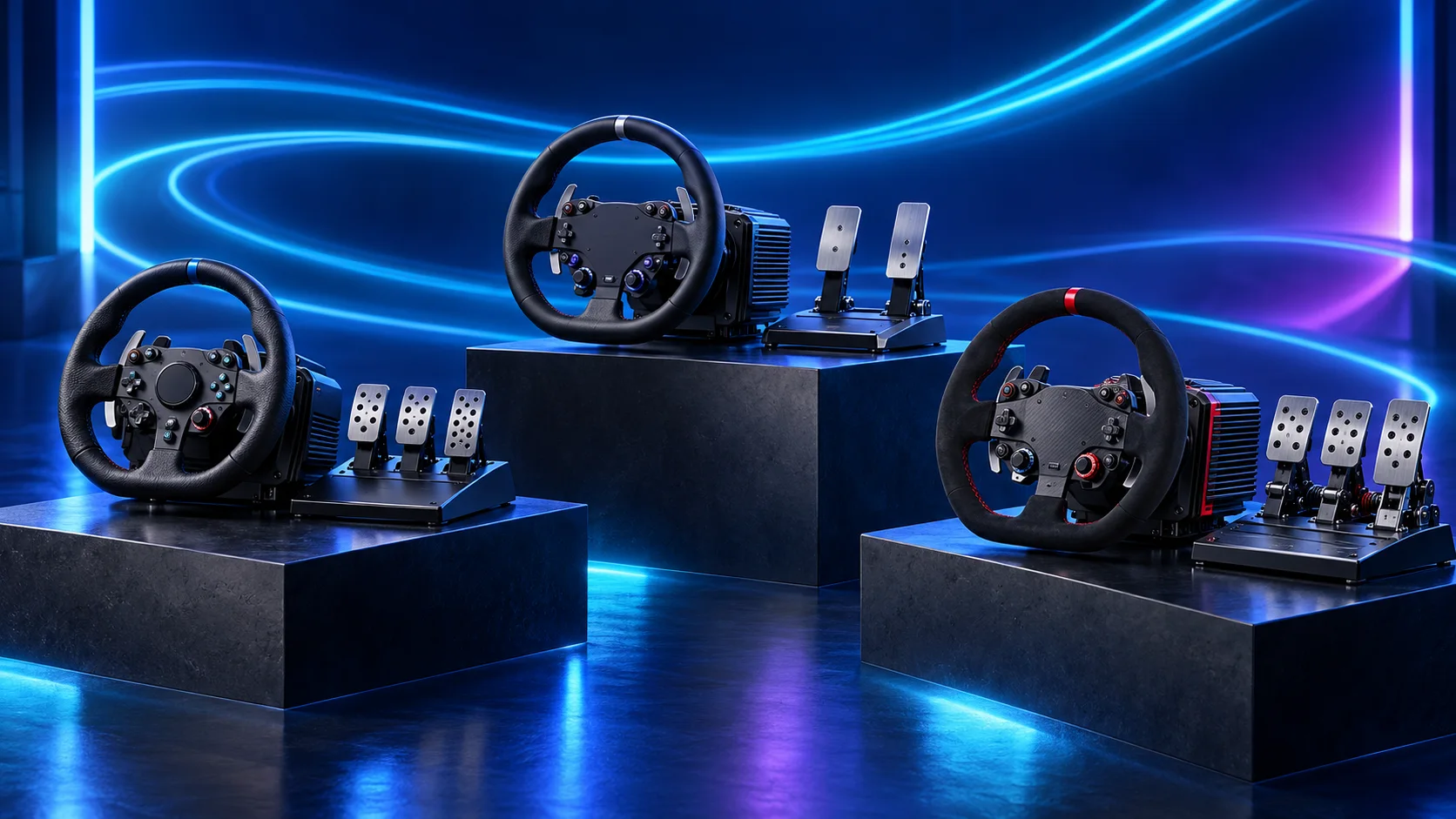
The MOZA R5 Pro is my direct-drive starter choice; the Logitech G29 is the budget alternative when the saving is worthwhile. Both need a stable mounting arrangement. A pedal tray that slides away when you brake will spoil the setup regardless of what is inside the PC.
| Best for | My choice | Why I’d choose it |
|---|---|---|
| 27-inch screen | MSI G272QPF E2 27-inch | 1440p, high-refresh flat screen for one monitor or matching triples. |
| Budget controls | Logitech G29 wheel and pedals | Wheel, throttle, brake and clutch in one starter set. |
| Direct-drive starter | MOZA R5 Pro bundle | 6Nm R5 Pro bundle with two pedals and table clamp. |
The complete starting parts list
| Component | My choice | Why it belongs here |
|---|---|---|
| Processor | Ryzen 5 9600X | Six-core AM5 starting point that protects the screen and controls budget. |
| Graphics card | MSI RTX 5060 Ti 16GB Shadow 2X OC Plus | 16GB entry point for a modest single-screen configuration. |
| Motherboard | Gigabyte B650 Eagle AX | AM5 board with wired networking and useful rear USB connections. |
| Memory | Corsair Vengeance 32GB DDR5-6000 CL30 | One matched 2×16GB DDR5 kit. |
| Storage | Crucial P310 2TB M.2 2280 | 2TB M.2 SSD for Windows, racing titles and updates. |
| Power supply | Corsair RM850e (2025) | 850W ATX supply with the modern GPU connection route. |
| Case | NZXT H5 Flow (2024) | Airflow-focused mid-tower with room to route cables. |
| CPU cooler | Thermalright Peerless Assassin 120 SE | AM5 air cooling without the cost and routing of a large radiator. |
This is the tower shopping list. Add Windows, your display, the wheel and pedals, and the mounting arrangement to your complete setup budget. If you already own a good screen or working controls, keep them and put the money into the part that limits your next step.
For another cockpit use, compare Flight Simulation builds and Best Flight-Sim Controls for Beginners. The flying setup keeps aircraft controls and display workload separate from the racing wheel plan.
Build, connect and get on track
Use the beginner assembly guide for the build order. Start the PC with one monitor, install the chipset and GPU drivers, then connect the cockpit devices. Confirm the screen refresh setting in Windows and calibrate the wheel and pedals inside the game.
For iRacing, run the graphics configuration for the display mode you will use. Adjust field of view to your screen width and seating distance; wide scenery with stretched proportions is less useful than a correctly positioned cockpit. Keep rear USB ports accessible so a headset or pedal change does not mean dismantling the rig.
Useful technical references: iRacing requirements · iRacing setup · Three-screen configuration.