
What Is X3D, and Is It Worth Paying For?
By James Thompson · Updated:
Some links in my articles are affiliate links. I may earn a commission when you buy through them.

X3D is AMD’s desktop processor branding for models with 3D V-Cache: extra stacked L3 cache. I’d consider the premium for a gaming PC when your games benefit and the graphics card is strong enough to expose the CPU difference.
Table of Contents
ToggleWhat the extra cache does
The processor uses caches to keep frequently needed instructions and data close to its cores. AMD’s 3D V-Cache adds another layer of L3 capacity using stacked silicon. A game that repeatedly accesses a useful set of data can avoid some slower trips to system memory.
That can improve performance without adding more CPU cores. It also explains why a game-focused X3D model can beat a higher-core chip in a game that benefits from its cache. Cores, clock speed and cache each solve a different part of the problem. Cache does not replace system RAM, and an X3D CPU still needs a suitable motherboard and cooler.
The workload revisits useful instructions or data.
A larger L3 cache can hold more of that working set.
Fewer trips to RAM can improve a CPU-limited task.
The strongest reasons to consider X3D
| Your use | Why it is relevant | Focused shortlist |
|---|---|---|
| High-refresh gaming | You are trying to raise a CPU-limited frame rate. | Esports CPUs |
| Simulation | Busy scenes can put substantial work on the processor. | Flight-simulation CPUs · Sim-racing CPUs |
| Strategy and city building | Large simulations can make CPU performance matter more than visual settings. | Strategy-game CPUs |
| Mixed gaming and production | You want game performance alongside real CPU work. | Gaming/streaming CPUs · General CPU comparison |
Treat these as places to look for useful game tests, not a claim that every game in each genre behaves identically. Compare your main games, especially the demanding scenes, and keep the graphics card and memory configuration visible in the test results.
When I would spend the money elsewhere
If the GPU is already fully occupied rendering the game at your chosen settings, a more expensive CPU may deliver less than a stronger graphics card. For an entry build, I would price that GPU alternative before committing to the X3D premium. Our repeatable diagnosis checks help with an existing PC.
For a workstation that mostly runs CPU renders or large parallel jobs, extra cores may be the more valuable purchase. Some non-gaming workloads benefit from cache too, but the X3D badge does not establish that it wins your application. Use the rendering processor guide or the development guide for that comparison.

Do all X3D processors work the same way?
No. Core counts, clock speeds, generations and chiplet/cache arrangements vary across X3D models. Do not assume that the highest number in the name is automatically the fastest gaming choice. Some models balance gaming with more parallel production capacity; others focus the purchase on gaming.
Read the exact model specification and the operating-system/chipset guidance for that model. Where a design uses different chiplets or scheduling behaviour, follow the current manufacturer setup instructions. Avoid applying an optimisation copied from a different X3D generation. AMD’s technology page describes the range and its published test conditions.
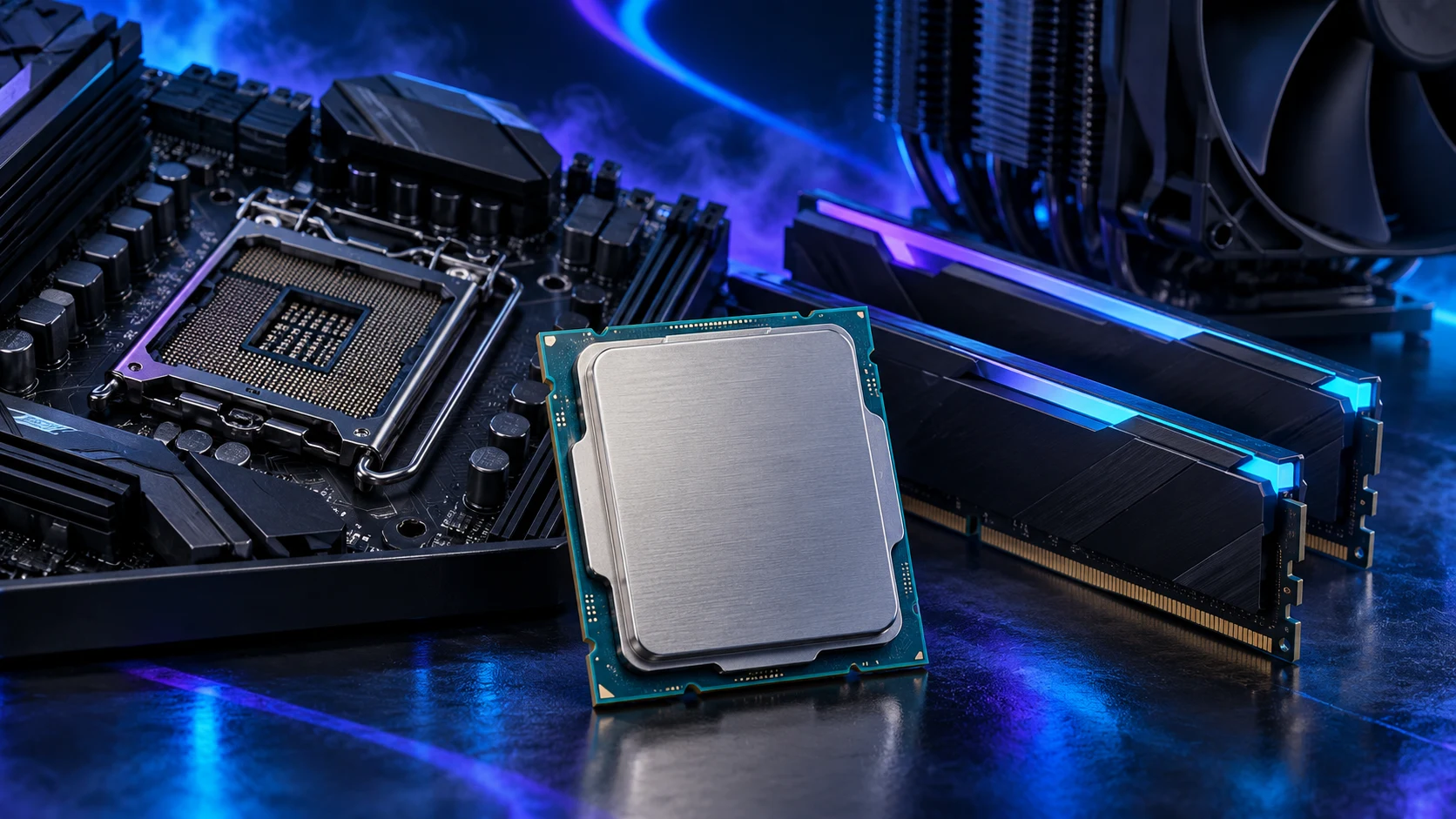
The illustrations here represent desktop hardware; the conceptual diagram shows what cache does rather than a physical cutaway of a particular X3D chip.
Same-board upgrade or a new platform?
For an existing build, check whether your exact motherboard supports the intended X3D model and the BIOS it needs. The upgrade can be attractive if it keeps suitable memory and the board, but its delivered price must still make sense next to moving platforms. CPU and motherboard compatibility is the first check.
For a new build, add the board, memory and cooling to both CPU choices. If the cheaper route buys a better GPU, compare that whole system rather than two isolated processor prices. The platform-upgrade guide includes the cost method.
Decide whether the premium buys your goal
Put the extra spend beside a specific goal: smoother demanding scenes, a higher competitive frame rate, or a machine that also handles heavy work. Compare relevant tests at a useful graphics level, then decide whether that benefit is worth the complete price gap.
Use the gaming processor buying guide for the overall, budget and premium options. If the PC is mainly for one simulation, start with the focused guide above so the CPU choice stays tied to the games you play.
AMD 3D V-Cache technology · Intel’s explanation of CPU/GPU limits