
How to Build a PC for Competitive Esports in 2027
By James Thompson · Updated:
Some links in my articles are affiliate links. I may earn a commission when you buy through them.
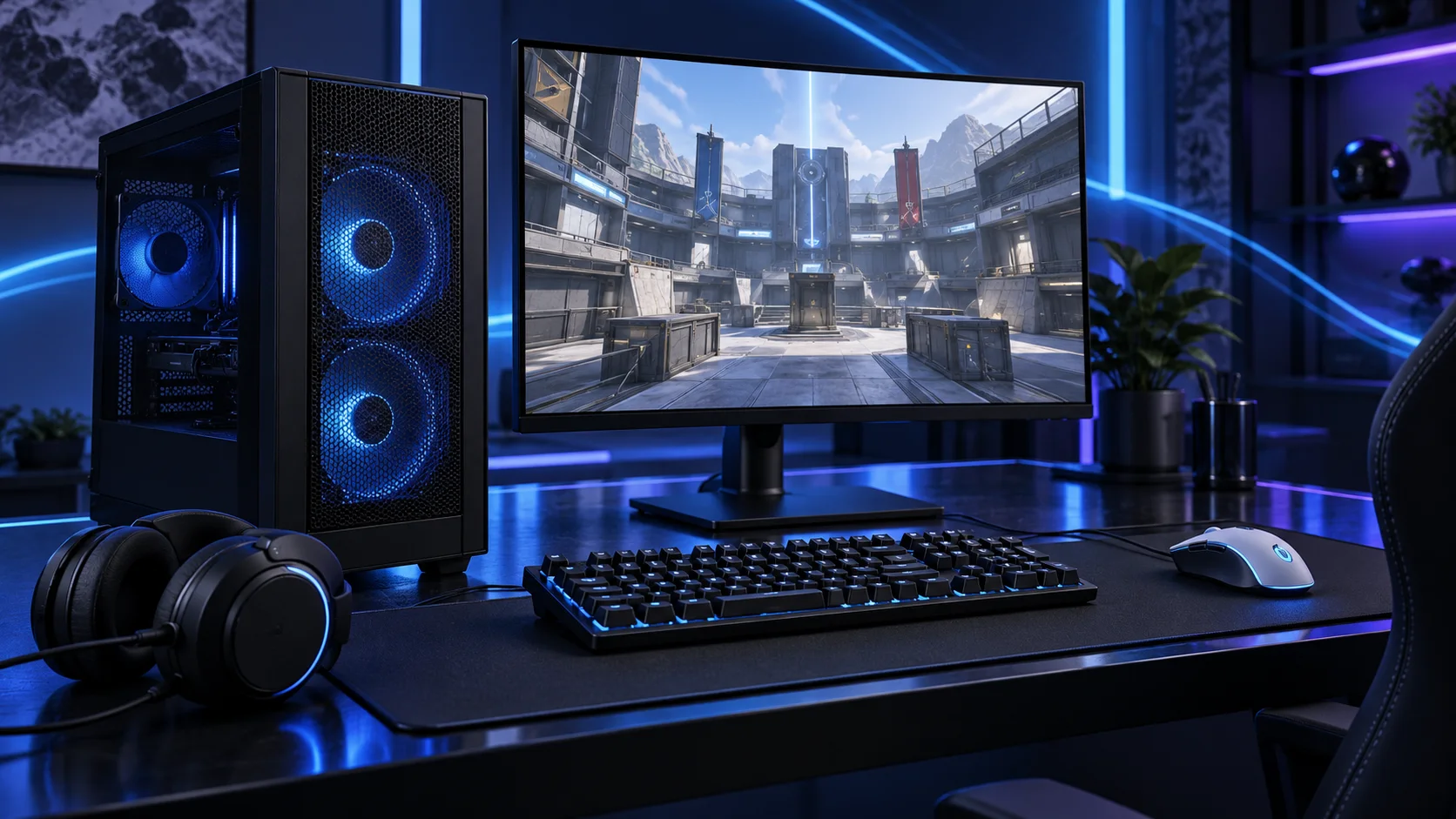
A competitive PC should keep the game responsive at the settings you use, with a display that suits the desk and the graphics workload. I would choose the title and resolution first, then balance CPU, GPU and monitor rather than buy the largest card by default.
Match the screen to the graphics target, then choose the gaming mouse, UK keyboard and headset around the desk. The network plan covers the fixed PC connection.
Table of Contents
ToggleStart with the work the PC will do
Name the competitive game, display resolution and the settings you prefer. A focused 1080p esports desk is a different purchase from playing demanding new games at 4K. Keep the mouse, keyboard, network and monitor in the total budget. Those are the parts you interact with every round, so a premium tower with an awkward desk is a poor complete upgrade.
Distinguish responsiveness from a large generated-frame counter. For competitive play, native rendering behaviour and the actual input-to-display path matter. I would establish a stable baseline and change one setting at a time. Choose settings for the title you actually play and compare the same map or match conditions when judging an upgrade.
| Build priority | What I would buy | Next guide |
|---|---|---|
| Best premium gaming-first route | Choose X3D when CPU-side gaming spend is justified and the display and GPU are already funded. | Processor choices |
| Best budget-focused 1080p route | Keep a deliberately modest dedicated card in a focused low-resolution gaming basket. | Graphics choices |
| Best lower-cost focused desk | A smaller 1080p screen keeps the display workload and total setup manageable. | Best Monitors for an Esports PC |
Choose the processor
I would choose the X3D route for a premium gaming-first desk and the 9600X for a sensible first AM5 tower. The CPU and GPU balance depends on the actual title and settings. Spend less on the processor if the difference creates a much more useful complete setup.
The Ryzen 5 9600X is the AM5 route I would start with when the graphics card, storage or specialist equipment deserves more of the budget. Its six-core layout is a sensible foundation for a focused desktop rather than a machine bought to run every heavy task at once.
Pair it with DDR5 and an AM5 board with the right BIOS. An inexpensive tower cooler makes sense in a normal case; a tiny enclosure needs a separate cooler and power plan.
| Best for | My choice | Why it fits |
|---|---|---|
| Best premium gaming-first route | Ryzen 7 9850X3D | Choose X3D when CPU-side gaming spend is justified and the display and GPU are already funded. |
| Best lower-cost AM5 esports start | Ryzen 5 9600X | Six cores preserve money for a suitable display and a balanced graphics card. |
| Best mixed-use competitive desktop | Ryzen 7 9700X | Eight cores make sense when the machine also does substantial everyday work. |
Compare processors for this build · Understand the wider processor choices
Build an AM5 tower in PC Builder to see the PC in 3D, compare planning estimates and save your selected parts. Use the workload and setup advice here to refine the choices.

Choose the graphics route
A focused competitive tower can justify a lower graphics spend than a high-resolution cinematic build. Choose the GPU for the native workload you intend to run. A higher card tier is useful when it addresses the limit, rather than merely makes the tower look more expensive on paper.
The ASUS Dual RX 9060 XT 16GB is the value-oriented gaming route in this shortlist. The useful attraction is the combination of a mainstream card and 16GB of graphics memory, while leaving room for a good processor and the rest of the setup.
For software-led work, choose the card after the application backend. A CUDA-specific tool changes the shortlist; a gaming product name alone does not establish compatibility with a workstation or local-AI package.
| Best for | My choice | Why it fits |
|---|---|---|
| Best budget-focused 1080p route | ASUS Dual RTX 5060 8GB OC | Keep a deliberately modest dedicated card in a focused low-resolution gaming basket. |
| Best value 16GB gaming route | ASUS Dual RX 9060 XT 16GB | Choose the 16GB AMD route when gaming is the job and the complete price is attractive. |
| Best stronger graphics workload | Gigabyte RX 9070 XT Gaming OC 16GB | Move up when the actual title, resolution and settings make the GPU the useful upgrade. |
Compare graphics choices for this build
Use the graphics-card guide to match the screen and games, then compare like-for-like frame-rate results.

Choose memory capacity
32GB is my focused gaming capacity. Use the supported memory profile after a stable baseline, and put a larger kit behind a real multitasking requirement rather than assuming 64GB makes a competitive game faster.
Corsair Vengeance 32GB DDR5-6000 CL30 is the gaming-oriented alternative when its complete price makes sense. I would choose it for a focused gaming tower that can use the profile and does not need a larger kit.
The latency specification is not a substitute for enough capacity. If a workload regularly fills 32GB, move to a suitable 64GB kit before paying extra for a tighter-timing 32GB kit.
| Best for | My choice | Why it fits |
|---|---|---|
| Focused lower-cost route | Crucial Pro 32GB DDR5-6000 | 32GB keeps a restrained first build affordable. |
| Roomier working desktop | Crucial Pro 64GB DDR5-5600 | 64GB supports a defined larger active workload. |
| Larger supported-capacity route | Corsair Vengeance RGB 96GB DDR5-6000 | 96GB is for a known need and a board that supports the exact kit. |
Choose the memory kit for this workload
Plan the RAM capacity for the work kept open together and the supported module arrangement. The profile guide covers setup once all memory is working at defaults.

Choose active storage and backup
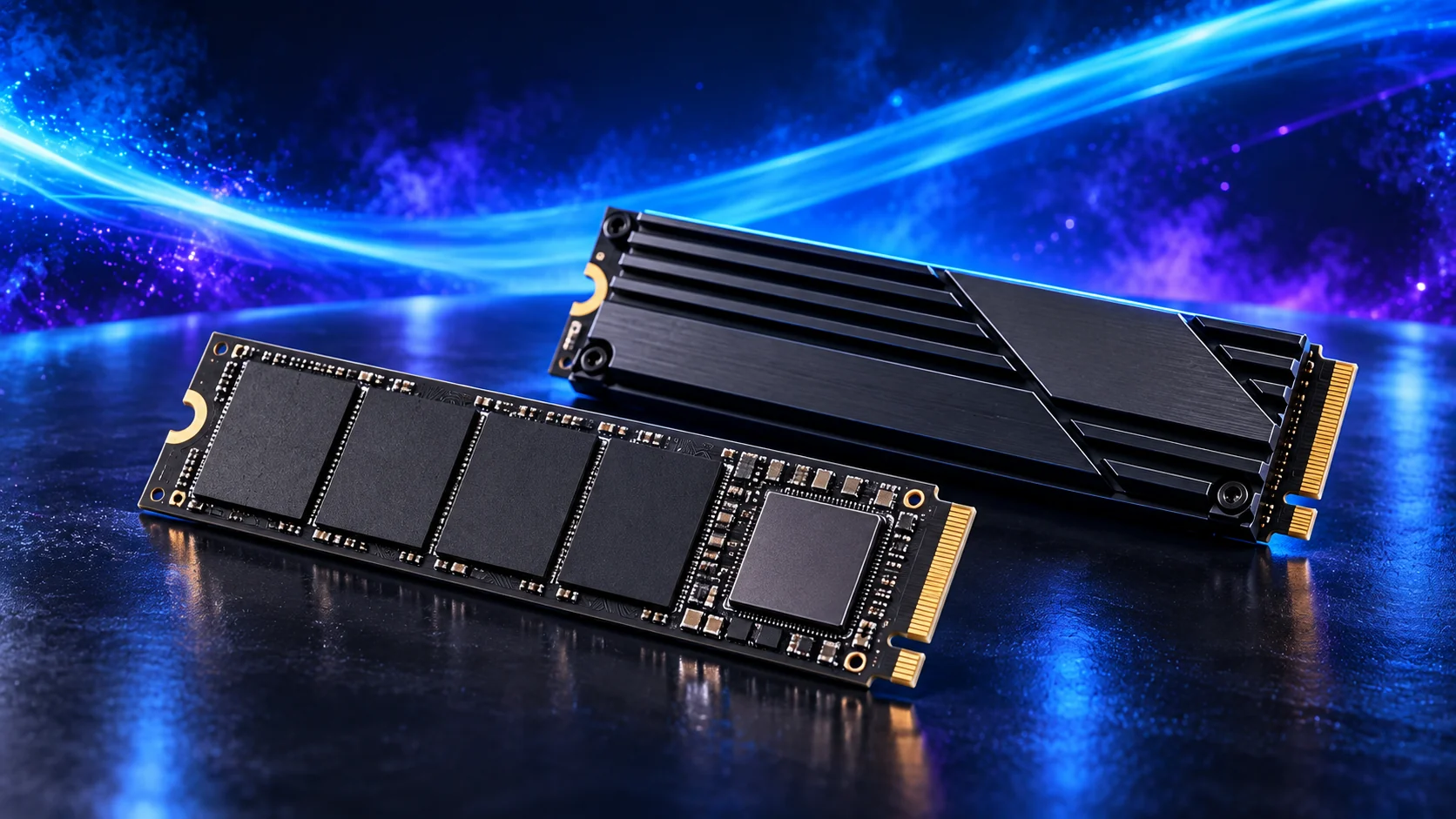
Use a roomy NVMe drive for the titles you play and leave space for patches and recordings. Fast storage improves convenience around loading and updates; it is not a substitute for the CPU, graphics and display path during a match.
The Crucial P310 2TB 2280 is the capacity-first NVMe choice. I would use it for an operating system, applications and a sensible working library when the budget should remain available for the main processor or graphics decision.
Keep some free space and a separate backup. A single fast drive is convenient, but a partition on that same drive is not a second copy if the device fails.
| Best for | My choice | Why it fits |
|---|---|---|
| Budget active-drive route | Crucial P310 2TB M.2 2280 | 2TB capacity for a restrained first tower. |
| Balanced active-project route | WD_BLACK SN850X 2TB | 2TB working space for applications and active files. |
| Larger working footprint | WD_BLACK SN850X 4TB | 4TB when the real library and working data justify it. |
Compare storage for this build · Distinguish memory and storage upgrades
Choose enough working storage, then check the exact SSD format/interface. The PCIe comparison helps decide whether the speed premium serves this build.
Choose the motherboard and connections
The Gigabyte B650 Eagle AX is the standard AM5 starting board. I would buy it when its storage, networking and USB layout cover the job, then keep the rest of the budget for the processor, memory and active project drive.
Confirm CPU support on the installed BIOS and map the M.2 slots and expansion cards before adding devices. More expensive chipset branding is useful only if the extra connections have a job.
Map the devices you actually plan to connect: displays, USB equipment, storage and expansion cards. Make the CPU, board and memory a matched platform before choosing optional accessories. A thick graphics card can cover a slot that otherwise looks available.
| Best for | My choice | Why it fits |
|---|---|---|
| Starting platform | Gigabyte B650 Eagle AX | The board used in this guide’s complete configuration. |
Choose the board and useful features · Understand the connections worth buying
Read the board/platform guide and check the case’s internal connections. PCIe and M.2 sharing keeps the planned drives and expansion cards usable together.

Choose the case and cooling together
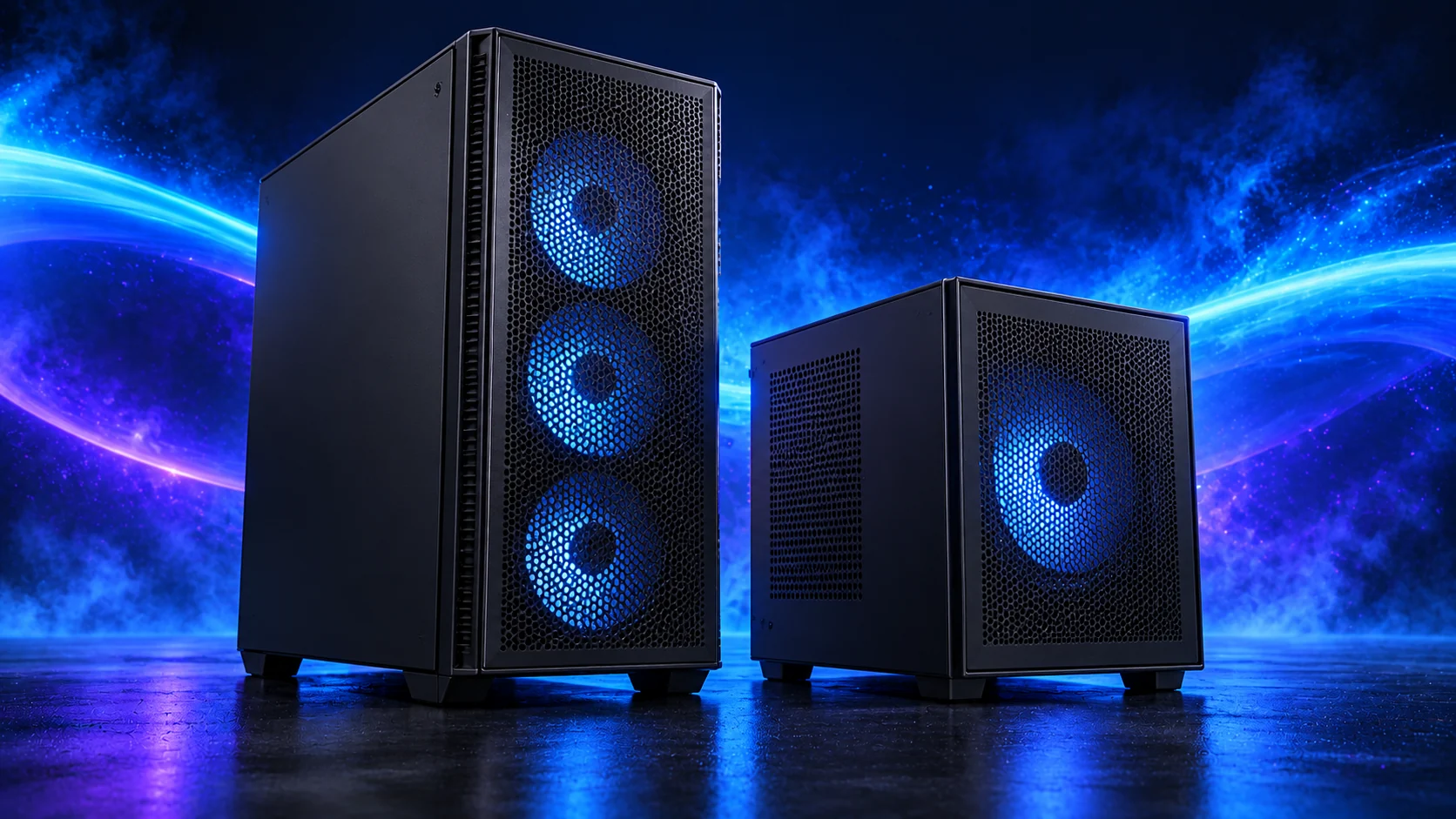
The NZXT H5 Flow 2024 is the conventional airflow-tower starting point. I would use it when straightforward assembly, accessible components and a clean desk appearance matter more than squeezing the machine into the smallest possible space.
Choose the final graphics card and cooler before signing off the layout. The case’s maximum dimensions and an installed front radiator are not independent allowances.
The Thermalright Phantom Spirit 120 SE is the other sensible twin-tower route here. I would choose between it and the Peerless Assassin using the actual basket price and fit, then set a fan curve suited to the room.
For long processing sessions, establish temperatures and fan behaviour under the application you use. A quiet idle desktop does not describe the PC while all cores are occupied.
| Best for | My choice | Why it fits |
|---|---|---|
| Starting enclosure | NZXT H5 Flow (2024) | Match the case to the whole layout and room. |
| Starting cooler | Thermalright Phantom Spirit 120 SE Black | Use the correct socket mount and installed clearance. |
Compare suitable case routes · Choose the cooler for the socket and space
Use the case-fan shortlist for the usable mounts and PWM/DC setup for the finished layout.
Choose the power supply
The Corsair RM850e 2025 is my conventional modular PSU route for a capable tower. Its role is a sensible power and cable foundation, rather than using the wattage label as a reason to spend without considering the components.
Use only the modular leads supplied for that PSU. Confirm the exact GPU recommendation and connector, and leave room for the power lead at the case panel.
| Best for | My choice | Why it fits |
|---|---|---|
| Starting configuration | Corsair RM850e (2025) | The supply used for this guide’s restrained or balanced parts basket. |
| Larger high-power tower route | be quiet! Pure Power 13 M 1000W | Choose this only when the final component power requirement and case layout need the larger supply. |
Compare the PSU routes · Understand connectors and cable fit
Match PSU load, connectors and installed space together, then keep the exact compatible cable set with the unit.

Choose the display
Choose the screen’s resolution and refresh plan alongside the GPU. These routes distinguish a compact 1080p desk and a sharper mixed-use 1440p desk; neither becomes a tournament-grade recommendation just because a refresh number is printed on the box.
Set resolution, refresh rate and supported adaptive-sync settings after connecting the monitor through the appropriate input. Choose comfortable scaling and viewing distance. A high-refresh monitor left at the default operating-system setting does not use the mode you paid for.
For a serious competitive monitor upgrade, compare measured response behaviour, overshoot and input lag at the mode you intend to use. Refresh alone does not provide that evidence. Start with the affordable shortlist if the budget is limited, then make a specialist premium-panel purchase using testing of the exact model.
| Best for | My choice | Why it fits |
|---|---|---|
| Best lower-cost focused desk | AOC 24G4XED | A smaller 1080p screen keeps the display workload and total setup manageable. |
| Best mixed gaming and desktop route | MSI G272QPF E2 27-inch | A 27-inch 1440p display balances a useful workspace with gaming. |
The complete starting parts list
| Component | My choice | Why it belongs here |
|---|---|---|
| Processor | Ryzen 5 9600X | The starting CPU matched to this workload. |
| Graphics | ASUS Dual RX 9060 XT 16GB | The starting dedicated card for the planned graphics workload. |
| Motherboard | Gigabyte B650 Eagle AX | Match the socket, memory type and useful connections. |
| Memory | Corsair Vengeance 32GB DDR5-6000 CL30 | Choose capacity as one supported matched kit. |
| Active SSD | Crucial P310 2TB M.2 2280 | Working room for the OS, applications and active data. |
| Power supply | Corsair RM850e (2025) | Use the correct form factor and component power plan. |
| Case | NZXT H5 Flow (2024) | The complete layout’s enclosure. |
| CPU cooler | Thermalright Phantom Spirit 120 SE Black | Correct mount and fit for the chosen case. |
| Specialist equipment | AOC 24G4XED | Include the equipment that makes the complete setup useful. |
This is the starting basket for the route described here. Choose the alternative parts as a complete matched configuration, keeping the board, memory, cooling and power changes together. The monitor, operating system and any equipment you already own should be counted in the total purchase plan.
For the other decisions in this cluster, use the processor shortlist, the graphics shortlist and the specialist buying guide.
Assemble and set up the PC
Set the monitor’s intended refresh mode and establish a stable game baseline before adding recording or overlay tools. Use wired Ethernet where practical, choose consistent input settings and keep the desk arranged so the mouse has enough room.
When upgrading, identify the limit in the actual title and settings. Keep frame generation separate from native responsiveness decisions. A stable configuration and comfortable display are a useful first goal before chasing a headline number without an exact benchmark to support it.
Follow the beginner assembly guide · Check the complete parts fit
Technical references: NVIDIA Reflex and latency guidance.