
PCIe 4.0 vs PCIe 5.0 SSDs: When Is the Faster Drive Worth It?
By James Thompson · Updated:
Some links in my articles are affiliate links. I may earn a commission when you buy through them.
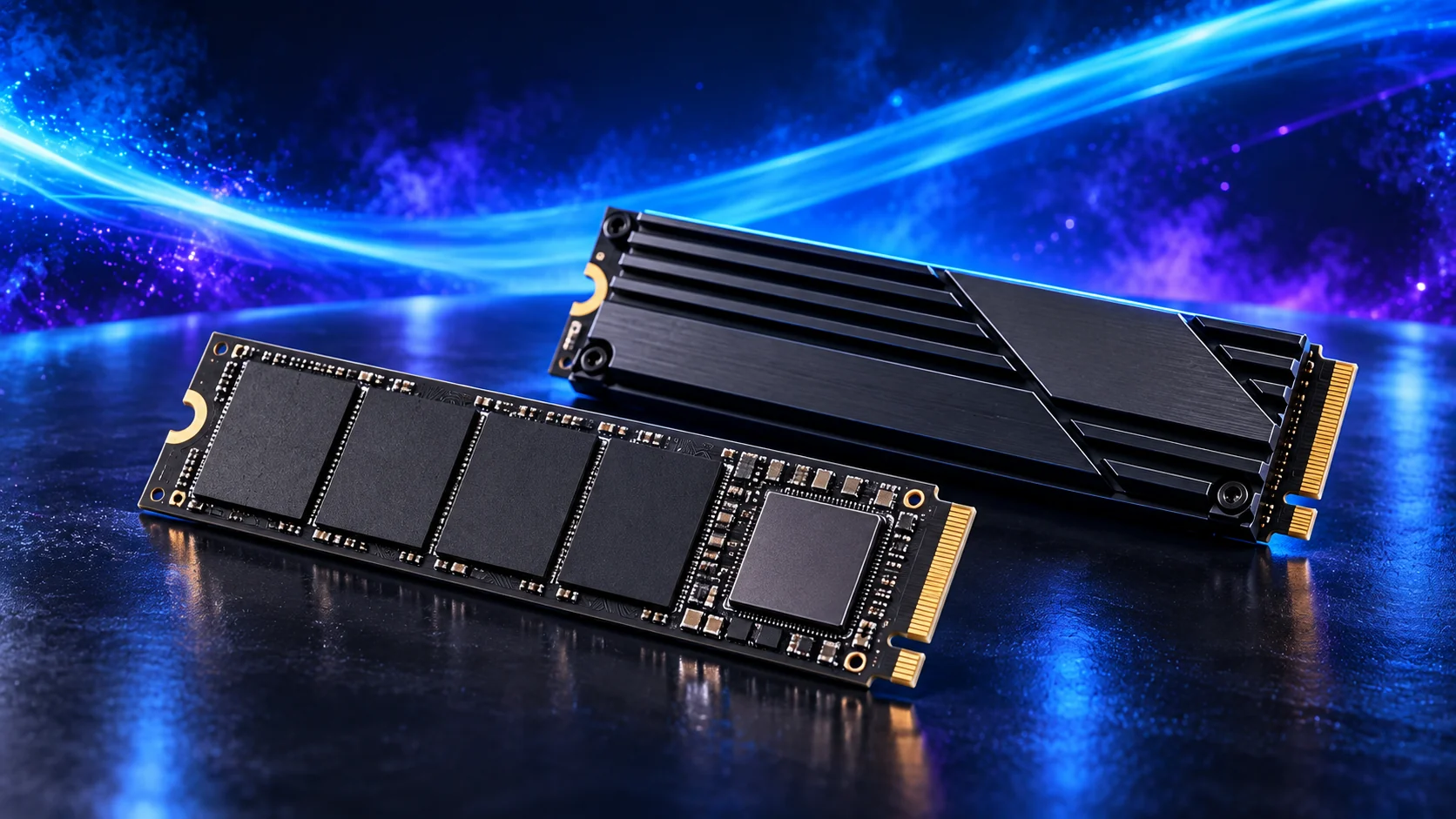
Buy enough suitable capacity first. A PCIe 5.0 SSD can provide more sequential bandwidth on a supported link, but the benefit depends on the task. For an ordinary gaming build, compare actual loading results before paying a large premium; for heavy transfers, compare sustained behaviour and cooling.
Table of Contents
ToggleWhat the interface generation changes
Successive PCIe generations increase transfer capability per lane. A four-lane PCIe 5.0 link offers more theoretical bandwidth than a four-lane PCIe 4.0 link. The drive still needs the controller, flash and operating conditions to use it.
A product’s maximum sequential figure is a particular workload result under stated conditions. Compare the actual operation to see how much that bandwidth helps. Storage access can involve many small operations rather than one continuous stream.
Check the drive’s exact capacity variant and test method. Capacity variants within a family can have different specifications. The NAND/cache guide explains why the performance after a long write can differ from the first short burst.

Games and everyday use
For a game library, compare measured loading and update behaviour rather than only MB/s. A game can also wait on decompression, CPU work or other parts of its startup. The interface figure alone cannot isolate the loading limit.
If the price gap buys a substantially larger suitable library drive, I would weigh that convenience before a small loading improvement. The capacity guide turns the installed games into a useful target.
Use the gaming SSD shortlist for the exact purchase. For an existing PC on an old hard drive, compare the move to an appropriate SSD before obsessing over the highest PCIe generation.

Large transfers and project work
| Task | Relevant comparison | Other limit to check |
|---|---|---|
| Large sequential transfers | Sustained read/write results after the initial cache. | The other drive, USB link or network speed. |
| Editing scratch / active projects | Performance under the project’s real read/write pattern. | Capacity, editor and CPU/GPU workload. |
| Virtual machines | Concurrent access and consistency. | RAM allocation and host configuration. |
| Games | Actual loading and installation/update results. | CPU work and available capacity. |
A fast destination does not make a slow source faster. If you copy from an external USB drive or across a slower network, that path can dominate the transfer. Include the complete workflow when pricing the premium.
For media work, the editing SSD guide separates active project storage from archive capacity.
Motherboard support and heat
Read the intended slot’s generation, lanes and CPU-specific notes. A compatible Gen5 drive in a Gen4 connection uses the supported negotiated link; it cannot create Gen5 support in the board. The interface guide covers the check.
Follow the drive maker’s cooling requirements and the board’s heatsink installation instructions. Sustained heavy work can lead to protective thermal throttling. A larger heatsink also needs physical clearance, especially under a GPU or behind a compact board.
Do not stack a supplied drive heatsink beneath another board heatsink unless the makers explicitly support that arrangement. Use the documented pad position and remove only the protective films identified by the instructions; a drive’s product label can serve a thermal function. Samsung’s cooling FAQ describes workload-related temperature protection.
Compare the complete purchase
Price the same capacity on suitable Gen4 and Gen5 models, including any required cooling. Find evidence for the operation that matters to you. If the advantage is negligible for that job, preserve the budget for a component or capacity increase that you will use.
Choose through the SSD buying guide and read the board’s usable-slot planning method before fitting another drive. The storage overview keeps the drive’s role in the complete system.
PCIe generation and SSD interfaces · SSD controller, buffer and media components