
Understanding PC Motherboards: Socket, Chipset, Slots and Connections
By James Thompson · Updated:
Some links in my articles are affiliate links. I may earn a commission when you buy through them.

Choose the motherboard around the processor, case and connections you will actually use. The CPU support list settles the platform; the manual settles usable expansion. A more expensive board earns its place through a required feature or supported configuration, rather than its size or appearance.
Table of Contents
ToggleWhat the motherboard connects
The board supplies the physical platform and connections for the CPU, memory, graphics, storage and case controls. Its firmware starts the hardware and provides configuration. Some devices connect through CPU-provided links, while others connect through the chipset.
The socket, chipset and board model are related but different descriptions. A chipset family describes platform capability; the board maker decides which features, controllers and connectors appear on a particular model. Hardware revision and firmware can also affect support.
Start with the exact CPU and BIOS check. A matching socket is the first filter, not the complete support confirmation.
Exact CPU support, BIOS and memory type.
Case format, cooler access and usable slots.
Storage, USB, networking and case headers.
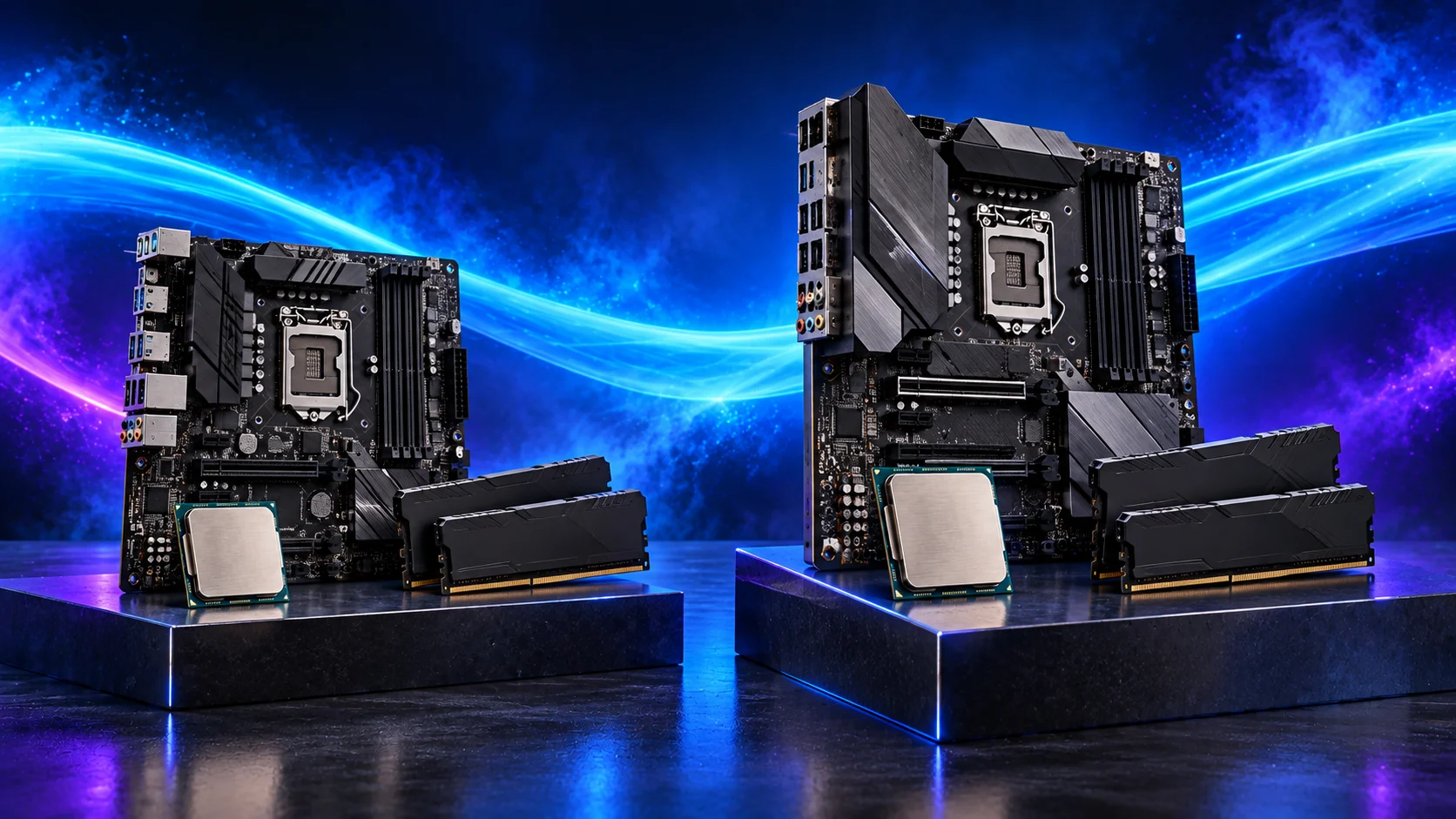
Pick the format around the installed system
ATX, micro-ATX and Mini-ITX describe board formats and mounting layouts. A smaller board can fit a larger supported case, but the case must provide the right mounting positions. An ATX board cannot be assumed to fit a micro-ATX-only enclosure.
Size does not establish CPU speed. It changes expansion space, positioning and often the cost of delivering features compactly. A thick GPU can block nearby slots, and a small case can make lower headers awkward to reach. The form-factor guide compares those installed arrangements.
For compact building, use the installed-fit checklist beside the compact-board buying guide.
Count usable storage and expansion combinations
A board with several M.2 sockets may not allow every socket and expansion slot to operate at its headline capability together. Read the manual’s sharing notes and CPU-specific footnotes. An additional SSD can disable a SATA port or change the graphics-slot allocation on some boards.
Plan the devices you will install: GPU, SSDs, capture card, network adapter and any other expansion. The PCIe/M.2 sharing guide shows how to turn the slot list into a usable configuration.
For a single-GPU gaming PC with one or two SSDs, additional expensive expansion may be unused. For a home lab or editing workstation, the slot map and network/storage connections can justify a different board. The motherboard shortlist groups those choices by use.
Ports and headers are part of the everyday experience
| Need | Look for | Detailed check |
|---|---|---|
| Front USB-C | Correct internal header and its supported rate. | Headers and connectors |
| Fans and cooling | Suitable count, type and header limits. | Fan/pump/RGB connections |
| Several drives | Interfaces, mounting and shared-resource notes. | Usable storage/PCIe layout |
| Wi-Fi / Bluetooth | Included capability and antenna provision. | Exact model/revision specification. |
| Display without a card | Supported CPU graphics and board outputs. | Integrated display output |
USB-C describes a connector shape; its supported data/video capability still needs checking. Rear ports do not automatically provide the internal header required by a case’s front panel. The features guide helps decide which extras are worth buying.

Power delivery and the processor workload
Choose a board that supports the intended CPU and sustained workload. A marketing phase count alone does not establish cooling, component quality or measured operating behaviour. Check relevant board tests and the maker’s supported settings rather than inferring that every physically compatible board behaves identically under a long heavy load.
Compare the complete CPU/board/memory/cooler cost. Spending substantially more on a board can be sensible for a required connection or useful operating configuration, but a decorative premium is a weaker purchase when the GPU or RAM budget is constrained.
Use the CPU power/cooling guide for sustained loads, then the board buying guide and the matching memory guide to finish the platform.
Intel CPU/chipset and board connections · ASUS exact CPU/memory support lists