Best PC case fans for airflow, compact builds and controlled noise in 2027
By James Thompson · Updated:
Some links in my articles are affiliate links. I may earn a commission when you buy through them.
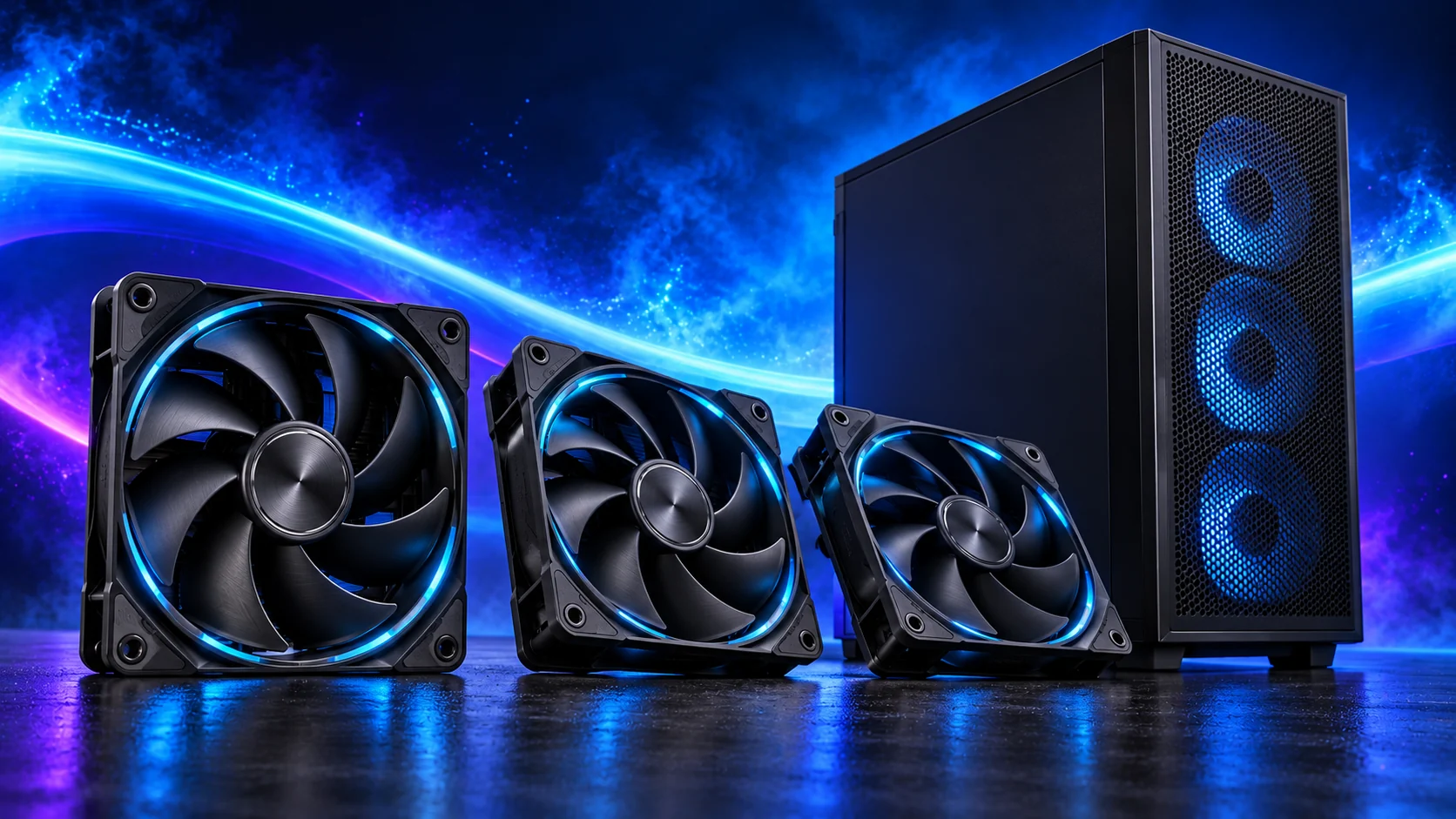
Start with the mounting space and a controllable fan curve. My shortlist covers a practical 120 mm upgrade, a 140 mm route for larger mounts and a premium120 mm option. The aim is useful airflow at the speed your build needs, rather than filling every empty mount.
Table of Contents
ToggleThe shortlist: choose for your setup
| Use | My choice | Why choose it | Choose another when |
|---|---|---|---|
| Budget120 mm upgrade | ARCTIC P12 Pro PST | 120 mm PWM control with a pass-through socket for a tidy group. | The required mounting diameter is 140 mm or clearance is below25 mm. |
| Larger140 mm mounts | ARCTIC P14 Pro PST | The140 mm format suits a case designed around larger intakes. | The case mounting pattern or radiator only accepts120 mm fans. |
| Premium120 mm installation | Noctua NF-A12x25 G2 PWM | PWM model with documented mounting accessories and low-speed operation. | A basic controlled intake solves the problem and the premium displaces a more useful component. |
These choices compare size, PWM control, cabling and installation features. Maximum airflow and noise figures from different test setups do not establish which fan will be quietest in your case.
Budget120 mm upgrade: ARCTIC P12 Pro PST
The P12 Pro PST is the straightforward route when a case has ordinary120 mm mounts and you want the fans following one curve. PST adds a fan socket to the lead, so a small group can share the control signal without separate loose splitter cables.
ARCTIC specifies0.33A per fan and limits how many may share a given header. Add the current of every connected fan and use the board’s header rating. A powered hub is the appropriate next step for a larger group. The high maximum speed gives adjustment room; it is not the speed I would select for desktop work.
Larger140 mm mounts: ARCTIC P14 Pro PST
Choose the P14 Pro PST when the case provides140 mm mounts and enough surrounding clearance. A larger fan is a different fit decision, not an automatic upgrade for every position. Front cages, radiator edges and cable openings can determine whether the mount is actually usable.
Keep a matching pair on the intake side if the case layout calls for it, then tune the exhaust separately. Check the P14’s own current and dimensions rather than using the P12 values. Standard, Pro, PST and CO are distinct variants; choose the control and cabling arrangement you intend to install.

Premium120 mm installation: Noctua NF-A12x25 G2 PWM
The NF-A12x25 G2 PWM is the premium option in this comparison for someone who wants the documented accessory and mounting system around a 120 mm fan. Select the PWM version; the G2 family includes different speed and paired-pack variants.
Noctua’s specifications distinguish the 25 mm body from the thickness with anti-vibration pads. That detail matters on tight radiator mounts. I would spend the premium after sorting the case airflow route and curve, rather than expecting an expensive fan to rescue a blocked intake.
Fit, current and curve: three useful checks
Count usable mounts, then subtract the working fans already included with the case. Choose additional fans for a named job: feeding the graphics card, exhausting warm air or replacing a noisy unit.
A fan splitter shares control; it does not raise the electrical capacity of a motherboard header. A powered hub needs its specified PSU power connection and a control header. Lighting connectors are separate from fan-motor connections. Set PWM/DC control correctly before judging the new fan.
Put intake air where the GPU/CPU can use it
Confirm size, thickness and screw clearance
Choose a stable desktop speed and a load ramp
Finish the setup
Check temperatures under the same workload before and after the change. Compare case-closed behaviour and listen for repeated speed surges.
Case choices and CPU cooler choices complete the airflow plan.
Specifications and setup: P12 Pro PST installation · P14 Pro PST specifications · NF-A12x25 G2 PWM data.