
How to Build a PC for Living-Room Gaming in 2027
By James Thompson · Updated:
Some links in my articles are affiliate links. I may earn a commission when you buy through them.
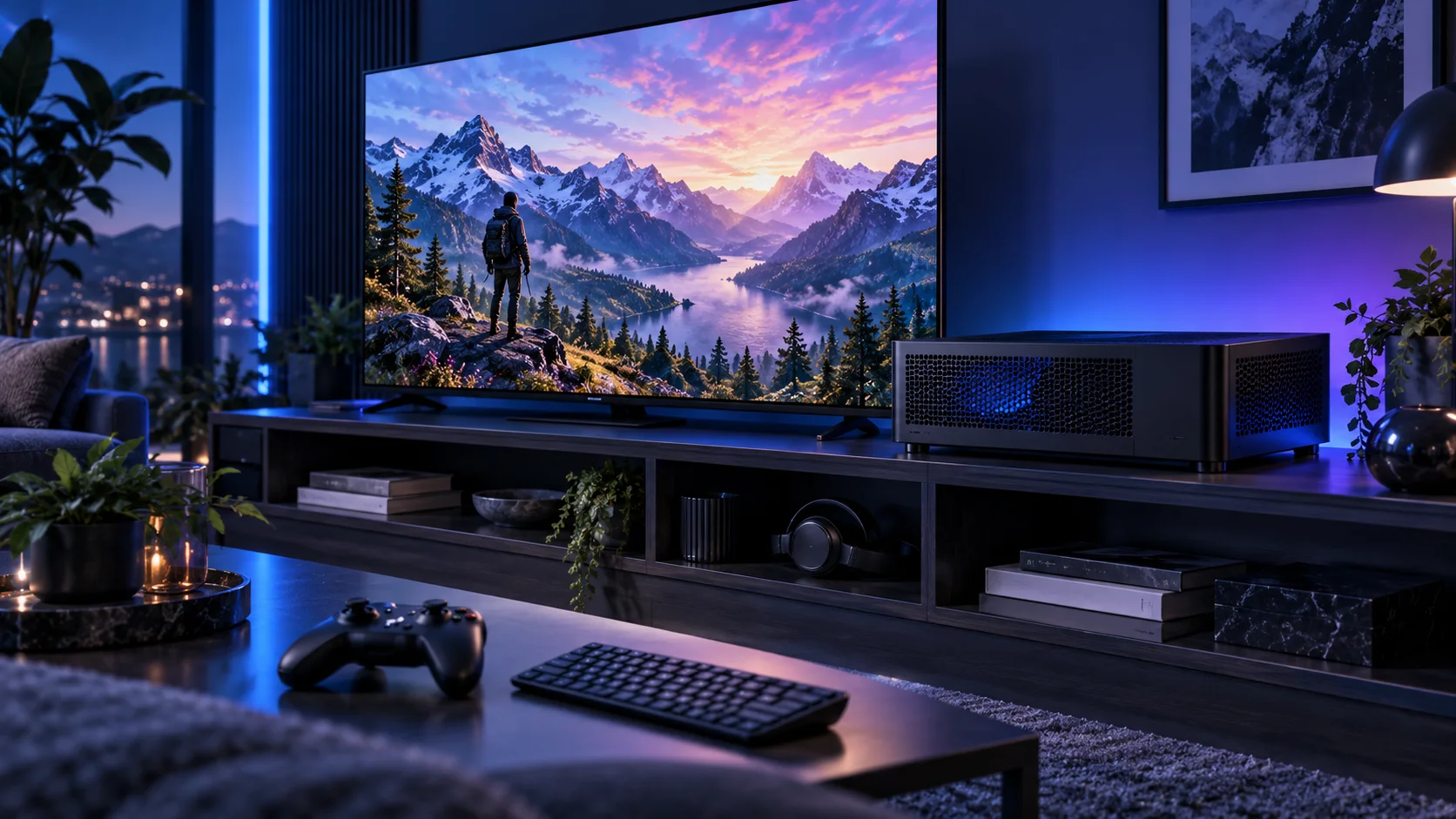
A living-room gaming PC should fit the television setup and be comfortable to use from the sofa. I would choose the display connection, case position and controller first, then build a graphics-focused tower with a sensible noise and cooling plan.
Match the screen to the graphics target, then choose the gaming mouse, UK keyboard and headset around the desk. The network plan covers the fixed PC connection.
Table of Contents
ToggleStart with the work the PC will do
Start with the television’s supported input modes and the place the PC will live. A shelf, open stand and closed cabinet are very different cooling environments. List the seating distance, controller connection and a way to reach the desktop when a game or launcher needs it. A powerful tower is useful only if the room lets it breathe and the controls work reliably from the sofa.
Choose a slim case only when the size genuinely solves the room. A slightly larger compact case often makes cooling and cable routing easier. I would use a restrained AM5 processor, allocate the graphics spend to the display workload and keep a keyboard or small pointing device available for setup. The first goal is an easy-to-use living-room system, not the smallest case at any cost.
| Build priority | What I would buy | Next guide |
|---|---|---|
| Best restrained gaming foundation | Six cores keep the compact system’s cost and cooling plan sensible. | Processor choices |
| Best balanced 16GB route | A dual-fan NVIDIA route for a measured compact layout and supported display connection. | Graphics choices |
| Best familiar Windows route | The Xbox layout is an approachable starting point for conventional PC game prompts. | Best Controllers for a Living-Room PC |
Choose the processor
The restrained 9600X route is my first choice when the graphics card and television workload deserve the budget. A slim case limits cooler choice, so keep the processor and power plan deliberate. Premium CPU spend belongs behind a defined gaming requirement rather than making the room’s cooling problem harder.
The Ryzen 5 9600X is the AM5 route I would start with when the graphics card, storage or specialist equipment deserves more of the budget. Its six-core layout is a sensible foundation for a focused desktop rather than a machine bought to run every heavy task at once.
Pair it with DDR5 and an AM5 board with the right BIOS. An inexpensive tower cooler makes sense in a normal case; a tiny enclosure needs a separate cooler and power plan.
| Best for | My choice | Why it fits |
|---|---|---|
| Best restrained gaming foundation | Ryzen 5 9600X | Six cores keep the compact system’s cost and cooling plan sensible. |
| Best mixed living-room desktop | Ryzen 7 9700X | Eight cores make sense when the machine also has substantial non-gaming use. |
| Best premium gaming-first alternative | Ryzen 7 9850X3D | Choose it when the gaming requirement and actual compact cooling plan justify the step. |
Compare processors for this build · Understand the wider processor choices
Build an AM5 tower in PC Builder to see the PC in 3D, compare planning estimates and save your selected parts. Use the workload and setup advice here to refine the choices.

Choose the graphics route
Use the graphics card’s supported HDMI output and the television’s supported input mode as a complete path. Resolution, refresh, HDR and VRR are separate settings. Choose the exact card against the case dimensions and leave room for its power lead, particularly in the slim Ridge layout.
The MSI RTX 5060 Ti 16GB Shadow 2X OC Plus is the accessible 16GB NVIDIA route. I would buy it when graphics-memory capacity and NVIDIA application support matter more than jumping straight to a much more expensive card. It is also a useful place to start a compact parts plan.
Keep the exact 16GB variant in the basket. The model name, dimensions and power connection belong in the fit check, particularly when a riser cable and a small case are involved.
| Best for | My choice | Why it fits |
|---|---|---|
| Best balanced 16GB route | MSI RTX 5060 Ti 16GB Shadow 2X OC Plus | A dual-fan NVIDIA route for a measured compact layout and supported display connection. |
| Best value-oriented gaming route | ASUS Dual RX 9060 XT 16GB | A mainstream 16GB AMD route when the exact card fits the case and display plan. |
| Best stronger graphics workload | MSI RTX 5070 Ti 16G Ventus 3X OC | More rendering headroom for a demanding display, with a fresh case/power fit check. |
Compare graphics choices for this build
Use the graphics-card guide to match the screen and games, then compare like-for-like frame-rate results.

Choose memory capacity
32GB is the focused gaming capacity. Choose the whole kit at the start because the ITX board has two slots. Keep memory and cooler clearance in view if choosing a larger low-profile heatsink later.
Crucial Pro 32GB DDR5-6000 is my straightforward two-stick AM5 starting kit. It leaves the PC with useful everyday capacity without buying workstation-sized memory for a project that never fills it.
Choose capacity first, then the profile. Install the kit in the motherboard’s recommended paired slots and establish a stable baseline before enabling its faster memory setting. Keep DDR5 out of a DDR4-only board.
| Best for | My choice | Why it fits |
|---|---|---|
| Focused lower-cost route | Crucial Pro 32GB DDR5-6000 | 32GB keeps a restrained first build affordable. |
| Roomier working desktop | Crucial Pro 64GB DDR5-5600 | 64GB supports a defined larger active workload. |
| Larger supported-capacity route | Corsair Vengeance RGB 96GB DDR5-6000 | 96GB is for a known need and a board that supports the exact kit. |
Choose the memory kit for this workload
Plan the RAM capacity for the work kept open together and the supported module arrangement. The profile guide covers setup once all memory is working at defaults.

Choose active storage and backup
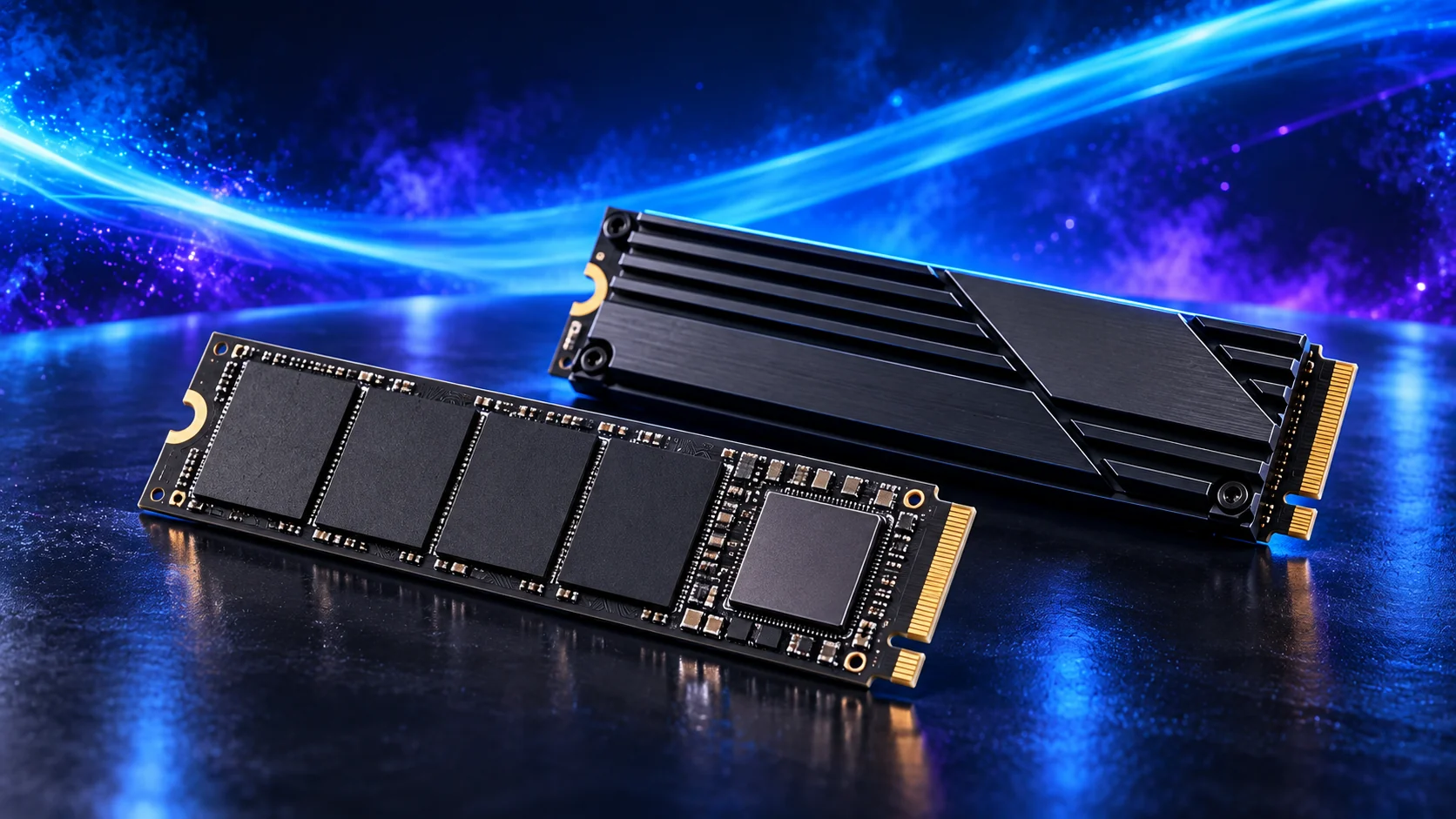
A spacious NVMe drive keeps the living-room PC simple and leaves room for the games you keep installed. Store captures and important files elsewhere as needed, and leave working room for updates. A long USB drive cable should not become the permanent obstacle across the seating area.
The WD Black SN850X 2TB is my active-project drive choice. Its role is to hold the files the PC reads and writes during work, rather than use an expensive SSD as the only home for every finished project.
A motherboard heatsink helps the drive manage sustained work. Check the slot arrangement before installing several M.2 drives, since lane sharing and disabled ports vary by board.
| Best for | My choice | Why it fits |
|---|---|---|
| Budget active-drive route | Crucial P310 2TB M.2 2280 | 2TB capacity for a restrained first tower. |
| Balanced active-project route | WD_BLACK SN850X 2TB | 2TB working space for applications and active files. |
| Larger working footprint | WD_BLACK SN850X 4TB | 4TB when the real library and working data justify it. |
Compare storage for this build · Distinguish memory and storage upgrades
Choose enough working storage, then check the exact SSD format/interface. The PCIe comparison helps decide whether the speed premium serves this build.
Choose the motherboard and connections
The ASRock B650I Lightning WiFi is the true Mini-ITX AM5 route. I would choose it as part of a compact system where the smaller board enables the case, accepting that expansion choices need to be made before assembly.
It has two memory slots and two SATA ports. Choose the final memory capacity as one matched kit and plan extra networking or storage before spending the sole main PCIe slot on a graphics card.
Map the devices you actually plan to connect: displays, USB equipment, storage and expansion cards. Make the CPU, board and memory a matched platform before choosing optional accessories. A thick graphics card can cover a slot that otherwise looks available.
| Best for | My choice | Why it fits |
|---|---|---|
| Starting platform | ASRock B650I Lightning WiFi | The board used in this guide’s complete configuration. |
Choose the board and useful features · Understand the connections worth buying
Read the board/platform guide and check the case’s internal connections. PCIe and M.2 sharing keeps the planned drives and expansion cards usable together.

Choose the case and cooling together
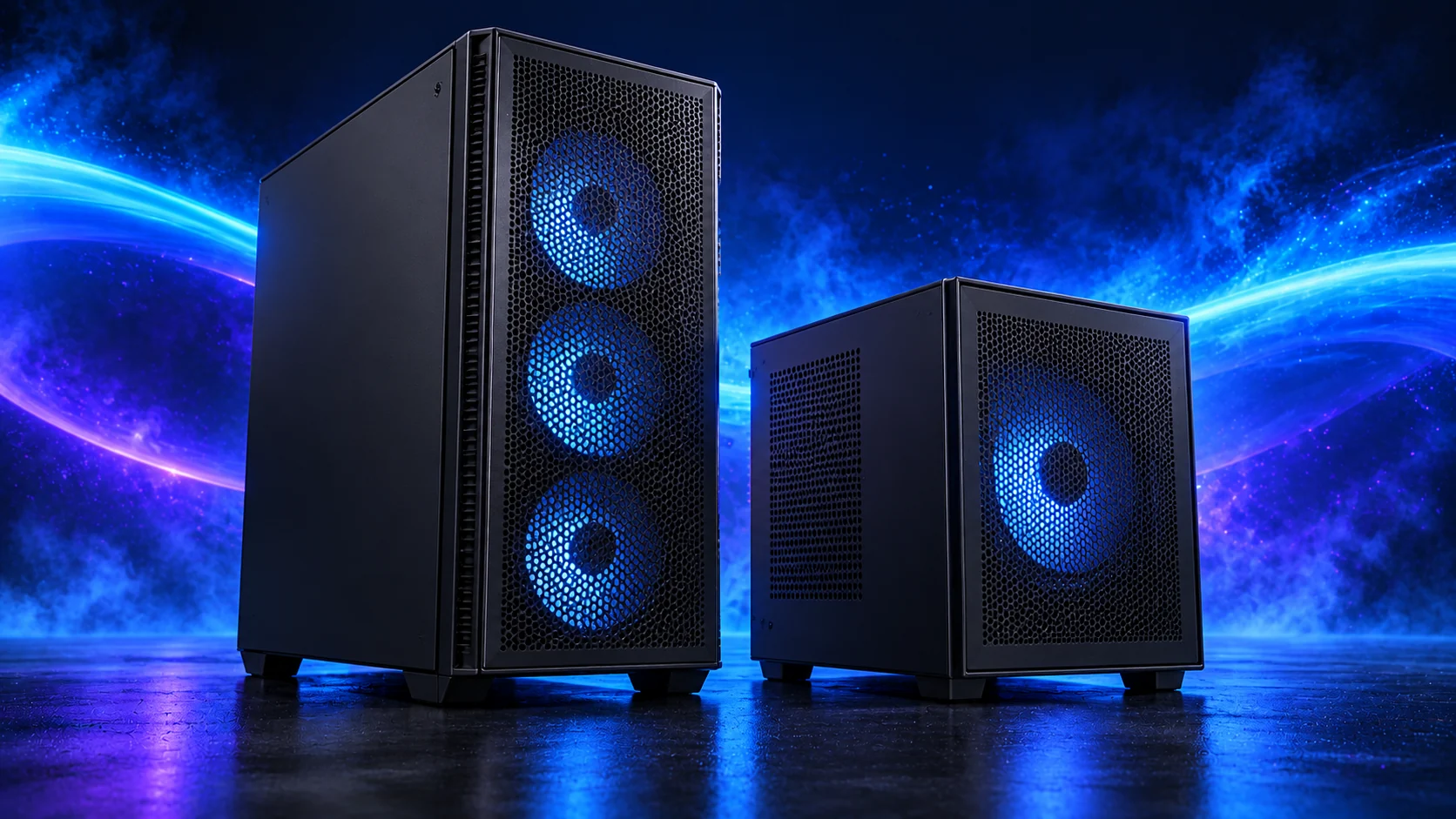
The Fractal Ridge is the slim living-room route. I would choose it for a PC that belongs beside a television or on a narrow shelf, provided the shelf still leaves its ventilated panels open to air.
Its 70mm CPU-cooler limit is a firm design constraint. Graphics thickness, side fans and cable space also interact, so a slim case needs a complete measured parts plan before assembly.
The Noctua NH-L9a-AM5 is the very low-profile AM5 route at 37mm tall. I would use it when a compact case makes a normal tower cooler impossible, and choose an appropriately restrained processor and power setting around it.
It is not a replacement for a large heatsink under an unrestricted high-power workstation CPU. Use Noctua’s CPU and board compatibility guidance and leave clearance between the fan and the side panel.
| Best for | My choice | Why it fits |
|---|---|---|
| Starting enclosure | Fractal Ridge Black | Match the case to the whole layout and room. |
| Starting cooler | Noctua NH-L9a-AM5 | Use the correct socket mount and installed clearance. |
Compare suitable case routes · Choose the cooler for the socket and space
Use the case-fan shortlist for the usable mounts and PWM/DC setup for the finished layout.
Choose the power supply
The Corsair SF750 2024 is the SFX route for a compact build that needs a smaller supply. I would buy it to solve the physical layout, not replace an inexpensive ATX unit in a case that already has ample room.
SFX size, cable lengths and routing all matter. Use the included correct leads and keep cables away from the GPU fans, particularly in a sandwich layout.
| Best for | My choice | Why it fits |
|---|---|---|
| Starting configuration | Corsair SF750 (2024) | The supply used for this guide’s restrained or balanced parts basket. |
| Larger conventional-tower route | Corsair RM850e (2025) | Choose this only when the final component power requirement and case layout need the larger supply. |
Compare the PSU routes · Understand connectors and cable fit
Match PSU load, connectors and installed space together, then keep the exact compatible cable set with the unit.

Choose the controller
Choose a controller by the Windows connection, seating distance and the games you play. A cable is the simplest lower-cost route; wireless needs the correct receiver or supported Bluetooth arrangement and a sensible charging routine.
Choose the connection before the model variant. Similar 8BitDo names can describe different platform and transport combinations, so keep the Windows wireless or wired version clear in the basket. For an Xbox controller, decide whether the PC will use USB, supported Bluetooth or the appropriate adapter.
Place the receiver where the seating position has a useful signal path rather than hide it behind metal and a television. Keep a keyboard or pointing device available for launchers and desktop prompts. Configure Steam’s supported controller interface as needed, then test the games you actually use from the sofa before adding more accessories.
| Best for | My choice | Why it fits |
|---|---|---|
| Best familiar Windows route | Xbox Wireless Controller – Carbon Black | The Xbox layout is an approachable starting point for conventional PC game prompts. |
| Best docked wireless alternative | 8BitDo Ultimate 2 Wireless Controller | Choose the Windows wireless kit when the dock and additional controls suit the desk. |
| Best lower-cost wired route | 8BitDo Ultimate 2C Wired Controller | A wired Windows controller keeps the purchase simple when the cable reaches comfortably. |
The complete starting parts list
| Component | My choice | Why it belongs here |
|---|---|---|
| Processor | Ryzen 5 9600X | The starting CPU matched to this workload. |
| Graphics | MSI RTX 5060 Ti 16GB Shadow 2X OC Plus | The starting dedicated card for the planned graphics workload. |
| Motherboard | ASRock B650I Lightning WiFi | Match the socket, memory type and useful connections. |
| Memory | Crucial Pro 32GB DDR5-6000 | Choose capacity as one supported matched kit. |
| Active SSD | WD_BLACK SN850X 2TB | Working room for the OS, applications and active data. |
| Power supply | Corsair SF750 (2024) | Use the correct form factor and component power plan. |
| Case | Fractal Ridge Black | The complete layout’s enclosure. |
| CPU cooler | Noctua NH-L9a-AM5 | Correct mount and fit for the chosen case. |
| Specialist equipment | Xbox Wireless Controller – Carbon Black | Include the equipment that makes the complete setup useful. |
This is the starting basket for the route described here. Choose the alternative parts as a complete matched configuration, keeping the board, memory, cooling and power changes together. The monitor, operating system and any equipment you already own should be counted in the total purchase plan.
For the other decisions in this cluster, use the processor shortlist, the graphics shortlist and the specialist buying guide.
Assemble and set up the PC
Assemble the slim layout in the case’s documented order and route the PSU and display leads before closing the panels. Keep intake vents clear in the final position. Establish a restrained CPU power and fan plan with the case closed rather than judge noise on an open test layout.
Set the television’s supported PC/game mode, resolution and refresh rate, then configure HDR or VRR if the whole path supports them. Pair the controller and test from the seating position. Keep a straightforward desktop-access route for the games and launchers that still need a mouse or keyboard.
Follow the beginner assembly guide · Check the complete parts fit
Technical references: Fractal Ridge layout manual · Ultimate 2C Wired platform and connection · Ultimate 2 Wireless manual.