
Best Monitors for Sim Racing in 2027
By James Thompson · Updated:
Some links in my articles are affiliate links. I may earn a commission when you buy through them.
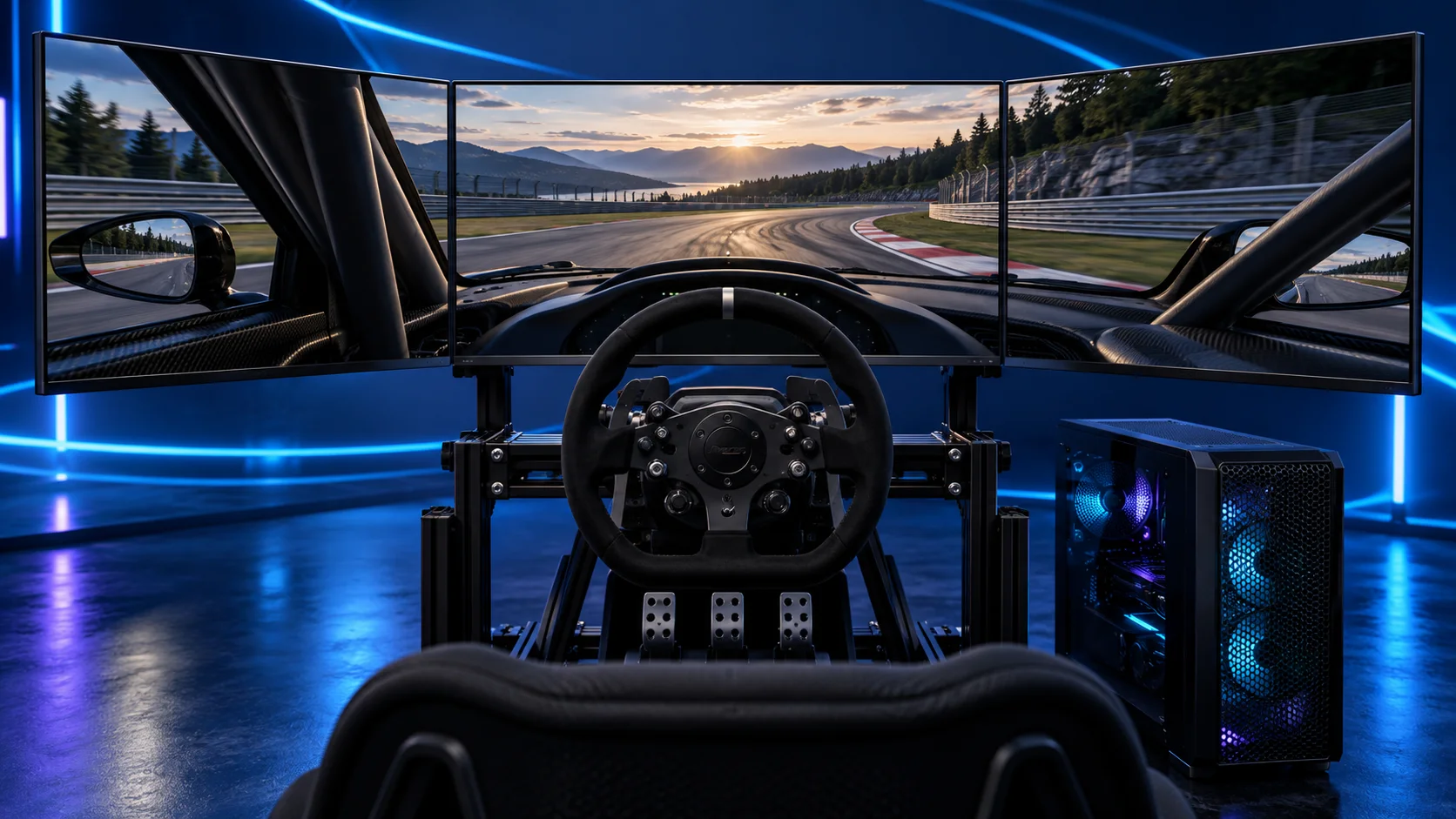
My starting choice is the MSI G272QPF E2 for one 27-inch1440p screen or a matching triple set. The AOC 24G4XED is the budget1080p route. For a larger curved screen, compare the 32-inch Samsung Odyssey G5; for a premium one-panel cockpit, I’d look at the 49-inch Odyssey G9 G95C.
Table of Contents
ToggleThe monitor shortlist
| Best for | My choice | Why I’d choose it |
|---|---|---|
| Best overall and starting triple 1440p choice | MSI G272QPF E2 27-inch | 27-inch flat1440p IPS format; buy three matching units for triples. |
| Best budget single-screen option | AOC 24G4XED | 24-inch1080p route with a lower native pixel load. |
| Best larger QHD screen | Samsung Odyssey G5 32-inch (LS32CG552EUXXU) | 32-inch curved1440p option when the cockpit has room. |
| Best premium one-panel cockpit option | Samsung Odyssey G9 G95C 49-inch | 49-inch dual-QHD ultrawide without two bezel joins. |
Choose the physical arrangement before the panel upgrade. One screen is easy to fit at a desk. Triples add side views and mounting work. A 49-inch ultrawide gives a wide uninterrupted view through one panel, while VR trades the visible cockpit for a headset.
I would not choose solely from the headline refresh number. Screen distance, the size of the cockpit and the PC’s render workload have to fit together. A good monitor placed too far behind the wheel can be a less useful racing view than a smaller screen positioned properly.
Complete the desk with a compatible monitor arm and the keyboard layout. For a recording setup, use the microphone and webcam buying routes.
Best overall: MSI G272QPF E2
The MSI G272QPF E2 27-inch is my practical starting point. It uses a 27-inch 2560×1440 flat IPS panel with a 180Hz headline refresh rate. The flat format makes it a straightforward candidate for a matching triple set.
For a single-screen desk, the 27-inch size is easier to accommodate than a very large cockpit display. Put it where the screen can sit near your normal line of sight without making the wheel awkward to reach. For triples, include a compatible monitor stand and three suitable display cables in the budget.
Three identical models simplify panel alignment and matched refresh modes. Set their brightness and picture options together after they are mounted. Matching the model does not mean you can skip the physical alignment.
This is the G272QPF E2. MSI has similarly named G274 and QD models; use the exact linked variant when comparing the connections or adding two more screens later. The 180Hz panel rating is a supported display target, not a frame rate that the PC automatically produces.
Useful technical references: MSI specifications.
Best budget: AOC 24G4XED
The AOC 24G4XED is the smaller1080p route I’d compare for a first desk setup. Its native 1920×1080 workload is much lighter than1440p or a large ultrawide, leaving more room in the PC and controls budget.
A 24-inch screen works best when it can sit at a useful distance. It is not my first choice for a large cockpit where the screen has to be far behind the wheel. Measure the available position instead of assuming a cheap panel suits every mounting arrangement.
For a lower-resolution triple build, buy the same variant across the set. Add the stand and cables to the comparison; three inexpensive panels can still become a substantial display purchase.
Use the monitor’s VESA mounting specification and weight for the mount. A high refresh rate does not establish that a particular stand can hold the screen where you need it.
Best larger QHD screen: Samsung Odyssey G 532-inch
The Samsung Odyssey G5 32-inch (LS32CG552EUXXU) is the larger 2560×1440 option in this shortlist. The selected LS32CG552EUXXU has a1000R curve and a 165Hz headline refresh rate. It gives a cockpit more screen area without the native pixel load of4K.
I’d choose it when a 27-inch panel looks small at the required mounting distance and there is enough room for the larger display. It is a VA curved panel, so this is a different physical and panel choice from the flat IPS MSI.
The curve matters for triple-screen geometry. Use the relevant curvature and dimensions in a sim that supports the configuration, and make the mounting arrangement suit the three larger panels. Do not treat it as a flat 27-inch set with a different size label.
James’s recorded setup notes for this exact model emphasise checking the supported input/refresh mode and setting a comfortable screen position. Those practical setup checks are useful here; they do not turn the monitor’s response-time label into a measured racing result.
Best premium one-panel option: Odyssey G9 G95C
The Samsung Odyssey G9 G95C 49-inch is a 49-inch 5120×1440,32:9 route to compare when you want a wide cockpit view through one continuous panel. It avoids the two joins of a triple set and simplifies the number of display cables.
Its native pixel count is7,372,800 per frame: twice a normal1440p screen and less than triple 1440p. That helps define the GPU budget, but it does not make the field of view or experience identical to angled triples.
The G95C is the 240Hz VA model with1000R curvature. Samsung sells several G9 variants, including different panel technologies and refresh rates, so keep the model suffix in the purchase comparison.
Allow room for the complete curved screen and a suitable stand or arm. This is a premium one-panel option, not a shortcut for a desk that has very little physical space.
Compare the complete display cost
| Arrangement | Include in the basket | GPU planning |
|---|---|---|
| Single 27-inch1440p | One monitor and its stand/arm | A balanced single-screen tower |
| Triple 27-inch1440p | Three identical monitors, stand and three cables | 11.06 million native pixels plus multi-view work |
| Triple 1080p | Three matching panels, stand and cables | 6.22 million native pixels |
| 49-inch dual-QHD | One large screen and a suitable mount | 7.37 million native pixels |
| VR | Headset, connection and useful comfort accessories | Choose from the VR build guide |
A mount should match the exact VESA pattern, weight and range of positioning. Check whether the screen can sit near the wheel without fouling its movement or blocking access to the controls. With triples, the adjustment range has to accommodate the side angles too.
Connect the racing displays to the GPU and select their supported refresh modes in Windows. Use the screen’s actual input specification; the same panel can have different mode limits on HDMI and DisplayPort. Then set the simulator’s field of view for the seating position.
For a curved OLED alternative on a single-screen rig, compare the ultrawide route in the OLED monitor guide. The OLED resolution comparison explains how 3440×1440 differs from ordinary 1440p and 4K.