
Best Graphics Cards for Sim Racing in 2027
By James Thompson · Updated:
Some links in my articles are affiliate links. I may earn a commission when you buy through them.
Use the FPS/frame-time comparison guide to judge the results at your intended settings. The rendering-feature guide keeps native, reconstructed and generated frames separate. For the broader choice, start with the GPU overview.

For an iRacing-focused tower with triple screens or VR in the plan, I’d start with the MSI RTX 5070 Ti 16GB. The RTX 5060 Ti 16GB is the budget single-screen route, while the RTX 5080 is the premium step. For a conventional screen in other racing games, the RX 9070 XT also deserves a place in the comparison.
Table of Contents
ToggleChoose the card for the display
| Best for | My choice | Why I’d choose it |
|---|---|---|
| Best overall for this iRacing/triples shortlist | MSI RTX 5070 Ti 16G Ventus 3X OC | 16GB, three DisplayPort outputs and the Nvidia-specific iRacing rendering route. |
| Best budget single-screen choice | MSI RTX 5060 Ti 16GB Shadow 2X OC Plus | 16GB option for a less demanding display and a controlled parts budget. |
| Best premium choice | Gigabyte RTX 5080 Gaming OC 16GB | A higher GPU tier for demanding triple-screen or VR settings. |
| Best AMD alternative for a conventional screen | Gigabyte RX 9070 XT Gaming OC 16GB | Consider for the games you actually play when its basket price is favourable. |
One screen, three screens and a headset are different graphics jobs. Write down the render resolution and intended display mode before choosing. A card selected for one 1080p monitor is not the natural starting point for three 1440p screens.
Try a catalogue graphics card in PC Builder alongside an AM5 processor, case and PSU. See the 3D tower, estimated total and supported power or fit warnings together.
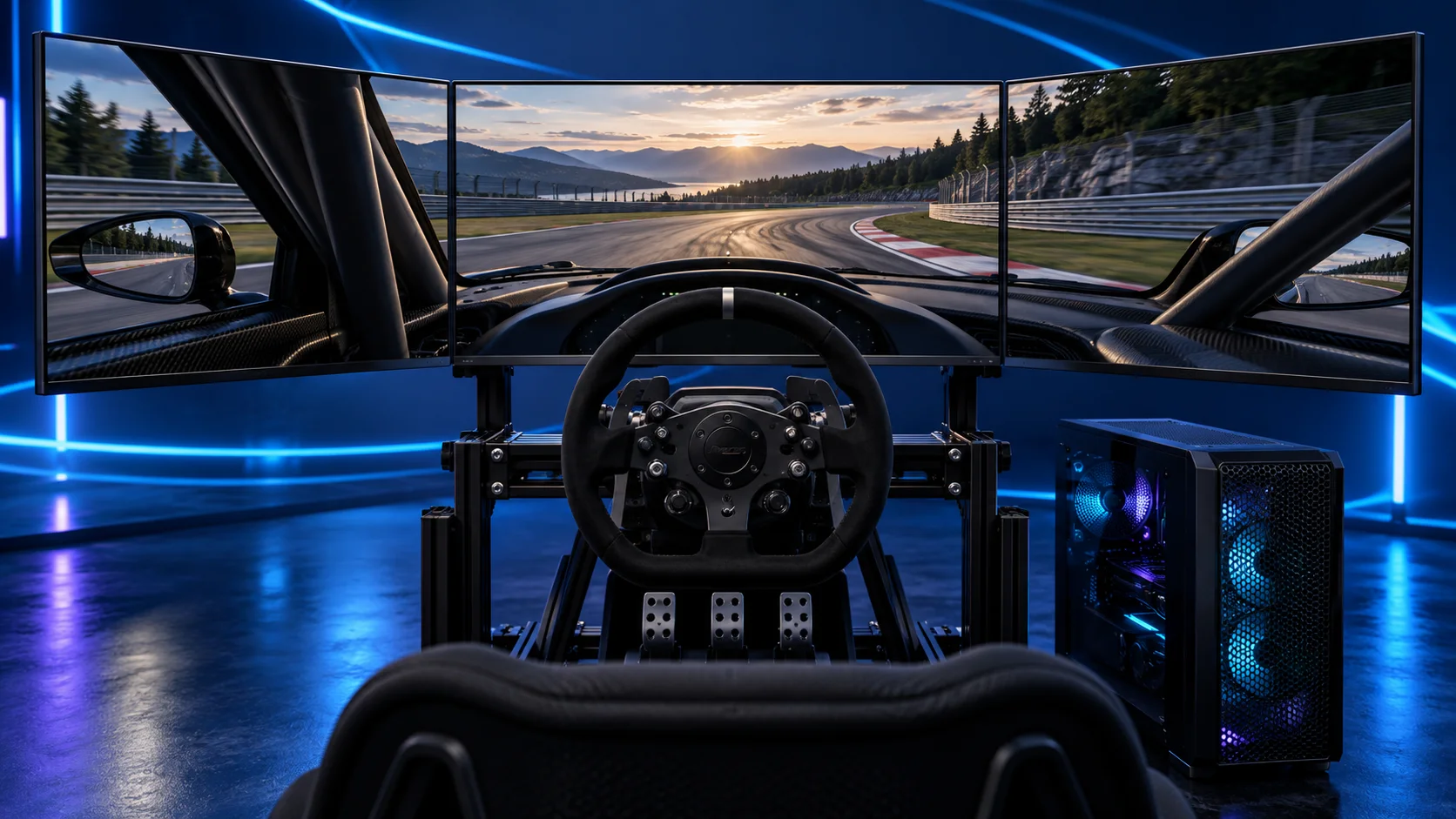
Best overall for this shortlist: RTX 5070 Ti 16GB
The MSI RTX 5070 Ti 16G Ventus 3X OC is my central choice for the dedicated racing tower. The exact MSI Ventus model has 16GB GDDR7, three DisplayPort outputs and one HDMI output. Its published dimensions are 303 × 121 × 49mm, so it is a defined physical part rather than a generic card name.
For iRacing, Nvidia-specific multi-view and stereo rendering features make this route particularly relevant to the triple-screen and VR choices. That is a software-specific reason to prefer it here, not a claim that an AMD card cannot run iRacing.
MSI specifies a 300W card power rating and a 750W recommended supply. I’d use the 850W supply in our build list and its appropriate native GPU cable. Leave room around the power plug as well as enough length for the card.
Choose it as the middle of the specialist shortlist. If you will race on a modest single screen, compare the less expensive tier. If your headset settings or three-screen resolution call for more graphics headroom, compare the 5080 before stretching an already demanding setup.
Useful technical references: MSI card specifications · iRacing rendering-mode reference.
Best budget single-screen choice: RTX 5060 Ti 16GB
The MSI RTX 5060 Ti 16GB Shadow 2X OC Plus is the 16GB version of the RTX 5060 Ti. I’d use it as the controlled-budget entry point for one screen, while retaining the Nvidia route for iRacing.
This is the choice for starting sensibly and adjusting the game to the hardware. Do not select it merely because the memory capacity matches the 5070 Ti: equal VRAM capacity does not mean equal rendering capability.
The 8GB and 16GB versions are different buying decisions. Our linked model is the 16GB Shadow 2X OC Plus. A listing with a similar photo and a lower price can be a different memory variant.
If triple 1440p screens are the main reason for building the PC, I’d move up the shortlist from the beginning. Saving on the tower is useful only when the system still matches the cockpit you are buying.
Best premium choice: RTX 5080
The Gigabyte RTX 5080 Gaming OC 16GB is my premium GPU tier for this network. I’d compare it when the plan includes a demanding triple-screen setup, a high render-resolution headset or visual settings that make graphics performance the priority.
Spend here after choosing the screen mode and a capable CPU. A larger GPU budget does not cure an incorrectly configured field of view, a USB headset connection fault or a simulation that is waiting on the processor.
The Gigabyte Gaming OC model is physically larger than the compact budget card. Use its exact dimensions and power specification alongside the case clearance. Fit its support arrangement and route the power cable without pushing the connector against the side panel.
I would not choose this card for a first modest single-screen setup if it forces you to compromise the wheel, screen or mounting. It belongs in a deliberately premium rig.
Best AMD alternative: RX 9070 XT
The Gigabyte RX 9070 XT Gaming OC 16GB is the alternative I’d compare for a conventional screen and a broader racing-game library. Compare the games and delivered basket cost, rather than transferring iRacing’s Nvidia-specific feature argument to every title.
AMD Eyefinity is also a supported way to present a combined triple display to iRacing. The distinction is feature support and the chosen rendering path, not basic permission to use three screens.
For the iRacing-focused triples and VR builds in this cluster, I’m using Nvidia. For one-screen racing in other games, include this AMD option and make the choice from the workload you will actually run.
Use the exact board-partner model for the size and power checks. A GPU chip name does not tell you how long the finished card is or where its connector sits.
Useful technical references: iRacing triple-screen setup.
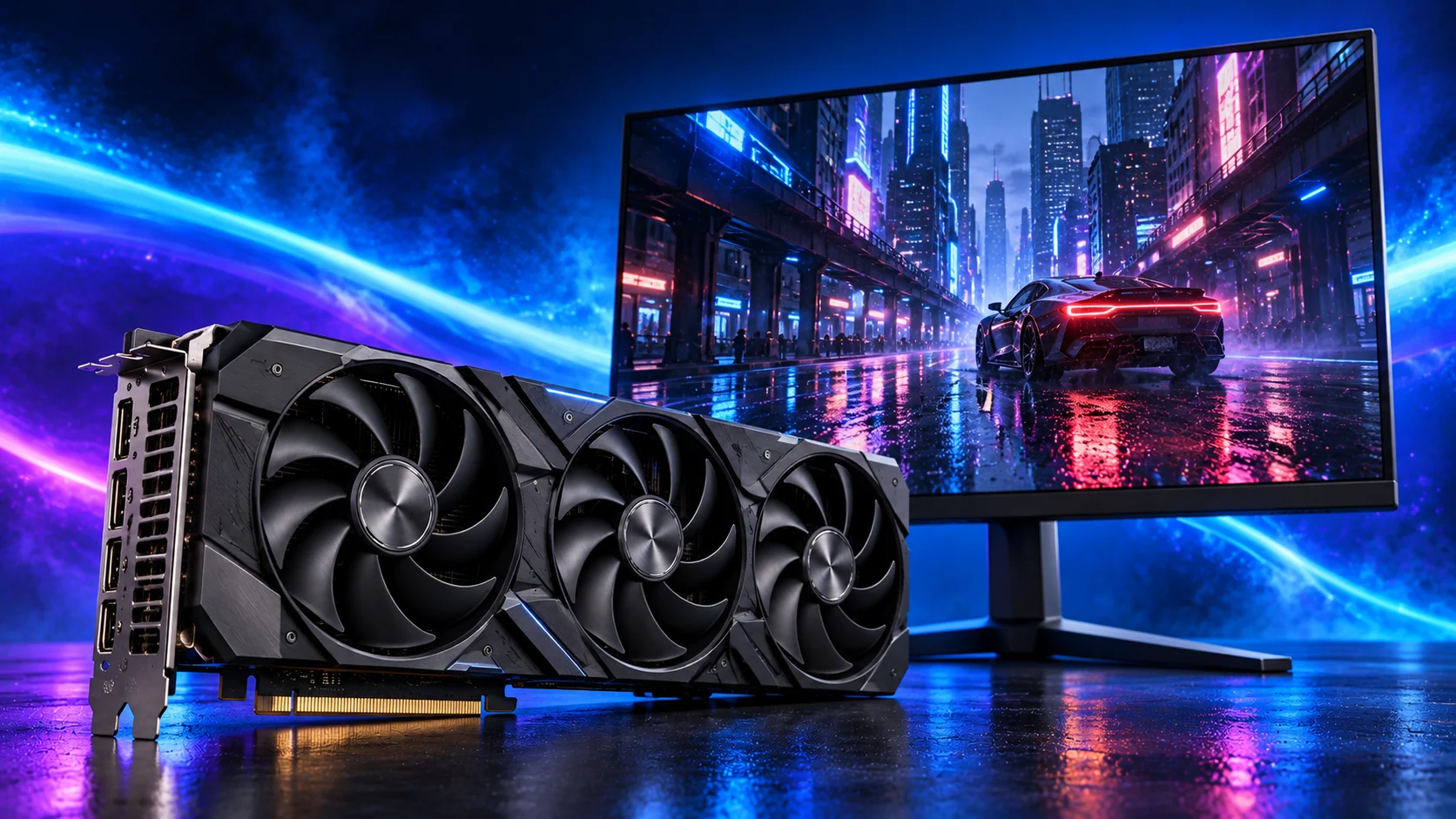
Screen resolution changes the GPU budget
| Display arrangement | Combined resolution | Pixels per frame |
|---|---|---|
| One 1080p screen | 1920 × 1080 | 2,073,600 |
| One 1440p screen | 2560 × 1440 | 3,686,400 |
| 49-inch dual-QHD ultrawide | 5120 × 1440 | 7,372,800 |
| One 4K screen | 3840 × 2160 | 8,294,400 |
| Three 1440p screens | 7680 × 1440 | 11,059,200 |
Three 1440p screens have one-third more native pixels than a 4K screen. The number explains why the triple rig needs its own budget; it is not a prediction of frame rate, because view rendering, graphics settings and the game also affect the work.
For VR, use the headset runtime’s render resolution. It can differ from the panel’s quoted pixel count, and increasing the render scale adds work before you have raised any in-game visual settings.
Outputs, power and settings
Plug the racing monitors into the graphics card, not the motherboard. For matched triples, use the same connector type and suitable cables where possible. A modern card’s output count still needs to match the monitors, refresh mode and any extra desk display.
For a headset, identify whether it uses a direct display connection or an encoded USB/Wi-Fi stream. The complete path includes the headset software, connection and GPU, not merely a spare USB-C socket.
Start from the sim’s native graphics configuration. Keep a useful native frame rate before judging any supported upscaling or frame-generation mode. Extra displayed frames do not remove the input and simulation delay of a low base frame rate.
Pair the GPU with the right processor and check the physical fit.