
Best Processors for Sim Racing in 2027
By James Thompson · Updated:
Some links in my articles are affiliate links. I may earn a commission when you buy through them.
Choosing between core counts or a cache-focused CPU? Read how many cores gaming needs and when X3D is worth the premium. Before ordering, use the CPU and motherboard compatibility check.

My pick for a dedicated sim-racing PC is the Ryzen 7 9850X3D. For a more affordable new tower, I’d choose the Ryzen 5 9600X and protect the graphics-card and controls budget. The Ryzen 5 5600 belongs in an AM4 reuse build, where keeping the motherboard and memory changes the total cost.
Table of Contents
ToggleThe processor shortlist
| Best for | My choice | Why I’d choose it |
|---|---|---|
| Best overall for a dedicated racing PC | Ryzen 7 9850X3D | My X3D platform choice when the PC will anchor a long-term sim setup. |
| Best budget new build | Ryzen 5 9600X | A sensible AM5 start, keeping money for the GPU, screen and controls. |
| Best for keeping an AM4 platform | Ryzen 5 5600 | Only when an existing compatible motherboard and DDR4 save a worthwhile amount. |
This shortlist is for a whole racing setup. It separates a dedicated AM5 racing tower, a lower-cost fresh build and an existing AM4 system. Buying the most expensive processor makes little sense if it leaves a triple-screen rig with the wrong graphics card.
Compare an AM5 processor with its motherboard and the rest of the tower in PC Builder. The whole-build estimate helps you balance CPU spending against graphics and storage.
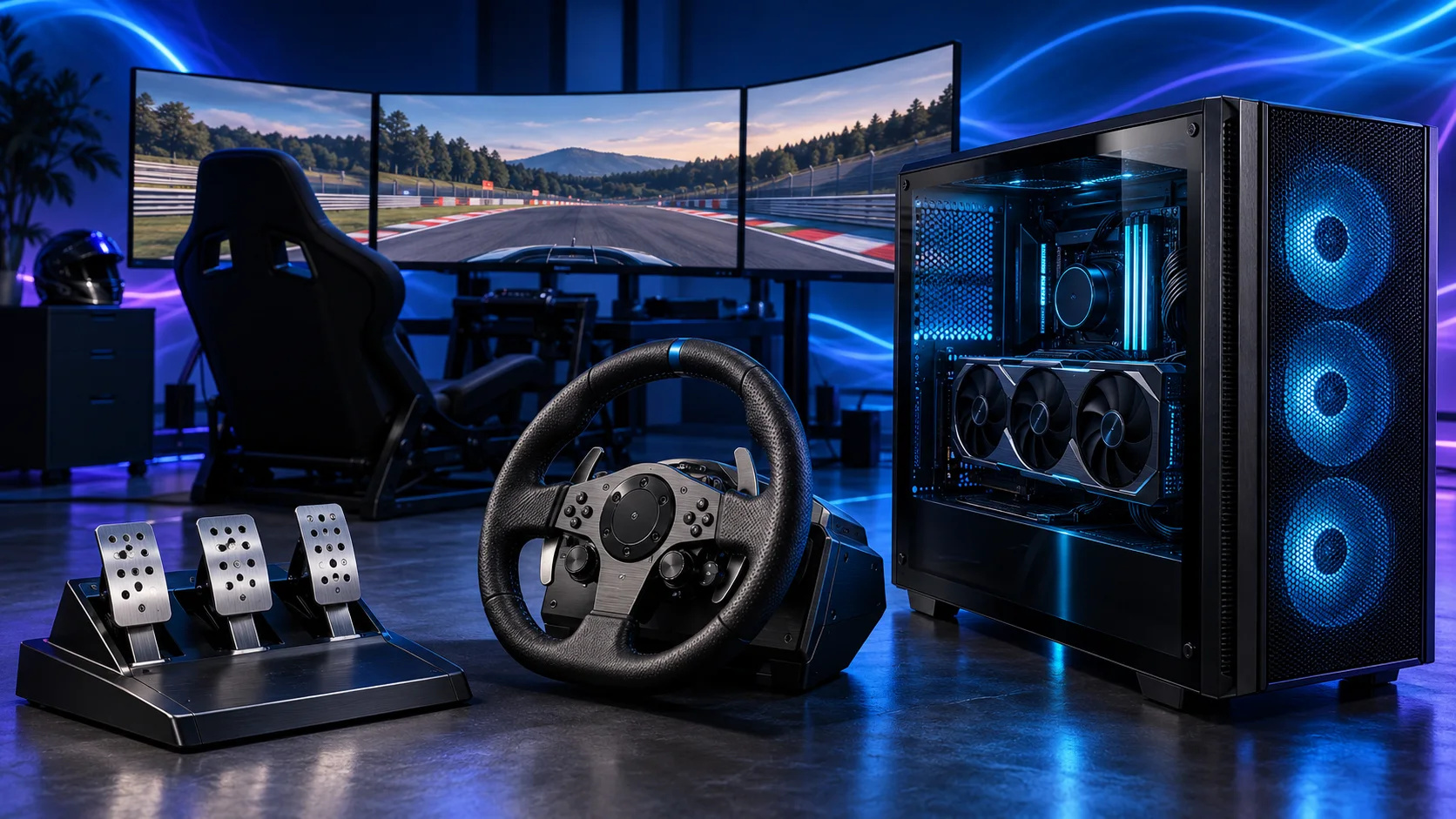
Best overall: Ryzen 7 9850X3D
The Ryzen 7 9850X3D is the CPU I’d build a dedicated racing tower around. AMD specifies eight cores, sixteen threads and 96MB of L3 cache on AM5. It fits the racing-first role without making the build a sixteen-core rendering workstation.
I’d pair it with an appropriate graphics card and 32GB DDR5, then choose cooling and a motherboard with the required firmware support. The processor upgrade is most interesting when you want more CPU headroom for the simulation and a demanding display setup. At very high render resolutions, the graphics-card budget still has to keep up.
There is no need to replace a capable 9800X3D system just because this processor has a newer model number. For an existing rig, identify whether the sim is CPU-limited before buying another processor. For a fresh basket, compare the full cost of whichever X3D models are actually available.
Buy this route for a racing-focused PC with room in the budget for the rest of the cockpit. Choose the 9600X route if the premium means giving up a suitable GPU or proper controls.
Useful technical references: AMD processor specifications.
Best budget new build: Ryzen 5 9600X
The Ryzen 5 9600X is my lower-cost AM5 starting point. Use it with 32GB DDR5 and the same sensible motherboard platform as the more expensive tower. You can upgrade the processor later without starting again with DDR4 memory.
For a first single-screen setup, I’d rather have this processor, a suitable 16GB GPU and securely mounted controls than an X3D processor attached to a compromised display budget. Six cores are a sensible starting shape for this role; the decision is about the whole rig, not a core-count contest.
For triples or VR, look at the intended game and settings. If you are already planning a large GPU spend and a permanent cockpit, the X3D platform deserves the comparison. If you are starting on one screen and building in stages, the 9600X route keeps the first purchase more approachable.
The 9600X needs a compatible cooler. Choose the mounting kit and case fit alongside the CPU, rather than discovering at assembly that the box contains no solution for the space you bought.
Best for AM4 reuse: Ryzen 5 5600
The Ryzen 5 5600 makes sense when you already have a compatible AM4 motherboard, DDR4 and a case worth keeping. The attraction is the saving across the platform. A cheap processor becomes less compelling if you also buy a new AM4 board and memory from scratch.
Use the exact motherboard CPU-support list and its required BIOS version. A board with an AM4 socket still needs firmware support for the 5600. Keep the DDR4 kit if it is suitable, then spend the saved money where the current setup needs it.
For a modest one-screen entry rig, this can be a practical way to get racing without replacing everything. For a new long-term triple-screen or VR tower, I’d start with the AM5 options. The two builds solve different budgets.
The boxed 5600 route can simplify cooling, but keep the chosen case’s airflow working. A retained platform should still have enough rear USB connections and a sound PSU for the graphics card you plan to add.
See the AM4 entry build for the complete older-platform route.
Buy a processor for the workload
| Use | My priority | What I would avoid |
|---|---|---|
| First single-screen setup | Balanced platform cost | Spending the screen budget on extra cores |
| Dedicated iRacing cockpit | Simulation CPU headroom | Assuming a faster GPU fixes a CPU limit |
| Triple 1440p screens | CPU and GPU together | Treating three screens as a reason for sixteen cores |
| VR racing | Consistent CPU/GPU frame times | Choosing on average FPS alone |
| Racing and CPU rendering | The second workload as well | Calling a work-focused CPU the universal racing winner |
Background software matters too. Keep a normal racing session in mind: voice chat, an overlay or telemetry application, rather than an imagined workload that requires every application open at once. For substantial non-racing work, compare the broader processor guide.
Motherboard, RAM and cooler to buy with it
For the AM5 options, start with the Gigabyte B650 Eagle AX, Corsair Vengeance 32GB DDR5-6000 CL30 and Thermalright Peerless Assassin 120 SE. Confirm the exact board’s firmware support for the CPU and the cooler’s AM5 mounting hardware. Use a matched pair of memory modules instead of collecting separate sticks.
The cost to compare is processor plus motherboard plus memory plus cooling. That is why retaining an AM4 platform can be worthwhile even though AM5 is my starting route for a completely new racing tower.
Keep the cooling profile sensible. Fit the fans so they move air through the cooler towards the case exhaust, and keep the tower away from a blocked cockpit corner. You do not need a large radiator simply to make the parts list look more premium.