
Best PC Builds for iRacing in 2027
By James Thompson · Updated:
Some links in my articles are affiliate links. I may earn a commission when you buy through them.
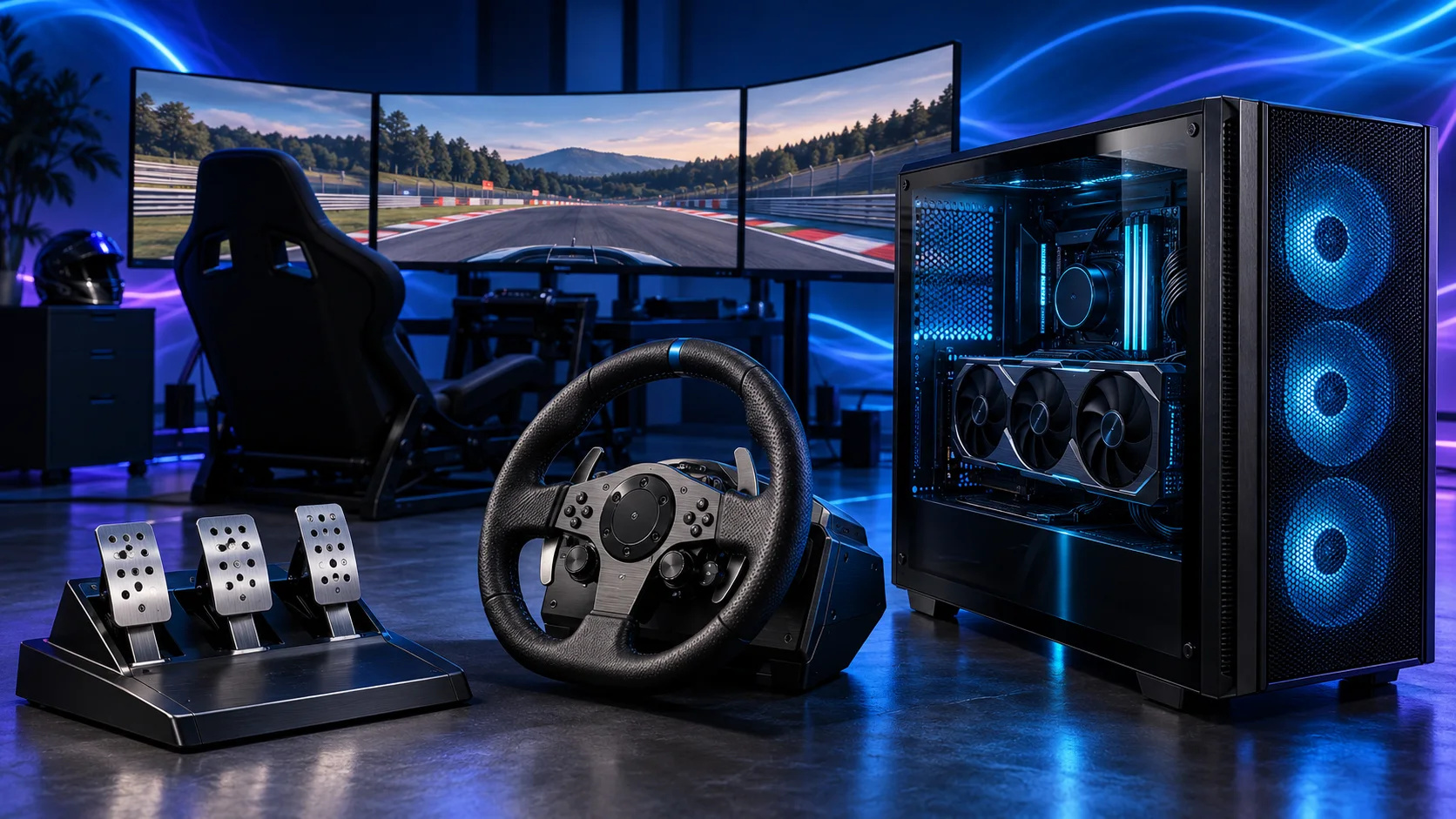
For a first single-screen iRacing tower, I’d choose the Ryzen 5 9600X and RTX 5060 Ti 16GB. My dedicated-cockpit choice moves to the Ryzen 7 9850X3D and RTX 5070 Ti 16GB. For a premium triple-screen or VR setup, compare the RTX 5080 tier while keeping the same sensible platform and memory.
Table of Contents
ToggleChoose your iRacing build
| Build | Processor and graphics | Who I’d build it for |
|---|---|---|
| Single-screen starter | Ryzen 5 9600X + MSI RTX 5060 Ti 16GB Shadow 2X OC Plus | A first rig using one modest monitor |
| Dedicated racing tower | Ryzen 7 9850X3D + MSI RTX 5070 Ti 16G Ventus 3X OC | A long-term cockpit with a larger graphics budget |
| Premium display build | Ryzen 7 9850X3D + Gigabyte RTX 5080 Gaming OC 16GB | A more demanding triple-screen or headset configuration |
The starter route gets you into a new AM5 platform without swallowing the cockpit budget. The dedicated tower is the one I’d plan for a lasting rig. The premium tier earns its extra spend through the display setup, rather than a collection of expensive motherboard and storage upgrades.
Keep iRacing’s cars, tracks and membership in the complete budget as well as the hardware. Choose the kind of racing you intend to enter, then build the cockpit around a useful screen and controls.
Best starter build for one screen
| Component | My choice | Why it belongs here |
|---|---|---|
| Processor | Ryzen 5 9600X | Six-core AM5 starting point that protects the screen and controls budget. |
| Graphics card | MSI RTX 5060 Ti 16GB Shadow 2X OC Plus | 16GB entry point for a modest single-screen configuration. |
| Motherboard | Gigabyte B650 Eagle AX | AM5 board with wired networking and useful rear USB connections. |
| Memory | Corsair Vengeance 32GB DDR5-6000 CL30 | One matched 2×16GB DDR5 kit. |
| Storage | Crucial P310 2TB M.2 2280 | 2TB M.2 SSD for Windows, racing titles and updates. |
| Power supply | Corsair RM850e (2025) | 850W ATX supply with the modern GPU connection route. |
| Case | NZXT H5 Flow (2024) | Airflow-focused mid-tower with room to route cables. |
| CPU cooler | Thermalright Peerless Assassin 120 SE | AM5 air cooling without the cost and routing of a large radiator. |
This is the parts list I’d start from for a first one-screen tower. The 32GB kit and 2TB SSD are useful across the whole PC, while the processor platform leaves room for a later upgrade.
Keep a working monitor if it suits the desk. Spend first on a properly mounted force-feedback wheel, then improve the display when you know how the rig will be used. You do not have to buy three screens before your first race.
The RTX 5060 Ti link is the 16GB model. Set the game around this GPU tier instead of copying maximum settings from a premium triple-screen configuration. Reduce expensive visual features when you would rather retain clearer motion.
For an existing AM4 computer, compare the AM4 reuse build before replacing the motherboard and RAM.
Best dedicated-cockpit build
| Component | My choice | Why it belongs here |
|---|---|---|
| Processor | Ryzen 7 9850X3D | Eight-core AM5 X3D platform for a racing-focused build. |
| Graphics card | MSI RTX 5070 Ti 16G Ventus 3X OC | 16GB card with three DisplayPort outputs for the specialist racing setup. |
| Motherboard | Gigabyte B650 Eagle AX | AM5 board with wired networking and useful rear USB connections. |
| Memory | Corsair Vengeance 32GB DDR5-6000 CL30 | One matched 2×16GB DDR5 kit. |
| Storage | Crucial P310 2TB M.2 2280 | 2TB M.2 SSD for Windows, racing titles and updates. |
| Power supply | Corsair RM850e (2025) | 850W ATX supply with the modern GPU connection route. |
| Case | NZXT H5 Flow (2024) | Airflow-focused mid-tower with room to route cables. |
| CPU cooler | Thermalright Peerless Assassin 120 SE | AM5 air cooling without the cost and routing of a large radiator. |
I’d choose this route when the tower is the foundation of a permanent racing cockpit. The X3D CPU and 5070 Ti graphics tier receive the money; the motherboard, storage and case stay practical.
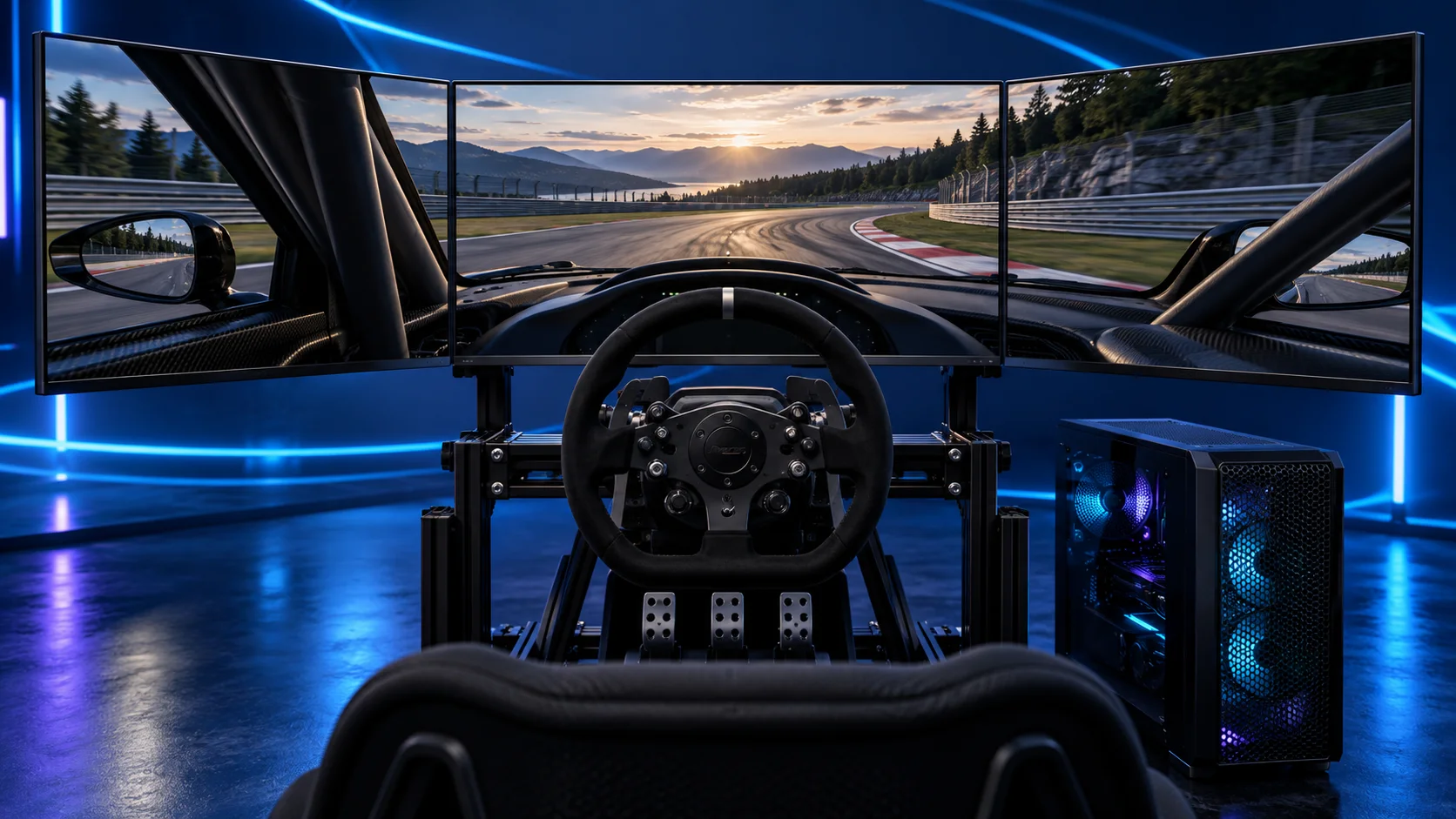
The three DisplayPort outputs on the linked MSI card make the connection plan straightforward for matched triples. A headset is a separate connection choice, so include its runtime and cable or network requirements before finalising the ports.
Use the triple-screen build guide for screen size, pixel count and mounting. If immersion through a headset is your priority, use the VR build guide. These are extensions of the same sensible platform, with different display decisions.
Best premium display build
| Component | My choice | Why it belongs here |
|---|---|---|
| Processor | Ryzen 7 9850X3D | Eight-core AM5 X3D platform for a racing-focused build. |
| Graphics card | Gigabyte RTX 5080 Gaming OC 16GB | Premium GPU tier for a more demanding screen or headset configuration. |
| Motherboard | Gigabyte B650 Eagle AX | AM5 board with wired networking and useful rear USB connections. |
| Memory | Corsair Vengeance 32GB DDR5-6000 CL30 | One matched 2×16GB DDR5 kit. |
| Storage | Crucial P310 2TB M.2 2280 | 2TB M.2 SSD for Windows, racing titles and updates. |
| Power supply | Corsair RM850e (2025) | 850W ATX supply with the modern GPU connection route. |
| Case | NZXT H5 Flow (2024) | Airflow-focused mid-tower with room to route cables. |
| CPU cooler | Thermalright Peerless Assassin 120 SE | AM5 air cooling without the cost and routing of a large radiator. |
The main change here is the RTX 5080 tier. I would put the additional money into graphics performance before buying a much more expensive motherboard, 96GB of memory or the fastest advertised SSD.
Use the exact Gigabyte card dimensions and connector clearance. The case needs to fit the card comfortably, including space for the power cable and airflow. A larger case is the straightforward substitution if your chosen card or routing needs more room.
Choose this list for a defined high-end display target. If you still race on an ordinary screen with settings you already enjoy, the extra budget may produce a more useful upgrade in pedals, mounting or the monitor itself.
The display guide decides what the GPU will render. The label “premium” does not mean every graphical slider should be pushed to its maximum.

Where to spend and where to save
| Priority | Spend when | Save by |
|---|---|---|
| Processor | The simulation workload needs more CPU headroom | Keeping a capable existing X3D system |
| Graphics card | The render resolution or visual settings demand it | Matching the card to one screen instead of an imagined future rig |
| Memory | You need capacity for the complete session | Using one 32GB kit for a normal racing tower |
| SSD | Your games and recordings need room | Choosing capacity before peak transfer figures |
| Controls | Mounting or pedal feel limits the setup | Keeping a sound wheel while improving its mounting |
For an upgrade, use iRacing’s performance information to distinguish processor and graphics work. When the sim is CPU-limited, a graphics-only upgrade can leave the same busy-grid problem. When the GPU is saturated, another expensive CPU may not improve the visual settings you want.
Change one major setting at a time and use a representative session. A quiet practice lap is useful for setup, but a busy grid and the conditions you race in are the more relevant check before deciding where to upgrade.
Set up the tower for iRacing
Install Windows, the motherboard chipset driver and the GPU driver, then run iRacing’s graphics setup for the chosen display mode. Calibrate the wheel’s rotation and the pedal range in the sim. Keep the devices on accessible USB connections so you can isolate a problem without stripping the cockpit.
With triples, enter the physical screen dimensions, angles and viewing distance. With VR, use the runtime supported by your particular headset and configure the render resolution before tuning expensive visual effects.
iRacing supports Nvidia-specific rendering modes as well as conventional AMD/Nvidia configurations. Use the relevant options for your setup rather than copying a configuration from a different headset or monitor arrangement.
Useful technical references: Current requirements · Beginner setup · Triple-screen setup.