
How to Build a PC for Flight Simulation in 2027
By James Thompson · Updated:
Some links in my articles are affiliate links. I may earn a commission when you buy through them.
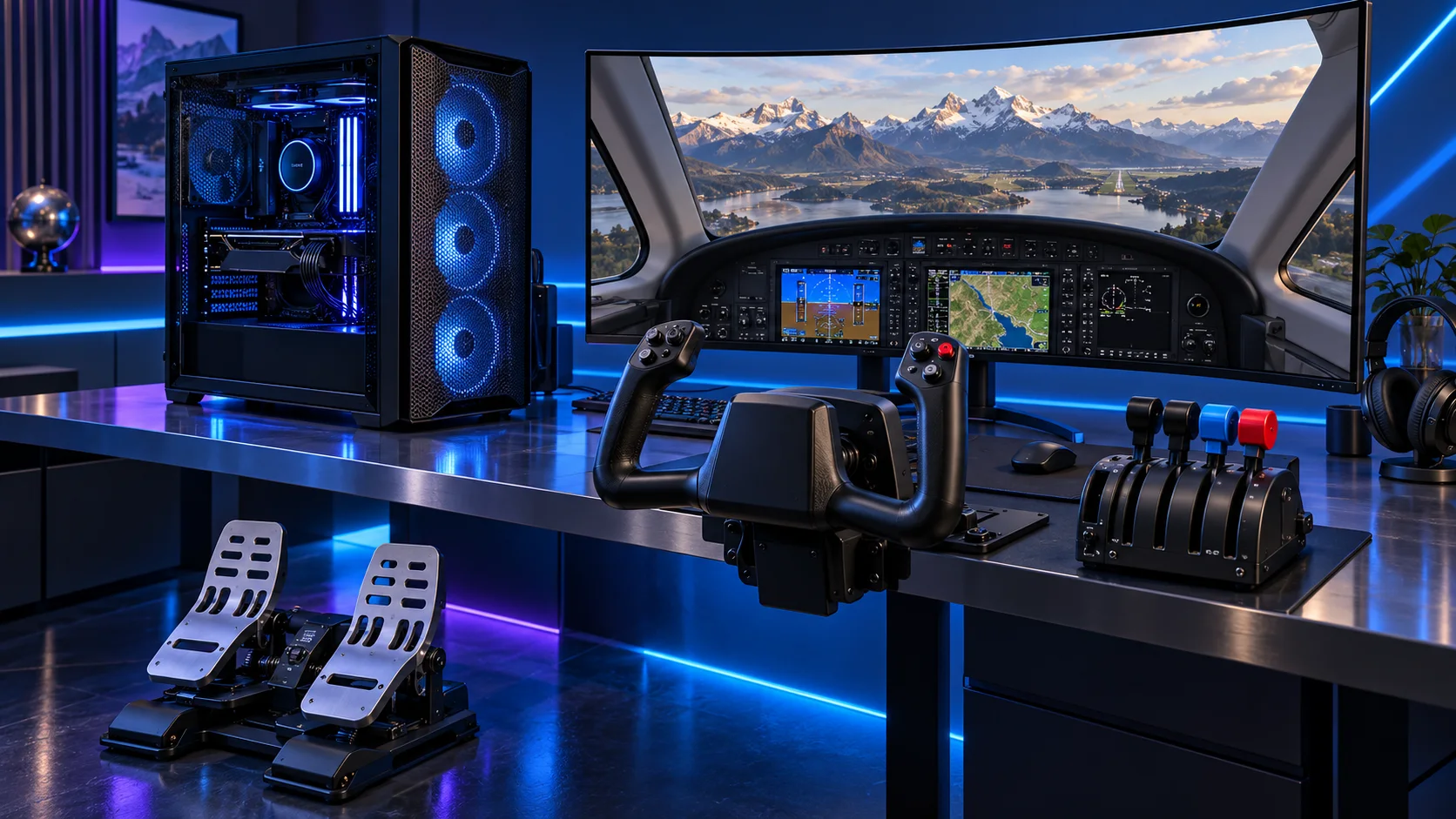
A good flight-sim PC starts with the view you want from the cockpit. I would build a balanced single-screen tower first, then spend deliberately on a headset, larger display or proper flying controls. Here is how I would choose the parts for Microsoft Flight Simulator and other demanding PC simulators.
Match the screen to the graphics target, then choose the gaming mouse, UK keyboard and headset around the desk. The network plan covers the fixed PC connection.
Table of Contents
ToggleStart with the work the PC will do
A civilian flight setup and a combat cockpit can lead to different spending decisions. Write down the simulator, the aircraft you actually fly, the display arrangement and the controls before choosing the tower. A useful first setup has enough graphics budget for the view and somewhere comfortable to put the stick or yoke. I would rather have a balanced PC and usable controls than a flagship tower that leaves the pilot steering with a keyboard.
Treat a large airport, a busy cockpit and a headset as separate demands. The processor helps with the simulation side, while the graphics card has to draw the selected view. Start with the screen resolution and your usual flights; increase the GPU allocation when moving to a high-resolution display or VR. Keep scenery storage and internet connectivity in the plan, particularly for a simulator that streams substantial world data.
| Build priority | What I would buy | Next guide |
|---|---|---|
| Balanced single-screen build | Eight cores give this tower a sensible all-round foundation while preserving money for graphics and controls. | Processor choices |
| Balanced NVIDIA tower | A higher-tier 16GB NVIDIA route for a demanding single-screen cockpit and a substantial graphics budget. | Graphics choices |
| Best complete stick setup | Joystick, separate throttle and rudder pedals create a coherent first cockpit. | Best Flight-Sim Controls for Beginners |
Choose the processor
Choose the CPU for the simulation you run, rather than assume a graphics-card upgrade fixes every slow approach. My balanced starting point is the 9700X. The 9600X keeps the first tower affordable; the X3D route is for a gaming-first machine where that extra spend does not force a weaker graphics card.
The Ryzen 7 9700X is my middle route: eight cores without making a flagship processor the centre of the whole purchase. I would choose it for a machine that needs to stay useful while several applications are open, and put the remaining money into the parts that hold the actual project.
Use a matched two-stick DDR5 kit. If the PC spends its day on sustained processing, give the cooler a sensible fan curve and keep the case intake clear rather than relying on short boost specifications.
| Best for | My choice | Why it fits |
|---|---|---|
| Balanced single-screen build | Ryzen 7 9700X | Eight cores give this tower a sensible all-round foundation while preserving money for graphics and controls. |
| Lower-cost AM5 start | Ryzen 5 9600X | Choose this when the saved platform spend pays for a better display or a proper throttle. |
| Premium simulation-first tower | Ryzen 7 9850X3D | The X3D route belongs in a demanding gaming-first cockpit with the graphics budget already covered. |
Compare processors for this build · Understand the wider processor choices
Build an AM5 tower in PC Builder to see the PC in 3D, compare planning estimates and save your selected parts. Use the workload and setup advice here to refine the choices.

Choose the graphics route
One conventional screen is the easiest place to begin. VR and wider display arrangements deserve their own graphics allocation and a look at the headset runtime or monitor connections. Buy the exact card that fits the case, rather than treat every version of a GPU family as the same size.
The MSI RTX 5070 Ti 16GB Ventus 3X OC is my higher-performance 16GB NVIDIA route. It is attractive when the software ecosystem stays the same but the graphics workload is becoming more demanding. It keeps the decision focused on usable rendering headroom rather than only the memory number.
This is a substantial card. Include length, slot thickness, power-cable space and the PSU in the purchase plan. A 16GB card remains a 16GB card even when its processing tier is higher.
| Best for | My choice | Why it fits |
|---|---|---|
| Balanced NVIDIA tower | MSI RTX 5070 Ti 16G Ventus 3X OC | A higher-tier 16GB NVIDIA route for a demanding single-screen cockpit and a substantial graphics budget. |
| Lower-cost 16GB start | MSI RTX 5060 Ti 16GB Shadow 2X OC Plus | Start here for a restrained display plan, then put the savings into the rest of the cockpit. |
| Premium display workload | Gigabyte RTX 5080 Gaming OC 16GB | Choose this when the view and display tier justify buying more rendering headroom. |
Compare graphics choices for this build
Use the graphics-card guide to match the screen and games, then compare like-for-like frame-rate results.

Choose memory capacity
I would choose 64GB for this roomy simulator tower if extensive add-ons and multitasking are part of the plan. A focused lower-cost setup can start at 32GB. Capacity is a whole-workload choice; it should not be bought in place of the graphics tier needed by the display.
Crucial Pro 64GB DDR5-5600 is the roomy two-stick workstation route. The purchase makes sense when several applications, sizeable projects or virtual machines need space at the same time.
Use the board’s memory support list and the processor’s memory guidance for the exact kit. A lower advertised transfer rate can be a reasonable trade for the capacity needed to keep work in memory.
| Best for | My choice | Why it fits |
|---|---|---|
| Focused lower-cost route | Crucial Pro 32GB DDR5-6000 | 32GB keeps a restrained first build affordable. |
| Roomier working desktop | Crucial Pro 64GB DDR5-5600 | 64GB supports a defined larger active workload. |
| Larger supported-capacity route | Corsair Vengeance RGB 96GB DDR5-6000 | 96GB is for a known need and a board that supports the exact kit. |
Choose the memory kit for this workload
Plan the RAM capacity for the work kept open together and the supported module arrangement. The profile guide covers setup once all memory is working at defaults.

Choose active storage and backup
Keep the simulator and frequently used scenery on the active NVMe drive. Leave room for updates and add-ons rather than filling it on day one. Archive installers and recordings separately, and keep a copy of controller profiles so rebuilding the PC does not mean remapping the cockpit.
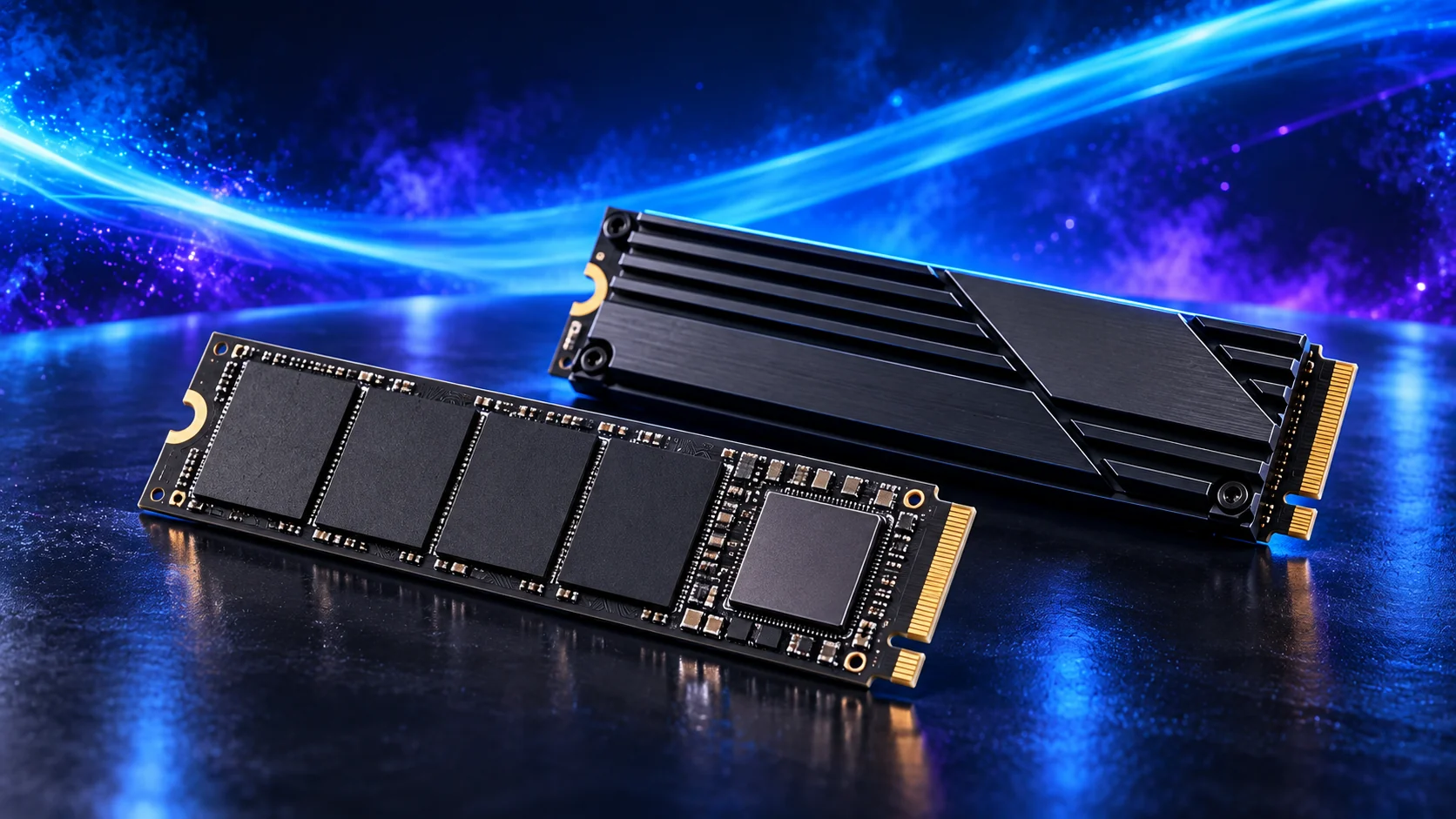
The WD Black SN850X 2TB is my active-project drive choice. Its role is to hold the files the PC reads and writes during work, rather than use an expensive SSD as the only home for every finished project.
A motherboard heatsink helps the drive manage sustained work. Check the slot arrangement before installing several M.2 drives, since lane sharing and disabled ports vary by board.
| Best for | My choice | Why it fits |
|---|---|---|
| Budget active-drive route | Crucial P310 2TB M.2 2280 | 2TB capacity for a restrained first tower. |
| Balanced active-project route | WD_BLACK SN850X 2TB | 2TB working space for applications and active files. |
| Larger working footprint | WD_BLACK SN850X 4TB | 4TB when the real library and working data justify it. |
Compare storage for this build · Distinguish memory and storage upgrades
Choose enough working storage, then check the exact SSD format/interface. The PCIe comparison helps decide whether the speed premium serves this build.
Choose the motherboard and connections
The Gigabyte B650 Eagle AX is the standard AM5 starting board. I would buy it when its storage, networking and USB layout cover the job, then keep the rest of the budget for the processor, memory and active project drive.
Confirm CPU support on the installed BIOS and map the M.2 slots and expansion cards before adding devices. More expensive chipset branding is useful only if the extra connections have a job.
Map the devices you actually plan to connect: displays, USB equipment, storage and expansion cards. Make the CPU, board and memory a matched platform before choosing optional accessories. A thick graphics card can cover a slot that otherwise looks available.
| Best for | My choice | Why it fits |
|---|---|---|
| Starting platform | Gigabyte B650 Eagle AX | The board used in this guide’s complete configuration. |
Choose the board and useful features · Understand the connections worth buying
Read the board/platform guide and check the case’s internal connections. PCIe and M.2 sharing keeps the planned drives and expansion cards usable together.

Choose the case and cooling together
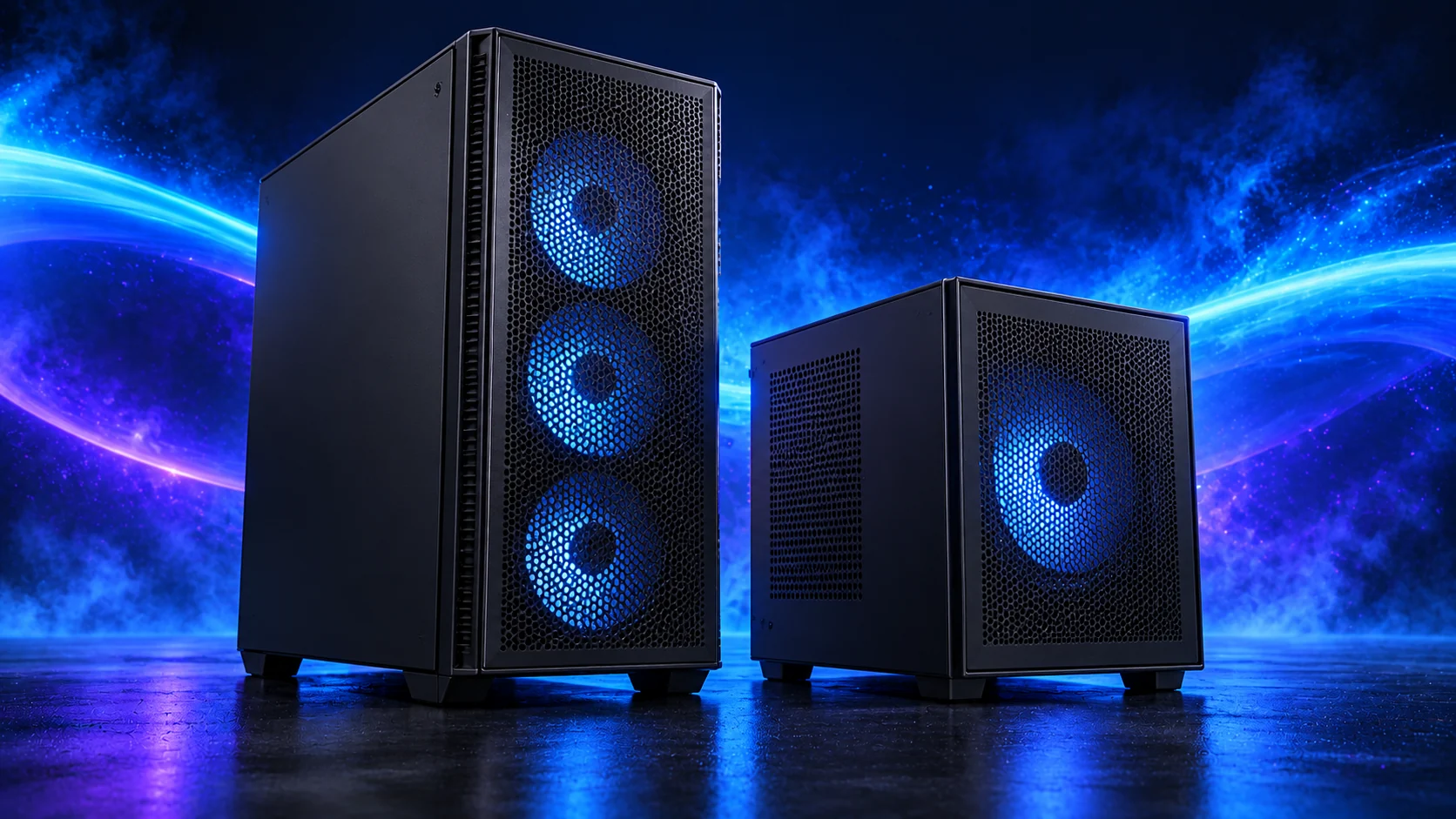
The NZXT H5 Flow 2024 is the conventional airflow-tower starting point. I would use it when straightforward assembly, accessible components and a clean desk appearance matter more than squeezing the machine into the smallest possible space.
Choose the final graphics card and cooler before signing off the layout. The case’s maximum dimensions and an installed front radiator are not independent allowances.
The Thermalright Phantom Spirit 120 SE is the other sensible twin-tower route here. I would choose between it and the Peerless Assassin using the actual basket price and fit, then set a fan curve suited to the room.
For long processing sessions, establish temperatures and fan behaviour under the application you use. A quiet idle desktop does not describe the PC while all cores are occupied.
| Best for | My choice | Why it fits |
|---|---|---|
| Starting enclosure | NZXT H5 Flow (2024) | Match the case to the whole layout and room. |
| Starting cooler | Thermalright Phantom Spirit 120 SE Black | Use the correct socket mount and installed clearance. |
Compare suitable case routes · Choose the cooler for the socket and space
Use the case-fan shortlist for the usable mounts and PWM/DC setup for the finished layout.
Choose the power supply
The Corsair RM850e 2025 is my conventional modular PSU route for a capable tower. Its role is a sensible power and cable foundation, rather than using the wattage label as a reason to spend without considering the components.
Use only the modular leads supplied for that PSU. Confirm the exact GPU recommendation and connector, and leave room for the power lead at the case panel.
| Best for | My choice | Why it fits |
|---|---|---|
| Starting configuration | Corsair RM850e (2025) | The supply used for this guide’s restrained or balanced parts basket. |
| Larger high-power tower route | be quiet! Pure Power 13 M 1000W | Choose this only when the final component power requirement and case layout need the larger supply. |
Compare the PSU routes · Understand connectors and cable fit
Match PSU load, connectors and installed space together, then keep the exact compatible cable set with the unit.

Choose the flying controls
The controls change the experience more than another decorative accessory. Choose the shape that matches the aircraft, then count the complete bundle: stick or yoke, throttle, pedals and the desk or floor space they need.
For desk use, look at where your elbows and wrists will sit during a long flight. A control that can be clamped or placed securely is easier to live with than one that moves each time you pull back. Leave room for the keyboard and a way to reach the mouse; the aircraft still has menus and switches outside the mapped controls.
For pedals, reserve a stable floor position before placing an order. Start by mapping pitch, roll, yaw and throttle, then add trim and frequently used commands. Tune dead zones and sensitivity after the axes work correctly. This gives a useful baseline and makes a later control upgrade a decision about the flying you enjoy.
| Best for | My choice | Why it fits |
|---|---|---|
| Best complete stick setup | Thrustmaster T16000M FCS Flight Pack | Joystick, separate throttle and rudder pedals create a coherent first cockpit. |
| Best lower-cost HOTAS | Thrustmaster T.Flight Hotas X | An approachable stick-and-throttle route before committing to a permanent flight setup. |
| Best civilian yoke route | Logitech PRO Flight Yoke System | Choose a yoke and throttle arrangement when that matches the aircraft you want to practise. |
The complete starting parts list
| Component | My choice | Why it belongs here |
|---|---|---|
| Processor | Ryzen 7 9700X | The starting CPU matched to this workload. |
| Graphics | MSI RTX 5070 Ti 16G Ventus 3X OC | The starting dedicated card for the planned graphics workload. |
| Motherboard | Gigabyte B650 Eagle AX | Match the socket, memory type and useful connections. |
| Memory | Crucial Pro 64GB DDR5-5600 | Choose capacity as one supported matched kit. |
| Active SSD | WD_BLACK SN850X 2TB | Working room for the OS, applications and active data. |
| Power supply | Corsair RM850e (2025) | Use the correct form factor and component power plan. |
| Case | NZXT H5 Flow (2024) | The complete layout’s enclosure. |
| CPU cooler | Thermalright Phantom Spirit 120 SE Black | Correct mount and fit for the chosen case. |
| Specialist equipment | Thrustmaster T16000M FCS Flight Pack | Include the equipment that makes the complete setup useful. |
This is the starting basket for the route described here. Choose the alternative parts as a complete matched configuration, keeping the board, memory, cooling and power changes together. The monitor, operating system and any equipment you already own should be counted in the total purchase plan.
For the other decisions in this cluster, use the processor shortlist, the graphics shortlist and the specialist buying guide.
Assemble and set up the PC
Install the simulator on the active SSD and start with the display connected directly to the graphics card. Set resolution and refresh rate in Windows before tuning the simulator. Use an ordinary single-screen configuration as the baseline, then add a headset or other displays one change at a time.
Map the controls before adding scenery packs and optional cockpit accessories. Fly a route you know with the same aircraft while adjusting settings; that makes changes easier to judge. For a mixed racing-and-flying machine, the sim-racing guides give a separate plan for the wheel, triples and VR layout.
Follow the beginner assembly guide · Check the complete parts fit
Technical references: Microsoft Flight Simulator FAQ · T16000M Flight Pack specification.