
How to Build a Proxmox Home Lab in 2027
By James Thompson · Updated:
Some links in my articles are affiliate links. I may earn a commission when you buy through them.
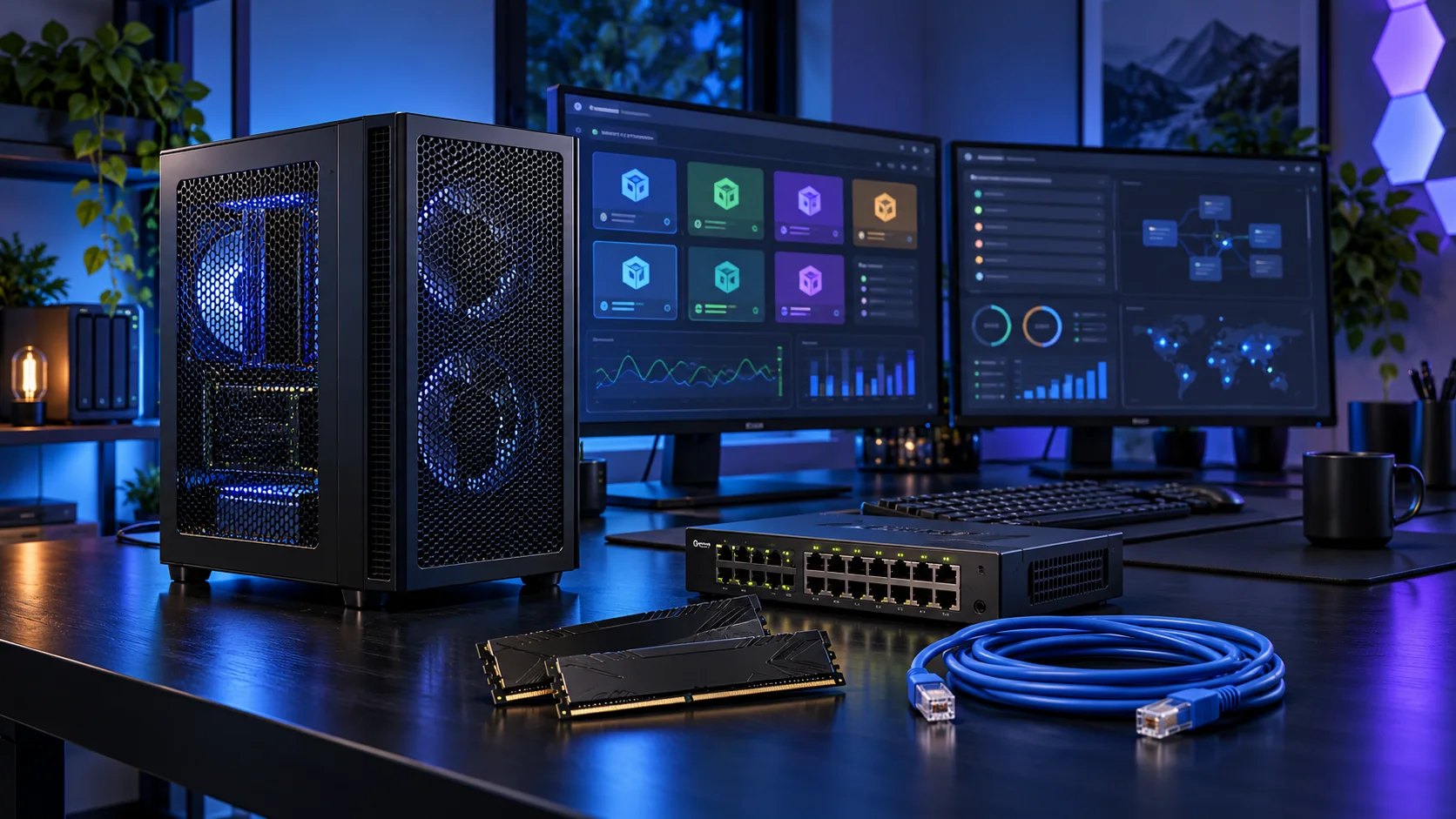
A useful home lab has enough memory for the guests, storage that keeps them responsive and connections that fit the network. I would design the guest list first, then choose the processor and platform. A modest tower can be a much better learning machine than a loud, power-hungry rack server.
For a smaller learning host, compare a mini PC with an expandable tower. The mini-PC pre-installation checklist covers firmware, wired networking and recovery before erasing the original system.
Table of Contents
ToggleStart with the work the PC will do
List the virtual machines and containers you want to run together. Give each one a realistic memory and storage allocation, then leave room for the host and a practical reserve. A lab used for a few Linux guests is a different purchase from several Windows machines, a storage VM and device passthrough. Decide which services must keep running and which are experiments you can shut down.
Consumer hardware can make a good lab, but server-like requirements need to be chosen explicitly. ECC, remote management, additional NICs and passthrough isolation are platform questions. A motherboard slot does not establish the IOMMU layout, and a second network port does not automatically separate services safely. I would start with a simple supported host and add complexity after the first guests are stable.
| Build priority | What I would buy | Next guide |
|---|---|---|
| Best balanced AM5 lab | Eight cores support a useful set of guests without starting with a flagship processor. | Processor choices |
| Best balanced AM5 host capacity | 64GB gives the AM5 guest plan useful space while leaving host headroom. | Workload-specific ram |
| Best active guest-storage start | A 2TB active NVMe drive suits a planned set of guests and sensible working headroom. | Best SSDs for a Proxmox Home Lab |
Choose the processor
CPU overcommit is a workload decision, not a way to buy unlimited performance. I would use the 9700X for a balanced AM5 lab and choose more cores when guests are active together. If choosing the i5-12500 alternative, change the motherboard and memory to the matching DDR4 route as a complete basket.
The Ryzen 7 9700X is my middle route: eight cores without making a flagship processor the centre of the whole purchase. I would choose it for a machine that needs to stay useful while several applications are open, and put the remaining money into the parts that hold the actual project.
Use a matched two-stick DDR5 kit. If the PC spends its day on sustained processing, give the cooler a sensible fan curve and keep the case intake clear rather than relying on short boost specifications.
| Best for | My choice | Why it fits |
|---|---|---|
| Best balanced AM5 lab | Ryzen 7 9700X | Eight cores support a useful set of guests without starting with a flagship processor. |
| Best lower-cost mixed Intel lab | Intel Core i5-12500 | A modest DDR4 Intel route for a smaller guest plan and integrated graphics. |
| Best larger parallel guest workload | Ryzen 9 9950X | Sixteen cores belong in a lab with enough simultaneous work and RAM to use them. |
Compare processors for this build · Understand the wider processor choices

Choose the display and acceleration route
Use the selected processor’s integrated display for setup and ordinary management. A separate gaming GPU has no job in this starting configuration.
Use the chosen processor’s integrated graphics for an ordinary desktop when the main application does not need a dedicated GPU. I would keep the machine simpler and put the money into the processor, memory, storage or specialist equipment that does the actual job.
Connect through a supported motherboard display output and verify the monitor arrangement. For demanding modern games, I would choose a dedicated graphics card instead.
| Best for | My choice | Why it fits |
|---|---|---|
| Basic display and setup | Use the processor’s integrated graphics | Keep the PCIe slot and budget available for the server’s actual job. |

Choose memory capacity
64GB DDR5 is the balanced AM5 route here. Sum the guests you will actually run together and retain host headroom. For the Intel alternative, use its DDR4 kit and D4 board as a separate platform; mixing the two lists does not produce a working host.
Crucial Pro 64GB DDR5-5600 is the roomy two-stick workstation route. The purchase makes sense when several applications, sizeable projects or virtual machines need space at the same time.
Use the board’s memory support list and the processor’s memory guidance for the exact kit. A lower advertised transfer rate can be a reasonable trade for the capacity needed to keep work in memory.
| Best for | My choice | Why it fits |
|---|---|---|
| Focused lower-cost route | Crucial Pro 32GB DDR5-6000 | 32GB keeps a restrained first build affordable. |
| Roomier working desktop | Crucial Pro 64GB DDR5-5600 | 64GB supports a defined larger active workload. |
| Larger supported-capacity route | Corsair Vengeance RGB 96GB DDR5-6000 | 96GB is for a known need and a board that supports the exact kit. |
Choose the memory kit for this workload
Plan the RAM capacity for the work kept open together and the supported module arrangement. The profile guide covers setup once all memory is working at defaults.

Choose active storage and backup
Put active guests on a suitable NVMe drive and keep a separate backup destination. Plan snapshots, templates and ISO storage in the capacity. Add network or controller cards only after confirming the board layout and the actual passthrough requirement.
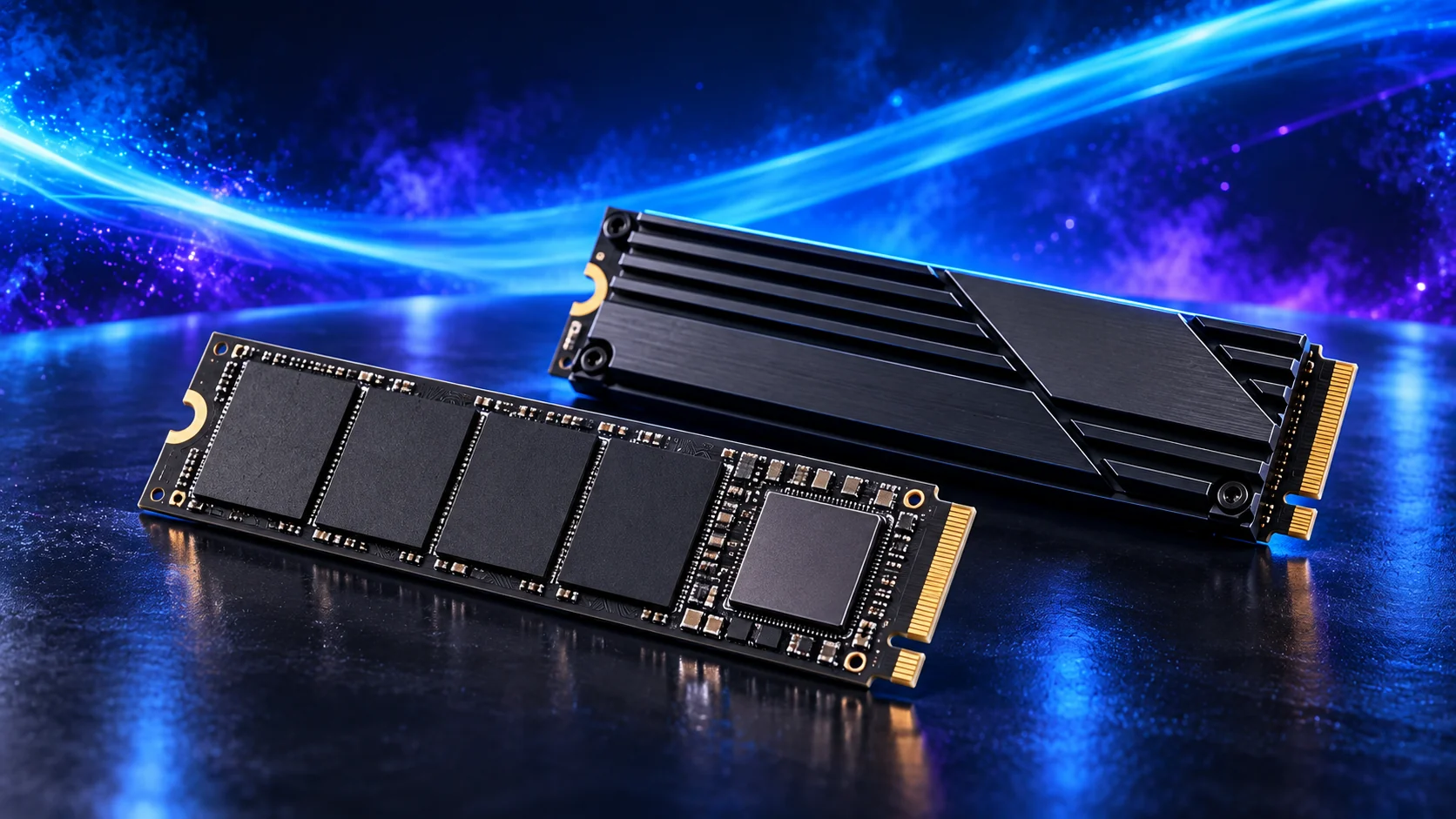
The WD Black SN850X 2TB is my active-project drive choice. Its role is to hold the files the PC reads and writes during work, rather than use an expensive SSD as the only home for every finished project.
A motherboard heatsink helps the drive manage sustained work. Check the slot arrangement before installing several M.2 drives, since lane sharing and disabled ports vary by board.
| Best for | My choice | Why it fits |
|---|---|---|
| Budget active-drive route | Crucial P310 2TB M.2 2280 | 2TB capacity for a restrained first tower. |
| Balanced active-project route | WD_BLACK SN850X 2TB | 2TB working space for applications and active files. |
| Larger working footprint | WD_BLACK SN850X 4TB | 4TB when the real library and working data justify it. |
Compare storage for this build · Distinguish memory and storage upgrades
Use the storage-role guide for active data and archives. For SSD workloads, compare sustained cache/endurance behaviour and the board’s usable connections.
Plan the home-network layout and the complete local transfer path for this server. Finish an independent backup and supported shutdown power.
Choose the motherboard and connections
The MSI B850M Gaming Plus WiFi6E is the micro-ATX AM5 route. It is a useful choice when a smaller tower still needs conventional memory and expansion flexibility.
Check the final card arrangement rather than just counting slots. A thick graphics card can cover a smaller slot that looked available in a motherboard photograph.
Map the devices you actually plan to connect: displays, USB equipment, storage and expansion cards. Make the CPU, board and memory a matched platform before choosing optional accessories. Keep a useful slot available for the storage or networking requirement if it appears later.
| Best for | My choice | Why it fits |
|---|---|---|
| Starting platform | MSI B850M Gaming Plus WiFi6E | The board used in this guide’s complete configuration. |
Choose the board and useful features · Understand the connections worth buying
Read the board/platform guide and check the case’s internal connections. PCIe and M.2 sharing keeps the planned drives and expansion cards usable together.

Choose the case and cooling together
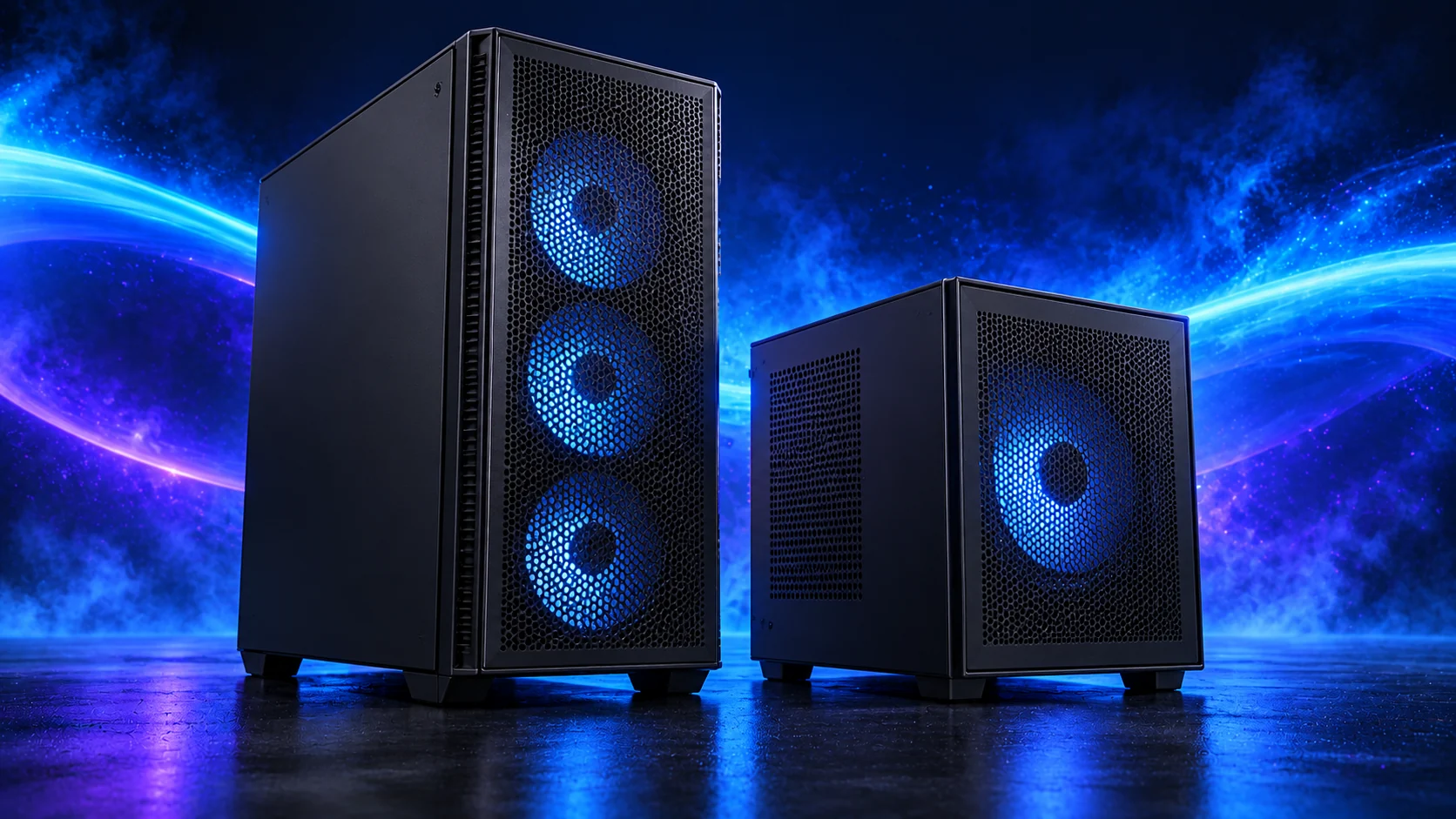
The Lian Li A3-mATX Wood is my easier-to-build compact route. It is a micro-ATX case, which makes it a useful alternative when a true Mini-ITX system would force expensive board and cooler compromises.
Map the PSU, graphics card, fans and any radiator as a complete arrangement. Compact cases can advertise individual component support that changes once the rest of the hardware is installed.
The Thermalright Phantom Spirit 120 SE is the other sensible twin-tower route here. I would choose between it and the Peerless Assassin using the actual basket price and fit, then set a fan curve suited to the room.
For long processing sessions, establish temperatures and fan behaviour under the application you use. A quiet idle desktop does not describe the PC while all cores are occupied.
| Best for | My choice | Why it fits |
|---|---|---|
| Starting enclosure | Lian Li A3-mATX wood-front | Match the case to the whole layout and room. |
| Starting cooler | Thermalright Phantom Spirit 120 SE Black | Use the correct socket mount and installed clearance. |
Compare suitable case routes · Choose the cooler for the socket and space
Use the case-fan shortlist for the usable mounts and PWM/DC setup for the finished layout.
Choose the power supply
The MSI MAG A650BN is the lower-cost ATX route for a modest system. It makes sense when the PC is deliberately kept below the needs of a large modern graphics card and there is room to manage fixed cables.
Count SATA leads for a storage server and graphics-power plugs for a gaming PC. A wattage rating does not establish that the connectors and cable layout suit every configuration.
| Best for | My choice | Why it fits |
|---|---|---|
| Starting configuration | MSI MAG A650BN | The supply used for this guide’s restrained or balanced parts basket. |
| Larger conventional-tower route | Corsair RM850e (2025) | Choose this only when the final component power requirement and case layout need the larger supply. |
Compare the PSU routes · Understand connectors and cable fit
Match PSU load, connectors and installed space together, then keep the exact compatible cable set with the unit.

The complete starting parts list
| Component | My choice | Why it belongs here |
|---|---|---|
| Processor | Ryzen 7 9700X | The starting CPU matched to this workload. |
| Graphics | Processor integrated graphics | Use the selected processor’s display/acceleration route. |
| Motherboard | MSI B850M Gaming Plus WiFi6E | Match the socket, memory type and useful connections. |
| Memory | Crucial Pro 64GB DDR5-5600 | Choose capacity as one supported matched kit. |
| Active SSD | WD_BLACK SN850X 2TB | Working room for the OS, applications and active data. |
| Power supply | MSI MAG A650BN | Use the correct form factor and component power plan. |
| Case | Lian Li A3-mATX wood-front | The complete layout’s enclosure. |
| CPU cooler | Thermalright Phantom Spirit 120 SE Black | Correct mount and fit for the chosen case. |
This is the starting basket for the route described here. Choose the alternative parts as a complete matched configuration, keeping the board, memory, cooling and power changes together. The monitor, operating system and any equipment you already own should be counted in the total purchase plan.
For the other decisions in this cluster, use the processor shortlist, the ram shortlist and the specialist buying guide.
Assemble and set up the PC
Enable the processor’s supported virtualisation features in firmware and install Proxmox to the intended host storage. Keep a simple management network first, then create one guest and test its storage and network before adding the whole planned lab. Document the host and guest allocations as they become real.
Back up and restore a guest before relying on the host. For passthrough, verify the device’s actual isolation and the supported configuration rather than assume it from a specification sheet. Do not casually place the household’s only router, only archive and every experiment on one untested host.
Follow the beginner assembly guide · Check the complete parts fit
Technical references: Proxmox VE system requirements.