
How to Build a Home Game Server in 2027
By James Thompson · Updated:
Some links in my articles are affiliate links. I may earn a commission when you buy through them.
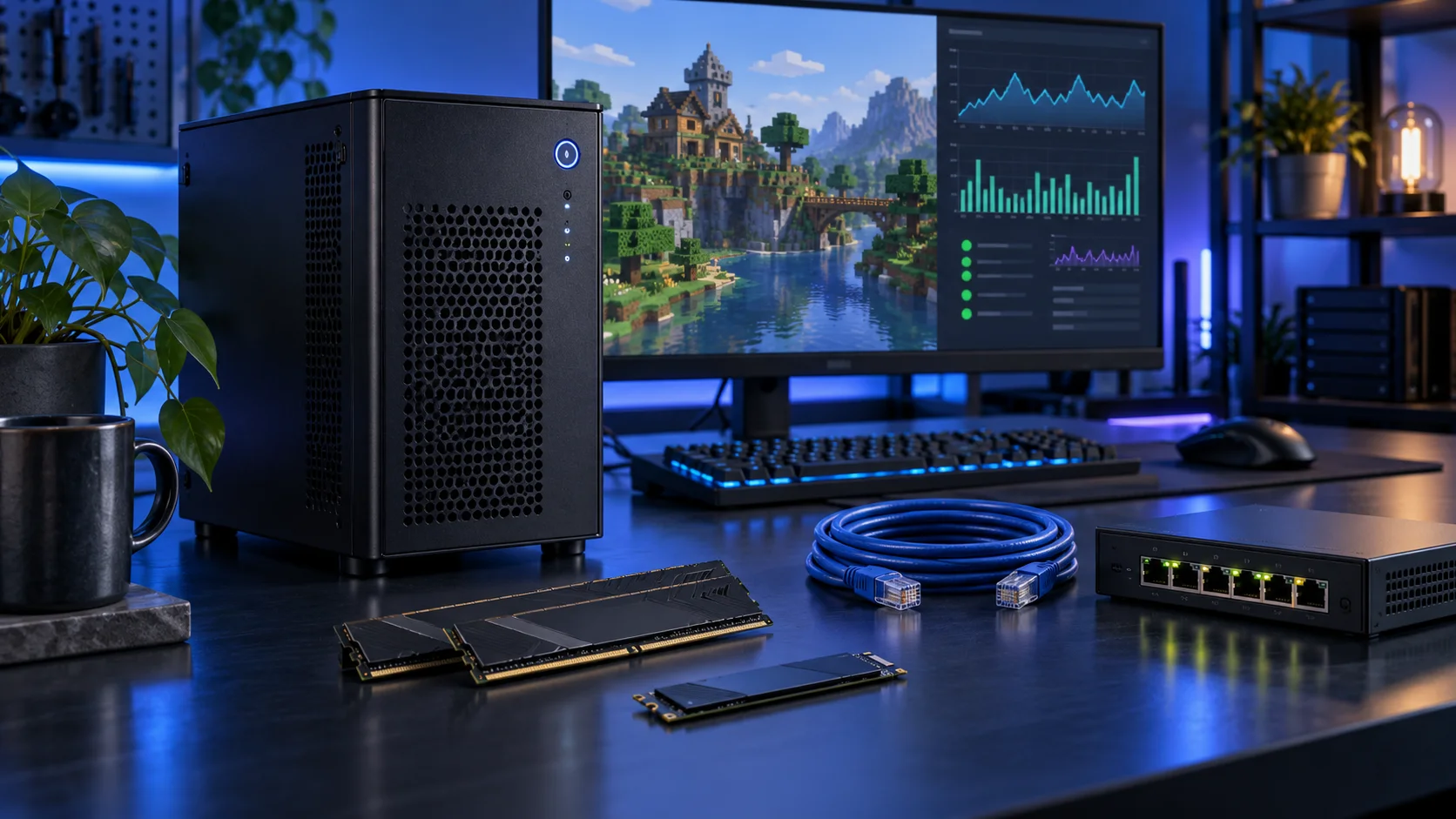
A home game server needs to keep the world running, store it safely and give friends a stable connection. I would choose the server software, mod set and active player plan first, then build a modest CPU-focused machine. A dedicated graphics card usually has no job in a headless server.
Table of Contents
ToggleStart with the work the PC will do
List the exact game server, mods or plugins and the worlds you want running at the same time. A private vanilla world and several heavily modified instances are different purchases. Server tick work, memory and storage activity matter more than a gaming benchmark from the client. Start with a single known server configuration rather than promise a player count from a processor name alone.
Include the home network, backup routine and the way friends connect. A faster CPU does not remove an upload limit or a connection that cannot accept the supported server route. Keep the server separate from the everyday gaming desktop when it needs to stay available. I would prefer a restrained tower that is easy to maintain over a loud rack machine that adds power use and complexity.
| Build priority | What I would buy | Next guide |
|---|---|---|
| Best balanced first server | A modest AM5 processor makes sense for a focused single-instance starting plan. | Processor choices |
| Best focused host capacity | 32GB gives a modest host space for the OS and a deliberately allocated server. | Workload-specific ram |
| Best focused server drive | A 1TB active NVMe route when the server footprint is deliberately modest. | Best SSDs for Home Game Servers |
Choose the processor
Choose the processor around the server’s tick and worker behaviour. A single busy instance can hit a CPU-side limit without using every core; multiple active instances can use more aggregate CPU. Start with the 9600X and move up for the actual concurrency you plan.
The Ryzen 5 9600X is the AM5 route I would start with when the graphics card, storage or specialist equipment deserves more of the budget. Its six-core layout is a sensible foundation for a focused desktop rather than a machine bought to run every heavy task at once.
Pair it with DDR5 and an AM5 board with the right BIOS. An inexpensive tower cooler makes sense in a normal case; a tiny enclosure needs a separate cooler and power plan.
| Best for | My choice | Why it fits |
|---|---|---|
| Best balanced first server | Ryzen 5 9600X | A modest AM5 processor makes sense for a focused single-instance starting plan. |
| Best multiple-service route | Ryzen 7 9700X | Eight cores offer useful room when several services or instances are active together. |
| Best busier multi-instance route | Ryzen 9 9900X | Twelve cores belong to concurrent CPU work rather than an assumed universal player-count upgrade. |
Compare processors for this build · Understand the wider processor choices

Choose the display and acceleration route
Use the selected processor’s integrated display for setup and ordinary management. A separate gaming GPU has no job in this starting configuration.
Use the chosen processor’s integrated graphics for an ordinary desktop when the main application does not need a dedicated GPU. I would keep the machine simpler and put the money into the processor, memory, storage or specialist equipment that does the actual job.
Connect through a supported motherboard display output and verify the monitor arrangement. For demanding modern games, I would choose a dedicated graphics card instead.
| Best for | My choice | Why it fits |
|---|---|---|
| Basic display and setup | Use the processor’s integrated graphics | Keep the PCIe slot and budget available for the server’s actual job. |

Choose memory capacity
32GB is the focused starting host capacity. Choose 64GB for an identified larger modded or multi-instance plan. Allocate memory deliberately, keep OS headroom and use actual server behaviour rather than a universal gigabytes-per-player formula.
Crucial Pro 32GB DDR5-6000 is my straightforward two-stick AM5 starting kit. It leaves the PC with useful everyday capacity without buying workstation-sized memory for a project that never fills it.
Choose capacity first, then the profile. Install the kit in the motherboard’s recommended paired slots and establish a stable baseline before enabling its faster memory setting. Keep DDR5 out of a DDR4-only board.
| Best for | My choice | Why it fits |
|---|---|---|
| Focused lower-cost route | Crucial Pro 32GB DDR5-6000 | 32GB keeps a restrained first build affordable. |
| Roomier working desktop | Crucial Pro 64GB DDR5-5600 | 64GB supports a defined larger active workload. |
| Larger supported-capacity route | Corsair Vengeance RGB 96GB DDR5-6000 | 96GB is for a known need and a board that supports the exact kit. |
Choose the memory kit for this workload
Plan the RAM capacity for the work kept open together and the supported module arrangement. The profile guide covers setup once all memory is working at defaults.

Choose active storage and backup
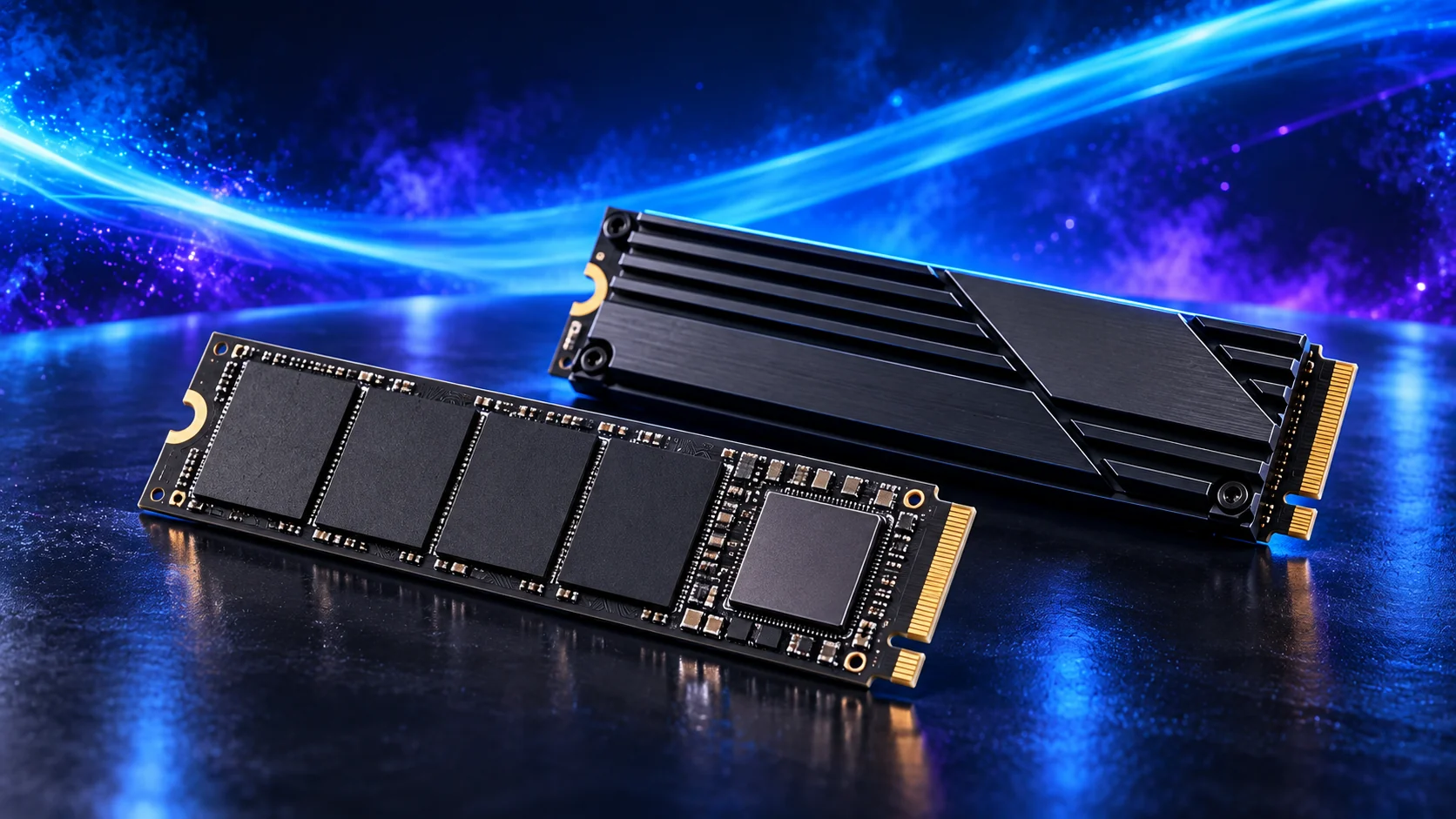
A focused server can use a modest NVMe drive, but allow space for the world to grow and for useful restore points. Keep a consistent independent backup of the save and configuration. Backups retained only on the working drive cannot recover a failed drive.
The WD Black SN850X 1TB is the smaller performance-oriented route for a focused system or boot drive. I would choose it where the active footprint is modest and bulk files live elsewhere.
Do not buy a small premium drive that will be full from the first day. Add up applications, updates, project caches and working space before deciding that 1TB is enough.
| Best for | My choice | Why it fits |
|---|---|---|
| Budget active-drive route | Crucial P310 2TB M.2 2280 | 2TB capacity for a restrained first tower. |
| Balanced active-project route | WD_BLACK SN850X 2TB | 2TB working space for applications and active files. |
| Larger working footprint | WD_BLACK SN850X 4TB | 4TB when the real library and working data justify it. |
Compare storage for this build · Distinguish memory and storage upgrades
Use the storage-role guide for active data and archives. For SSD workloads, compare sustained cache/endurance behaviour and the board’s usable connections.
Plan the home-network layout and the complete local transfer path for this server. Finish an independent backup and supported shutdown power.
Choose the motherboard and connections
The MSI B850M Gaming Plus WiFi6E is the micro-ATX AM5 route. It is a useful choice when a smaller tower still needs conventional memory and expansion flexibility.
Check the final card arrangement rather than just counting slots. A thick graphics card can cover a smaller slot that looked available in a motherboard photograph.
Map the devices you actually plan to connect: displays, USB equipment, storage and expansion cards. Make the CPU, board and memory a matched platform before choosing optional accessories. Keep a useful slot available for the storage or networking requirement if it appears later.
| Best for | My choice | Why it fits |
|---|---|---|
| Starting platform | MSI B850M Gaming Plus WiFi6E | The board used in this guide’s complete configuration. |
Choose the board and useful features · Understand the connections worth buying
Read the board/platform guide and check the case’s internal connections. PCIe and M.2 sharing keeps the planned drives and expansion cards usable together.

Choose the case and cooling together
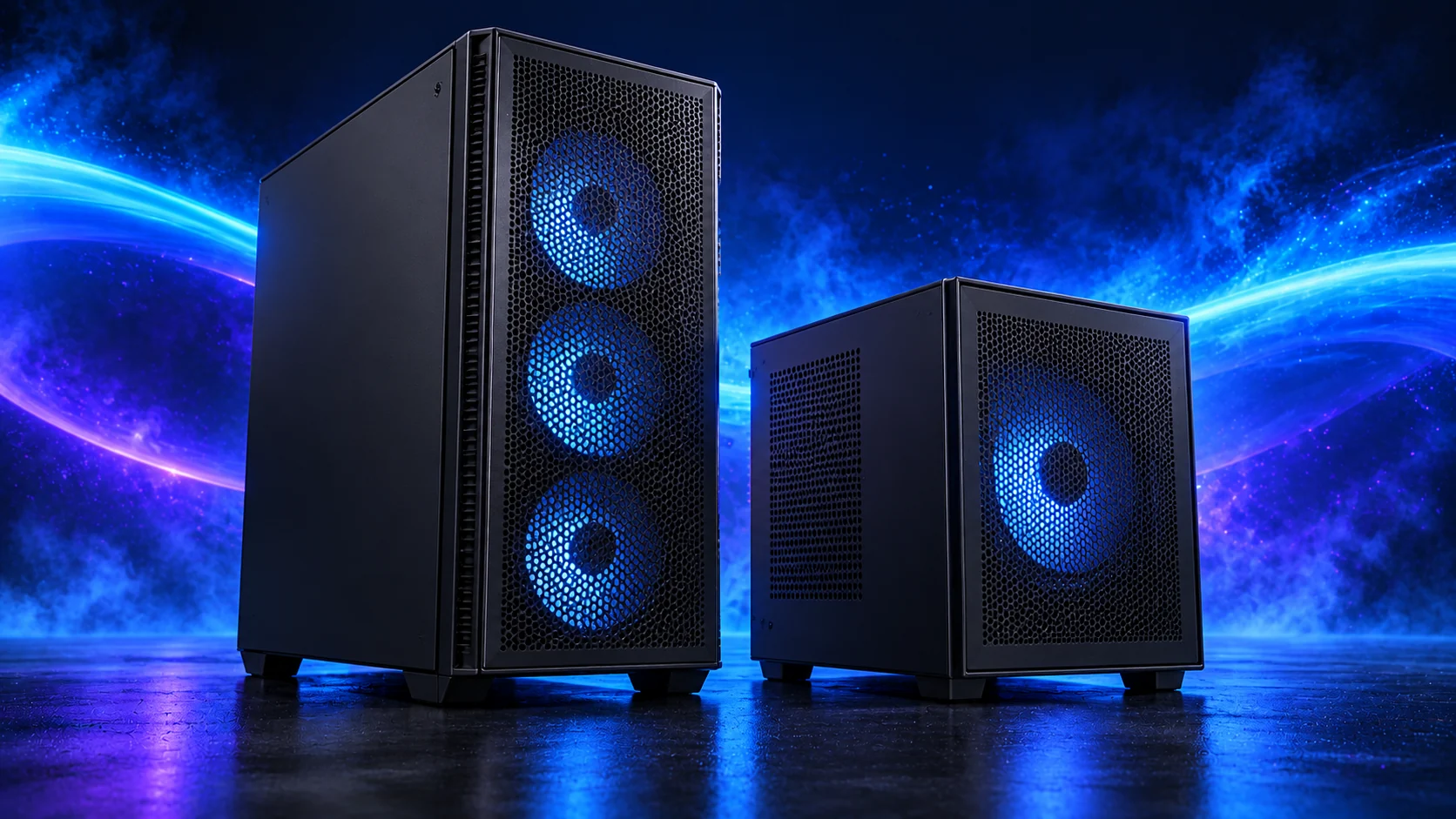
The Lian Li A3-mATX Wood is my easier-to-build compact route. It is a micro-ATX case, which makes it a useful alternative when a true Mini-ITX system would force expensive board and cooler compromises.
Map the PSU, graphics card, fans and any radiator as a complete arrangement. Compact cases can advertise individual component support that changes once the rest of the hardware is installed.
The ARCTIC Freezer 36 is the simpler tower-cooler route for a restrained processor. I would use it when a larger twin tower adds bulk without solving a useful problem in the build.
Match the mount to the socket and check installed height. For a studio or living-room PC, smooth changes in fan speed are usually more pleasant than a curve that repeatedly jumps up and down.
| Best for | My choice | Why it fits |
|---|---|---|
| Starting enclosure | Lian Li A3-mATX wood-front | Match the case to the whole layout and room. |
| Starting cooler | ARCTIC Freezer 36 Black | Use the correct socket mount and installed clearance. |
Compare suitable case routes · Choose the cooler for the socket and space
Use the case-fan shortlist for the usable mounts and PWM/DC setup for the finished layout.
Choose the power supply
The MSI MAG A650BN is the lower-cost ATX route for a modest system. It makes sense when the PC is deliberately kept below the needs of a large modern graphics card and there is room to manage fixed cables.
Count SATA leads for a storage server and graphics-power plugs for a gaming PC. A wattage rating does not establish that the connectors and cable layout suit every configuration.
| Best for | My choice | Why it fits |
|---|---|---|
| Starting configuration | MSI MAG A650BN | The supply used for this guide’s restrained or balanced parts basket. |
| Larger conventional-tower route | Corsair RM850e (2025) | Choose this only when the final component power requirement and case layout need the larger supply. |
Compare the PSU routes · Understand connectors and cable fit
Match PSU load, connectors and installed space together, then keep the exact compatible cable set with the unit.

The complete starting parts list
| Component | My choice | Why it belongs here |
|---|---|---|
| Processor | Ryzen 5 9600X | The starting CPU matched to this workload. |
| Graphics | Processor integrated graphics | Use the selected processor’s display/acceleration route. |
| Motherboard | MSI B850M Gaming Plus WiFi6E | Match the socket, memory type and useful connections. |
| Memory | Crucial Pro 32GB DDR5-6000 | Choose capacity as one supported matched kit. |
| Active SSD | WD_BLACK SN850X 1TB | Working room for the OS, applications and active data. |
| Power supply | MSI MAG A650BN | Use the correct form factor and component power plan. |
| Case | Lian Li A3-mATX wood-front | The complete layout’s enclosure. |
| CPU cooler | ARCTIC Freezer 36 Black | Correct mount and fit for the chosen case. |
This is the starting basket for the route described here. Choose the alternative parts as a complete matched configuration, keeping the board, memory, cooling and power changes together. The monitor, operating system and any equipment you already own should be counted in the total purchase plan.
For the other decisions in this cluster, use the processor shortlist, the ram shortlist and the specialist buying guide.
Assemble and set up the PC
Install the official supported server software for the chosen edition and operating system. Establish local access, a saved world and a recoverable copy before enabling external access through the supported route. Keep the host patched and give the server only the access it needs.
Add mods in a known configuration and restore a test copy of the world. Check tick behaviour, memory and the network with the actual instance before spending more. For many guests rather than a few game instances, compare the home-lab platform guide.
Follow the beginner assembly guide · Check the complete parts fit
Technical references: Official Minecraft server download and editions · Bedrock dedicated-server setup.