
Best UPS for PC and NAS: UK sockets, load and safe shutdown in 2027
By James Thompson · Updated:
Some links in my articles are affiliate links. I may earn a commission when you buy through them.
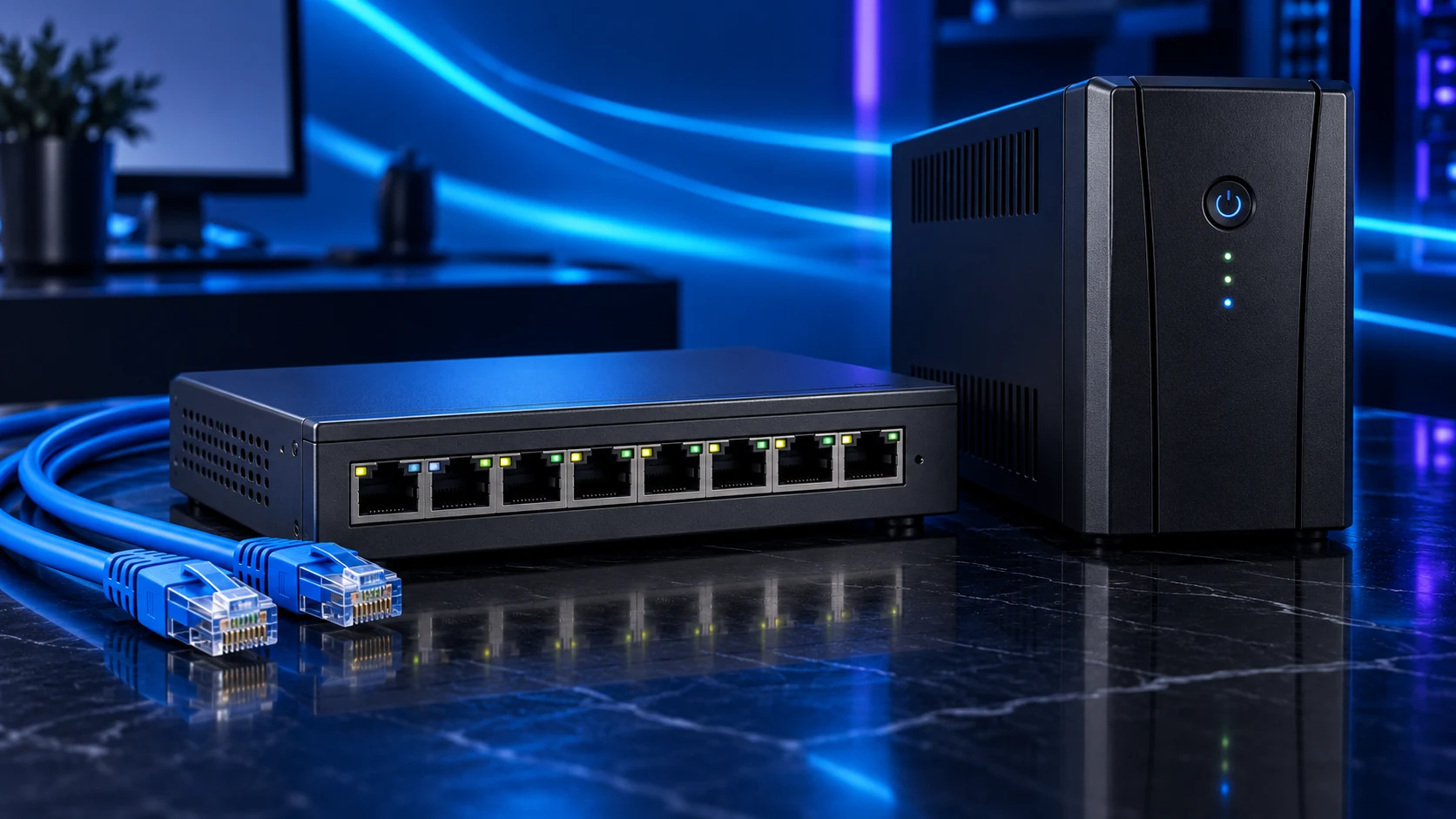
Choose a UPS for the actual load, required shutdown time and supported communication route. BE850G2-UK is the British-socket starting point, BR1500GI is the higher-load IEC route, and SMT1000IC is the Smart-UPS pure-sine option in this comparison.
Table of Contents
ToggleThe shortlist: choose for your setup
| Use | My choice | Why choose it | Choose another when |
|---|---|---|---|
| UK-socket small setup | APC BE850G2-UK | An 850VA/520 W route with British BS1363 outlets. | The protected load or PSU compatibility requires a different UPS/output route. |
| Higher-load IEC setup | APC BR1500GI | A 1500VA/865 W route with IEC C13 outlets and a documented runtime/shutdown arrangement. | You need British output sockets directly or specifically require a pure-sine model. |
| Pure-sine Smart-UPS route | APC SMT1000IC | A 1000VA/700 W line-interactive pure-sine model with IEC outlets. | You need more than its supported load/runtime or a simpler British-socket setup covers the task. |
VA and watts are separate limits. Runtime changes with load and battery condition; use the exact model’s runtime chart rather than a fixed minutes claim for every PC.

UK-socket small setup: APC BE850G2-UK
BE850G2-UK suits a smaller compatible protected setup when British sockets simplify the connections. Use the model’s labelled battery-backed outlets for equipment that must remain powered; surge-only outlets serve a different role.
USB charging sockets and UPS data communication are different features. Confirm the shutdown interface and supported PC/NAS software for the exact model. A NAS needs to know when to stop safely, not merely remain powered for a few minutes.
Higher-load IEC setup: APC BR1500GI
Choose BR1500GI when its power envelope and IEC connection arrangement fit the equipment. Include the correct approved leads, and compare the runtime chart at the expected load rather than choosing only by the VA rating.
The PC PSU’s printed wattage is its capacity, not the PC’s measured wall demand. Account for the actual system, screen and network devices you intend to protect, with suitable headroom for the expected maximum.
Use the worked UPS sizing example to add the PC, screen and essential network load, then check watts, VA and shutdown runtime.
Pure-sine Smart-UPS route: APC SMT1000IC
SMT1000IC is the route when the supported pure-sine output and Smart-UPS functions serve the installation. It has a lower watt rating than the BR1500GI in this list despite a more specialist feature set. Choose the requirement, not the product hierarchy alone.
Keep model-specific communication and operating-system support explicit. A cloud monitoring feature is not automatically the same as a supported local shutdown process. Plan how the NAS and PC receive the shutdown instruction.
Set up a controlled shutdown
Connect the supported communication cable/interface, configure the relevant PC/NAS shutdown process and follow the manufacturer’s supported verification procedure. Keep essential switch/router equipment on the protected path when network signalling is required.
Avoid attaching inappropriate high-demand appliances such as heaters or laser printers to the battery-backed outputs. Follow the UPS instructions for ventilation, installation and battery replacement. A NAS backup remains necessary even with controlled shutdown.
The NAS UPS shutdown sequence separates battery-backed power from the USB or network status path and shows what to verify when mains power returns.
1. Load
Watts and VA within the exact model limits
2. Runtime
At that load, with shutdown margin
3. Communication
Supported PC/NAS signalling
4. Recovery
Verified shutdown and independent data backup
Finish the setup
Choose the exact model and connection route, then configure shutdown before relying on it. Use the PSU guide for the PC’s power role and the server-backup plan for recoverable data.
Specifications and setup: BE850G2-UK · BR1500GI · SMT1000IC · Synology UPS configuration · APC shutdown support.