
Best Processors for Proxmox Home Labs in 2027
By James Thompson · Updated:
Some links in my articles are affiliate links. I may earn a commission when you buy through them.
For the specification behind these choices, read cores, clock speed and cache. Include sustained power and cooling and CPU/board compatibility in the complete platform comparison.
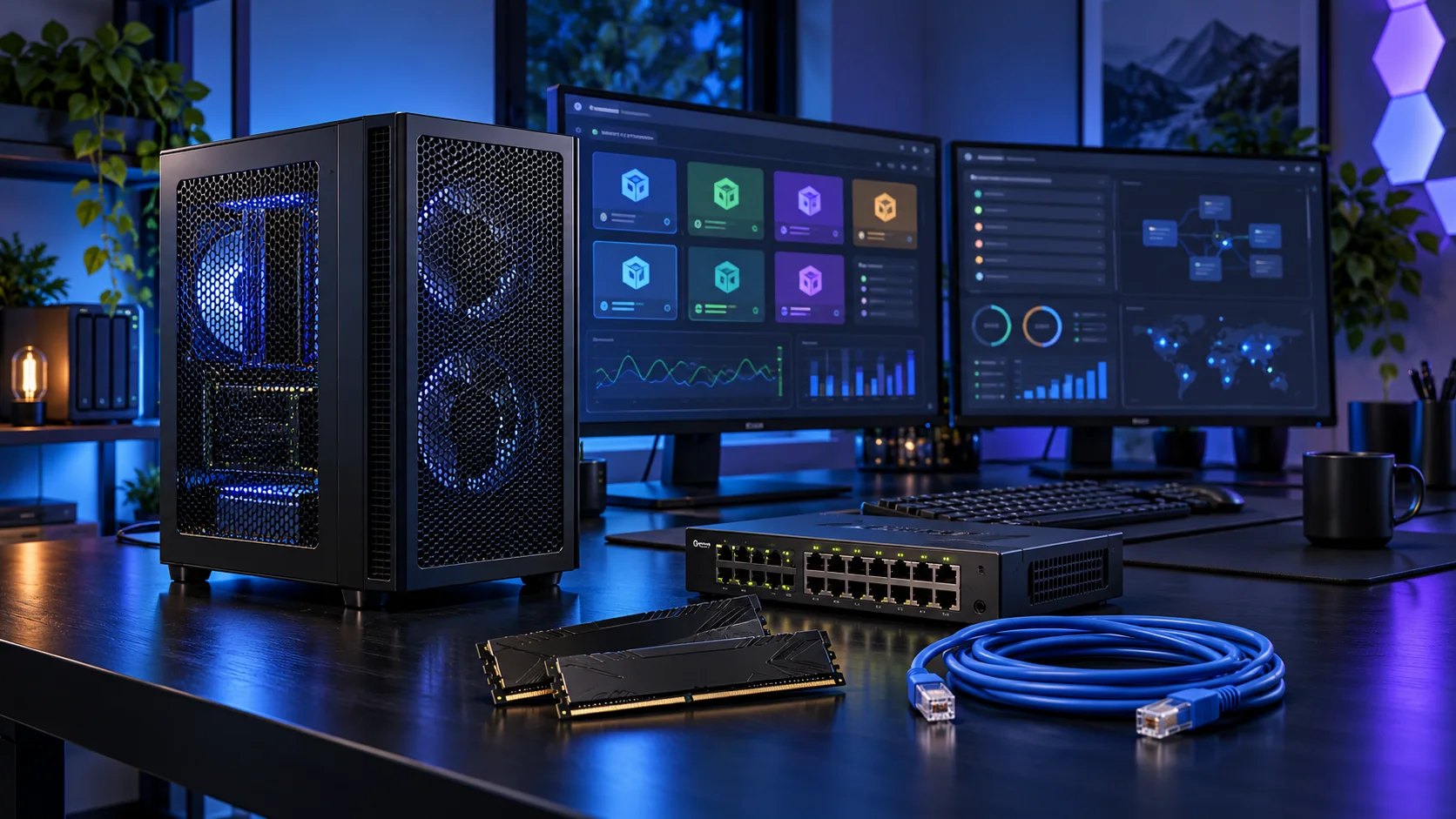
CPU overcommit is a workload decision, not a way to buy unlimited performance. I would use the 9700X for a balanced AM5 lab and choose more cores when guests are active together. If choosing the i5-12500 alternative, change the motherboard and memory to the matching DDR4 route as a complete basket. Here is the shortlist I would use, with the lower-cost and more capable routes kept alongside the complete proxmox home labs setup.
Table of Contents
ToggleChoose the right option for your build
| Best for | My choice | Why it fits |
|---|---|---|
| Best balanced AM5 lab | Ryzen 7 9700X | Eight cores support a useful set of guests without starting with a flagship processor. |
| Best lower-cost mixed Intel lab | Intel Core i5-12500 | A modest DDR4 Intel route for a smaller guest plan and integrated graphics. |
| Best larger parallel guest workload | Ryzen 9 9950X | Sixteen cores belong in a lab with enough simultaneous work and RAM to use them. |
Start with the shortlist below, then use the complete build guide to match your choice to the rest of the setup.
Best balanced AM5 lab: Ryzen 7 9700X
Eight cores support a useful set of guests without starting with a flagship processor.
The Ryzen 7 9700X is my middle route: eight cores without making a flagship processor the centre of the whole purchase. I would choose it for a machine that needs to stay useful while several applications are open, and put the remaining money into the parts that hold the actual project.
Use a matched two-stick DDR5 kit. If the PC spends its day on sustained processing, give the cooler a sensible fan curve and keep the case intake clear rather than relying on short boost specifications.

Best lower-cost mixed Intel lab: Intel Core i5-12500
A modest DDR4 Intel route for a smaller guest plan and integrated graphics.
The Core i5-12500 is an older platform that still has a clear job in a home server: six CPU cores and integrated Intel graphics, including Quick Sync. I would consider it as a complete board-and-memory purchase, not pay a scarcity premium just because one part number appears in a guide.
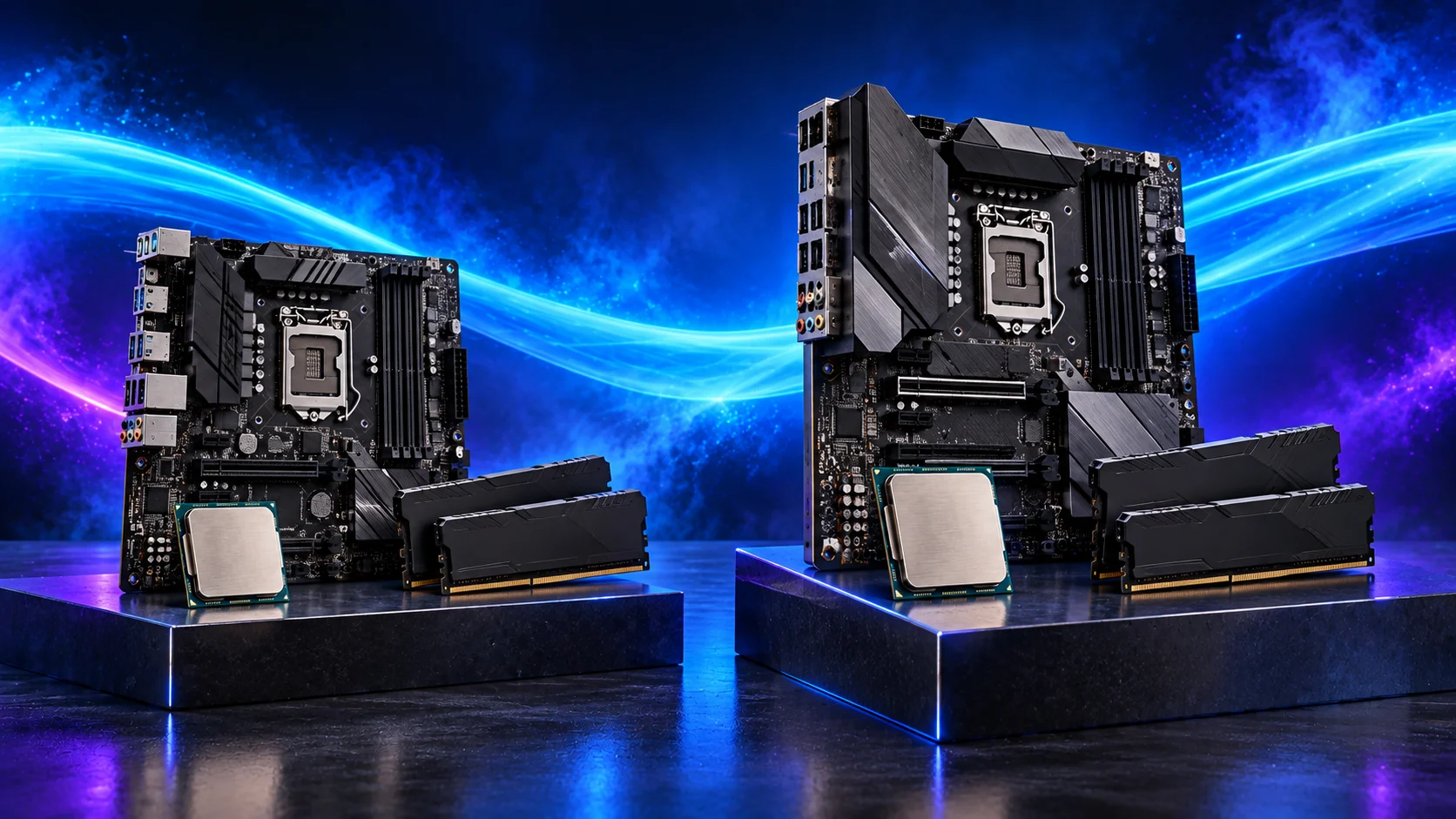
This is the non-F processor. Pair the suggested B760M Pro RS/D4 with DDR4, not DDR5. If an equivalent newer integrated-graphics platform costs less as a whole, compare that basket before committing to LGA1700.
Best larger parallel guest workload: Ryzen 9 9950X
Sixteen cores belong in a lab with enough simultaneous work and RAM to use them.
The Ryzen 9 9950X is the throughput purchase. I would pay for it when compilation, processing or other jobs occupy many cores repeatedly, because shortening a recurring wait is a useful reason to upgrade. It is an extravagant answer to a machine that spends most of its day on light interactive work.
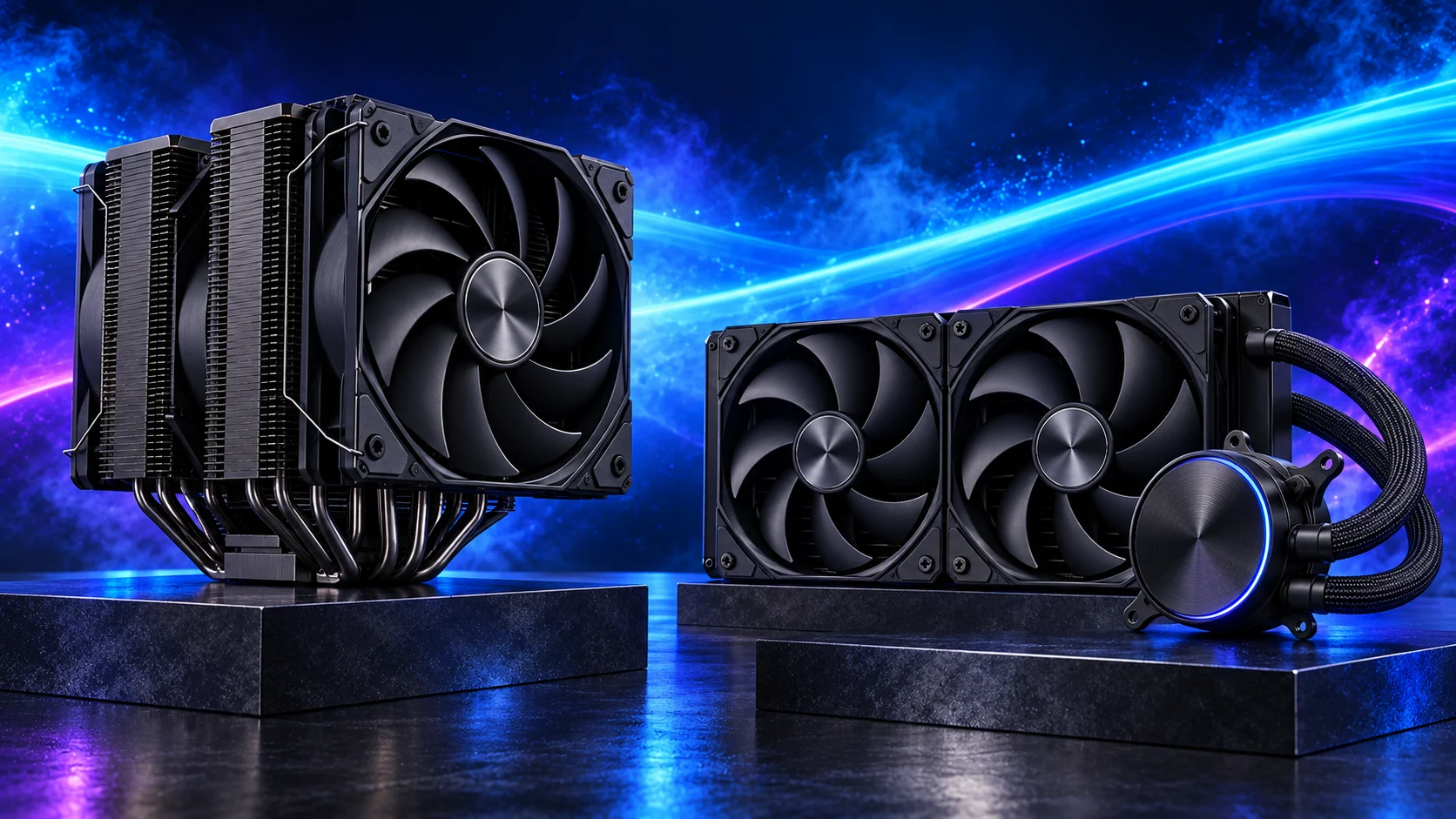
Build around a cooler and case that can handle sustained CPU load. A supported two-stick high-capacity memory kit is a better first step than filling every memory slot and assuming the same profile will remain stable.
How I would choose between these routes
Keep interactive responsiveness and repeated parallel jobs separate in the decision. More cores are worth buying when useful work can occupy them; they are a weak reason to make the processor the most expensive part of a lightly loaded desktop. Choose the complete platform, then give memory, graphics and storage enough of the budget to support it.
The suggested Ryzen choices use AM5 and DDR5. Compare the complete platform, including the board, memory, cooler and useful connections. Keep those supporting parts together when changing the processor route.
Match the purchase to the actual workload
List the virtual machines and containers you want to run together. Give each one a realistic memory and storage allocation, then leave room for the host and a practical reserve. A lab used for a few Linux guests is a different purchase from several Windows machines, a storage VM and device passthrough. Decide which services must keep running and which are experiments you can shut down.
If that guest list fits a compact host, compare a ready-made mini PC with the DIY tower route before buying a separate desktop processor and board.
The supporting parts I would put beside it
64GB DDR5 is the balanced AM5 route here. Sum the guests you will actually run together and retain host headroom. For the Intel alternative, use its DDR4 kit and D4 board as a separate platform; mixing the two lists does not produce a working host.
| Role | Suggested route | Why I include it |
|---|---|---|
| Memory | Crucial Pro 64GB DDR5-5600 | Choose capacity for the active work and surrounding desktop. |
| Working drive | WD_BLACK SN850X 2TB | Keep active files and useful free space on the NVMe drive. |
| Case | Lian Li A3-mATX wood-front | Use the complete layout rather than an isolated component maximum. |
Complete the purchase plan
Back up and restore a guest before relying on the host. For passthrough, verify the device’s actual isolation and the supported configuration rather than assume it from a specification sheet. Do not casually place the household’s only router, only archive and every experiment on one untested host.
Compare the complete basket for the chosen route and keep the exact variant in the order. Use the wider processors guide for the underlying choice, or return to the complete proxmox home labs build for the supporting purchases.
Technical references: Proxmox VE system requirements.