
Best RAM for Home Game Servers in 2027
By James Thompson · Updated:
Some links in my articles are affiliate links. I may earn a commission when you buy through them.
Plan the working-memory capacity before the speed premium. The DIMM/matched-kit guide explains the arrangement, and the XMP/EXPO guide covers setup after a stable baseline.
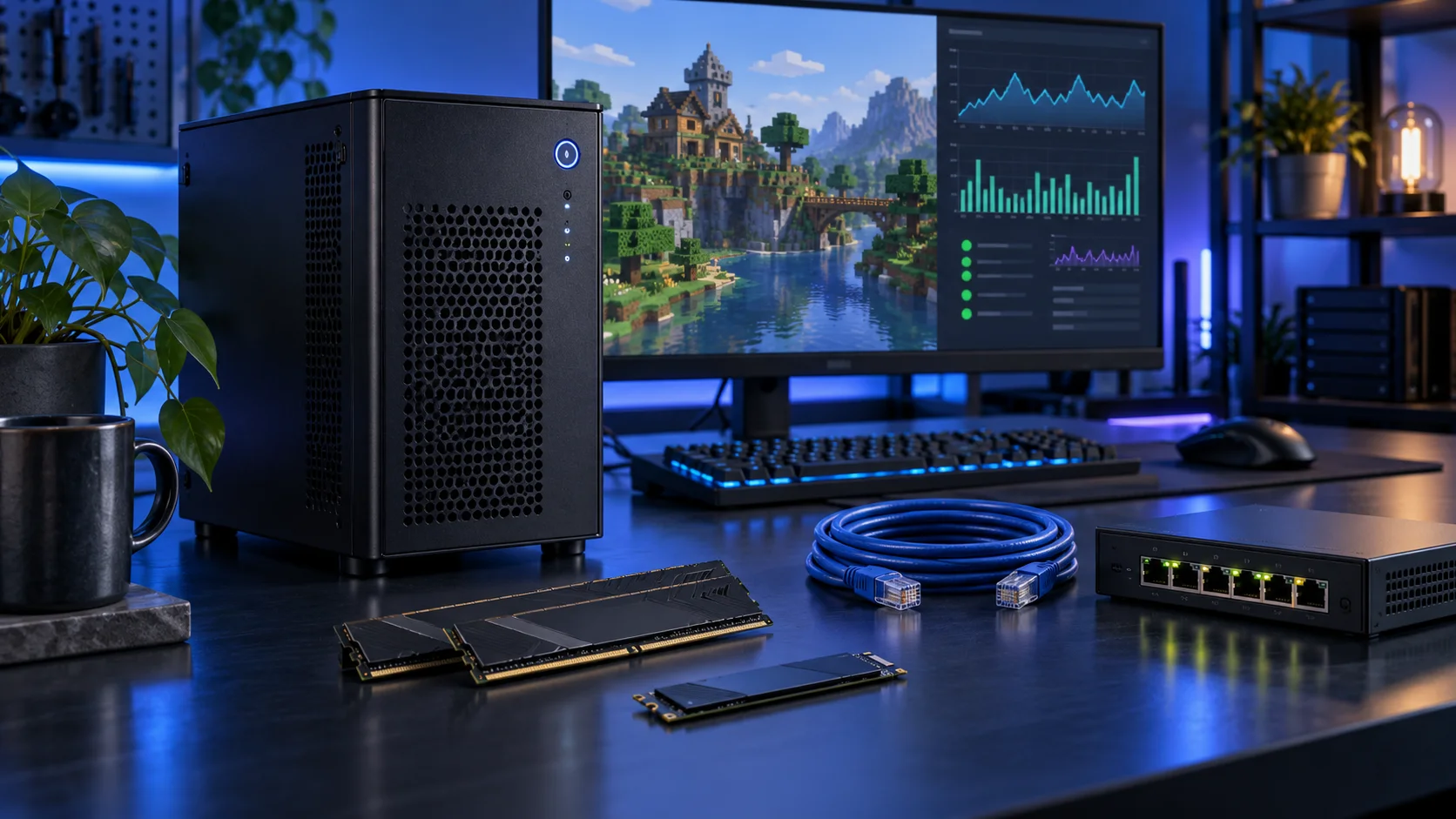
Allocate RAM to the server according to its supported guidance and actual modded workload, leaving headroom for the host. Giving one process all available memory can leave the OS and other services struggling. Capacity does not establish a guaranteed player count. Here is the shortlist I would use, with the lower-cost and more capable routes kept alongside the complete home game servers setup.
Table of Contents
ToggleChoose the right option for your build
| Best for | My choice | Why it fits |
|---|---|---|
| Best focused host capacity | Crucial Pro 32GB DDR5-6000 | 32GB gives a modest host space for the OS and a deliberately allocated server. |
| Best larger modded or multi-instance host | Crucial Pro 64GB DDR5-5600 | 64GB suits a defined larger set of active worlds and services. |
| Best high-capacity mixed host | Corsair Vengeance RGB 96GB DDR5-6000 | 96GB is for a measured larger need and supported platform, not a default first server. |
Start with the shortlist below, then use the complete build guide to match your choice to the rest of the setup.
Best focused host capacity: Crucial Pro 32GB DDR5-6000
32GB gives a modest host space for the OS and a deliberately allocated server.
Crucial Pro 32GB DDR5-6000 is my straightforward two-stick AM5 starting kit. It leaves the PC with useful everyday capacity without buying workstation-sized memory for a project that never fills it.
Choose capacity first, then the profile. Install the kit in the motherboard’s recommended paired slots and establish a stable baseline before enabling its faster memory setting. Keep DDR5 out of a DDR4-only board.

Best larger modded or multi-instance host: Crucial Pro 64GB DDR5-5600
64GB suits a defined larger set of active worlds and services.
Crucial Pro 64GB DDR5-5600 is the roomy two-stick workstation route. The purchase makes sense when several applications, sizeable projects or virtual machines need space at the same time.
Use the board’s memory support list and the processor’s memory guidance for the exact kit. A lower advertised transfer rate can be a reasonable trade for the capacity needed to keep work in memory.

Best high-capacity mixed host: Corsair Vengeance RGB 96GB DDR5-6000
96GB is for a measured larger need and supported platform, not a default first server.
Corsair Vengeance 96GB DDR5-6000 is the high-capacity two-stick option for a defined workload. I would buy it when a measured memory requirement has moved beyond 64GB, rather than treating spare RAM as an automatic speed improvement.
Confirm support for 48GB modules and the exact kit before ordering. Run the system at a stable setting first; the advertised profile is not a universal guarantee across every processor and motherboard combination.

How I would choose between these routes
Capacity comes before small timing differences when the workload is running out of memory. Choose enough for the active project and the surrounding desktop, then compare supported kits at that capacity. Empty memory is useful headroom, but an oversized kit is not an automatic speed improvement for a small task.
Buy one matched kit, use the motherboard’s recommended slots and establish a stable baseline. The advertised profile depends on the processor, board, firmware and kit. A 96GB two-module route needs support for 48GB modules; DDR4 and DDR5 cannot be exchanged merely because the capacities match.
Match the purchase to the actual workload
Include the home network, backup routine and the way friends connect. A faster CPU does not remove an upload limit or a connection that cannot accept the supported server route. Keep the server separate from the everyday gaming desktop when it needs to stay available. I would prefer a restrained tower that is easy to maintain over a loud rack machine that adds power use and complexity.
The supporting parts I would put beside it
Choose the processor around the server’s tick and worker behaviour. A single busy instance can hit a CPU-side limit without using every core; multiple active instances can use more aggregate CPU. Start with the 9600X and move up for the actual concurrency you plan.
| Role | Suggested route | Why I include it |
|---|---|---|
| Processor | Ryzen 5 9600X | Match the active workload to the platform. |
| Working drive | WD_BLACK SN850X 1TB | Keep active files and useful free space on the NVMe drive. |
| Case | Lian Li A3-mATX wood-front | Use the complete layout rather than an isolated component maximum. |
Complete the purchase plan
Add mods in a known configuration and restore a test copy of the world. Check tick behaviour, memory and the network with the actual instance before spending more. For many guests rather than a few game instances, compare the home-lab platform guide.
Compare the complete basket for the chosen route and keep the exact variant in the order. Use the wider ram guide for the underlying choice, or return to the complete home game servers build for the supporting purchases.
Technical references: Official Minecraft server download and editions · Bedrock dedicated-server setup.