
How to Build a Plex and Jellyfin Media Server in 2027
By James Thompson · Updated:
Some links in my articles are affiliate links. I may earn a commission when you buy through them.
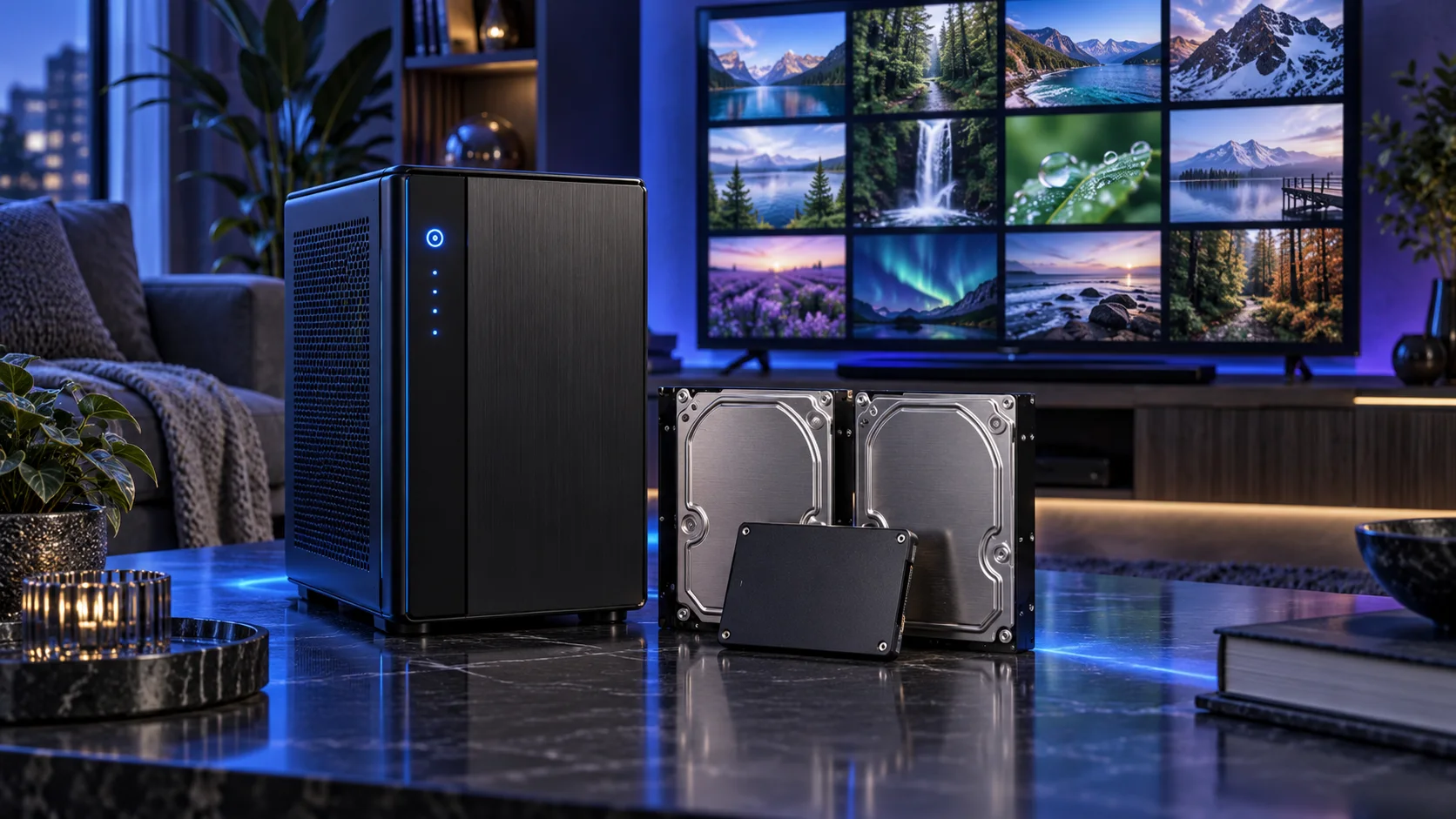
A home media server should deliver the library the way your players can use it. I would begin with direct play, then choose integrated hardware acceleration for the files that need conversion. That makes a modest Intel platform more interesting than a large gaming graphics card.
Table of Contents
ToggleStart with the work the PC will do
List the players, file formats and where you watch. Direct play sends a compatible file without converting the video; transcoding changes it for the client or connection. A local television, a remote phone and a player using image-based subtitles can create different demands. The useful parts choice starts with those combinations rather than a promise of a fixed number of streams.
Choose Plex or Jellyfin and the operating system before the hardware. Plex hardware-accelerated streaming requires Plex Pass; Jellyfin has its own acceleration configuration. Codec support, tone mapping, subtitles and driver paths all matter. I would use a supported Intel integrated-graphics route as the starting point and add a dedicated card only when a defined need changes the plan.
| Build priority | What I would buy | Next guide |
|---|---|---|
| Best integrated-transcoding starting point | The non-F i5-12500 gives the Intel Quick Sync route without a separate graphics purchase. | Processor choices |
| Best smaller media archive | CMR NAS disks suit a modest library with a separate backup of valuable files. | Workload-specific storage |
| Best adapter upgrade for an older PC | Add a supported 2.5GbE PCIe adapter when the existing motherboard lacks that connection. | Best Network Upgrades for a Home Media Server |
Choose the processor
Choose the non-F Intel route when Quick Sync is part of the plan; an F-suffix substitute removes the integrated graphics. Keep a direct-play server separate from an accelerated-transcoding recommendation. The AM5 alternatives are useful for other workloads, but should not be silently swapped into the Intel acceleration instructions.
The Core i5-12500 is an older platform that still has a clear job in a home server: six CPU cores and integrated Intel graphics, including Quick Sync. I would consider it as a complete board-and-memory purchase, not pay a scarcity premium just because one part number appears in a guide.
This is the non-F processor. Pair the suggested B760M Pro RS/D4 with DDR4, not DDR5. If an equivalent newer integrated-graphics platform costs less as a whole, compare that basket before committing to LGA1700.
| Best for | My choice | Why it fits |
|---|---|---|
| Best integrated-transcoding starting point | Intel Core i5-12500 | The non-F i5-12500 gives the Intel Quick Sync route without a separate graphics purchase. |
| Best direct-play AM5 alternative | Ryzen 5 9600X | Choose AM5 for a direct-play-led server when other CPU duties make that platform attractive. |
| Best heavier mixed-service alternative | Ryzen 7 9700X | Use more CPU room for substantial extra services, with media-backend compatibility checked separately. |
Compare processors for this build · Understand the wider processor choices

Choose the display and acceleration route
Use the selected processor’s integrated display for setup and ordinary management. The Intel Quick Sync route is the deliberate media-acceleration choice here.
Use the chosen processor’s integrated graphics for an ordinary desktop when the main application does not need a dedicated GPU. I would keep the machine simpler and put the money into the processor, memory, storage or specialist equipment that does the actual job.
Connect through a supported motherboard display output and verify the monitor arrangement. For demanding modern games, I would choose a dedicated graphics card instead.
| Best for | My choice | Why it fits |
|---|---|---|
| Basic display and setup | Use the processor’s integrated graphics | Keep the PCIe slot and budget available for the server’s actual job. |

Choose memory capacity
32GB DDR4 is a roomy starting kit for the selected Intel platform and supporting applications. A focused media-only server can need less; extra memory is not a substitute for a supported hardware-transcoding path.
Corsair Vengeance 32GB DDR4-3200 is the matched DDR4 route for a compatible board. It is useful when keeping an older platform or building the suggested Intel DDR4 server, because it avoids an unnecessary platform change.
The same capacity does not make DDR4 and DDR5 interchangeable. Read the motherboard suffix: the D4 version in this server plan is specifically a DDR4 board.
| Best for | My choice | Why it fits |
|---|---|---|
| Starting Intel DDR4 host | Corsair Vengeance LPX 32GB DDR4-3200 | Use this matched DDR4 kit on the D4 board. |
Choose the memory kit for this workload
Plan the RAM capacity for the work kept open together and the supported module arrangement. The profile guide covers setup once all memory is working at defaults.

Choose active storage and backup
Use a separate SSD for the OS, applications and metadata, and a disk arrangement for the library. Keep irreplaceable personal recordings backed up independently. Transcode scratch space has a different role from the archive, so leave working room rather than filling every drive to its last gigabyte.
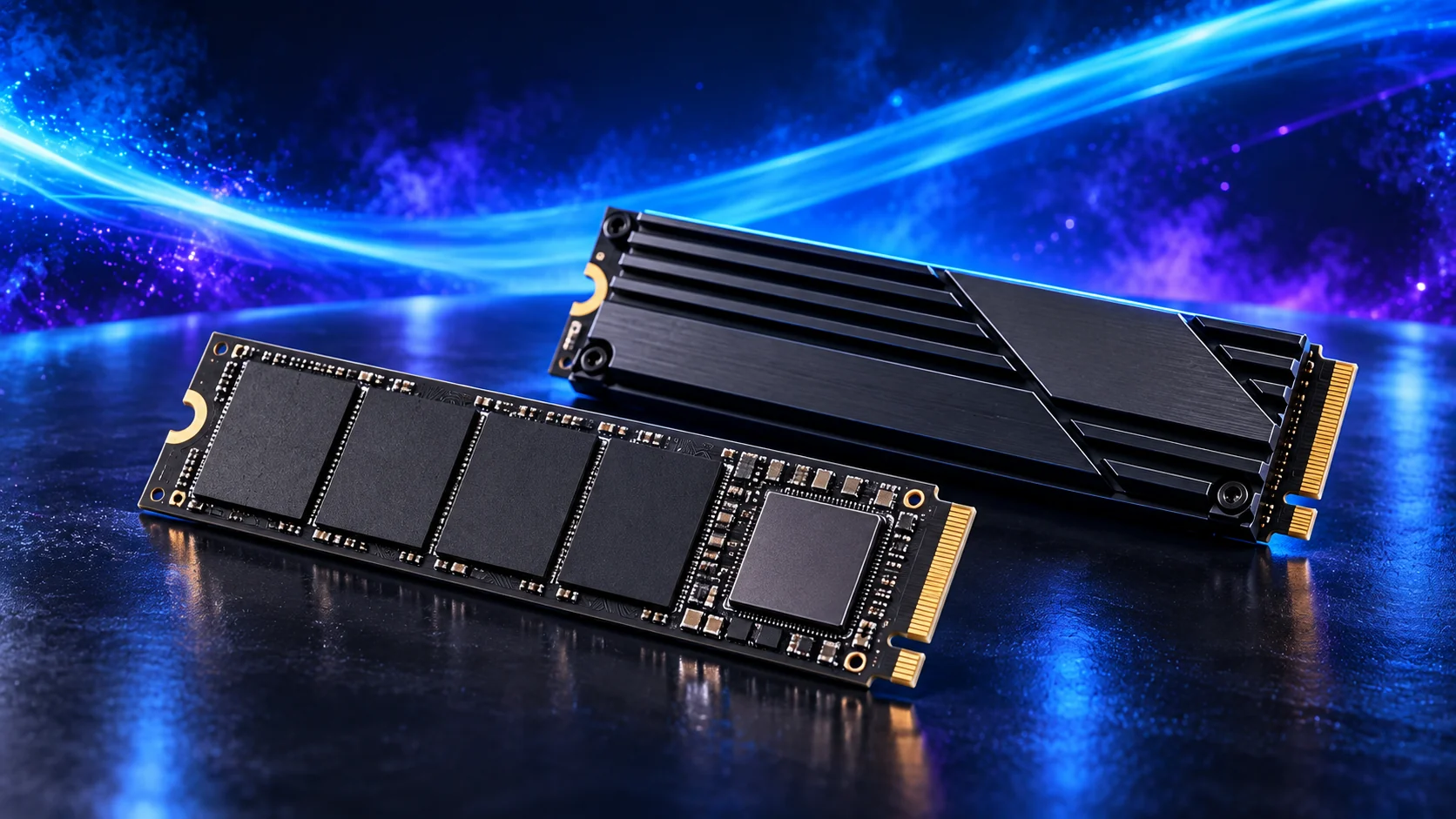
The WD Black SN850X 2TB is my active-project drive choice. Its role is to hold the files the PC reads and writes during work, rather than use an expensive SSD as the only home for every finished project.
A motherboard heatsink helps the drive manage sustained work. Check the slot arrangement before installing several M.2 drives, since lane sharing and disabled ports vary by board.
| Best for | My choice | Why it fits |
|---|---|---|
| Best smaller media archive | Seagate IronWolf 4TB ST4000VN006 | CMR NAS disks suit a modest library with a separate backup of valuable files. |
| Best larger library route | WD Red Plus 8TB WD80EFPX | Larger CMR disks preserve bays as the media archive grows. |
| Best active metadata and application drive | WD_BLACK SN850X 2TB | An NVMe drive gives server applications, metadata and active work a separate home. |
Compare storage for this build · Distinguish memory and storage upgrades
Use the storage-role guide for active data and archives. For SSD workloads, compare sustained cache/endurance behaviour and the board’s usable connections.
Plan the home-network layout and the complete local transfer path for this server. Finish an independent backup and supported shutdown power.
Choose the motherboard and connections
The ASRock B760M Pro RS/D4 is the DDR4 Intel server route in this plan. Its four SATA ports, two M.2 sockets and onboard 2.5GbE are a useful starting mix for a small storage or media machine.
A case with eight disk mounts still needs more connections than this board provides. ECC UDIMMs operate in non-ECC mode on this board; choose a genuinely supported ECC platform if corrected memory is part of your requirement.
Map the devices you actually plan to connect: displays, USB equipment, storage and expansion cards. Make the CPU, board and memory a matched platform before choosing optional accessories. Keep a useful slot available for the storage or networking requirement if it appears later.
| Best for | My choice | Why it fits |
|---|---|---|
| Starting platform | ASRock B760M Pro RS/D4 | The board used in this guide’s complete configuration. |
Choose the board and useful features · Understand the connections worth buying
Read the board/platform guide and check the case’s internal connections. PCIe and M.2 sharing keeps the planned drives and expansion cards usable together.

Choose the case and cooling together
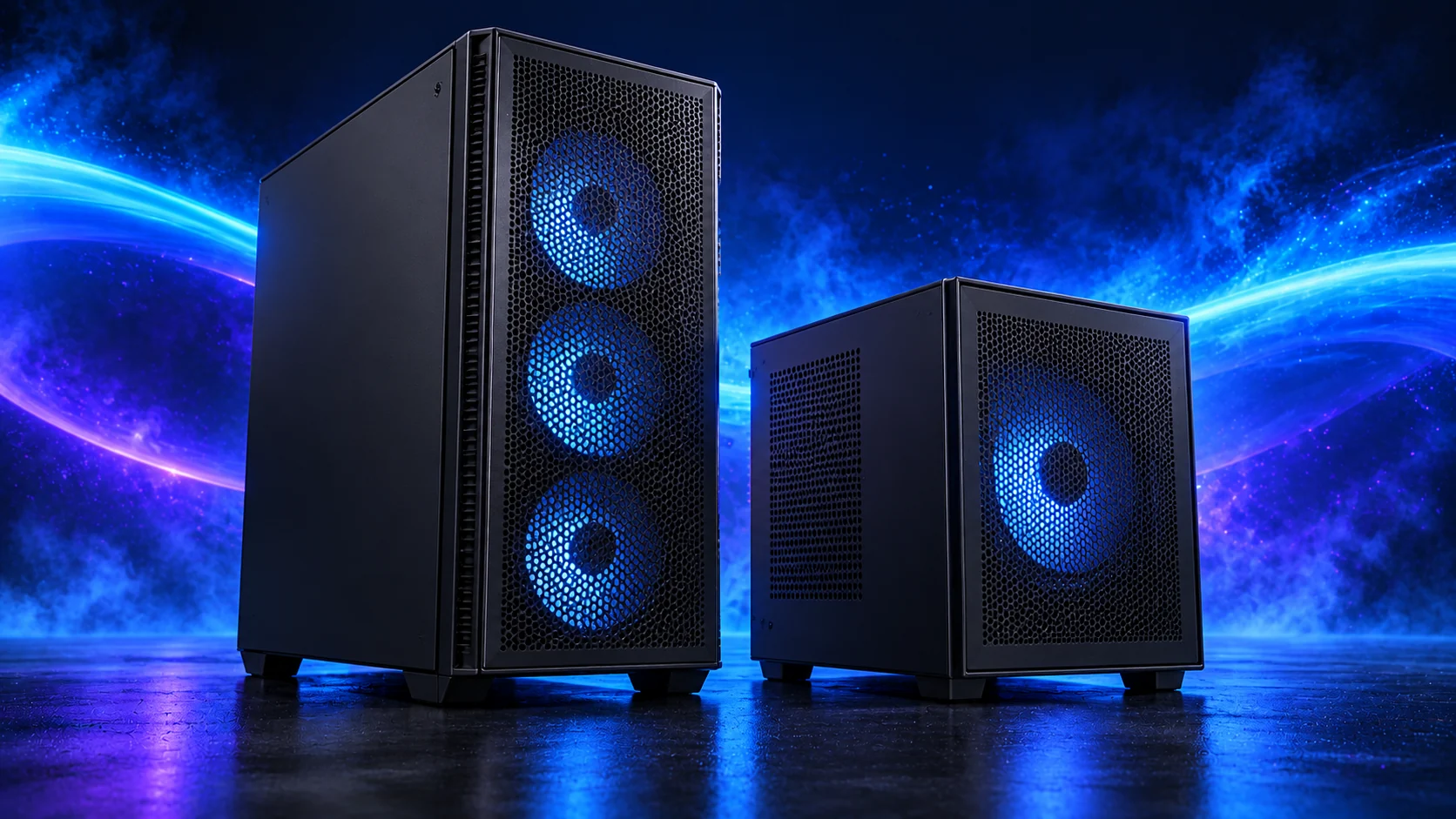
The Fractal Node 804 is the compact micro-ATX storage-case route. I would choose it for a home server with several hard drives, because a conventional gaming case may run out of useful disk mounting long before it runs out of floor space.
The dual-chamber layout needs airflow through the drive area as well as the motherboard area. Count the mounts, board ports and PSU leads together before planning a large pool.
The ARCTIC Freezer 36 is the simpler tower-cooler route for a restrained processor. I would use it when a larger twin tower adds bulk without solving a useful problem in the build.
Match the mount to the socket and check installed height. For a studio or living-room PC, smooth changes in fan speed are usually more pleasant than a curve that repeatedly jumps up and down.
| Best for | My choice | Why it fits |
|---|---|---|
| Starting enclosure | Fractal Node 804 | Match the case to the whole layout and room. |
| Starting cooler | ARCTIC Freezer 36 Black | Use the correct socket mount and installed clearance. |
Compare suitable case routes · Choose the cooler for the socket and space
Use the case-fan shortlist for the usable mounts and PWM/DC setup for the finished layout.
Choose the power supply
The MSI MAG A650BN is the lower-cost ATX route for a modest system. It makes sense when the PC is deliberately kept below the needs of a large modern graphics card and there is room to manage fixed cables.
Count SATA leads for a storage server and graphics-power plugs for a gaming PC. A wattage rating does not establish that the connectors and cable layout suit every configuration.
| Best for | My choice | Why it fits |
|---|---|---|
| Starting configuration | MSI MAG A650BN | The supply used for this guide’s restrained or balanced parts basket. |
| Larger conventional-tower route | Corsair RM850e (2025) | Choose this only when the final component power requirement and case layout need the larger supply. |
Compare the PSU routes · Understand connectors and cable fit
Match PSU load, connectors and installed space together, then keep the exact compatible cable set with the unit.

Choose the local network
Start with the existing wired connection and find the actual limit. A 2.5GbE upgrade is useful for faster local transfers between compatible devices; it does not automatically improve an internet upload or a client that only has a slower connection.
Trace both ends of the route. The server, switch, client and cable must support the intended local link, while disk throughput can be another limit. If the suggested board’s onboard 2.5GbE already works for the chosen OS, an extra adapter has no useful job. Buy it for an older endpoint or a specific second network connection.
For remote viewing, the internet upload and client connection sit outside the faster local switch. Match the media bitrate and supported playback format to that route. Establish a working wired local stream first, then configure any remote access through the application’s supported secure workflow.
| Best for | My choice | Why it fits |
|---|---|---|
| Best adapter upgrade for an older PC | TP-Link TX201 2.5GbE adapter | Add a supported 2.5GbE PCIe adapter when the existing motherboard lacks that connection. |
| Best small 2.5GbE local network | TP-Link TL-SG105-M2 2.5GbE switch | Connect compatible desktops and the server through a suitable multi-gigabit switch. |
The complete starting parts list
| Component | My choice | Why it belongs here |
|---|---|---|
| Processor | Intel Core i5-12500 | The starting CPU matched to this workload. |
| Graphics | Processor integrated graphics | Use the selected processor’s display/acceleration route. |
| Motherboard | ASRock B760M Pro RS/D4 | Match the socket, memory type and useful connections. |
| Memory | Corsair Vengeance LPX 32GB DDR4-3200 | Choose capacity as one supported matched kit. |
| Active SSD | WD_BLACK SN850X 2TB | Working room for the OS, applications and active data. |
| Power supply | MSI MAG A650BN | Use the correct form factor and component power plan. |
| Case | Fractal Node 804 | The complete layout’s enclosure. |
| CPU cooler | ARCTIC Freezer 36 Black | Correct mount and fit for the chosen case. |
| Bulk disks — buy two for a mirror | Seagate IronWolf 4TB ST4000VN006 | One nominal disk’s capacity before filesystem overhead in this mirrored starting layout. |
This is the starting basket for the route described here. Choose the alternative parts as a complete matched configuration, keeping the board, memory, cooling and power changes together. The monitor, operating system and any equipment you already own should be counted in the total purchase plan.
For the other decisions in this cluster, use the processor shortlist, the storage shortlist and the specialist buying guide.
Assemble and set up the PC
Install the supported media-server software and driver path, then try direct play with a known compatible file. Enable the chosen acceleration route and verify it through the application while converting a file that actually needs it. Plex Pass belongs in the Plex hardware-transcoding plan.
Test the real client and subtitle combination rather than infer success from one simple file. Keep local playback working before changing remote access. For a storage-heavy library, follow the NAS layout guide; for many guests and applications, use the home-lab platform guide.
Follow the beginner assembly guide · Check the complete parts fit
Technical references: Plex hardware acceleration and Plex Pass · Jellyfin hardware acceleration.