
Choose your motherboard, RAM, SSD and cooling
By James Thompson · Published 7 October 2026
Some links in my articles are affiliate links. I may earn a commission when you buy through them.
For the platform details, use the motherboard guide and the RAM guide. The storage guide separates active work, library capacity and archives.
Use the PSU guide, the case-fan shortlist and fan-control setup for the supporting hardware. Finish the independent backup with the build.

Once the CPU and graphics card are chosen, I’d spend the remaining budget on useful connections, enough storage and straightforward cooling. These parts make the PC pleasant to build, use and maintain.
Table of Contents
ToggleStart with the platform and case
The CPU establishes socket and memory requirements; the case establishes board size and installed space. Choose those before buying a board for decorative features.
List network access, front USB, storage expansion, audio and fan connections. A board that supports the processor can still leave you short of an everyday port.
Choose named alternatives in motherboards, ram kits, ssds and cpu coolers. Each broad guide then branches into the same build-purpose specialists.
Choose one matched memory kit
Set capacity for the applications and games you keep open. Use the correct memory generation and check the exact kit code, support information and module height. A faster profile should follow a stable baseline.
For the Crucial Pro kit, check cooler clearance and fit the modules in the recommended channel positions. Mixing separate kits is a different configuration and needs its own validation. Choose a RAM kit.
Put your AM5 supporting parts into PC Builder alongside the processor and graphics card. You can compare the tower estimate and supported fit warnings in one place.

Buy usable storage capacity
List the games and files that must remain installed, leaving room for updates and temporary work. Match the SSD interface and length to the slot. Its peak sequential figure does not independently describe game loading or sustained work.
Keep important files in an independent backup. A health report or a second partition on the same drive is not a substitute. Choose a gaming SSD.
Cool the installed system
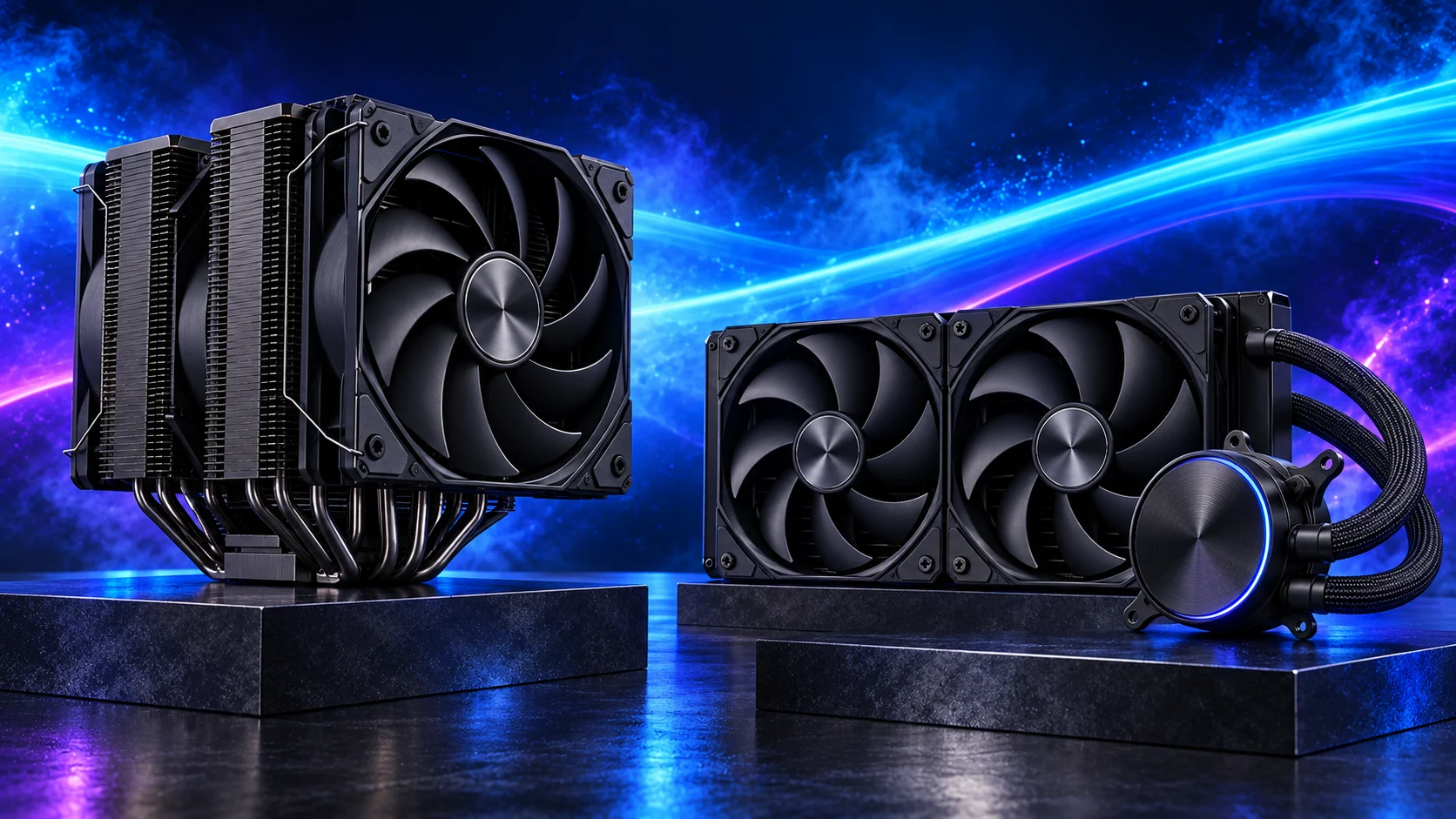
Choose a cooler for the socket, workload and case, including the fan’s final position above the RAM. Plan unobstructed intake and exhaust around the actual layout.
A radiator changes more than CPU cooling: it can consume graphics clearance, fan mounts and header access. Compare air and liquid cooling before buying a large unit for appearance alone.
Check the whole list
- Board features and connections
- Case fit and maintenance
- Power and connectors
- The full compatibility record
Use the AM5 parts list for an example of named parts and useful alternatives.