
Balanced 1440p PC build: a UK AM5 parts list
By James Thompson · Published 7 October 2026
Some links in my articles are affiliate links. I may earn a commission when you buy through them.
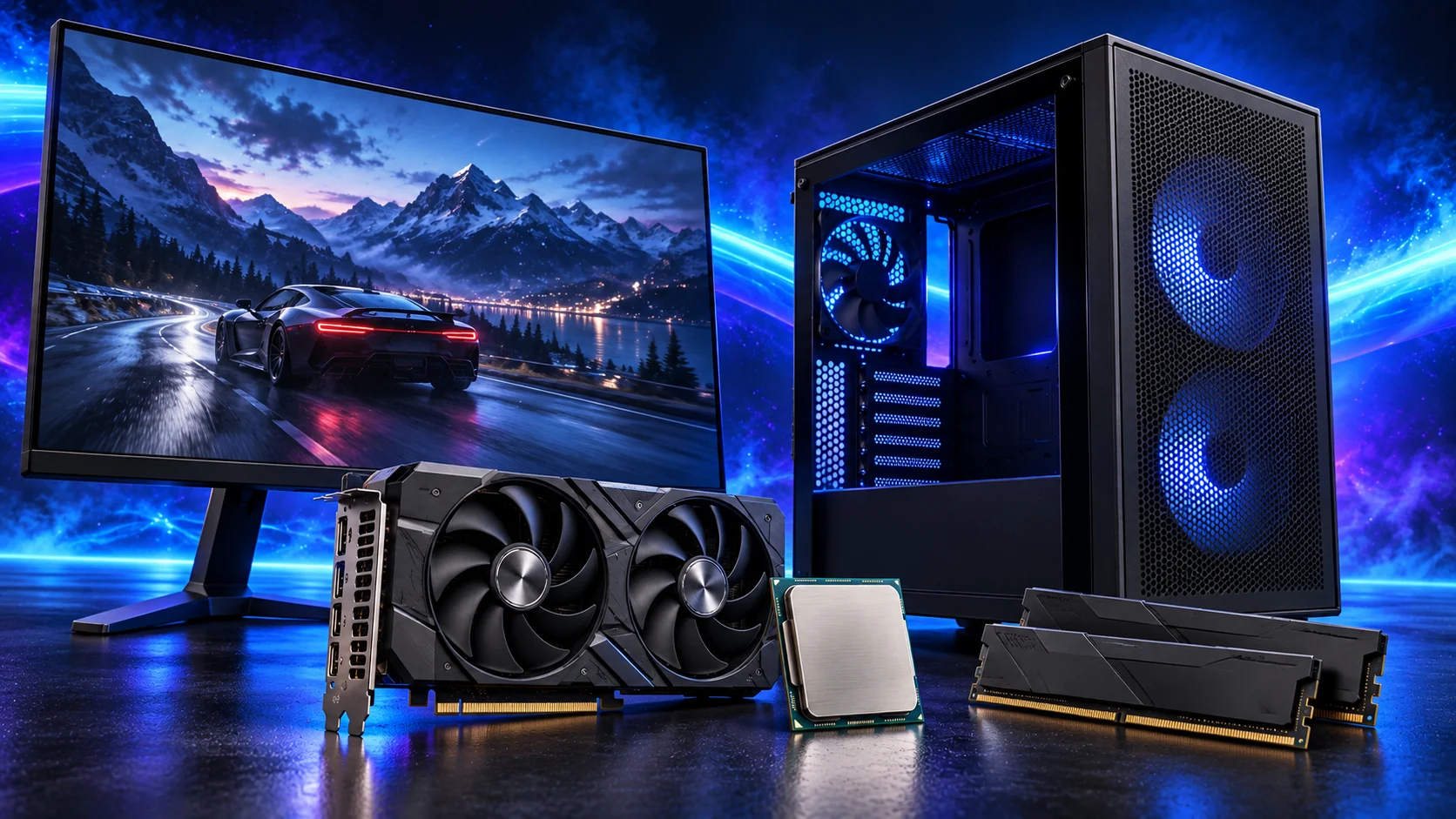
For a 1440p gaming PC, I’d pair the Ryzen 5 9600X with the ASUS Dual RX 9060 XT 16GB. Add 32GB of DDR5, a roomy H5 Flow case and straightforward air cooling, and you have a build with a clear purpose: a good gaming setup with room to grow.
Table of Contents
ToggleWhy I’d build it this way
The graphics card is where I’d put the emphasis for 1440p. The RX 9060 XT’s 16GB gives this build useful texture capacity, while the Ryzen 5 9600X keeps the AM5 platform straightforward. A roomy case and air cooler also make it a pleasant machine to assemble and work on.
For demanding ray tracing, I’d compare the NVIDIA route in the higher-budget build. For ordinary 1440p play, I’d start here and put the current offers into the build calculator.
Want to compare an AM5 alternative? Open PC Builder to swap graphics, memory and other tower parts, see the 3D layout and keep the estimate alongside this parts list.
The parts I’d use
| Part | My choice | Why I’d choose it |
|---|---|---|
| CPU | Ryzen 5 9600X | AM5 gaming platform; compare CPU, board and RAM cost together. A separate cooler is required. |
| Board | Gigabyte B650 EAGLE AX | ATX DDR5 board with wireless networking. Confirm revision and Ryzen 9000 firmware support. |
| RAM | Crucial Pro 32GB DDR5-6000 CL36 | One 2×16GB kit, CP2K16G60C36U5B. Compare compatible kits if this exact offer is poor value. |
| GPU | ASUS Dual RX 9060 XT 16GB | Exact non-OC DUAL-RX9060XT-16G. Check the 16GB variant and current competing offers. |
| SSD | Crucial P310 2TB M.2 2280 | Capacity for several games; retain an independent backup for important files. |
| Cooler | Thermalright Peerless Assassin 120 SE | Dual-tower air cooler; verify AM5 mounting and fan clearance over the RAM. |
| Case | NZXT H5 Flow, 2024 design | Standard ATX arrangement. Confirm the actual version and included fan package. |
| PSU | Corsair RM850e, 2025 | Modular wiring and capacity for a later graphics upgrade. A suitable 650W unit is the cheaper route for this card. |

Compatibility checks for these exact parts
The AMD processor specification identifies an AM5 DDR5 processor without an included cooler. Use the board specification and revision-specific support pages to confirm the firmware needed for the 9600X. A chipset name alone does not identify the BIOS shipped by a seller.
The ASUS card specification lists a 202 × 120 × 49mm card and one 8-pin power connector. NZXT’s H5 Flow 2024 support specification lists 410mm GPU clearance and 170mm CPU-cooler clearance. The Peerless Assassin’s nominal height is 155mm. Those comparisons leave room in principle; lifting the front cooler fan above the RAM increases installed height.
Use the motherboard’s recommended first pair of DIMM slots, and confirm the M.2 mounting and heatsink procedure. Do not assume the same clearances apply to a different H5 generation, a larger GPU variant or a front radiator.
Why I’d choose the 16GB card
I’d put 16GB high on the shortlist for a new 1440p build, especially if I want to keep texture detail up as the game library grows. The short ASUS Dual model also leaves comfortable space in the H5 Flow for cooling and the power lead.
Steven Walton’s RX 9060 XT review is useful for comparing its game results and ray-tracing behaviour. I’d use the games I care about to decide where the card suits me and where I’d spend more.

Where I would change the list
First compare a suitable 32GB DDR5 kit if this kit is overpriced. Check the kit code, board support and physical height; do not join two unrelated kits simply because the labels look similar. A less expensive compatible board can make sense when you do not need this board’s wireless connections.
For the PSU, ASUS lists a 550W recommendation for this exact GPU. Choose against the whole system and the PSU’s exact capabilities. A suitable 650W-class unit can be more economical than the RM850e; check its connectors and independent assessment rather than buying by wattage alone.
If storage capacity is the only pressure on the budget, compare a smaller SSD against the games you actually install. Do not fund decorative lighting by weakening the power supply or deleting the cooler. Recheck a substitution across the build.
Practical preparation
Measure usable case space for the ASUS Dual card including its power lead, and check that the connector is fully seated without sideways strain. Route the H5 Flow’s bulky leads while the headers are accessible, before tightening the installation.
Add Windows, a suitable display, controls and delivery to the final total. Then use the assembly guide and the first-boot sequence.
If that1440p screen is the beginning of a racing rig, compare the single-screen iRacing build. Moving to three screens calls for a separate triple-monitor parts plan.
Explore PC Builds → · Choose your next step · How we choose parts
Compare this fixed parts list with the complete gaming build guide. Its graphics cards for gaming and processors for gaming shortlists show the alternatives when your screen or workload changes.