Gaming headset or speakers: choose your audio setup
By James Thompson · Updated:
Some links in my articles are affiliate links. I may earn a commission when you buy through them.
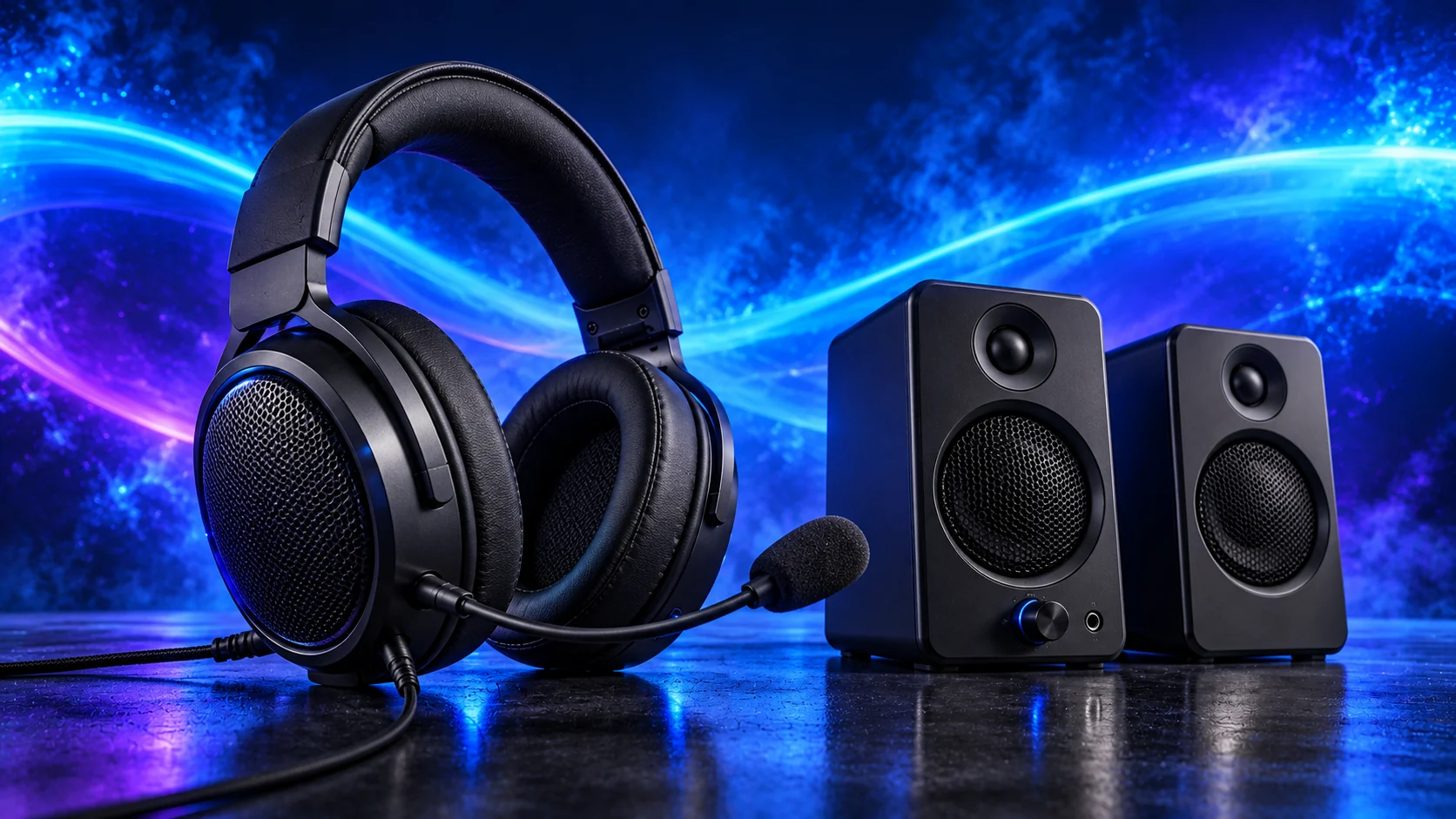
For voice chat or a shared room, I’d choose a comfortable headset. For relaxed listening at the desk, I like having speakers either side of the screen. The connection and microphone arrangement should follow how you’ll use them.
Table of Contents
ToggleChoose where the sound should go
| Situation | Useful route |
|---|---|
| Shared room or voice chat | Headset, with comfortable fit and reachable mute/volume. |
| Long desk listening without wearing cups | Speakers, with space and suitable listening level. |
| Streaming or frequent calls | Compare a separate microphone arrangement if the integrated mic is insufficient. |
| Need awareness of the room | Consider how much isolation is convenient rather than assuming maximum isolation is best. |
A wired headset option
The Turtle Beach Recon 50 is a wired option to compare for a modest setup. Confirm the connection and whether your PC has separate microphone/headphone sockets that need the appropriate adapter.
Adjust the Recon 50’s fit, learn the mute and volume controls, and place the microphone consistently before checking input level. Check comfort over a normal session as well as when you first put it on.

A simple desk speaker option
The Amazon Basics Stereo 2.0 speakers use 3.5mm audio and USB power in the listed arrangement. Check both connections: a USB power lead does not itself establish USB audio.
Place the pair on either side of the listening area and leave slack in the power and audio leads. Putting both speakers together gives away useful stereo separation. Judge a compact pair at a sensible desk listening level rather than expecting a room-filling system.
Finish the complete setup with the gaming build guide, including the screen and peripherals in the budget. For meeting-heavy office use, the work-PC guide keeps the microphone and desk routine in view.
Check voice and privacy
Choose the intended playback and recording devices in the operating system and communication application. Make a local recording to check microphone position and room noise before a call.
Use a comfortable listening level. Avoid adding several processing modes without checking their effect on clear speech and useful game cues.
Add the actual connection costs
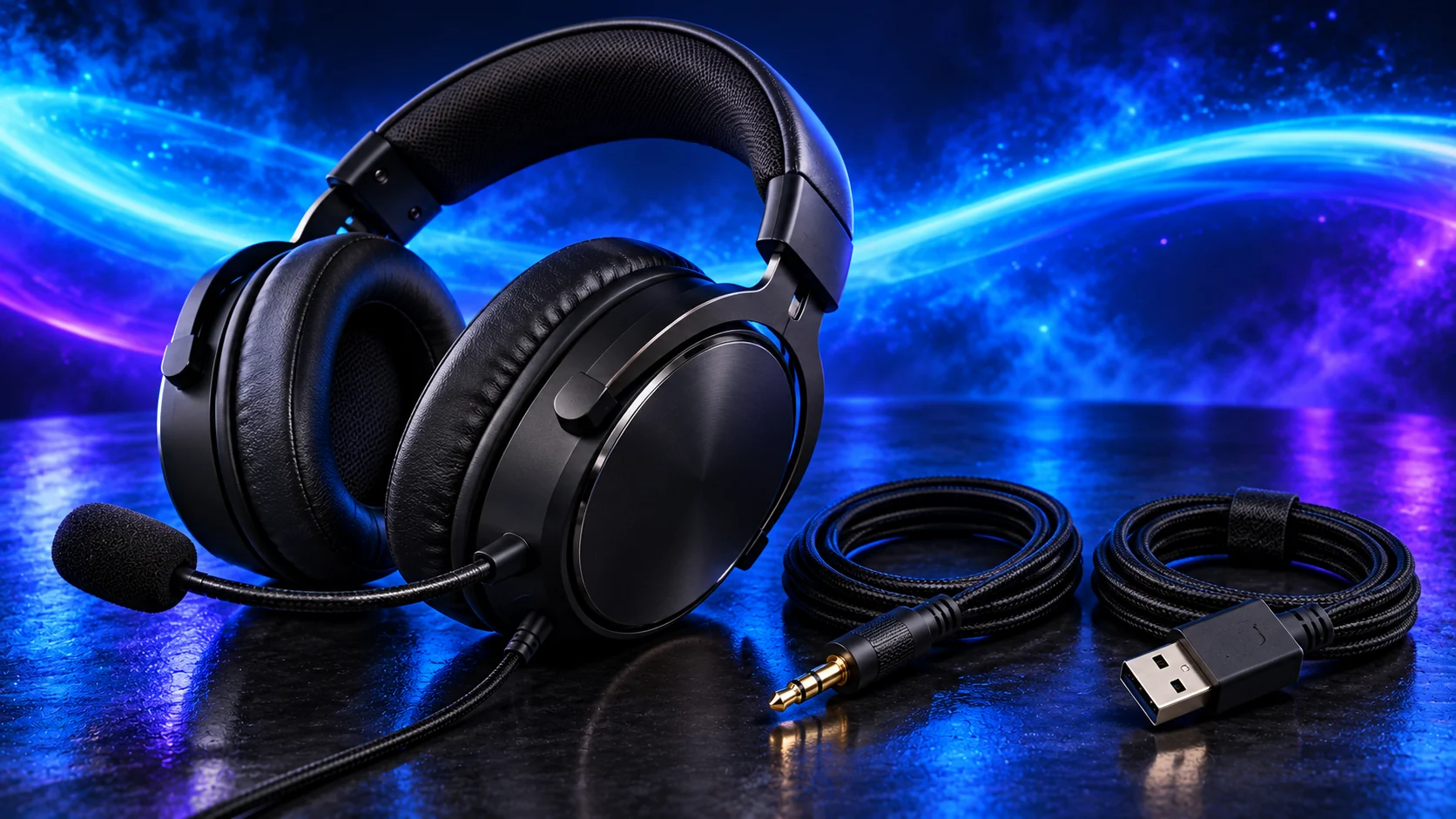
Include a necessary splitter, adapter, microphone mount or suitable audio route in the basket. Do not assume the monitor contains speakers or passes every input’s audio to an output.
See the setup budget and the controls guide to complete the desk.
For recording into the PC, use Best Audio Interfaces for a Home-Studio PC and Music Production builds. An interface’s simultaneous inputs are a separate choice from the speakers or headphones used to listen.
Choose the matching audio shortlist
Use gaming headsets for private listening and voice chat, or PC speakers for a desk listening area. The connection guide checks USB, analogue and receiver routes before purchase.
For recording or repeated calls, a separate USB microphone and a suitable webcam make their own buying decisions. Start with position, gain and room noise so each purchase solves a real problem.