Choose a gaming keyboard and mouse for how you play
By James Thompson · Updated:
Some links in my articles are affiliate links. I may earn a commission when you buy through them.
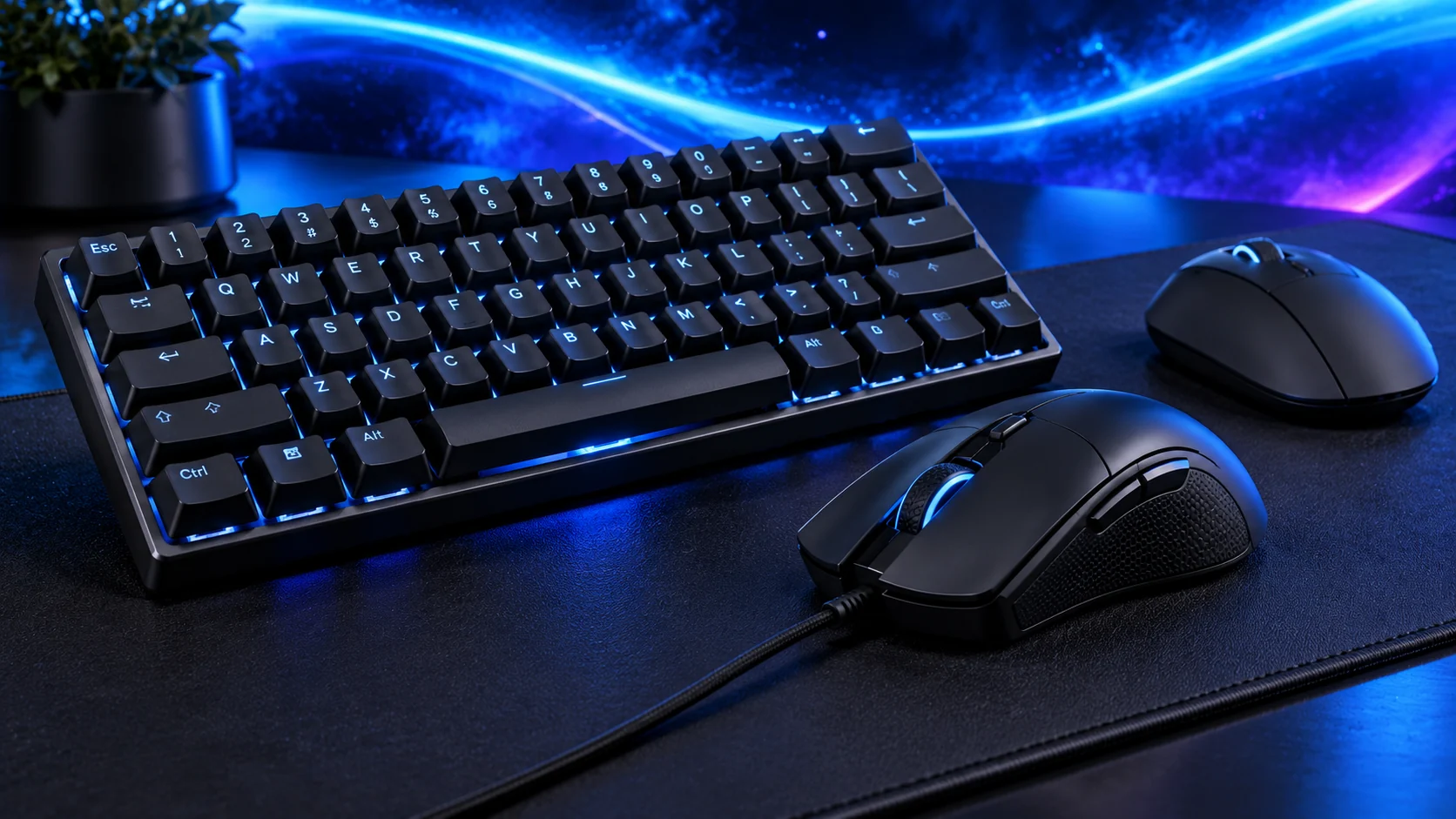
A mouse that sits well in your hand and a keyboard with the keys you use are worth more than a long feature list. I’d choose the shape and layout first, then decide whether wireless convenience or a simple wired connection suits the desk.
Include these peripherals alongside the hardware in the gaming build guide. For a productivity-first desk, use the everyday work build to set the component budget.
Table of Contents
ToggleChoose the mouse shape before the specification headline
Check grip, button reach and room for movement on the desk. Judge comfort over a normal session where possible. A popular shape can still be unsuitable for your hand.
The Logitech G305 LIGHTSPEED is a wireless option to compare when its shape and power routine suit you. Keep sensitivity consistent and assign only shortcuts you can reach without changing grip.
Keep wireless and wired costs visible
Wireless reduces a moving lead but needs a receiver/connection arrangement and battery or charging routine. Wired controls need a cable route that does not snag.
Check the supported connection mode rather than assuming every wireless device supports Bluetooth. Leave accessible USB provision and consider receiver placement according to the maker’s guidance.

Choose a keyboard for the keys you use
Confirm UK layout, number-pad need and the placement of navigation keys. A compact board leaves more mouse room, but may move useful controls behind shortcuts.
The Amazon Basics full-size UK wired keyboard is a simple low-complexity option to compare for ordinary typing and games. For competitive play, I’d choose a keyboard around the keys, rollover and layout I need.
Sound and comfort belong to the desk
Consider other people nearby and the room. Switch choice makes a big difference to keyboard sound. Check the sound and feel of the exact switch version if possible.
Check the UK key layout and adjust the keyboard and chair together. Try the keyboard flat as well as raised and use the position that keeps your wrists comfortable.

Keep the setup simple
Save useful sensitivity and key profiles and check whether they persist without repeatedly reopening software. Clean controls according to their construction and avoid liquid exposure.
Add the controls to the whole setup budget and choose audio around the same room and desk.
Choose the individual buying route
For aiming and game controls, use the gaming-mouse shortlist. For scrolling and application work, use the work-mouse shortlist. Match the mat dimensions to the actual movement beside the keyboard.
Choose UK layout and keyboard size before comparing keyboard models. The DPI/polling guide keeps the sensor settings in proportion; the switch guide separates feel from the rest of the keyboard.