
Best USB microphones for PC calls, recording and streaming in 2027
By James Thompson · Updated:
Some links in my articles are affiliate links. I may earn a commission when you buy through them.
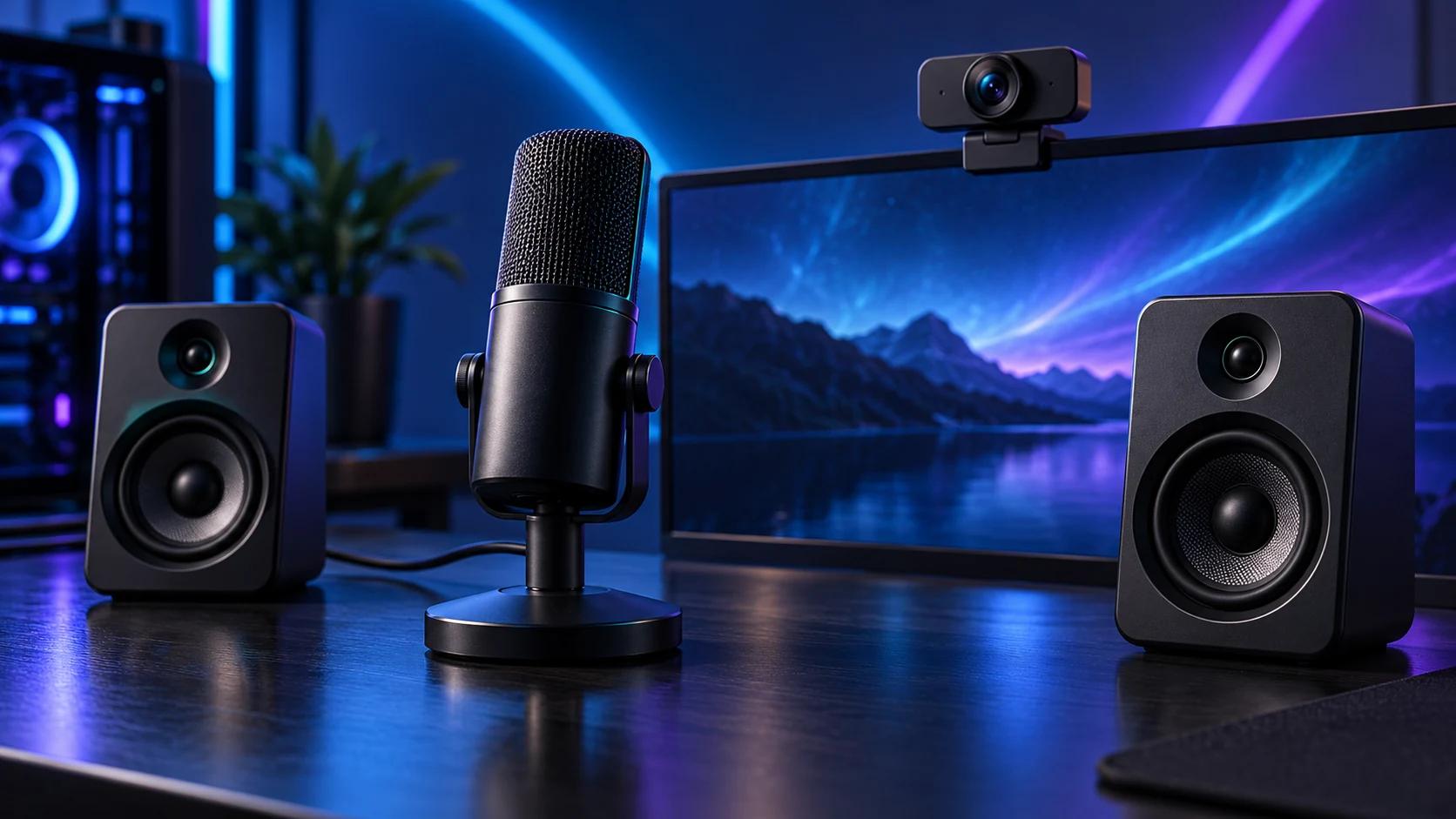
Choose the microphone with its position and controls in mind. K669B is the simple entry USB condenser, Wave Neo adds convenient mute/monitoring, and MV7+ gives a close-speech USB/XLR route for a more developed recording setup.
Table of Contents
ToggleThe shortlist: choose for your setup
| Use | My choice | Why choose it | Choose another when |
|---|---|---|---|
| Entry-level USB recording | FIFINE K669B | A USB condenser with gain control and a small included stand. | You need direct headphone monitoring or a more elaborate onboard control system. |
| Calls with accessible mute and monitoring | Elgato Wave Neo | USB voice input with touch mute and headphone monitoring in a simple desktop format. | You require an XLR connection to an existing interface. |
| Close speech with USB/XLR options | Shure MV7+ | A dynamic microphone with USB-C and XLR paths for different recording chains. | You want a small complete desktop setup without budgeting for a suitable mount. |
These recommendations compare connection, capsule type, controls and mounting workflow. They do not claim an unrecorded sound-quality contest between the models.
Entry-level USB recording: FIFINE K669B
K669B is the starting point for a straightforward voice recording or call setup where the budget goes into the microphone rather than an interface. Place it close enough to the speaking position that normal voice does not require excessive gain. Follow the exact model’s pickup-side instructions.
The included tabletop stand makes a first setup possible, but desk knocks and keyboard distance still matter. Budget for a supported mount if the desk position leaves the mic too far away. Do not mistake a condenser’s detailed pickup for a promise to exclude every room noise.
Calls with accessible mute and monitoring: Elgato Wave Neo
Wave Neo is my route for a user who wants the microphone ready for calls and recordings without building an XLR chain. Direct monitoring helps you hear the mic position and level; an accessible mute control is useful when a call app is buried behind other windows.
Keep the mic at a consistent speaking distance, select its input in the app and establish one clear level. Wave Link is an optional workflow layer for supported systems, not a reason to complicate a basic call. Wave Neo and Wave:3 MK.2 are different products.

Close speech with USB/XLR options: Shure MV7+
MV7+ makes sense for close spoken voice when you want the convenience of USB now and an XLR path for a later interface arrangement. Speak into the correct end and position the mic deliberately. Dynamic construction does not remove the need for suitable distance and sensible gain.
Include a compatible stand or arm in the cost and space plan. USB-specific software/DSP features and the XLR signal path are not identical workflows. The USB/XLR guide explains what an interface adds and when the existing USB route is enough.
Set one clean voice path
Choose the correct input in Windows and the recording/call app. Record a short sample at normal voice and the loudest likely speech, then adjust the gain so it stays clear without clipping. Direct monitoring and the saved recording answer different questions: listen to both when available.
Start without layers of gates, compressors and noise filters. Add processing only for a named problem. A heavy gate can clip the beginning or end of quiet words, while duplicated suppression in several apps can make the voice unnatural.
1. Position
Voice close; keyboard and fans farther away
2. Gain
Normal speech clearly above the room noise
3. Monitor
Listen to a saved sample and any direct feed
4. Process
Add only the control that solves a remaining problem
For a stream recording you will edit afterwards, set up separate game and voice recording tracks in OBS. You can keep the existing microphone and organise the capture around it.
Finish the setup
Pair the mic with headphones/headset when recording to avoid speaker bleed. For video, use the webcam shortlist and the streaming build route.
Specifications and setup: K669B · Wave Neo manual · MV7+ guide.
