Best PC speakers for everyday desks, USB audio and mixed sources in 2027
By James Thompson · Updated:
Some links in my articles are affiliate links. I may earn a commission when you buy through them.
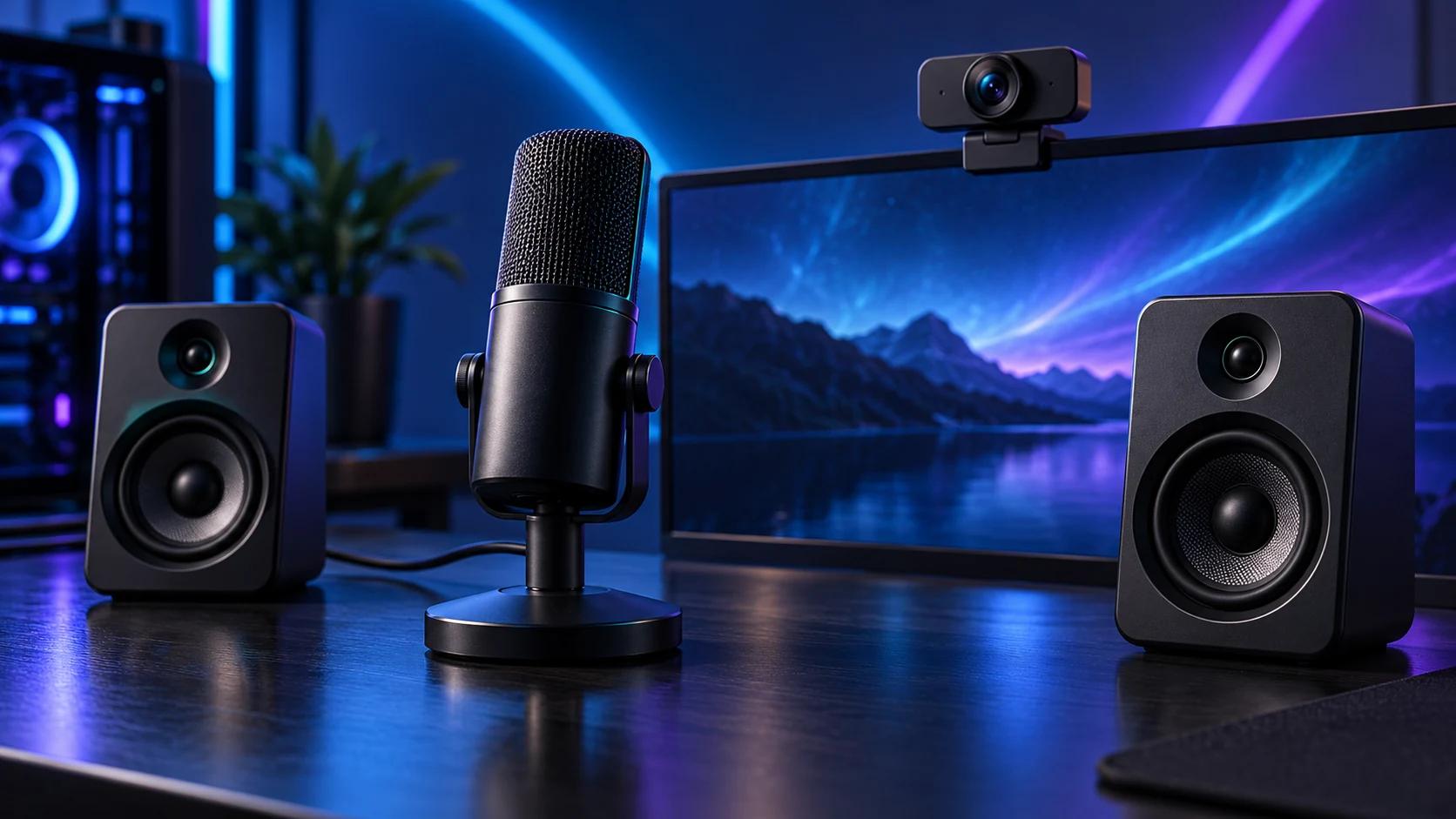
For a basic analogue desk, Z150 keeps the arrangement simple. Pebble V3 adds compact USB audio and Bluetooth, while Pebble X brings a broader input/control setup. Choose around the desk and source devices before comparing output-power labels.
Table of Contents
ToggleThe shortlist: choose for your setup
| Use | My choice | Why choose it | Choose another when |
|---|---|---|---|
| Simple budget analogue pair | Logitech Z150 UK | A compact3.5 mm-input pair with accessible volume and headphone connection. | You want direct USB audio or Bluetooth source switching. |
| Compact USB audio and Bluetooth | Creative Pebble V3 | USB-C audio/power with Bluetooth as an alternative source. | You need more substantial output or additional headset/microphone connections. |
| More connections and a larger desk arrangement | Creative Pebble X | USB audio, Bluetooth5.3,3.5 mm AUX and dedicated communication ports. | You have no room for the larger pair or only need modest analogue speech playback. |
The comparison is about size of setup, inputs and power requirements. Peak watts are not a reliable shortcut to clarity, bass depth or loudness between different speakers.
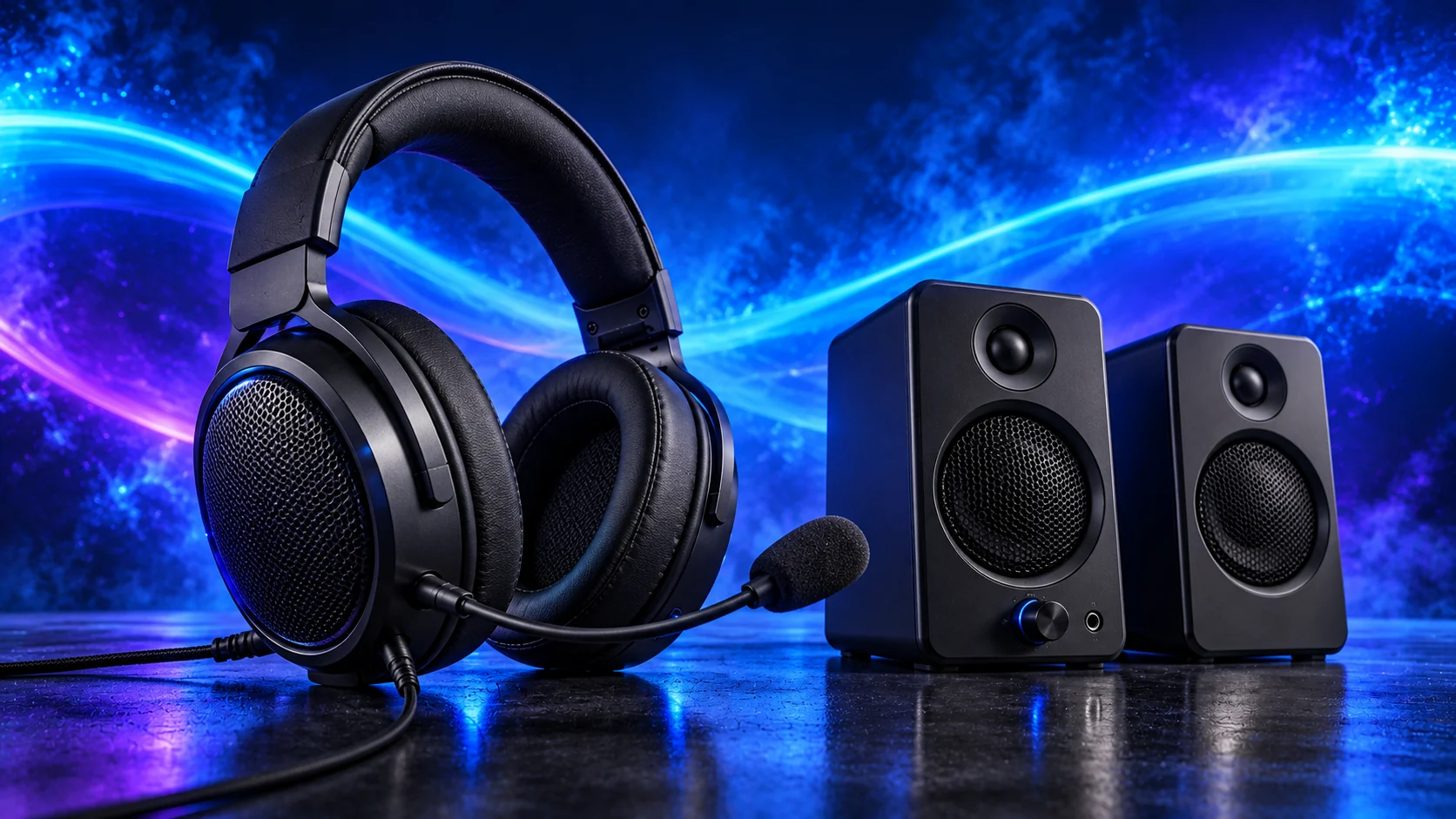
Simple budget analogue pair: Logitech Z150 UK
Z150 is the uncomplicated route for everyday videos, speech and desk listening from a PC’s analogue output. Select the UK power package. Its purpose is convenient sound beside the screen; it is not a substitute for a room-sized speaker system.
Place the pair on opposite sides of the listening area, with the volume control reachable. James’s Z150 account emphasises that separation and relaxed cable routing. Putting both speakers in the same crowded corner sacrifices the useful stereo arrangement before the PC even plays anything.

Compact USB audio and Bluetooth: Creative Pebble V3
Pebble V3 suits a small desk where one USB connection can handle the PC audio route and power. It is different from the original Pebble, where USB power and analogue audio have separate jobs. Choose the V3 specifically when USB audio is the useful feature.
Check the available USB power arrangement against Creative’s instructions. The compact angled pair is best planned around a normal desk listening position, with space for the link between speakers. A current V3 offer is the route to this model; V2, Pro and X have different input/power arrangements.
More connections and a larger desk arrangement: Creative Pebble X
Pebble X earns its place when the PC, a Bluetooth device and analogue source all need to share the speakers. Its communication ports also make a headset/microphone arrangement easier to reach. Choose the 2.0 X here; X Plus adds a separate subwoofer and a different footprint.
Creative’s higher output rating depends on a suitable separate USB-PD adapter rated30 W or above, which is not included in the standard package. Include that requirement if the higher-power mode is the feature you want. Simply plugging into any USB socket does not reproduce every advertised power mode.
Place and connect the pair deliberately
Use a balanced position on either side of the screen and keep the controls accessible. Avoid pulling the inter-speaker cable tight around a monitor arm. If the speakers obstruct the display or mouse area, change the layout before buying a larger pair.
In Windows, select the intended playback device. HDMI audio to a monitor, motherboard analogue output and USB speakers appear as different routes. For calls with speakers active, a headset or careful echo-cancellation setup can prevent the microphone collecting the remote speaker’s voice.
| Route | What it does |
|---|---|
| USB audio | Carries digital audio only on a supported data connection |
| USB power | May power a speaker without carrying its audio |
| 3.5 mm analogue | Uses the connected device’s analogue audio output |
| Bluetooth | Adds wireless source convenience; timing/codec behaviour differs |
Finish the setup
Choose a headset for private listening and calls, or a microphone around the speaker positions. The audio connection guide helps keep the devices separate.
Specifications and setup: Z150 · Pebble V3 · Pebble X connections and power.