
Gaming PC budget: include the monitor and extras
By James Thompson · Published 7 October 2026
Some links in my articles are affiliate links. I may earn a commission when you buy through them.
Budget the complete desk: monitor, mouse, keyboard and audio. Include a backup destination for important files.
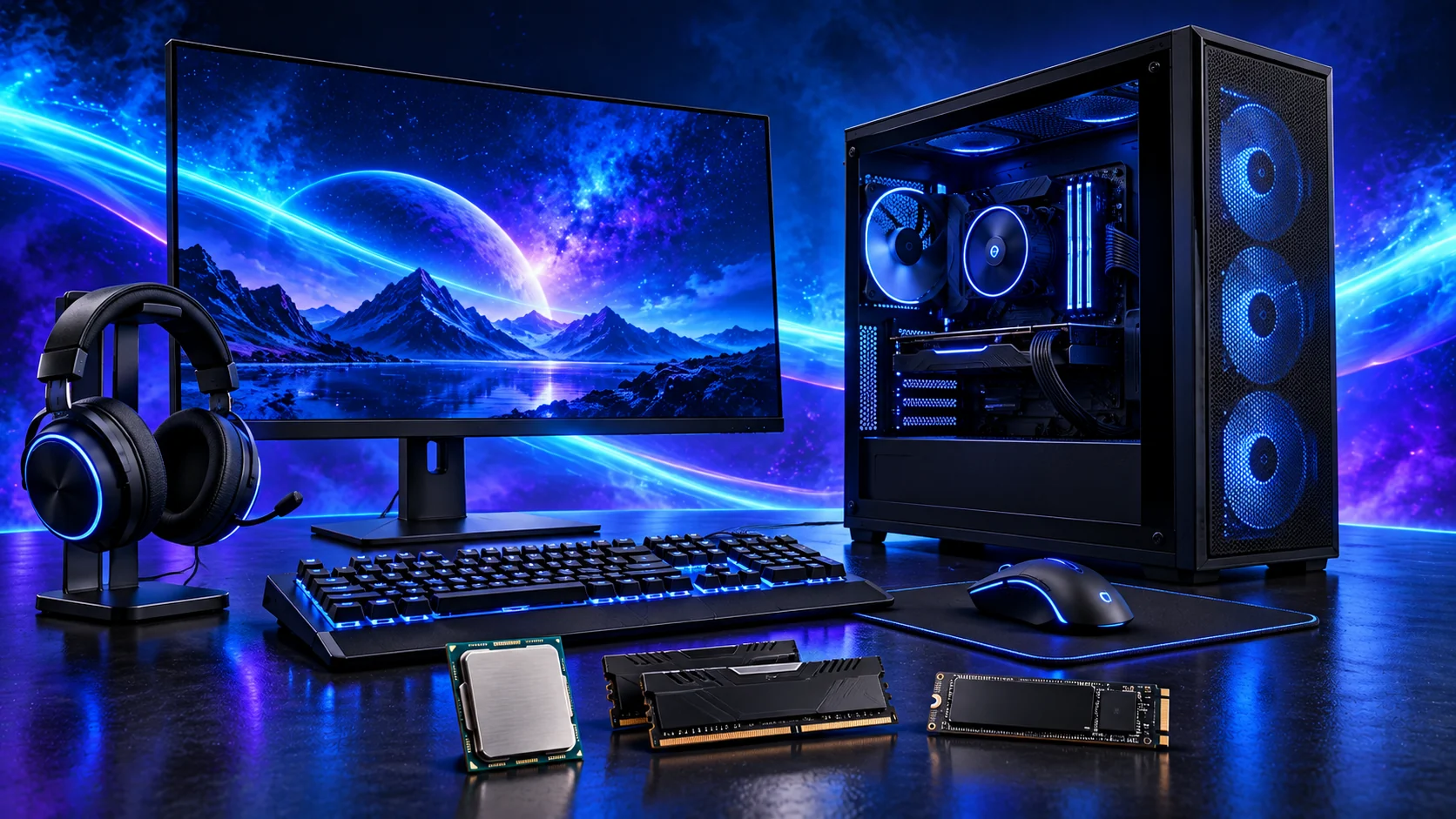
A first PC needs a screen, controls and somewhere to store your games as well as a fast graphics card. I’d put those costs on the same list from the start, so the money you spend produces a setup you can actually sit down and use.
Table of Contents
ToggleSeparate the total budget from the tower budget
Write the maximum amount you can spend now. Beside it, list what you already own and have checked: a suitable monitor and cable, keyboard, mouse, audio equipment and any transferable operating-system licence. A part you cannot use should not count as a saving.
A hypothetical £1,200 setup budget with £250 reserved for missing items leaves £950 for the tower. If those extras instead require £350, the tower allowance falls to £850. Use your actual basket figures in the complete-cost calculator.
Choose the hardware column in the gaming build guide, then use this complete-setup budget to include the desk around it. For a productivity desk, the everyday work build keeps the component spend focused on that job.
Use PC Builder to estimate your AM5 tower, then add the monitor, controls and Windows costs from this guide to your complete setup budget.
Costs that disappear from headline parts lists
| Item | What to check |
|---|---|
| Windows | Do you own a licence you can lawfully transfer? Check the activation route before treating it as free. |
| Display | Resolution, refresh rate, useful stand and a compatible cable. |
| Controls and audio | Keyboard layout, mouse, headset or speakers; a monitor may not contain useful speakers. |
| Networking | Ethernet cable or suitable Wi-Fi; Bluetooth if your devices need it. |
| Assembly | Correct tools and any mounting kit missing from reused parts. |
| Delivery | The delivered total from each seller rather than the product-only subtotal. |

Reserve money in the right order
Choose a sensible display and graphics pairing before spending the entire budget on a CPU. A GPU purchased for 1440p does not make an unsuitable screen more comfortable, and an expensive processor cannot provide missing storage capacity.
Allocate essentials first, then compare the complete platform and graphics costs. Decorative lighting, an oversized PSU bought without a reason, and optional liquid cooling can wait if they displace the part that your workload needs. Divide the remaining tower budget by purpose.
For an OLED upgrade, compare 1440p and 4K OLED before dividing the screen and graphics budgets. The OLED buying guide separates the compact, larger and ultrawide routes.
Reuse can reduce cost, after a compatibility check
A working screen can be a good first-stage choice even if you intend to replace it later. Check its input and available refresh modes. Storage can move between systems when the interface fits and your important data has an independent backup.
Check the exact PSU, its condition and its cables before reuse. Modular leads from another unit are not a free substitute. See the reuse checklist before counting old components at zero new cost.
Compare the finished baskets
Add all essential items and delivery for each candidate configuration. Include any required BIOS service or mounting adapter if it has a real quoted cost. Keep notes explaining optional items so you can remove them deliberately.
Choose a build route only after the complete sum fits. A cheaper tower with the right screen and controls can be more useful than a larger tower budget that leaves the setup unfinished.
For a complete racing setup, include the wheel, pedals and mounting and the display arrangement as well as the sim-racing tower parts.