
Mini PC vs DIY Desktop: Which Makes More Sense for Your Desk?
By James Thompson · Updated:
Some links in my articles are affiliate links. I may earn a commission when you buy through them.
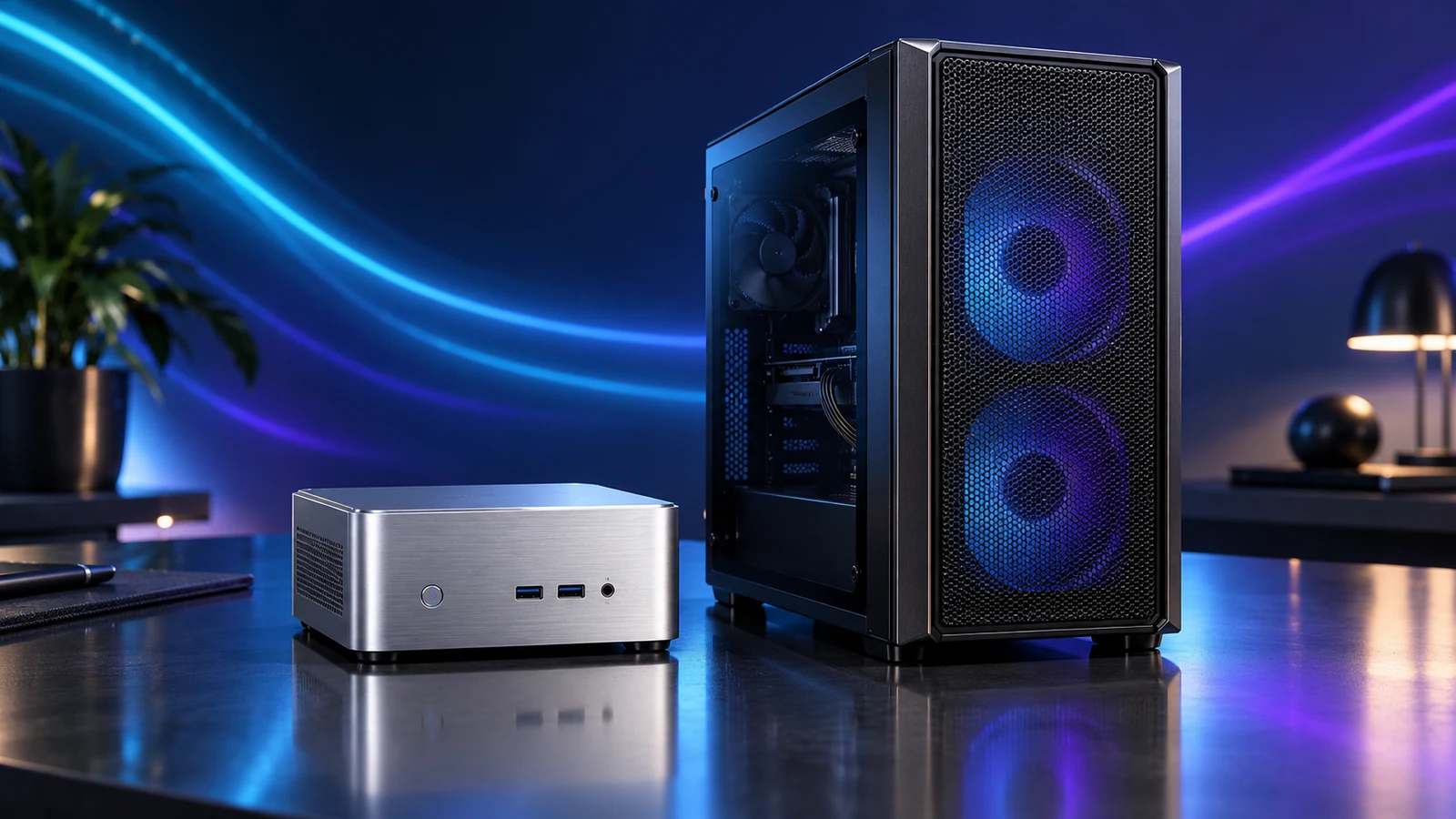
Buy a ready-made mini PC when the main job is a tidy desk for work, browsing and everyday media. Build a desktop when you want a particular graphics card, more internal expansion or control over the parts you replace later. The GEEKOM A6 is the kind of complete office machine I would compare against an everyday-work DIY build.
A mini PC and a Mini-ITX gaming tower solve different space problems. One shrinks the complete computer around a fixed platform; the other uses a small motherboard to assemble a desktop. Choose the job first, then decide how small the enclosure should be.
Table of Contents
ToggleChoose by the upgrade you already know you want
| Your requirement | Route I would favour | Reason |
|---|---|---|
| A small office computer ready to set up | Configured mini PC | Fewer separate components to select and a very small box to place. |
| A chosen discrete graphics card | DIY desktop | Plan the card, power supply, case and airflow together. |
| More compatible memory or local SSD capacity | Either; compare exact models | Some mini PCs allow these upgrades, but formats and capacity limits differ. |
| Several expansion cards or internal drives | Desktop with the required slots/bays | Case and motherboard choice can accommodate the hardware deliberately. |
| Moving the computer between fixed desks | Mini PC, if screens and power are available | The box travels easily; the complete working setup still needs peripherals. |
A desktop is the better purchase when its extra space has a purpose. A tower bought for one browser window wastes room; a tiny box bought for a future full-size graphics card wastes the upgrade plan.
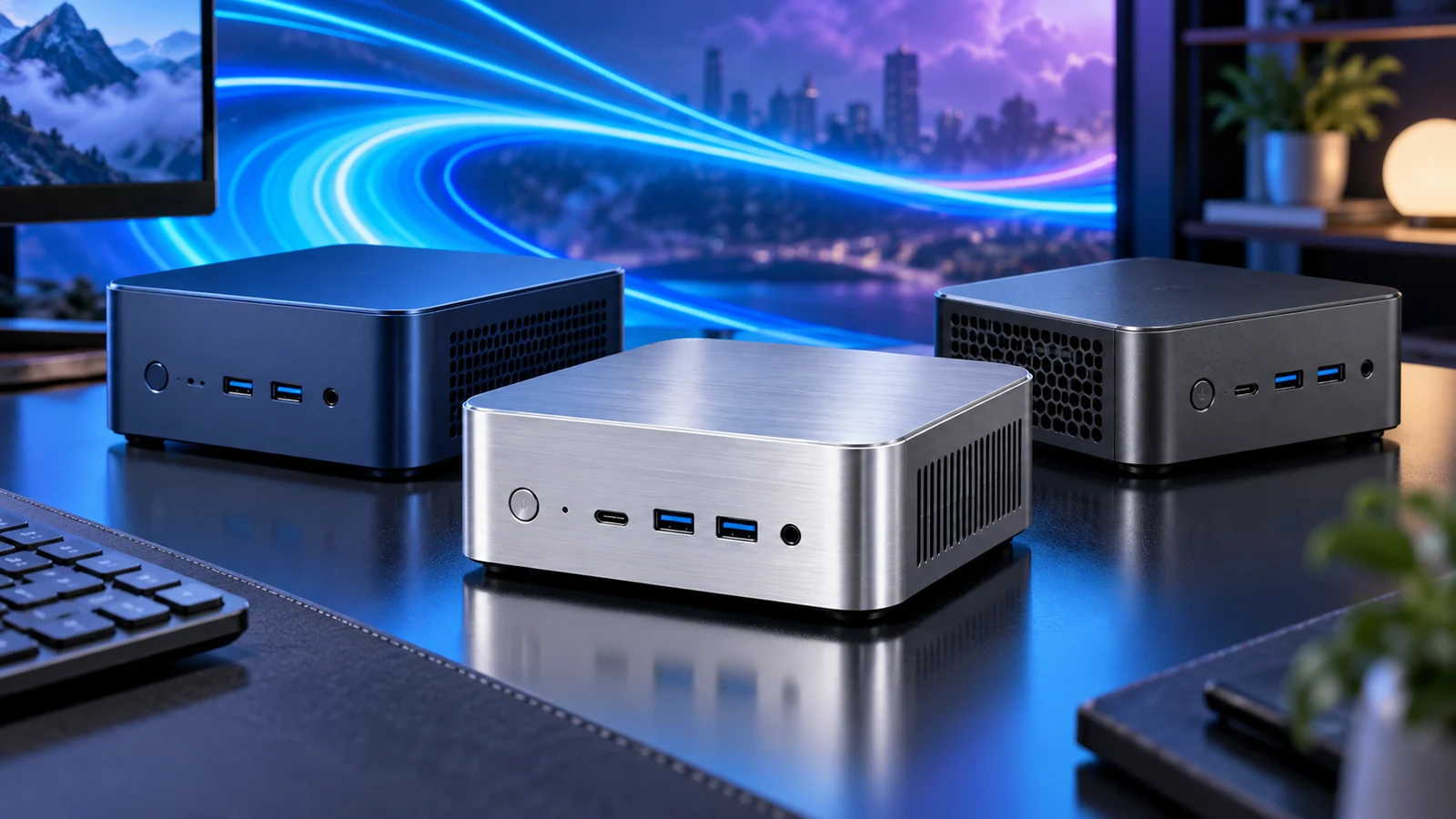
The actual space on your desk
Measure where the computer will sit with its cables attached. Allow the power connector, display leads, USB receivers and ventilation space, then include any external power supply. The enclosure measurement on its own does not describe the finished footprint.
Arrange the connectors before settling the computer’s position. A computer tucked behind a monitor can clear a desk, but it also needs a reachable power button and accessible sockets for the devices you unplug regularly.
A small tower may work better under the desk while keeping only the screen and controls above it. If that is your route, the compact-versus-standard tower comparison deals with case-size trade-offs, and the compact case checklist helps with physical clearance.
Compare the price of a working computer
Make two complete lists. For the configured mini PC, include the exact supplied RAM, SSD, operating system, required adapters and any peripherals. For DIY, include processor, motherboard, memory, storage, case, power supply, cooling and the operating-system route. Add a graphics card only when the workload or display connection needs one.
The budget Beelink Mini S13 N150 and more capable Beelink SER8 8745HS are useful reference configurations, but their live prices must be compared with the full tower basket on the day you buy. A barebones kit needs a separate completion budget.
Use the complete PC budget guide for the often-forgotten desk and software costs. Do not count an old screen as free unless it actually has the inputs and resolution you want.
Keeping a mini PC and adding an external graphics card changes that calculation. Use the eGPU enclosure and dock cost comparison to include the enclosure, power supply and cables alongside the graphics card before comparing it with a complete desktop.
Work, games and long-running tasks
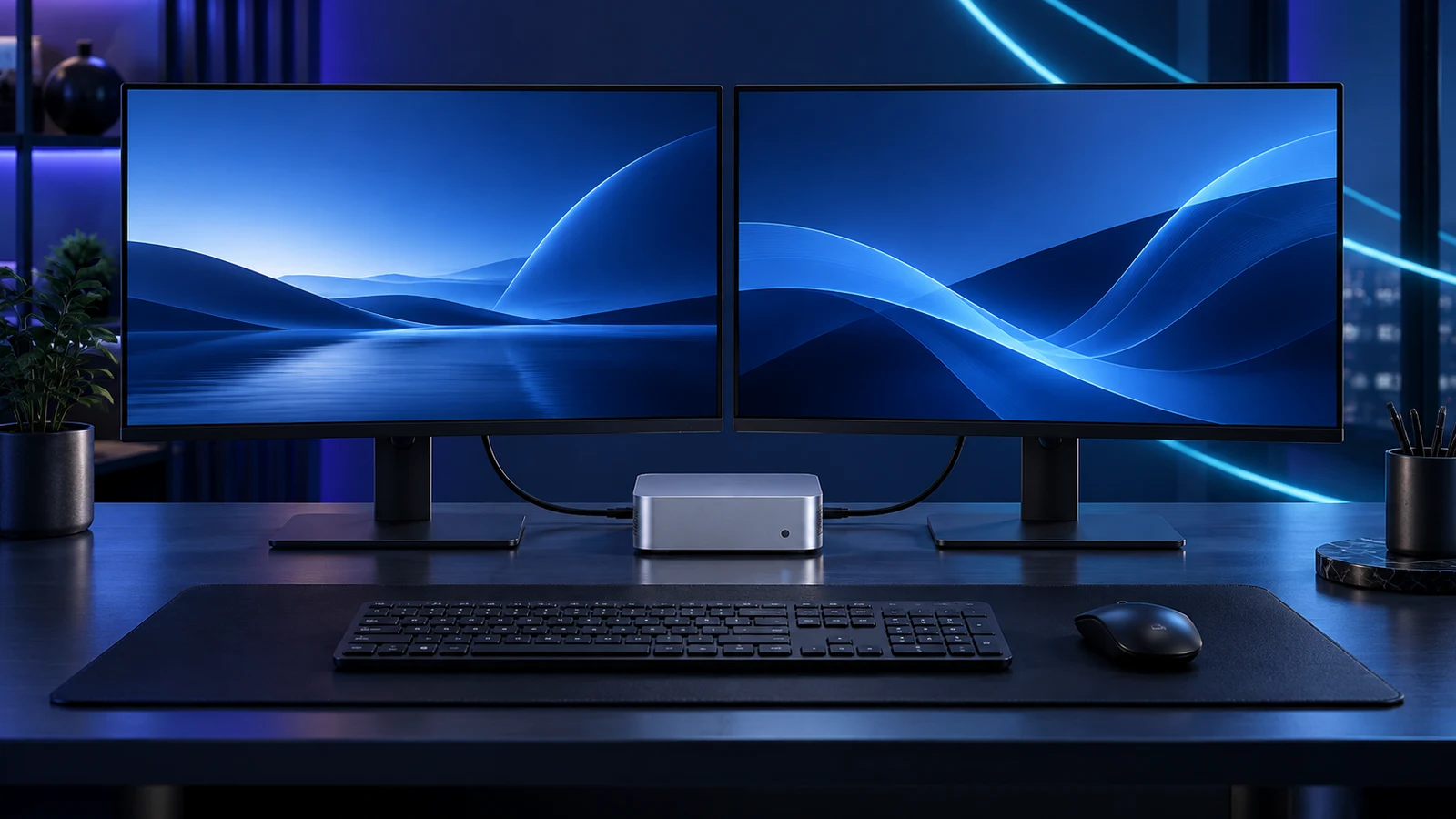
For documents, email, calls and ordinary browsing, a configured mini PC can be an attractive complete purchase. Choose capacity around the tasks open together and the local files you keep, rather than treating all office work as equally light.
Games change the decision. Integrated graphics is part of the processor platform; a desktop graphics card is a separate component with its own power, cooling and replacement path. For a deliberate gaming build, the gaming build guide is the stronger starting route. A 4K output specification describes a display mode, not the speed at which a demanding game will render.
The same approach applies to editing, CAD and local AI: match the application’s actual hardware requirements. A tiny office machine should not be bought to satisfy a workstation task just because both run Windows. Use the development build guide when tools, builds and active environments dominate the working day.
For a computer dedicated to virtual machines and home services, use the Proxmox mini-PC versus tower comparison. Guest capacity, internal drives and extra network connections matter more there than the desk setup.
Serviceability is more useful than an upgrade promise
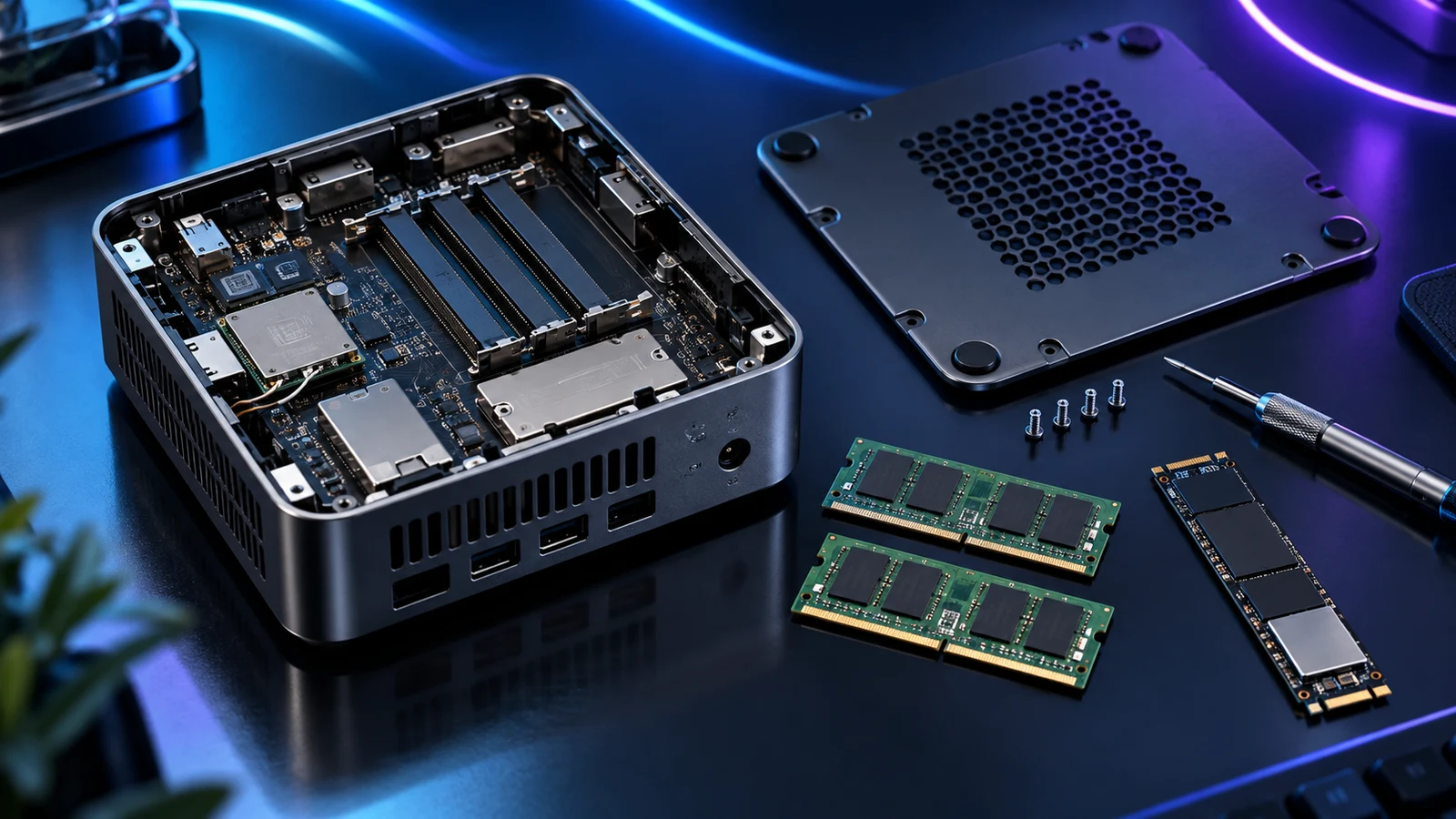
Some mini PCs expose memory modules and storage under a service cover. That gives useful ownership options, but it does not make the processor, graphics or motherboard interchangeable with desktop parts. The mini-PC upgrade guide separates the changes worth planning.
A DIY tower can be chosen around replacement options: standard board size, appropriate PSU connections, accessible fans and enough case clearance. Each change still needs compatibility checks. A socketed CPU does not mean every future processor will fit the same board.
Buy for a concrete next step. “I need a second SSD for project files” can be checked against a mini-PC manual. “I might want any graphics card in a few years” is a reason to choose an appropriately sized desktop now.
Pick the route and finish the setup
For the ready-made route, the home-office mini-PC shortlist compares three different jobs. Then plan the screen connections before buying cables.
For a compact DIY route, start with the quiet and compact build guide. Use the PC Builder only for the supported curated AM5 tower options; it does not validate a prebuilt mini PC.
I would pay for the route I intend to use now: small and complete for a straightforward desk, or deliberately expandable when the next component change is already part of the plan.