
Compact case fit checklist: measure before buying
By James Thompson · Published 7 October 2026
Some links in my articles are affiliate links. I may earn a commission when you buy through them.
Use the board-format comparison and the internal connection map before the case fills up. M.2 dimensions and socket-sharing notes finish the drive plan.
Compare the fan size/thickness and PSU cable clearance around the installed parts. Finish a stable control curve once the case is closed.

In a compact build, I draw the GPU, cooler and PSU in their fitted positions before ordering. Add the fan thickness and cable exits to that drawing and you can see where the tight spots will be.
Choose the actual models in the compact case guide, compact graphics cards and compact CPU coolers, then measure this combined arrangement.
Table of Contents
ToggleDraw a layout to scale
Record board size, cooler height, RAM height, GPU length/thickness/height, PSU dimensions and fan/radiator thickness. Mark the power-lead exits and the headers you must reach.
Choose the exact case version and panel arrangement. Wood, mesh and glass variants can differ in available brackets or airflow. Check the supplied manual.
PSU bracket and graphics space
Record the selected bracket position and orientation, not just “ATX PSU supported”. Include connector depth and cable bends. A different position can put the PSU or its leads into the GPU path.
Lian Li’s A3 compatibility documentation explicitly makes clearances configuration-dependent. Check its layout diagrams for your exact PSU and card.
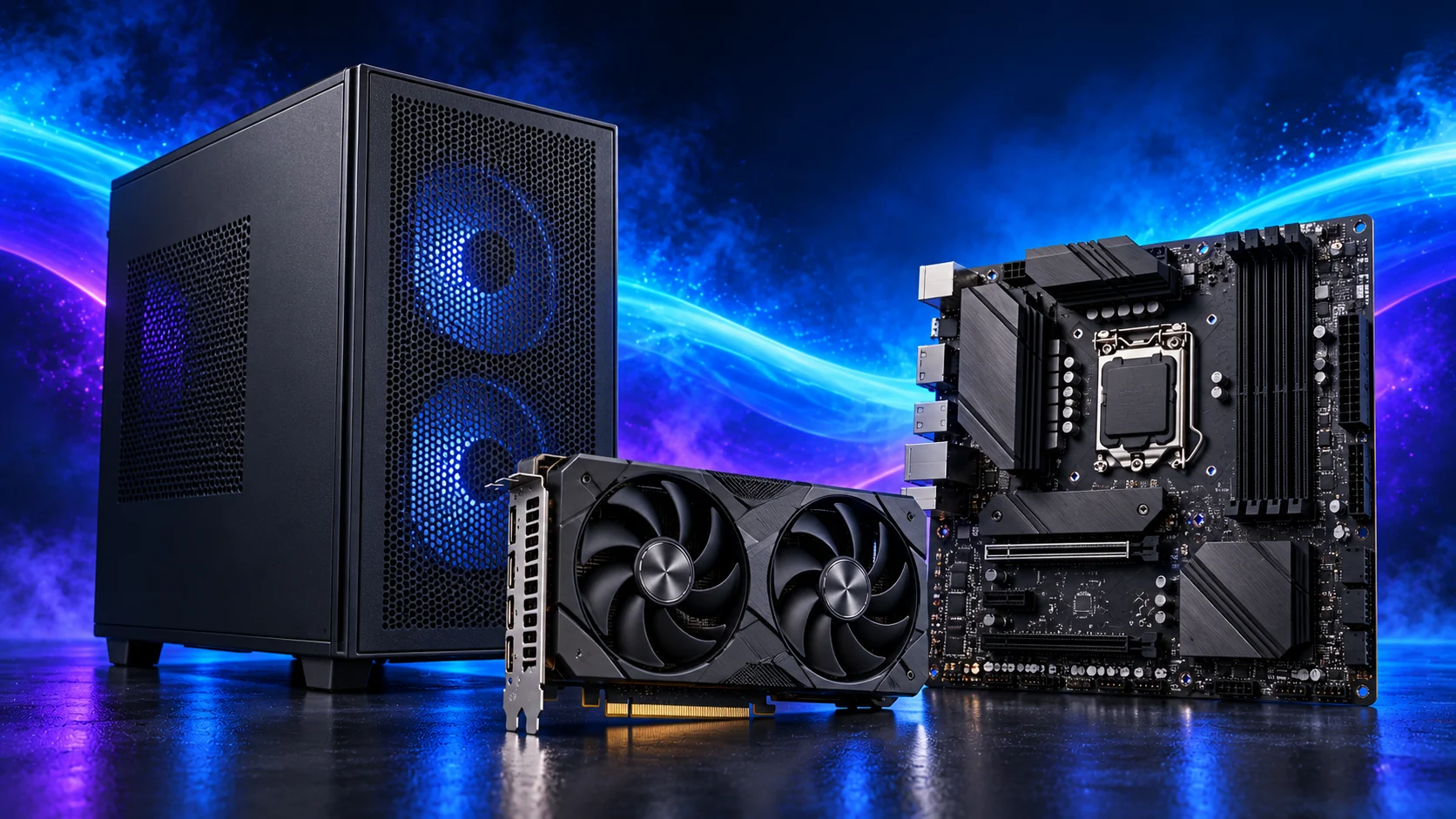
Fans consume usable space
A bottom fan can reduce GPU thickness space; radiator and fan dimensions must be added together. The A3 documentation states that a 25mm bottom fan limits GPU thickness to 61mm in the described arrangement.
Do not plan to use every advertised maximum simultaneously. Record which fan mounts remain useful around the actual parts.
Cooler and RAM clearance
Check the installed fan position above the modules. A cooler body shorter than the case limit can exceed it once the fan is raised. Check access to CPU power and fan sockets.
Plan the A3’s assembly order so smaller connections remain reachable as you fit the large components. Service access belongs in the drawing too.
Complete the buying record
- Exact case, panel, board and component models.
- Selected PSU bracket position and lead route.
- Installed cooler height and GPU space with all planned fans.
- Required front headers and fan connections.
- Room to remove filters and perform a likely drive change.
Compare the record with the compact build and recheck every substitution.
For a measured Mini-ITX parts plan, follow Portable Mini-ITX builds and Best Cases for Portable PC Builds. The Terra spine and Ridge cooler limits are part of those case decisions.