
Best Mini PCs for Home Office in 2027: Choose by Workload
By James Thompson · Updated:
Some links in my articles are affiliate links. I may earn a commission when you buy through them.
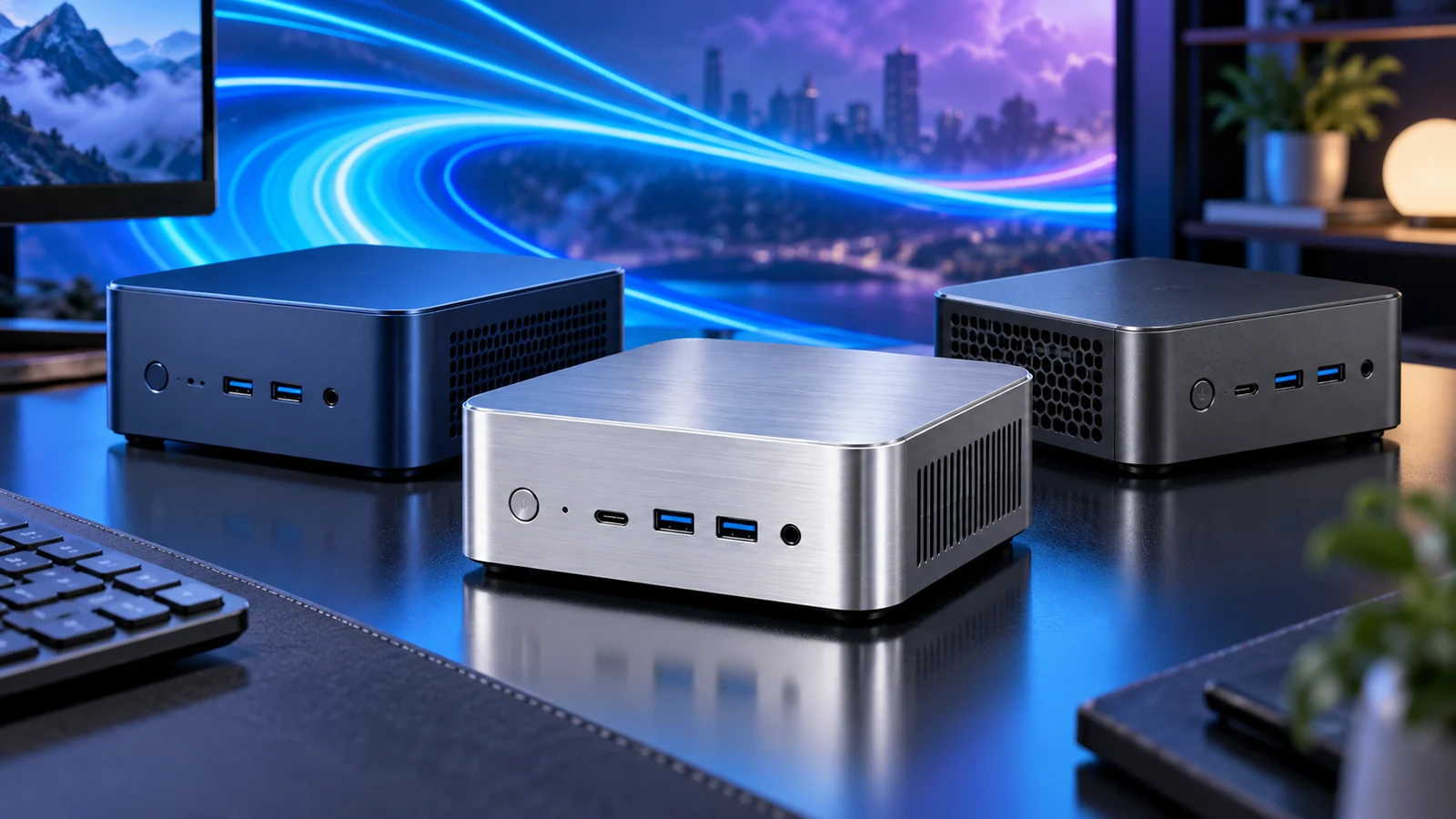
For a home-office desk with documents, email and calls, I would start with the GEEKOM A6. Its Ryzen 7 6800H, 16GB memory and 1TB SSD make a useful middle ground between a basic browsing box and a larger desktop. Choose the Beelink Mini S13 N150 for a simpler, budget-focused single-monitor setup, or the 32GB/1TB Beelink SER8 8745HS when you want more room for active applications and projects.
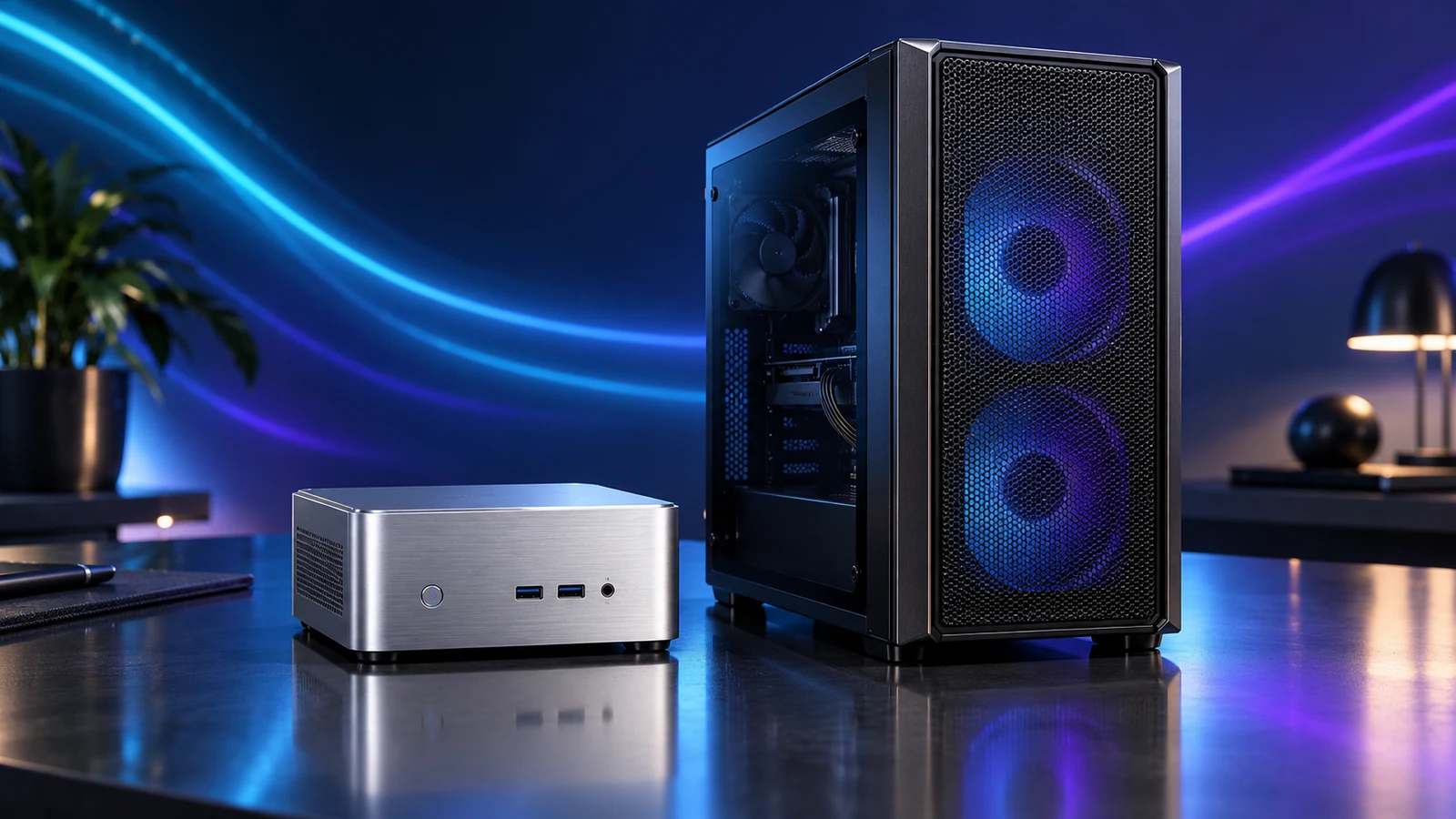
A mini PC earns its place by clearing the desk without making everyday work awkward. If a replaceable graphics card or several internal drives are part of the plan, compare a mini PC with a compact DIY desktop before picking one.
Table of Contents
ToggleMy shortlist for three kinds of work
| Best for | My pick and linked configuration | Why it fits | Choose another route when |
|---|---|---|---|
| Basic documents, browsing and calls | Beelink Mini S13 N150 · N150 · 16GB/500GB | An economical type of machine for a modest desk and a focused workload. | You keep demanding applications running together or need a confirmed two-screen connection. |
| Everyday home-office use with flexible connections | GEEKOM A6 · Ryzen 7 6800H · 16GB/1TB | A roomier starting platform with useful display connections and internal memory access. | A graphics-card upgrade is a requirement rather than an optional idea. |
| Heavier multitasking and a larger active workspace | Beelink SER8 8745HS · Ryzen 7 8745HS · 32GB/1TB | Twice the supplied memory of the other two selections, with HDMI, DisplayPort and a USB4 display route. | The workload requires a specific discrete GPU or more expansion than a mini enclosure can offer. |
These are choices for different jobs. I would not spend the SER8 money just to answer email, and I would not choose an N150 machine simply because its case looks as capable as a more powerful model. Compare the complete configurations and current checkout totals; a processor name alone does not settle value.
Budget desk: Beelink Mini S13 N150
Beelink Mini S13 N150 is the starting point I would consider for ordinary browser work, documents, music and video calls. The linked configuration supplies 16GB DDR4 and a 500GB SSD, so the purchase already covers memory and local storage rather than leaving a barebones machine to finish.
I would give it a clear job: one everyday desk, a manageable set of applications and files stored with a proper backup. Video exports, large development environments and elaborate multitasking are reasons to move up a class. The attraction here is buying the computing capacity you need without turning a simple office desk into a component project.
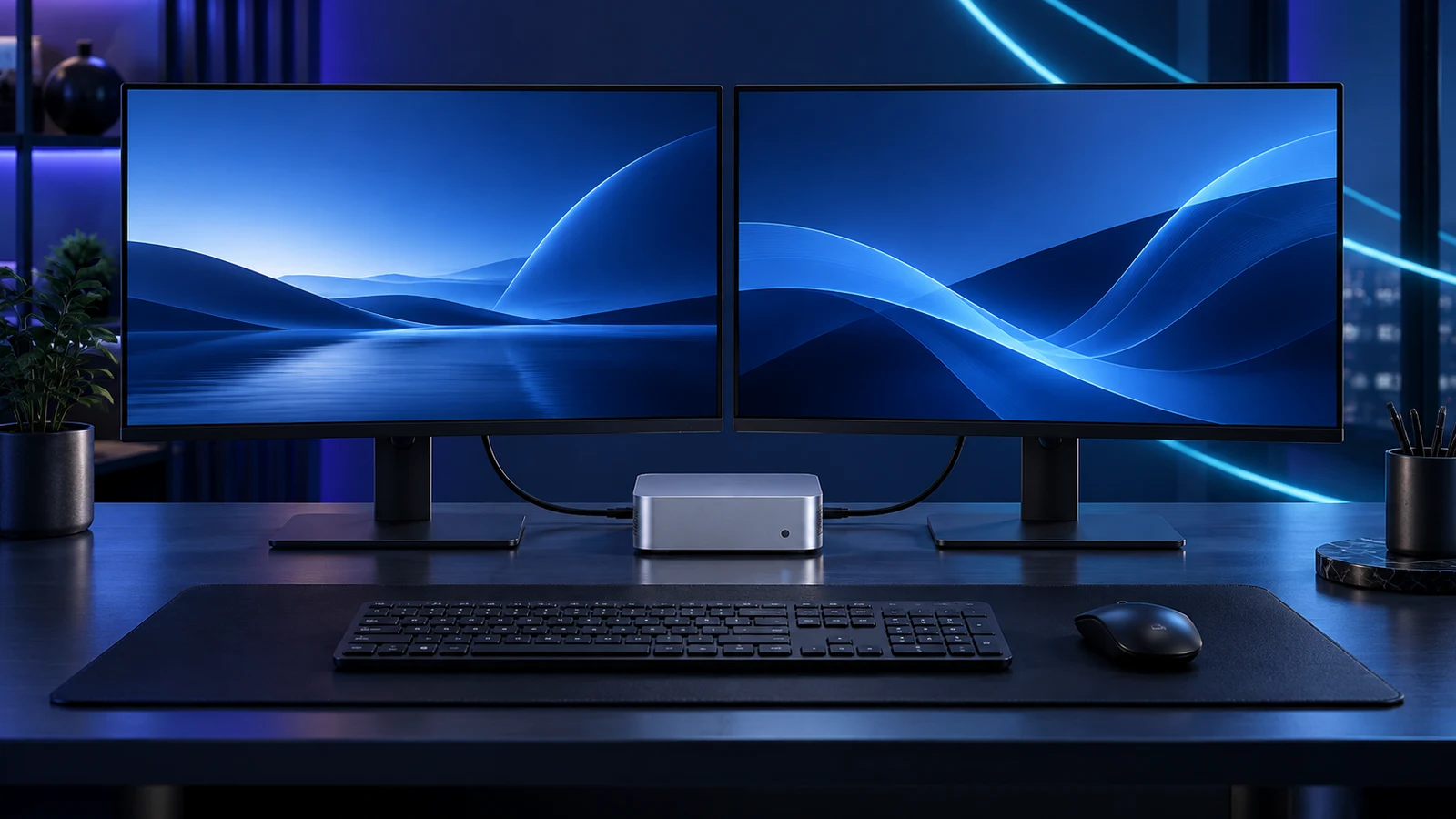
The current linked S13 description specifies one HDMI output. Similar Beelink names and older illustrations can show other layouts, so I would use this particular selection for a single-monitor desk. For two screens, the A6 and SER8 below give clearer connection routes.
Leave room behind the mini PC for connectors and keep the intake clear. A palm-sized enclosure still needs working space around it; pushing it tightly against a wall throws away much of the convenience.
Everyday choice: GEEKOM A6
The GEEKOM A6 is my starting recommendation when the computer is used throughout the working day and several ordinary tasks overlap. The linked 16GB/1TB variant balances an eight-core Ryzen 7 6800H platform with useful storage capacity; the benefit is room for documents, applications and local working files without immediately adding a drive.
I like the A6 most for a small desk that also needs useful connections. GEEKOM lists two HDMI outputs, USB4 and additional USB connections. Two HDMI-equipped office monitors can therefore take a straightforward direct-cable route; the mini-PC dual-monitor guide explains how to plan the actual screen modes.
There is a difference between having room for work and buying a workstation for every creative task. A6 integrated graphics can handle the desktop and selected lighter graphics jobs, but a paid application’s GPU requirements still decide suitability. For a machine built around demanding graphics work, start with the matching graphic-design build guide instead.
Plan the A6’s display arrangement and leave space for cables and ventilation before transferring important work.
More memory from the start: Beelink SER8 8745HS
Choose the Beelink SER8 8745HS when 32GB memory has an immediate job: a substantial mix of applications, larger projects or a development workspace. The linked variant includes two 16GB modules and a 1TB SSD. I would spend the extra money here for that working capacity, rather than for a decorative “gaming” label.
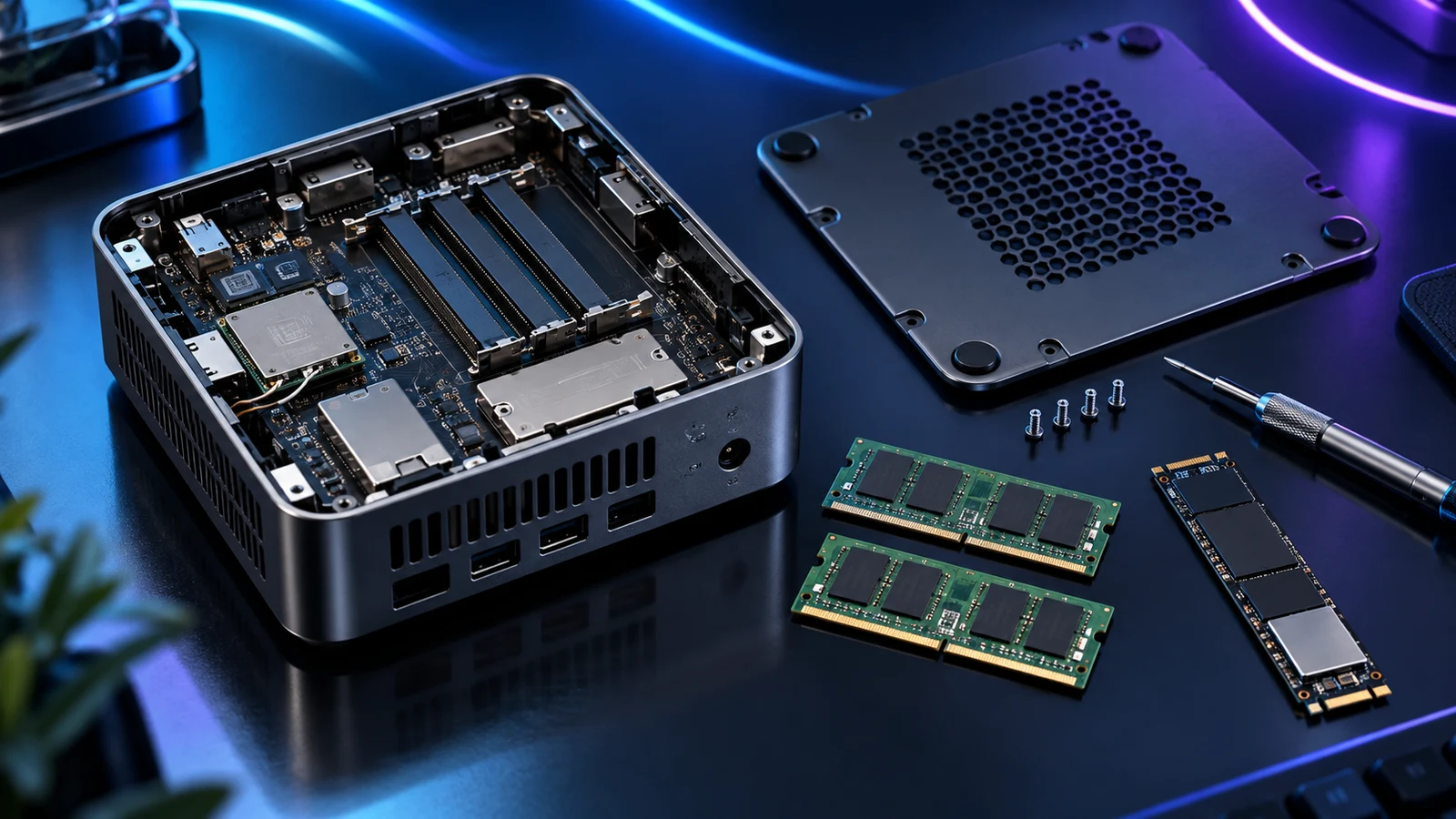
Beelink documents socketed DDR5 memory, two M.2 2280 storage positions and HDMI, DisplayPort and USB4 display connections for the 8745HS SER8. It gives a practical route to add compatible storage later and connect screens with different inputs. See what mini-PC memory and SSD upgrades really allow before buying parts.
The Radeon 780M is integrated graphics. It shares the platform’s resources and does not turn the SER8 into a tower with a replaceable graphics card. If game performance is the main reason for the purchase, compare your chosen games and display target with a gaming desktop build before committing.
Spend on the complete desk, not just the box
Put the machine, monitor, keyboard, mouse, required cables and backup destination in the same budget. A bargain mini PC can become a poor fit if it needs adapters for every screen and peripheral. For a working desk, the monitor buying guide and work mouse choices are useful alongside the computer.
A barebones kit needs its own RAM, SSD and operating-system plan; a complete configured PC already supplies some or all of those. Compare like totals. “Small PC” can describe either, and a cheap headline for an unfinished kit is not the cost of a usable desk.
For this shortlist I would buy the supplied capacity that matches the first year of work. A larger RAM label helps only when the applications need it; a bigger SSD helps when local files need the space. Neither replaces an independent backup.
When I would build instead
Build a compact tower if you want control over the graphics card, cooling, expansion cards or several internal drives. Start with the everyday-work build guide or the quiet and compact build guide. You gain component choice and accept a larger enclosure and more assembly.
Once you choose a supported AM5 tower route, the PC Builder can help with its curated tower components. It does not validate any of these ready-made mini PCs or their monitor combinations.
For the small office desk I would come back to GEEKOM A6; for a focused budget task, Beelink Mini S13 N150; for an immediate 32GB workload, Beelink SER8 8745HS. Pick the route that makes the actual working day easier.
Model connections and serviceability: GEEKOM A6 specifications · Beelink SER8 specifications.