
UK keyboard layouts and sizes: full-size, TKL and compact
By James Thompson · Updated:
Some links in my articles are affiliate links. I may earn a commission when you buy through them.
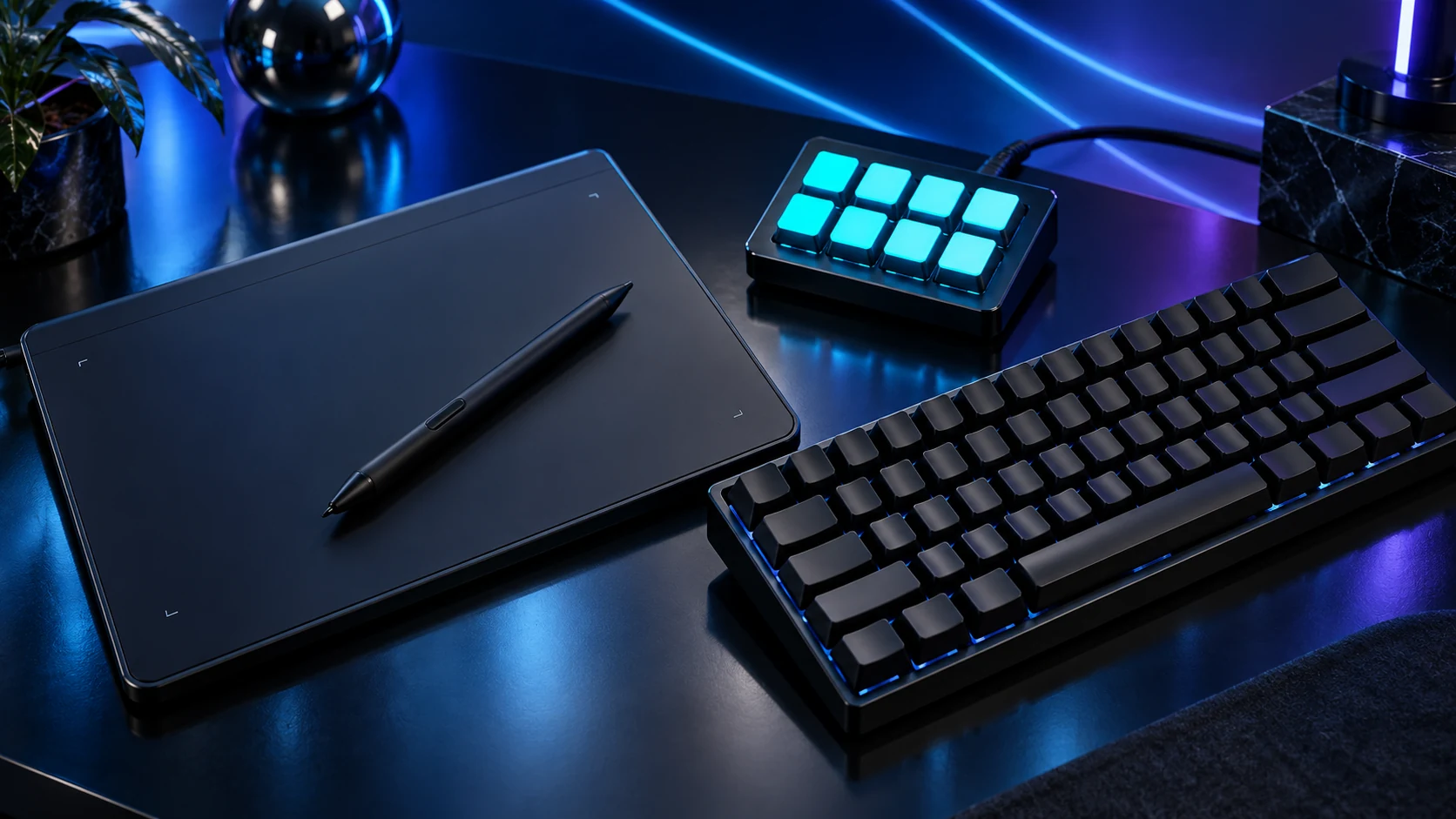
Choose a UK layout for familiar pound, quote and symbol positions, then decide which physical keys you need. TKL removes the number pad; smaller layouts can move navigation and function keys onto layers. Saving space is useful only if the remaining controls suit your day.
UK legends, physical layout and Windows input
UK ISO commonly has the tall Enter key, a shorter left Shift and the familiar UK symbol positions. US ANSI uses a different Enter/Shift arrangement and symbol layout. A software input setting changes what the PC interprets; it does not change the shape or printed legend of a key.
Select English (United Kingdom) input in Windows when using the corresponding board. If the pound or quote appears from the wrong key, check the active input layout before assuming the keyboard is faulty. Imported keyboards can use ISO for another language, so “ISO” alone is not the same as UK.
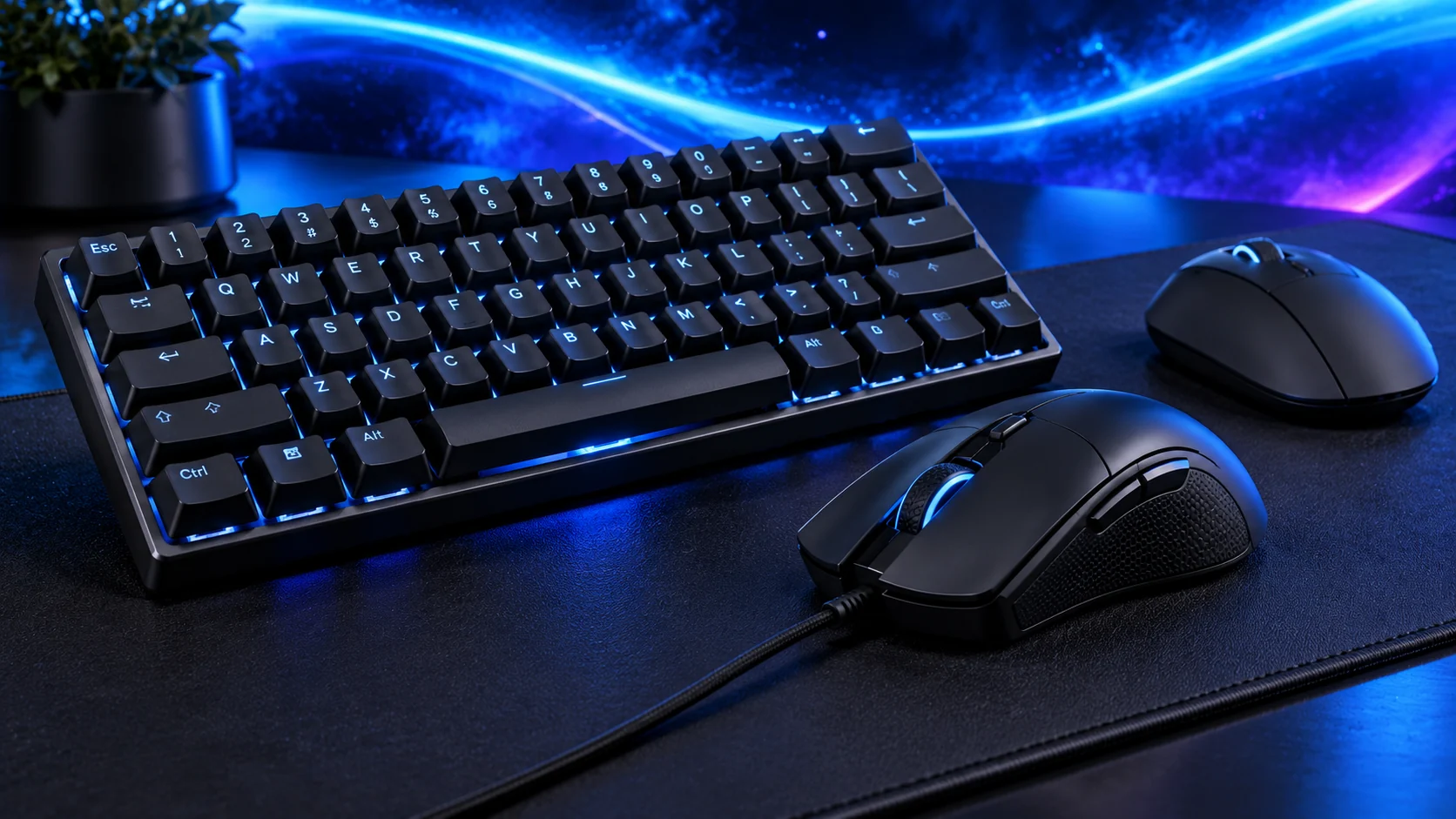
Keep the keys your work uses
| Size | What to expect | Choose for |
|---|---|---|
| Full-size | Number pad plus normal navigation/function controls | Frequent numeric entry |
| TKL/tenkeyless | Number pad removed, navigation and function row retained | More mouse room with familiar controls |
| 75% | Function row/arrows in a tighter arrangement | Compact desk with selected direct controls |
| 65% | Often arrows, usually no dedicated function row | Small footprint when layers suit the work |
| 60% | Usually no dedicated arrows/function row | A deliberately minimal shortcut workflow |
Percentages describe broad families, not a guaranteed key map. Inspect the exact product layout. A game using F-keys and an application using Home/End may make one compact board more suitable than another.

Measure the desk around the mouse
Put the keyboard at a comfortable typing position, then measure the usable mouse area beside it. A full-size keyboard pushed sideways to make room can create an awkward reach. TKL is often the practical compromise because it removes the number pad without hiding arrows and function keys.
If numeric entry matters only occasionally, a separate number pad can be moved into position when needed. If it matters every few minutes, the integrated pad has a clearer purpose. Include cables, receiver placement and any palm rest in the physical plan.
Number entry, arrows, F-keys and app shortcuts
Keyboard plus real mouse travel
Exact UK legends and physical key positions
Then compare feel, connection and controls
Buy the exact version
Use the UK keyboard shortlist with the layout name or UK part number. A model family may include US, UK and other regional versions plus different switches. Mechanical construction and switch colour do not establish the language layout.
For repeated commands, a separate macro pad can add controls without replacing familiar typing keys. Match the mouse mat after establishing the desk space, rather than choosing a mat that forces the board out of reach.
Specifications and setup: TKL example · UK75% example · Regional layout selector · Full-size keyboard specifications.
