
Best PC Build for Triple-Monitor Sim Racing in 2027
By James Thompson · Updated:
Some links in my articles are affiliate links. I may earn a commission when you buy through them.
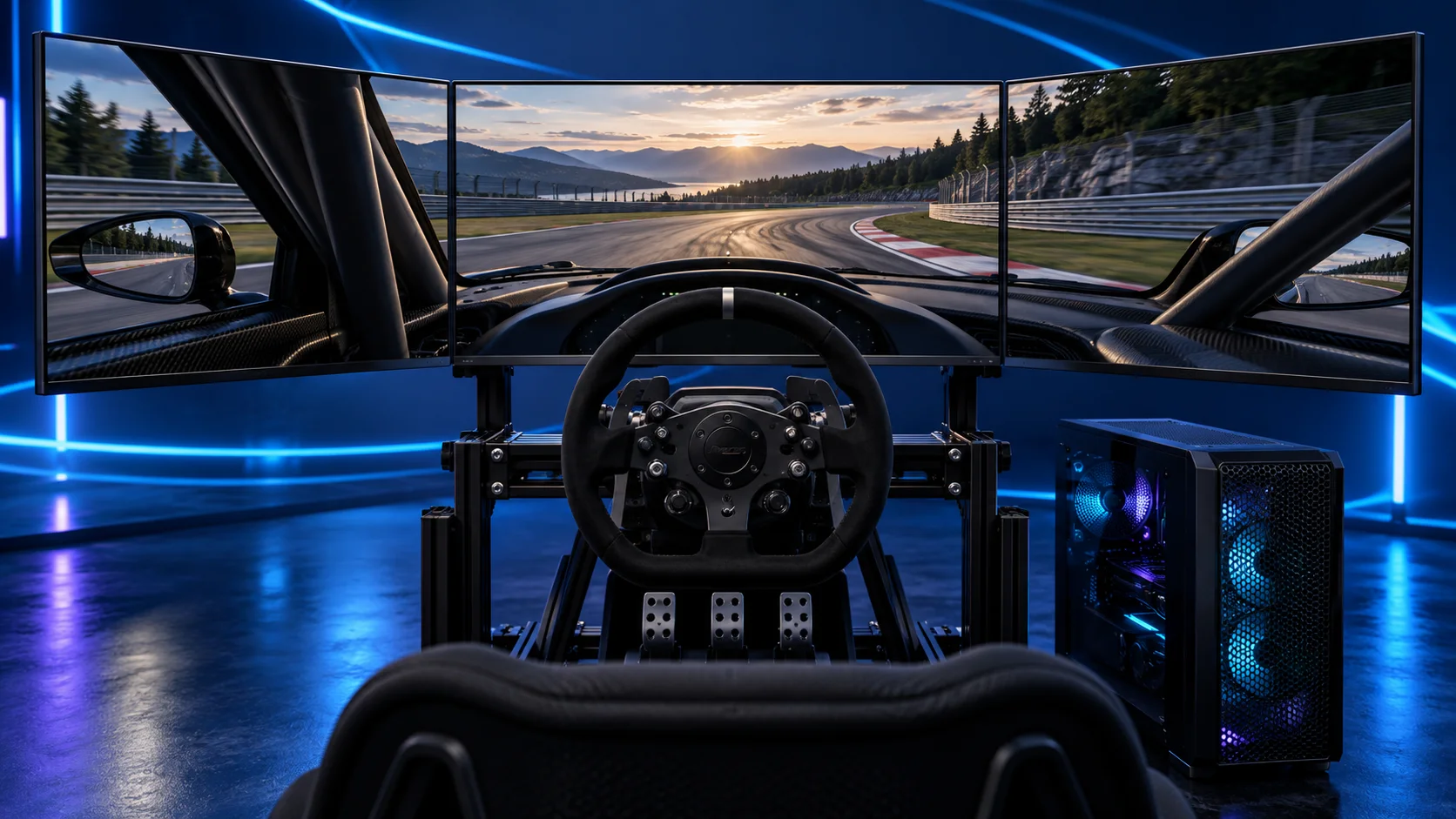
For three 1440p racing monitors, I’d build around the Ryzen 7 9850X3D, MSI RTX 5070 Ti 16GB and 32GB DDR5. Use three identical screens and a mount designed for their size. The RTX 5080 is the premium graphics step; a triple-1080p setup is the lower-resolution alternative.
Table of Contents
TogglePick the screen resolution before the tower
A triple-screen cockpit can show you cars alongside and the corner ahead without covering your view with a headset. The screens must also fit the room and sit at the right distance. Buy the monitor arrangement and the PC as one project.
Three 1440p screens form a 7680 × 1440 surface: 11,059,200 native pixels per frame. That is one-third more than one 4K screen. Three 1080p screens are 5760 × 1080, or 6,220,800 pixels. Choosing 1080p reduces the native pixel load, while 1440p gives each screen more detail.
| Route | Native pixels | What changes |
|---|---|---|
| Triple 1080p | 6.22 million | Lower graphics demand; still requires proper physical screen setup |
| Triple 1440p | 11.06 million | More detail and a larger GPU budget |
These are pixel counts, not frame-rate estimates. Three separate views, the racing title and its visual settings affect the work as well. Use the resolution to plan the tier, then configure the sim for the actual rig.
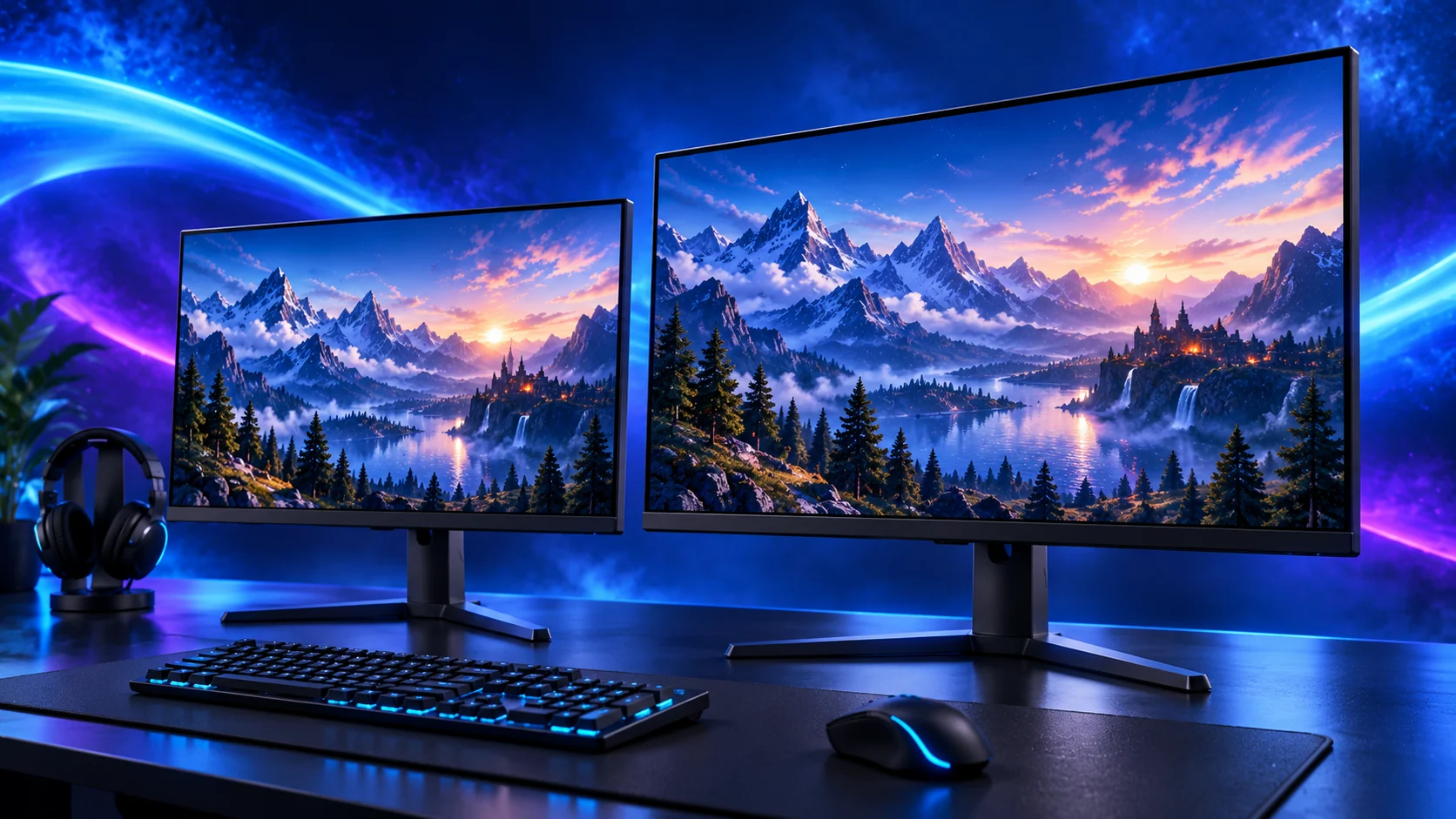
The complete triple 1440p tower
| Component | My choice | Why it belongs here |
|---|---|---|
| Processor | Ryzen 7 9850X3D | Eight-core AM5 X3D platform for a racing-focused build. |
| Graphics card | MSI RTX 5070 Ti 16G Ventus 3X OC | 16GB card with three DisplayPort outputs for the specialist racing setup. |
| Motherboard | Gigabyte B650 Eagle AX | AM5 board with wired networking and useful rear USB connections. |
| Memory | Corsair Vengeance 32GB DDR5-6000 CL30 | One matched 2×16GB DDR5 kit. |
| Storage | Crucial P310 2TB M.2 2280 | 2TB M.2 SSD for Windows, racing titles and updates. |
| Power supply | Corsair RM850e (2025) | 850W ATX supply with the modern GPU connection route. |
| Case | NZXT H5 Flow (2024) | Airflow-focused mid-tower with room to route cables. |
| CPU cooler | Thermalright Peerless Assassin 120 SE | AM5 air cooling without the cost and routing of a large radiator. |
This puts the specialist spend into the processor and graphics card. The 32GB kit and 2TB SSD remain a practical gaming configuration. There is no need to pay for workstation memory capacity or a flagship motherboard to connect three screens.
The MSI 5070 Ti Ventus has three DisplayPort outputs. Use each for a racing monitor and leave the remaining output for another screen only if its intended mode fits the card’s display capabilities. Connect the monitors to the GPU rather than the motherboard.
For the premium version, substitute Gigabyte RTX 5080 Gaming OC 16GB and repeat the exact size, support and connector checks. Keep the platform unless another requirement calls for a change.

Choose three matching monitors
| Best for | My choice | Why I’d choose it |
|---|---|---|
| Best starting triple 1440p set | MSI G272QPF E2 27-inch | Three identical 27-inch flat IPS units. |
| Lower-resolution entry | AOC 24G4XED | Three identical 1080p units if the smaller size and resolution suit the rig. |
| Larger curved alternative | Samsung Odyssey G5 32-inch (LS32CG552EUXXU) | 32-inch curved QHD option; allow more space and configure the curvature. |
My default is three MSI G272QPF E2 27-inch monitors. The 27-inch flat format keeps screen geometry simpler, and matching units help align the panel size, refresh mode and picture settings. Buy the monitor mount alongside them.
The 32-inch Samsung alternative is for a cockpit with room for larger panels. Its curve is part of the geometry, not a cosmetic label you can ignore. A mounting arm also has to support the monitor’s weight, VESA pattern and usable screen angles.
Do not compare only the price of one screen. Add three screens, the stand or mount and the three cables to the rig budget. An ultrawide can be a cleaner one-panel alternative if the physical footprint is the problem.
Compare the sim-racing monitors before choosing the set.
Measure the footprint and viewing position
Place the central screen in front of the wheel and establish a seating position you can keep. Then angle the side screens towards you. The outside width depends on their angle, so a manufacturer’s flat-panel width multiplied by three is only a rough starting space estimate.
Measure the centre-screen viewing distance from your normal driving position. Keep the three panels at the same height and align the joins. A stand that allows small positional adjustments is useful when the panels have to meet cleanly.
Enter the screen width, bezel treatment, side angle and viewing distance in the simulator’s triple-screen settings. Do not stretch a single camera view across all three panels and call the result a properly configured triple cockpit.
If the rig also moves or vibrates, decide whether the monitors should stand independently of it. Their mounting should suit the weight and movement of the complete setup.

Set up triples in iRacing
iRacing documents two main display routes: windowed mode, or a combined display using Nvidia Surround or AMD Eyefinity. Choose the method supported by your configuration and follow its settings for the physical screen arrangement.
A combined desktop resolution and three-screen rendering are related settings, but they do not replace the geometry values. Set the viewing arrangement in the sim after Windows can see and drive the monitors correctly.
For the Nvidia build, review the relevant multi-view options in iRacing. For another racing title, use that title’s own triple-screen support and configuration; a working iRacing setup is not proof of the same features elsewhere.
Set all three monitors to a common supported refresh mode. Adaptive-sync behaviour depends on the chosen display route; iRacing notes the role of Nvidia Surround for official multi-monitor G-SYNC support.
Useful technical references: Official three-monitor instructions · Nvidia rendering-mode reference.
The budget version and the next upgrade
The budget triple route starts by reducing the display resolution. Keep the Ryzen 5 9600X in the comparison, then choose the GPU for the game and quality settings rather than buying three 1440p panels and hoping an entry card behaves like the premium tier.
If you already have three suitable monitors, retain them and improve the limiting PC part. If you already have a capable tower but poor alignment or a moving stand, fix the mounting before buying another graphics card.
For a first rig without enough room for triples, use one screen now. The tower can still be chosen with a later upgrade in mind; you do not need to buy the entire cockpit in one basket.