Best CPU Coolers for Building a PC in 2027
By James Thompson · Updated:
Some links in my articles are affiliate links. I may earn a commission when you buy through them.
Read CPU power and cooling explained for the difference between TDP, configured limits and sustained load before choosing the cooler.
Set the supported fan-control mode and curve after installing this cooler. The case-fan shortlist covers intake/exhaust purchases that serve the complete build.
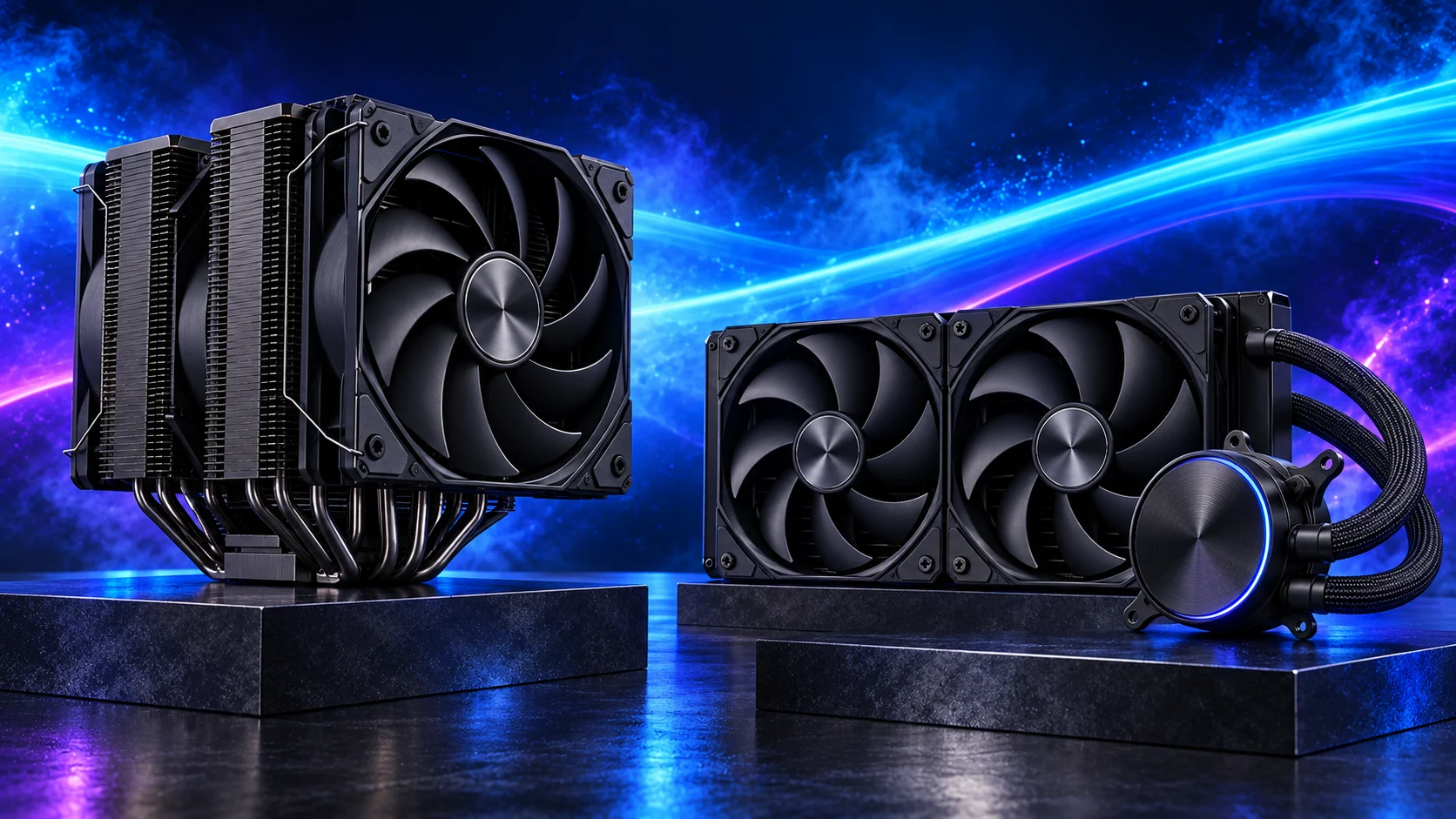
For most first builds I’d start with air cooling. The ARCTIC Freezer 36 is a simple modest-CPU route; the Thermalright Peerless Assassin 120 SE is the dual-tower starting point; the Liquid Freezer III Pro 360 belongs in a larger build with space for its radiator. Choose the cooling arrangement for the sustained workload, not the RGB display.
Table of Contents
ToggleChoose by what the PC needs to do
Air cooling keeps the system straightforward: a heatsink, mounting hardware and one or more replaceable fans. An AIO moves heat to a radiator and adds a pump, hoses and more layout decisions. Both can be appropriate; the better route is the one that handles the CPU’s real workload and fits the case you want.
Choose the purpose below for the direct shortlist. Each section also links to its detailed buying guide and the complete matching PC build. If you are starting from an empty desk, use the beginner’s complete PC guide first.
| Your PC | Buying guide | Complete build |
|---|---|---|
| Gaming | Compare the cpu coolers | Build this PC |
| Graphic design and photo editing | Compare the cpu coolers | Build this PC |
| Video editing | Compare the cpu coolers | Build this PC |
| Blender and 3D rendering | Compare the cpu coolers | Build this PC |
| Everyday work | Compare the cpu coolers | Build this PC |
| Quiet and compact builds | Compare the cpu coolers | Build this PC |
Try a catalogue air cooler with an AM5 processor and case in PC Builder to see the selected layout, tower estimate and supported fit warnings.
Best cpu coolers for gaming
For the balanced gaming PC, I’d choose the Peerless Assassin and keep cooling simple. The Freezer 36 is the modest-CPU route; the Phantom Spirit is the fuller dual-tower alternative. Spend on the GPU before adding liquid cooling purely because the build is called a gaming PC.
| Best for | My choice | Why I’d choose it |
|---|---|---|
| Best overall gaming air cooler | Thermalright Peerless Assassin 120 SE | Dual-tower route before assuming an AIO. |
| Best modest-CPU option | ARCTIC Freezer 36 Black | Simple air cooling for the 9600X. |
| Best fuller dual-tower alternative | Thermalright Phantom Spirit 120 SE Black | For the stronger air-cooled plan. |
| Best large-AIO route | ARCTIC Liquid Freezer III Pro 360 | When sustained load and case justify it. |
For the full comparison, use best cpu coolers for gaming. Put it into a complete basket with How to Build a PC for Gaming.
Best cpu coolers for graphic design and photo editing
For the 9700X design workstation I’d start with the Peerless Assassin, with the Freezer 36 on the simpler 9600X basket. Air cooling leaves radiator space out of the first build. The larger spending priorities for ordinary design remain memory, useful storage and the screen.
| Best for | My choice | Why I’d choose it |
|---|---|---|
| Best overall practical design cooling | Thermalright Peerless Assassin 120 SE | Dual tower for the 9700X workstation. |
| Best starter design CPU route | ARCTIC Freezer 36 Black | For the restrained 9600X basket. |
| Best fuller air alternative | Thermalright Phantom Spirit 120 SE Black | Larger-air shortlist without a pump. |
| Best CPU-render addition | ARCTIC Liquid Freezer III Pro 360 | For sustained CPU-heavy secondary work. |
For the full comparison, use best cpu coolers for graphic design and photo editing. Put it into a complete basket with How to Build a PC for Graphic Design.
Best cpu coolers for video editing
For the sustained Intel editing basket I’d plan the Liquid Freezer 360 with the large tower and supported LGA1851 mounting. Long exports differ from short interactive bursts, so fan response and CPU power settings deserve attention. The 38mm radiator plus fans must clear the board in the selected mounting position.
| Best for | My choice | Why I’d choose it |
|---|---|---|
| Best overall sustained Intel cooling | ARCTIC Liquid Freezer III Pro 360 | 360mm AIO in the roomy 270K Plus tower. |
| Best moderate AM5 editing build | Thermalright Peerless Assassin 120 SE | Air cooling for the lighter Ryzen basket. |
| Best fuller air alternative | Thermalright Phantom Spirit 120 SE Black | Consider power settings and sustained work. |
| Best premium large-air route | Noctua NH-D15 G2 chromax.black | Only with appropriate case and RAM clearance. |
For the full comparison, use best cpu coolers for video editing. Put it into a complete basket with How to Build a PC for Video Editing.
Best cpu coolers for blender and 3d rendering
For a 9950X CPU-render workstation, I’d plan substantial cooling and a roomy case rather than relying on nominal TDP. The Liquid Freezer 360 is the larger-AIO shortlist. A Blender machine rendering on the GPU can use the Phantom Spirit or Peerless Assassin with the sensible CPU basket.
| Best for | My choice | Why I’d choose it |
|---|---|---|
| Best overall CPU-render cooling | ARCTIC Liquid Freezer III Pro 360 | Larger layout for the 9950X workstation. |
| Best mixed GPU-render air cooler | Thermalright Phantom Spirit 120 SE Black | For the eight-core workstation. |
| Best learning workstation route | Thermalright Peerless Assassin 120 SE | Straightforward manageable air cooling. |
| Best premium large-air alternative | Noctua NH-D15 G2 chromax.black | For a generous-clearance tower. |
For the full comparison, use best cpu coolers for blender and 3d rendering. Put it into a complete basket with How to Build a PC for Blender and 3D Rendering.

Best cpu coolers for everyday work
For an everyday 9600X office PC I’d choose the Freezer 36 and a deliberate fan curve. A pump, screen and large radiator are unnecessary for this modest basket. The Peerless Assassin becomes useful when heavier sustained tasks join the working day and the case has room.
| Best for | My choice | Why I’d choose it |
|---|---|---|
| Best overall office air cooler | ARCTIC Freezer 36 Black | For the sensible-power 9600X basket. |
| Best heavier-work alternative | Thermalright Peerless Assassin 120 SE | Dual tower when sustained tasks justify it. |
| Best fuller workstation option | Thermalright Phantom Spirit 120 SE Black | For a larger CPU workload and suitable case. |
For the full comparison, use best cpu coolers for everyday work. Put it into a complete basket with How to Build a PC for Everyday Work.
Best cpu coolers for quiet and compact builds
For the A3 gaming basket I’d start with the Peerless Assassin and low-profile RAM. The published 155mm heatsink is below the case’s 165mm limit, leaving a margin that must cover actual fan position. The Phantom Spirit’s 154mm specification gives a similar fit question. Choose the installed arrangement, not only the bare-heatsink dimension.
| Best for | My choice | Why I’d choose it |
|---|---|---|
| Best overall compact air route | Thermalright Peerless Assassin 120 SE | 155mm heatsink with a checked fan position. |
| Best modest-power compact choice | ARCTIC Freezer 36 Black | For the 9600X office basket. |
| Best fuller compact dual tower | Thermalright Phantom Spirit 120 SE Black | 154mm heatsink with actual RAM clearance. |
For the full comparison, use best cpu coolers for quiet and compact builds. Put it into a complete basket with How to Build a Quiet and Compact PC.

Match the choice to the rest of the build
Read the cooler’s mounting instructions for the exact socket. Check RAM-side fan height before comparing with the case limit. The Liquid Freezer III Pro uses a 38mm radiator, so allow that plus fans, hoses and nearby board heatsinks. A case supporting “360mm” specifies the class of radiator, not unlimited thickness in every mounting position.
| Decision | Check | Why it matters |
|---|---|---|
| Load | CPU model and sustained tasks | Match the cooler to real work and chosen power settings. |
| Fit | Socket, height, RAM and radiator space | A compatible mounting kit does not prove physical clearance. |
| Ownership | Fans, pump, cleaning and controls | Choose an arrangement you can maintain and configure. |
Use air versus liquid cooling guide for the practical selection details. Match the other parts with processors · ram kits · pc cases.
Set up the component properly
Connect the cooler and pump, if present, to the appropriate headers and control mode. Remove the contact-plate protective film where instructed and use the correct paste arrangement. Check fan operation, then assess temperatures under a representative sustained task with the panels fitted before refining the curve.
Specifications and relevant testing: Peerless Assassin mounting and dimensions · Phantom Spirit mounting and dimensions · ARCTIC AIO construction and fit information · Freezer 36 mounting information.