
Compact PC or standard tower: the trade-offs
By James Thompson · Published 7 October 2026
Some links in my articles are affiliate links. I may earn a commission when you buy through them.
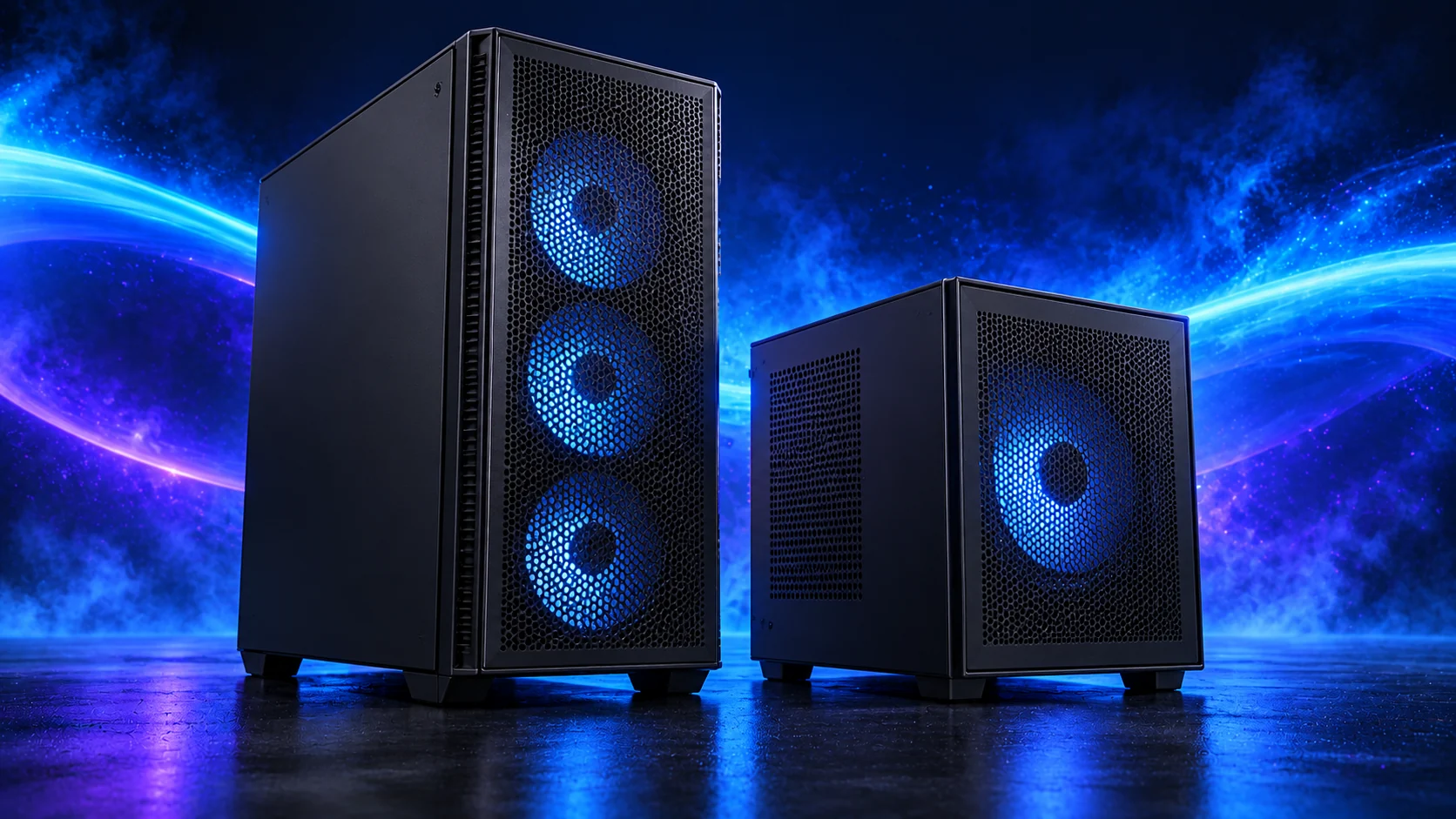
A compact PC is appealing when you want desk space back. I’d choose micro-ATX as a useful middle ground, or a standard tower when easy access and room for later changes matter more.
Table of Contents
ToggleMeasure the useful footprint
Include cables, ventilation and room to remove panels. A case fitting inside a shelf does not prove it has an adequate intake or exhaust path there. Check the case maker’s placement guidance.
Consider where the front sockets and power button will be reachable and whether filters can be removed without shifting the desk.
Compare named enclosures in the quiet/compact case guide. The complete compact build keeps each case with the board and PSU format it needs.
Compare the installation, not only the volume
| Standard tower | Compact layout |
|---|---|
| Often more cable and cooler room | Greater dependence on PSU bracket and cable routing |
| More board and expansion choices | Board size and neighbouring slot access need closer checks |
| Usually easier service access | Assembly order can determine whether headers remain reachable |
| Larger footprint | Space saving depends on placement and cable exits |

Compact can add surrounding cost
A smaller PSU, special cable arrangement, low-profile cooler or different board can cost more than the case saving. Price the complete platform and required accessories.
Micro-ATX can be a useful middle ground when a small case supports it. I’d use micro-ATX when the case size works for the desk; Mini-ITX is the route to consider for a smaller footprint.
A ready-made mini PC has a different cost and upgrade plan from either tower layout. Use the mini-PC versus DIY comparison if buying a complete tiny computer is also an option.
Keep a realistic upgrade plan
Record the maximum installed GPU and cooling arrangement you actually validated. A future larger card may require revising PSU position or removing a fan.
Check access to drive slots and the graphics retention latch. If every storage change needs major dismantling, decide whether the space saving is still worthwhile.
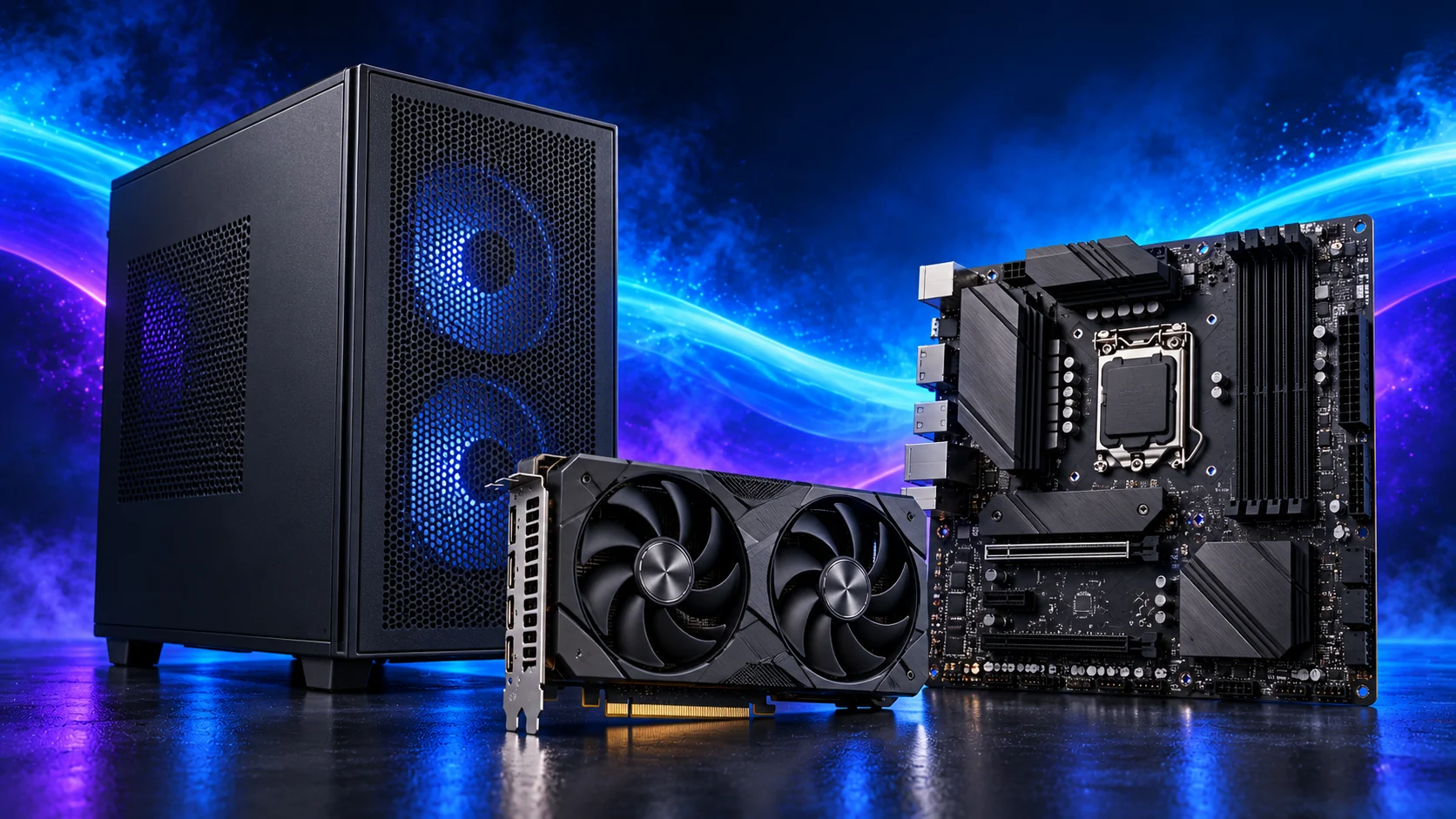
Choose from a complete layout
Use the micro-ATX configuration for a compact route or the standard AM5 list for a more open layout.
Complete the compact fit record before buying a smaller enclosure.
Compare ATX, micro-ATX and Mini-ITX around the devices you will install. The board guide explains the usable connections beyond the nominal size.