Best PC Cases for Quiet and Compact PCs in 2027
By James Thompson · Updated:
Some links in my articles are affiliate links. I may earn a commission when you buy through them.
Finish the installed airflow layout before adding case fans. The PWM/DC control guide covers header loading and a stable fan curve.
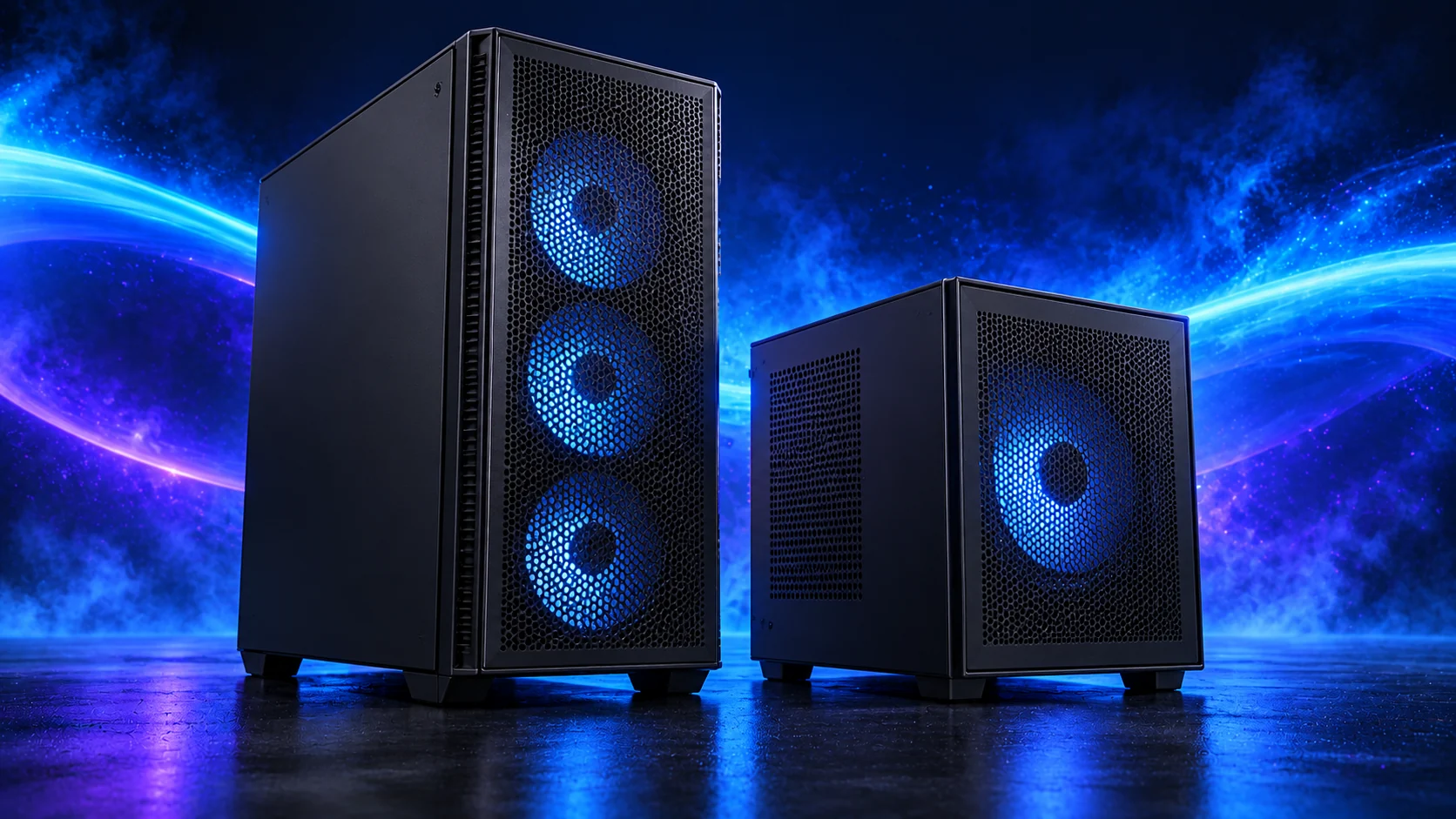
The A3 is my compact choice because it uses a mainstream micro-ATX board and flexible PSU layout without requiring a riser-cable build. Plan around the 165mm cooler limit, GPU thickness and supply position. With 25mm bottom fans, Lian Li gives 61mm of GPU thickness space; a thicker card needs another layout.
Table of Contents
ToggleThe quiet and compact builds shortlist
The A3 is my compact choice because it uses a mainstream micro-ATX board and flexible PSU layout without requiring a riser-cable build. Plan around the 165mm cooler limit, GPU thickness and supply position. With 25mm bottom fans, Lian Li gives 61mm of GPU thickness space; a thicker card needs another layout.
| Best for | My choice | Why I’d choose it |
|---|---|---|
| Best overall compact footprint | Lian Li A3-mATX wood-front | 26.3L design with configuration-dependent space. |
| Best quietness-first tower alternative | NZXT H5 Flow (2024) | Room for uncomplicated air cooling. |
| Best restrained tower with fans | Phanteks XT Pro Ultra | A larger footprint with useful starting cooling. |
See catalogue cases and selected components together in our 3D PC Builder, with supported fit concerns and the AM5 tower estimate beside your choices.
Best overall compact footprint: Lian Li A3-mATX wood-front
The Lian Li A3-mATX wood-front is the compact route, with a micro-ATX or mini-ITX board and a planned PSU position. I’d use low-profile memory and sensible air cooling in the beginner compact basket. Its 165mm cooler limit and configuration-dependent GPU space matter more than the standalone maximum length. Keep bottom-fan thickness and power-cable room in the drawing.
Why I’d choose it: 26.3L design with configuration-dependent space.
Keep in the build plan: 26.3L; micro-ATX/mini-ITX; 165mm CPU-cooler limit.
Best quietness-first tower alternative: NZXT H5 Flow (2024)
The NZXT H5 Flow (2024) is my straightforward airflow tower route. It gives a first builder a conventional layout and keeps the system easier to assemble than a very small case. Match the exact generation’s specification to the GPU and cooler; the H5 name has appeared on more than one layout. It is the quietness-first alternative when a compact footprint is not essential.
Why I’d choose it: Room for uncomplicated air cooling.
Keep in the build plan: ATX tower route; 2024 generation; check combined layout.
Best restrained tower with fans: Phanteks XT Pro Ultra
The Phanteks XT Pro Ultra is the fan-equipped airflow alternative for a simpler tower basket. Its attraction is a useful complete starting layout rather than spending the case budget on decoration and then buying the cooling separately. Choose it when its exact board, GPU and cooler support meet the plan. A larger affordable tower can be easier to build in than a cramped premium one.
Why I’d choose it: A larger footprint with useful starting cooling.
Keep in the build plan: Airflow ATX tower; included-fan route; verify exact clearance.
What matters for this build
Choose the build layout before the colour. The motherboard format, GPU dimensions, cooler height, power-supply location and storage bays must all work together. A case can advertise a long GPU and a large radiator without supporting both in your chosen arrangement. Measure the configuration you will actually install.
A mesh airflow case can be a sensible quiet-build starting point because cooling does not have to fight a sealed intake. It still needs the right fan control and component heat output. Glass, mesh or sound-damping material on its own does not establish which assembled PC will be quieter at your desk.
Include fans in the comparison. An affordable chassis with useful fans supplied can make a complete build simpler than a bare case that needs another purchase. Decide the intake and exhaust layout first, then choose enough fans for that path. Filling every mount is not a plan for lower noise.
The A3-mATX needs a micro-ATX or mini-ITX motherboard, not the ATX Eagle AX. Its headline GPU clearance depends on the power-supply position and nearby cooling. Lian Li gives a 165mm CPU-cooler limit; bottom 25mm fans reduce GPU thickness space to 61mm. Those details decide the practical compact basket.
| Decision | Check | Why it matters |
|---|---|---|
| Footprint | Desk space and ventilation | Leave room around the intake and for opening the panels. |
| Hardware | Board format, GPU, PSU and cooler | Check the combined arrangement, including fans and radiator. |
| Everyday access | Filters, front USB and cable space | A case should stay easy to maintain after the first build. |
Fit and installation checks
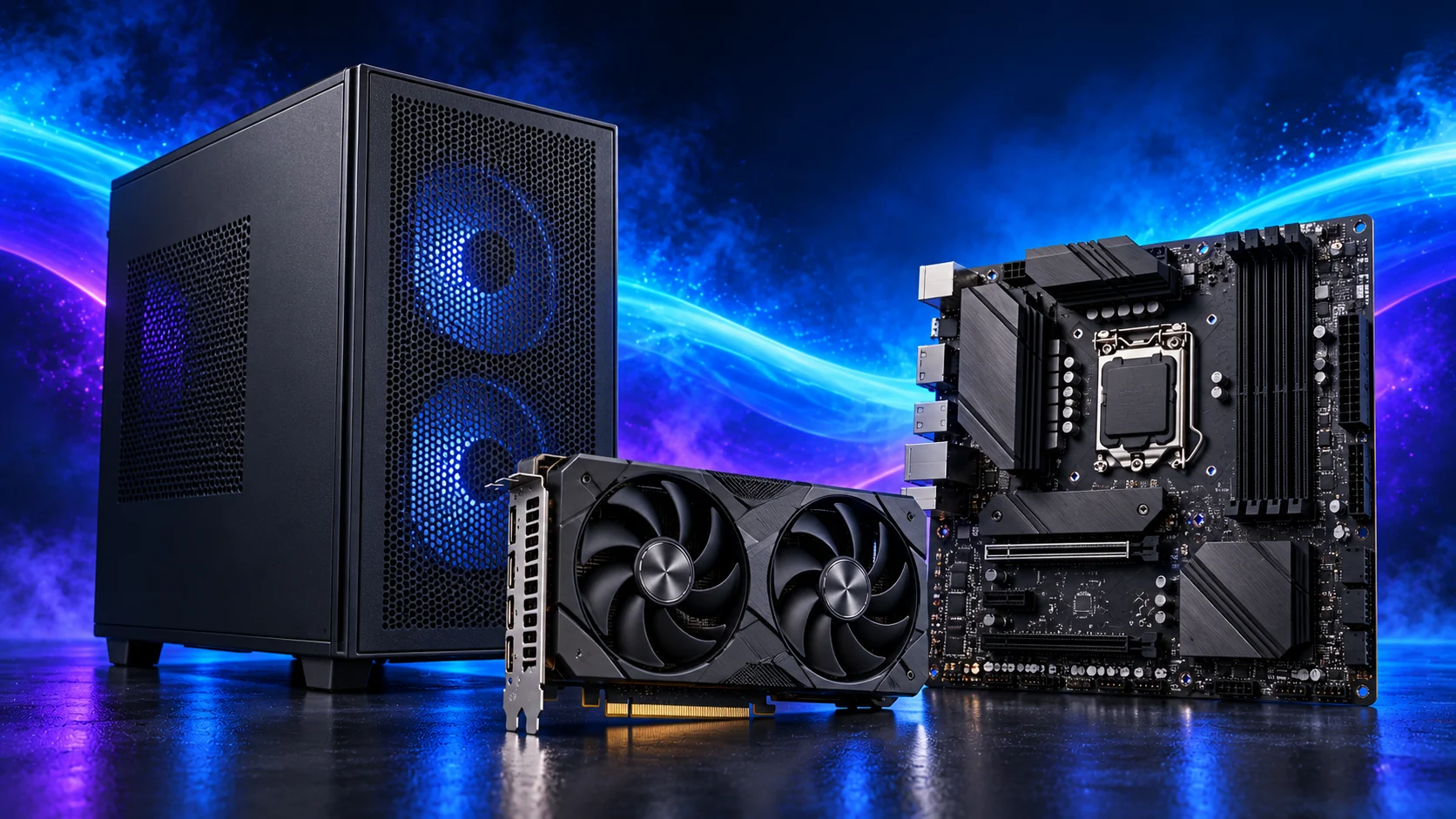
Check motherboard format first. Then allow cooler height including any raised RAM-side fan, GPU length and thickness, power lead space and PSU cable bends. For an AIO, use the radiator-plus-fan thickness and the selected mounting position. The A3’s separate maxima are not a guarantee that every maximum-sized part fits together.
Before changing the shortlist, use the parts-fit checklist. If a selected model is unavailable, make the replacement with the substitution checks so the connector, format or capacity does not change unnoticed.

Set up the part and finish the PC
Prepare the case, standoffs and major wiring before installing the board. Route cables away from fan blades and keep the intended intake path clear. Fit the panels and assess the complete system under its normal workload, then adjust the fan layout or curve if necessary.
Finish the complete basket with How to Build a Quiet and Compact PC. For another purpose, use the full PC case buying guide.
Choose the matching parts next: motherboards for quiet and compact builds · power supplies for quiet and compact builds · cpu coolers for quiet and compact builds. For the installation details, use case airflow and fit guide.
Specifications and relevant testing: A3-mATX dimensions and configuration restrictions · NZXT H7 Flow layout information · Air-cooler dimensions for fit planning.