
ATX vs Micro-ATX vs Mini-ITX: Choose the Right Motherboard Size
By James Thompson · Updated:
Some links in my articles are affiliate links. I may earn a commission when you buy through them.
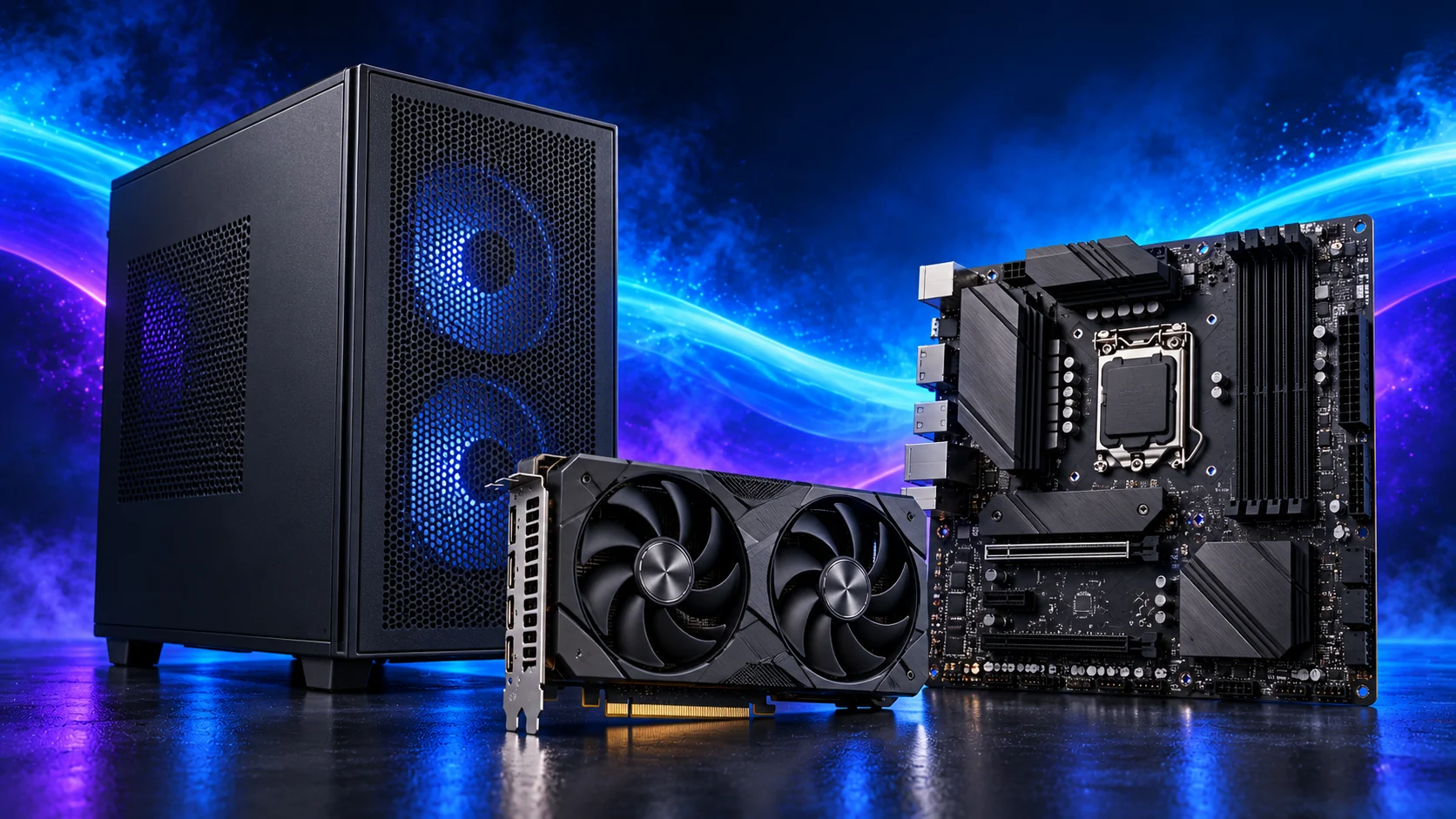
Micro-ATX is a useful starting point for a compact, affordable PC; ATX gives more physical expansion space; Mini-ITX suits a deliberately small build. Choose by the installed case, card and connection layout. The board format does not determine gaming performance by itself.
Table of Contents
ToggleCompare the standard footprints
| Format | Typical dimensions | Main reason to choose it |
|---|---|---|
| ATX | 305 × 244mm. | More physical space for expansion and connections. |
| Micro-ATX | Up to 244 × 244mm; some boards are narrower. | A smaller board without committing to the smallest platform. |
| Mini-ITX | 170 × 170mm. | A deliberately compact case/build. |
Individual board dimensions and case support still govern installation. Larger formats such as E-ATX can use varying widths; compare the exact board and case specification rather than treating that label as one universal fit.
A smaller board can work in a larger case with suitable mounting points. Fit the standoffs only where the board requires them; an unused standoff beneath the board can create a short. The assembly guide covers the physical sequence.

Count expansion that remains accessible
ATX generally gives more room between mounting positions and expansion slots. That does not mean every long slot has sixteen electrical lanes. The lane-sharing guide explains the wiring behind the shape.
Micro-ATX can support a capable gaming PC with one GPU and useful storage. Check what a thick card blocks, especially if you want a capture card or network adapter. A visible slot under the cooler is not usable expansion.
Mini-ITX normally provides one expansion-slot position and two memory slots. Plan storage, networking and any extra device before buying because adding an internal expansion card may not be available once the GPU is fitted. The portable Mini-ITX build treats the complete layout as one purchase.

Small size changes the cooler and cable plan
A compact case may use a riser, a separate GPU chamber, a short PSU or a tightly limited CPU cooler. The board’s rear M.2 socket can also have restricted access or heatsink clearance. Check the case layout with all parts fitted, rather than only comparing motherboard width.
Consider when you will connect front-panel, fan and power leads. Bulky coolers and GPUs can make small headers awkward to reach. The header guide helps prepare that sequence before the case fills up.
For a tower cooler, check RAM height and the final height after any fan adjustment. For a liquid cooler, check radiator thickness and hose route as well as mount length. The compact-fit checklist brings those dimensions together.

Do smaller boards cost less?
Micro-ATX often provides a cost-effective route when its connections suit the build. Mini-ITX can cost more to deliver a compact layout, and its case, PSU or cooler can also change the total. Price the whole system rather than expecting a smaller PCB to mean a cheaper basket.
ATX is useful when you genuinely need accessible expansion or a particular connection arrangement. It is not inherently faster with the same supported CPU, memory and GPU settings. Choose a board with appropriate operating support and features, then put unused expansion money back into the workload.
Use the gaming board shortlist for an ordinary tower or the compact-board shortlist when size is central.
The order I would make the decision
GPU, drives, extra cards and memory capacity.
Cooling, power supply and installed clearances.
Supported platform plus accessible connections.
Keep the motherboard guide and the compatibility checklist beside the final basket. A case/board combination that supports the parts you intend to use is more valuable than a nominally larger expansion list.
Intel motherboard form factors · Board size and expansion considerations