
CPU upgrade or new motherboard platform?
By James Thompson · Updated:
Some links in my articles are affiliate links. I may earn a commission when you buy through them.
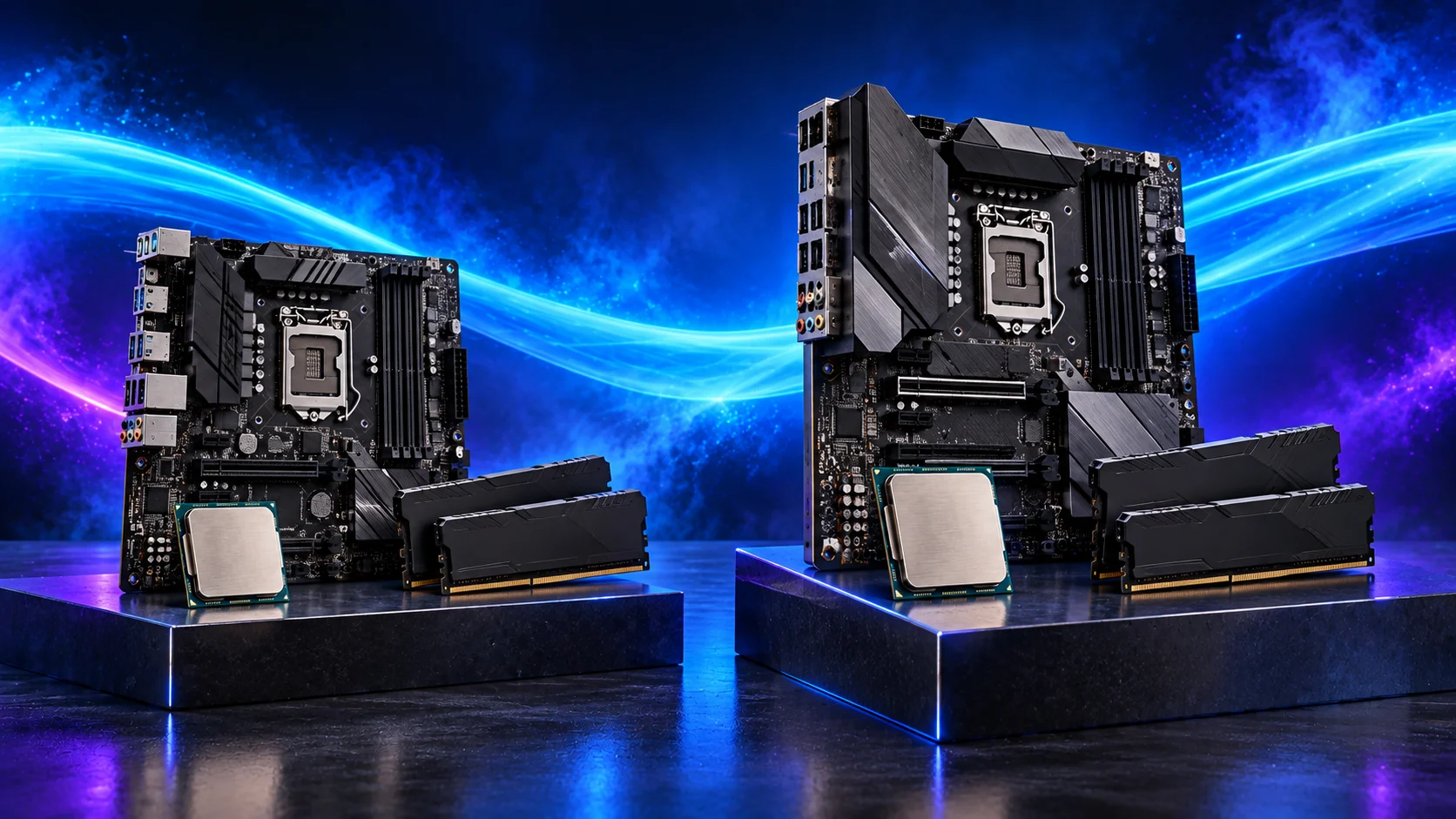
If a faster supported CPU will do the job in your existing board, I’d price that route first. Moving platform makes more sense when you’ll use the extra processor performance, newer memory or connections enough to justify the complete change.
Compare the processor buying guide and the matching motherboard choices when moving platforms. Include the RAM and cooler changes in the same budget.
Table of Contents
ToggleCheck whether the CPU is the useful target
Confirm a relevant limit in the tasks you want to improve. A faster CPU may help a high-refresh game or demanding application, but cannot provide missing SSD capacity or remove a graphics bottleneck at demanding settings.
Use repeatable performance checks and game or application tests before choosing a chip.
Investigate a same-board upgrade
Identify the exact board and hardware revision. Check the CPU support list, required BIOS and cooling/power considerations. Plan the update while the current supported system still starts.
Do not assume every processor sharing the socket is supported. Check the actual firmware file and documented procedure. Keep a backup of important files and a record of current settings before a platform change.

Price the complete alternative
| Existing platform | New platform |
|---|---|
| Supported CPU | CPU + new motherboard |
| Cooling change if required | Compatible cooler or mounting kit |
| Retain suitable RAM | New memory generation if required |
| Firmware update route | New connection and case-fit checks |
| Installation and validation time | Installation, software checks and activation considerations |
Compare current delivered totals and the performance relevant to your tasks. A discounted new-socket CPU can still produce an expensive change.
Check what can move across
Storage, case and some cooling can be reusable after exact interface and mounting checks. A proprietary prebuilt can have different power or front-panel wiring.
Use the reuse checklist and the platform comparison rather than assuming all surrounding parts are free to retain.
Validate the intended improvement
Establish a stable default configuration before enabling profiles and tuning. Repeat the workload that prompted the upgrade with the same settings.
If the PC fails to start or restarts, diagnose the fault before making more changes. Follow the first-boot sequence.
A worked platform-cost comparison
The figures below are a hypothetical budgeting example, not current offers. Replace every amount with the delivered price of the exact parts you can use. Compare the full total before deciding that a new-socket CPU is the cheaper option.
| Required item | Keep the supported board | Move to a new platform |
|---|---|---|
| CPU | £180 | £170 |
| Motherboard | Retain: £0 | £130 |
| RAM | Retain suitable kit: £0 | £85 |
| Cooler / mounting | Suitable existing cooler: £0 | £35 |
| Example total | £180 | £420 |
In this example, the new-platform CPU costs £10 less but the complete change costs £240 more. The decision is whether the performance, connections or future supported upgrades you will use justify that extra spend. If the retained route needs a £35 cooler too, its total becomes £215 and the gap falls to £205.
If you choose a new AM5 platform, plan the replacement tower in PC Builder to compare the CPU, motherboard, DDR5 memory and estimated total together.
What would make me keep the current platform?
I would keep it when a supported CPU makes a worthwhile improvement in the tasks that prompted the upgrade, and the board, memory and connections still do what I need. Include the BIOS update and any cooler change in the plan. The CPU compatibility guide explains the exact-model checks.
For a gaming upgrade, compare a useful cache-focused option where your board supports it and the games benefit. The X3D guide explains when the premium has a purpose. For regular CPU rendering or compiling, compare the parallel-work gain instead. A familiar socket and a low price are not enough if the replacement hardly improves the workload.
What would justify moving platforms?
I would move when the existing support list runs out of useful choices, or when the new platform provides a performance or connection improvement I will actually use. DDR generation, more suitable storage connections and supported processor options can all enter the decision.
Do not assign money to an unspecified future upgrade. Check current support information and price the new build as it stands. The motherboard guide and the memory guide keep those supporting purchases visible. Cooling and CPU power belong in the same comparison.
A practical order for the change
Back up important files and record the current board model, BIOS version and settings. Confirm CPU support and complete any required firmware update using the documented route. Check the cooler mount before removing the working parts.
After assembly, begin with a stable default setup and the correct drivers. Repeat the workload that triggered the upgrade before adding tuning changes. The processor guide links to the CPU buying routes; the diagnosis article provides the comparison method.