
CPU Cores vs Clock Speed vs Cache: What Matters?
By James Thompson · Updated:
Some links in my articles are affiliate links. I may earn a commission when you buy through them.
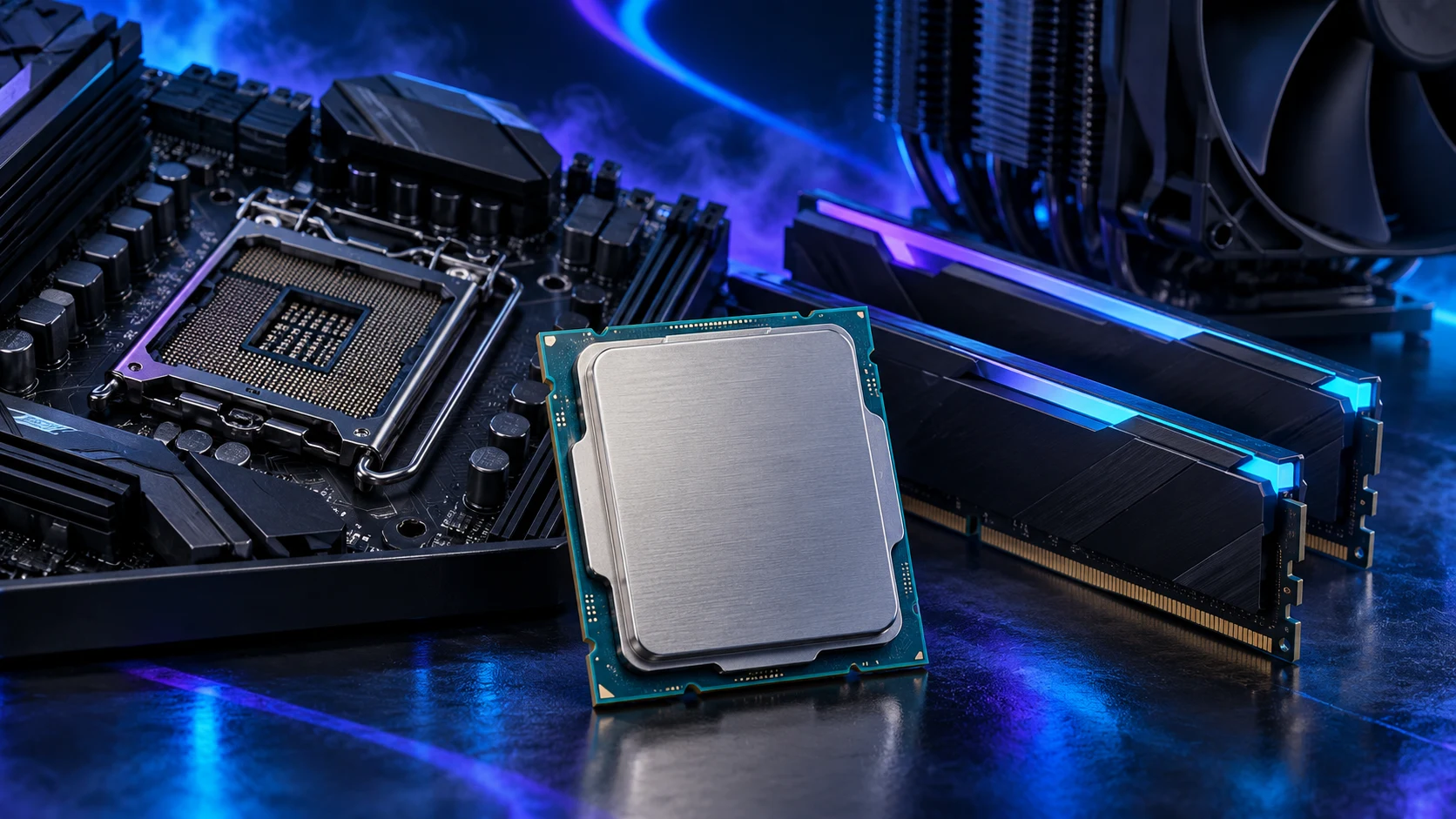
Cores help with parallel work, clock speed describes cycles per second, and cache keeps useful data close to the cores. Choose the combination that improves your workload; the largest number on the box rarely tells you enough.
For the next layer beyond CPU cache, read how system RAM holds active work and how transfer rate and access timings differ.
Table of Contents
ToggleWhat each specification changes
| Specification | What it can improve | What it cannot tell you alone |
|---|---|---|
| More cores | Tasks that can split work across more physical execution resources. | Whether one important game thread finishes faster. |
| Higher clock speed | More cycles per second within the same design and operating conditions. | How much useful work happens in each cycle across different architectures. |
| More cache | Keeping frequently reused data near the processor instead of fetching it from RAM. | Whether your particular application needs or benefits from that extra capacity. |
Architecture affects how much work a CPU can complete in a cycle. Software, memory access and power limits also affect the outcome. Comparing a 5GHz chip with a 4.8GHz chip from a different family is therefore not a reliable performance comparison. Intel’s clock-speed explanation describes why frequency belongs beside the rest of the design.
Cores and threads are not interchangeable
A physical core executes instructions. A software thread is a sequence of work the operating system can schedule. Simultaneous multithreading allows some cores to handle two threads, sharing resources within the core; it does not turn one core into two complete cores.
Hybrid CPUs add another complication: a specification may combine different core types. Read the breakdown rather than ranking processors by total core count. For rendering or compiling, use results from that application. For games, choose the core count around the game and the rest of the build.

Base clock and boost clock
Base and maximum boost figures describe different operating conditions. A maximum boost value usually concerns a limited number of cores under suitable conditions. All-core speeds during a long job depend on the workload and operating limits.
Temperature, power/current limits and the workload influence the frequency the processor can sustain. A cooler helps it operate within those limits, but a larger cooler does not guarantee the headline maximum on every core. The power and cooling guide explains what to look at under load.
Within the same processor design, a frequency difference can be useful. Across generations and brands, judge the resulting performance. A newer design may do more useful work at a lower clock, while a game that waits on data can benefit more from cache than another small frequency increase.
What L1, L2 and L3 cache do
Caches hold copies of instructions and data the CPU is likely to need again. L1 is small and very close to the core; L2 is a larger next layer; L3 is a further layer whose sharing arrangement depends on the design. System RAM holds much more data but is farther away in the memory hierarchy.
When needed data is already in a cache, the CPU can avoid a longer trip to RAM. More cache can help a workload with a useful set of repeated accesses. It does not make every program faster by the same amount, and it does not replace enough RAM for your project.
Small, close layers serving the cores.
A larger nearby store; layout varies by CPU.
Much more capacity for applications and their data.
This diagram explains the relationship, not the physical layout or measured latency of a particular chip. X3D adds stacked L3 cache on supported AMD processors. For RAM capacity, use the memory buying guide.

Match the specification to the job
| Workload | Start here | Then check |
|---|---|---|
| High-refresh games | Game results, frame-time consistency and cache-sensitive behaviour. | GPU pairing and platform price. |
| CPU rendering | Application performance using the available cores. | Sustained power, cooling and memory capacity. |
| Editing and design | The operations you use most, including hardware acceleration. | Codec support, GPU and working memory. |
| Software development | Build/compile tests and the tools you run together. | RAM for environments and storage for projects. |
| Everyday work | A sensible recent CPU and suitable integrated graphics. | SSD, memory and complete system cost. |
A CPU-render test does not establish that the winner will feel faster in an image editor. Likewise, a game result does not tell you which processor will finish a large compile first. Our processor buying guide separates those purchase decisions.
A quick comparison you can actually use
Write down the exact CPU names, platform costs and the two tasks you care about most. Compare the tasks using the same test conditions. If the faster CPU forces a smaller GPU or less RAM, compare that complete alternative too.
For an existing PC, identify the limiting part first. A bigger cache or more cores can be excellent purchases when they address the actual delay; neither fixes an overloaded drive or a game deliberately capped at the monitor’s refresh rate.
Intel boost technologies and operating limits · AMD stacked-cache technology
If the Intel model label is unfamiliar, decode its family, number and suffix before comparing the specifications.