
Best Cases for Portable PC Builds in 2027
By James Thompson · Updated:
Some links in my articles are affiliate links. I may earn a commission when you buy through them.
Finish the installed airflow layout before adding case fans. The PWM/DC control guide covers header loading and a stable fan curve.
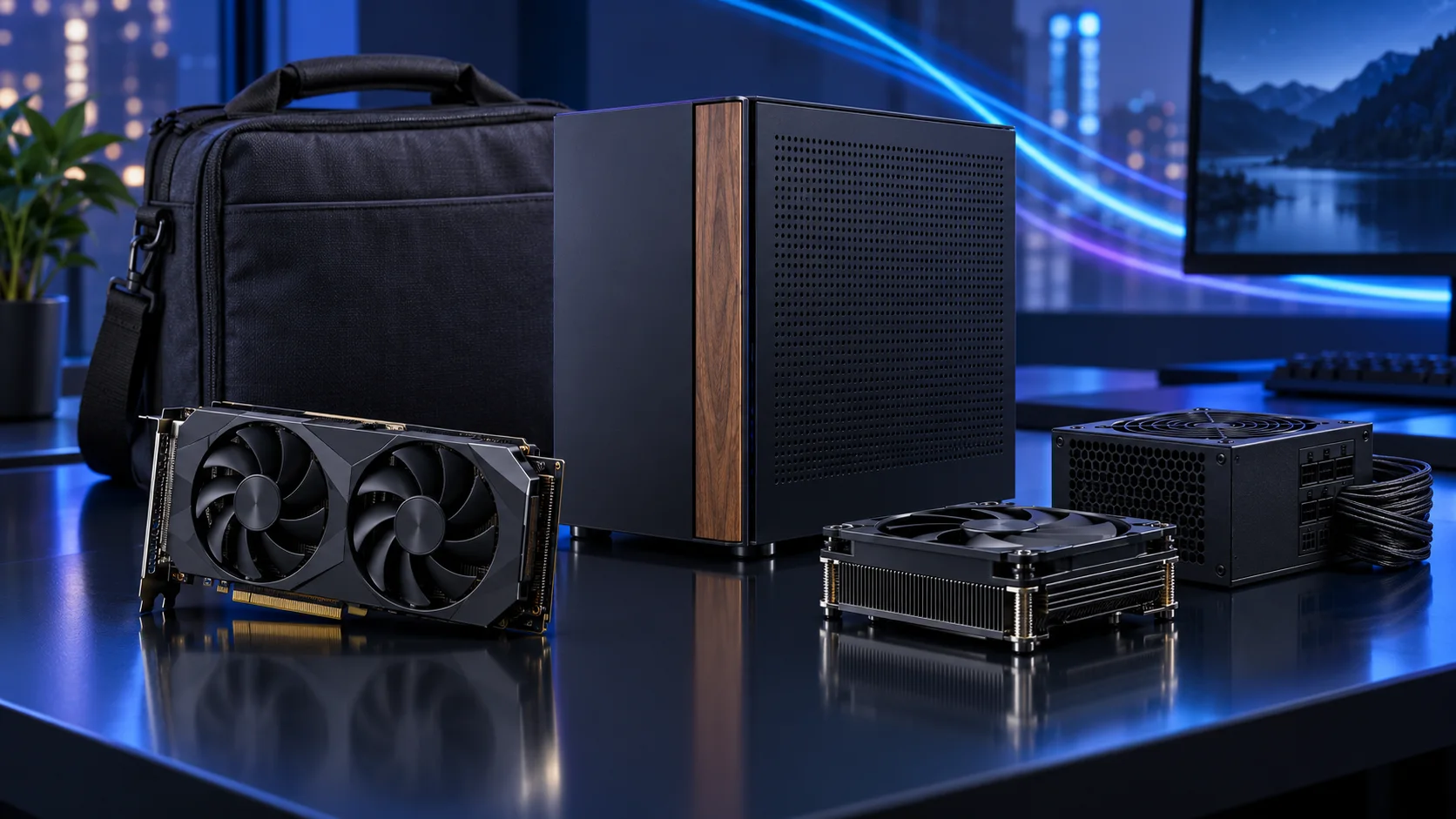
A portable case should match the way the complete computer moves. These routes deliberately separate a small premium Mini-ITX machine, a slim shelf-friendly PC and a larger micro-ATX alternative that is easier to build. Here is the shortlist I would use, with the lower-cost and more capable routes kept alongside the complete portable mini-itx setup.
Table of Contents
ToggleChoose the right option for your build
| Best for | My choice | Why it fits |
|---|---|---|
| Best premium Mini-ITX route | Fractal Terra Graphite | A small, attractive sandwich layout for a carefully measured parts list. |
| Best slim desktop route | Fractal Ridge Black | A narrow case for a measured low-profile cooler and graphics arrangement. |
| Best easier compact alternative | Lian Li A3-mATX wood-front | Choose micro-ATX when a little extra size buys useful assembly and expansion room. |
Start with the shortlist below, then use the complete build guide to match your choice to the rest of the setup.
See catalogue cases and selected components together in our 3D PC Builder, with supported fit concerns and the AM5 tower estimate beside your choices.
Best premium Mini-ITX route: Fractal Terra Graphite
A small, attractive sandwich layout for a carefully measured parts list.
The Fractal Terra Graphite is the premium small-form-factor route when the size and appearance of the finished PC are part of the purchase. Its adjustable spine makes it a case to design around, rather than fill with a normal-tower shopping list.
Moving the spine trades CPU-cooler room against GPU thickness, and taller cards have a different allowance. Use Fractal’s position table with the exact graphics card and leave room for real power leads.
Best slim desktop route: Fractal Ridge Black
A narrow case for a measured low-profile cooler and graphics arrangement.
The Fractal Ridge is the slim living-room route. I would choose it for a PC that belongs beside a television or on a narrow shelf, provided the shelf still leaves its ventilated panels open to air.
Its 70mm CPU-cooler limit is a firm design constraint. Graphics thickness, side fans and cable space also interact, so a slim case needs a complete measured parts plan before assembly.

Best easier compact alternative: Lian Li A3-mATX wood-front
Choose micro-ATX when a little extra size buys useful assembly and expansion room.
The Lian Li A3-mATX Wood is my easier-to-build compact route. It is a micro-ATX case, which makes it a useful alternative when a true Mini-ITX system would force expensive board and cooler compromises.
Map the PSU, graphics card, fans and any radiator as a complete arrangement. Compact cases can advertise individual component support that changes once the rest of the hardware is installed.
How I would choose between these routes
Sketch the layout before ordering: motherboard, PSU, graphics card, cooler and connector exits. Include side-panel space around power leads and any fan that sits close to a vent. A case photograph without cables can make the usable interior look more generous than the assembled PC.
For transport, protect the finished machine with suitable padding and avoid loading weight onto connectors or glass. Shut down, unplug and secure loose accessories before moving it. At the destination, keep the intake and exhaust open. A tiny PC pushed into a closed cupboard can lose the benefit of a sensible cooling plan.
Match the purchase to the actual workload
True Mini-ITX gives you less expansion freedom and two memory slots, so choose the final capacity and connections early. The graphics-card size and CPU-cooler height are linked in a sandwich case such as Terra. I would choose a modest-power CPU and a suitably compact graphics card rather than chase the maximum specification in every category. A slightly larger micro-ATX alternative can be the better overall purchase.
The supporting parts I would put beside it
An NVMe drive keeps the portable machine simpler than a bundle of internal disk cables. Choose enough capacity for the travelling game or project library and keep an external copy of important files at home. The small case is not a reason to leave the only copy on the travelling PC.
| Role | Suggested route | Why I include it |
|---|---|---|
| Memory | Crucial Pro 32GB DDR5-6000 | Choose capacity for the active work and surrounding desktop. |
| Working drive | WD_BLACK SN850X 2TB | Keep active files and useful free space on the NVMe drive. |
| Case | Fractal Terra Graphite | Use the complete layout rather than an isolated component maximum. |
Complete the purchase plan
Set a restrained CPU power profile if the chosen low-profile cooler needs it, then adjust fan response with the panels installed. Keep the GPU model and Terra spine-position table together in the fit check. For less demanding carrying requirements, compare the A3 micro-ATX route before paying the Mini-ITX premium.
Compare the complete basket for the chosen route and keep the exact variant in the order. Use the wider cases guide for the underlying choice, or return to the complete portable mini-itx build for the supporting purchases.
Technical references: Terra spine and component-clearance table · NH-L9a-AM5 specification · B650I Lightning WiFi specification.