
Best Wi-Fi routers for home PCs: gigabit and multi-gigabit routes in 2027
By James Thompson · Updated:
Some links in my articles are affiliate links. I may earn a commission when you buy through them.
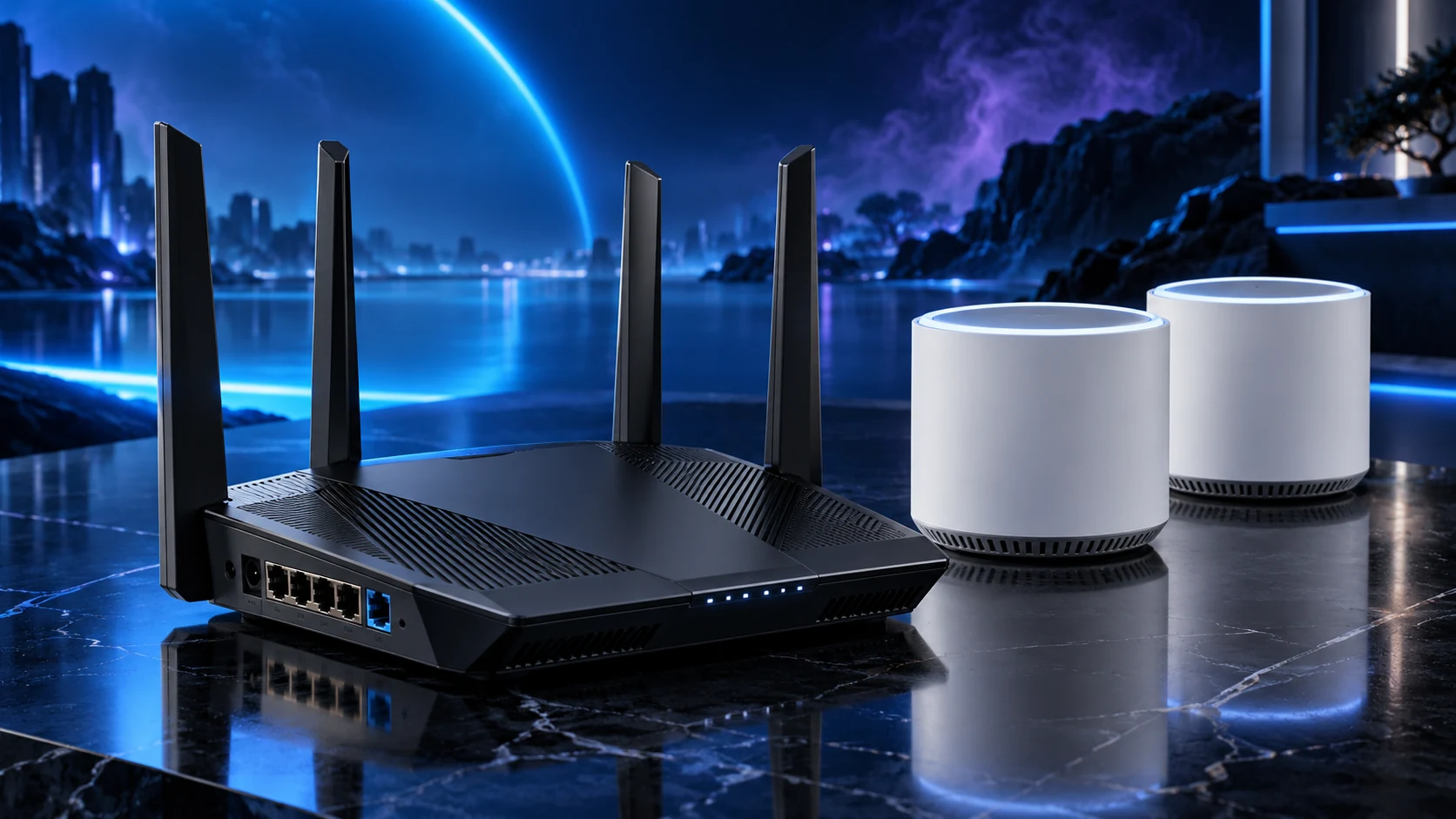
Use the router to serve the broadband connection and local devices you have. Archer AX55 is my straightforward gigabit Wi-Fi6 route; Archer BE550 is the step up when tri-band Wi-Fi7 and several 2.5Gb/s ports have a clear job.
Table of Contents
ToggleThe shortlist: choose for your setup
| Use | My choice | Why choose it | Choose another when |
|---|---|---|---|
| Budget gigabit network | TP-Link Archer AX55 | Dual-band Wi-Fi6 with gigabit WAN and LAN connections. | You need multi-gigabit Ethernet or a planned 6GHz client route. |
| 2.5Gb/s and tri-band Wi-Fi7 | TP-Link Archer BE550 | A tri-band Wi-Fi7 router with a 2.5Gb/s WAN port and four 2.5Gb/s LAN ports. | Your devices are gigabit-only and extra coverage is the real need. |
This shortlist compares published band/port capability and network roles. It does not claim a measured range winner, and a router upgrade does not automatically fix a distant-room obstruction.
Budget gigabit network: TP-Link Archer AX55
Choose AX55 when a supported Ethernet broadband connection and gigabit wired devices cover the job. The Wi-Fi6 feature set is relevant to compatible clients without requiring a whole-home purchase immediately.
Place it for the rooms rather than hiding it at floor level in a metal cabinet. If the broadband entry point dictates an awkward position, a cabled access point or mesh layout can address coverage more directly than a larger router at the same poor location.
2.5Gb/s and tri-band Wi-Fi7: TP-Link Archer BE550
BE550 earns its step-up place when the local ports or compatible 6GHz/Wi-Fi7 devices serve a defined workload. A PC and NAS with suitable interfaces can use the local network separately from the broadband speed.
Check the UK model and supported hardware-version firmware. The advertised combined wireless rate spans bands and clients; it is not a single-device download result. The Wi-Fi band guide helps decide which capability your devices can actually use.
Retain the right broadband equipment
A standalone Ethernet router may still need the provider’s modem or fibre handoff. Keep the supported phone/service requirements in the plan before changing the provider equipment.
When adding coverage behind a retained router, choose a supported AP configuration instead of creating an accidental second routed network. The topology guide shows when mesh and wired APs make sense.
Correct handoff and provider requirements
Gigabit or a complete multi-gigabit path
Supported generation and bands
Placement or additional access points
Spend on the path that changes the result
For a distant work room, placement and the connection back to the router come first. For a server-copy bottleneck, check the complete wired path. For a single fixed gaming PC, an Ethernet connection may be the useful purchase.
Finish the setup
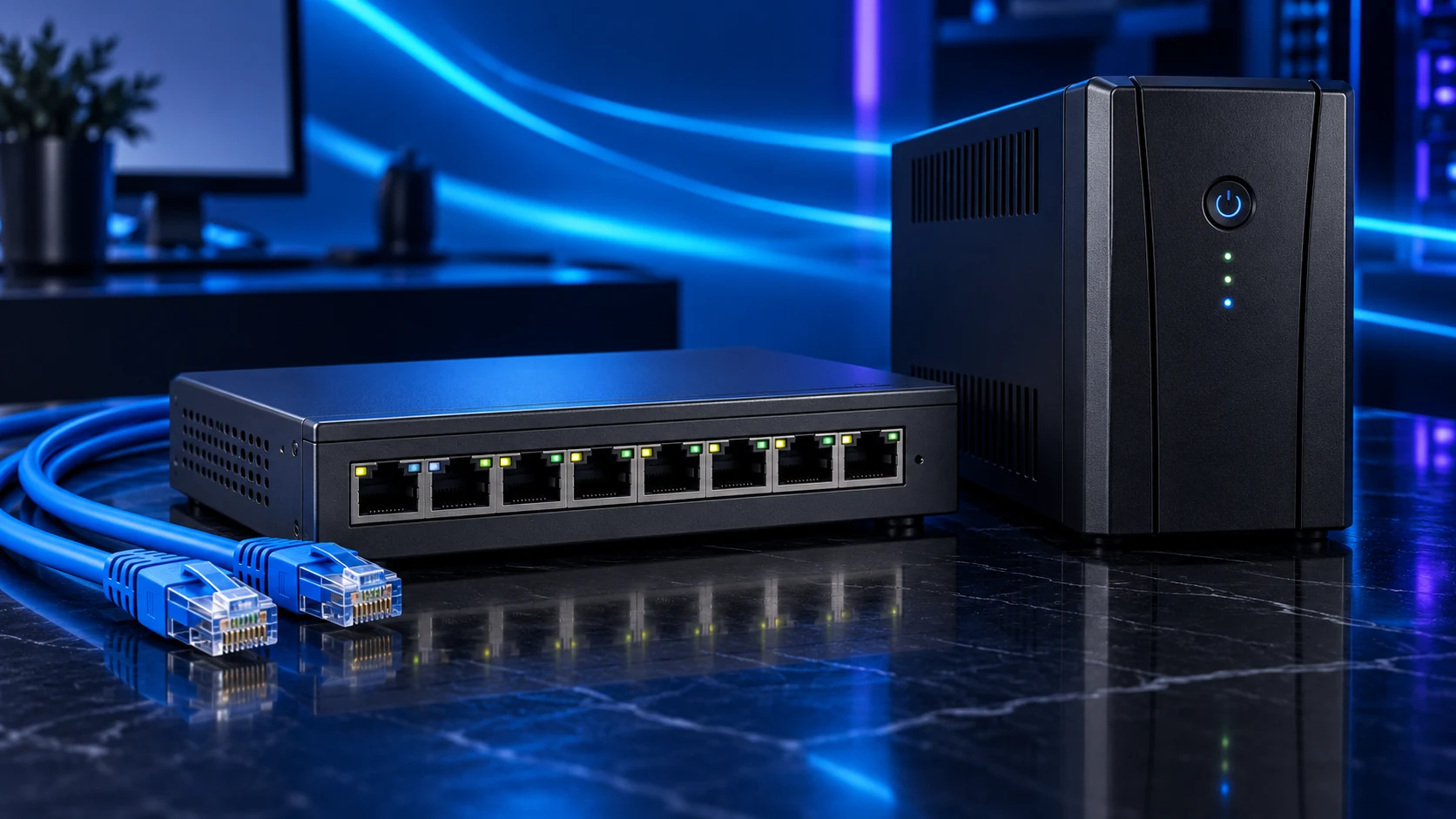
Apply supported firmware and security settings, then compare the same task in the intended rooms. Use the setup guide and the switch shortlist to finish the network.
Specifications and setup: AX55 UK specifications · BE550 UK specifications · AP mode.
