
Wi-Fi bands, Wi-Fi6, 6E and 7 explained for PC builders
By James Thompson · Updated:
Some links in my articles are affiliate links. I may earn a commission when you buy through them.
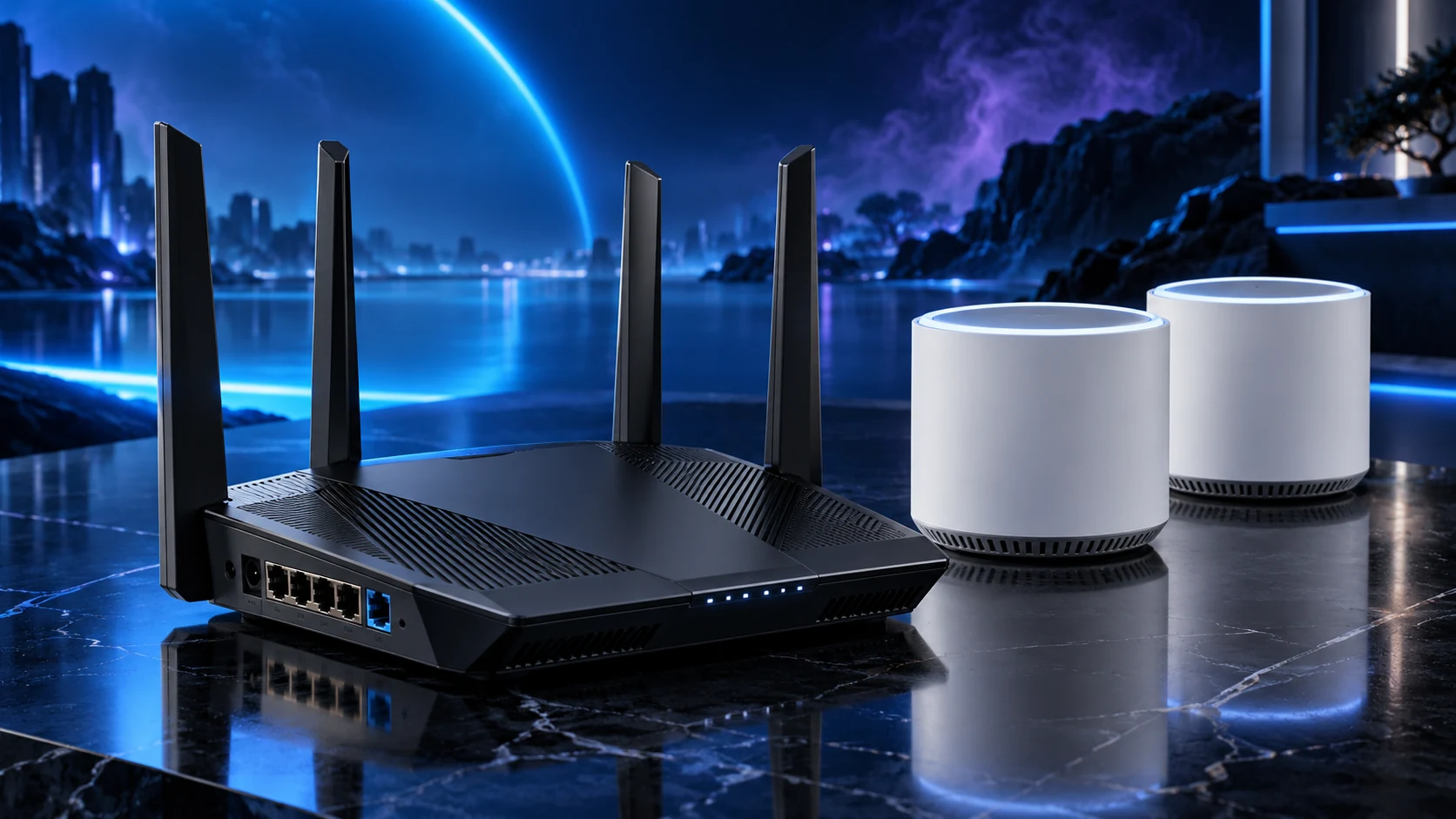
Separate the Wi-Fi generation from the bands and device support. Wi-Fi6 commonly uses 2.4 and 5GHz; 6E adds a supported 6GHz route; Wi-Fi7 products can have different band sets. Read the exact model rather than assuming a generation label provides every feature.
Generation and band are different labels
2.4GHz, 5GHz and 6GHz identify radio bands. The generation describes supported technology. A dual-band Wi-Fi7 product can still have only 2.4 and 5GHz radios: Deco BE25 is an example. A tri-band BE65 adds a 6GHz route.
The PC or laptop must support the intended band and features too. An older client does not acquire 6GHz support by connecting to a new router. Check the adapter, supported operating-system/driver route and router model together.
Choose a useful radio path
| Band | Useful consideration |
|---|---|
| 2.4GHz | Older/IoT compatibility and a different coverage/interference trade-off |
| 5GHz | A common modern-PC route; channel availability and width matter |
| 6GHz | Compatible clients and regional equipment rules; placement still matters |
A wider channel can offer more radio capacity but uses more spectrum. It is not automatically the best setting in every busy area. Automatic supported settings are a sensible starting point; change them to solve an identified problem.
Use UK equipment and the supported regional configuration. Spectrum rules and features can change, so overseas marketing specifications are not a reliable shortcut to the UK model’s supported operation.
Do not add the box rates into a download promise
Supported radio, antennas and drivers
Band, channel and usable signal
Node path and wired port
Broadband service or local storage
A combined router rate adds capabilities across bands rather than stating what one PC downloads. The negotiated link rate also differs from application throughput. The broadband service or a gigabit upstream port can be the smaller part of the path.
Wi-Fi7 functions such as multi-link operation depend on the compatible devices and supported software/firmware. Buy the capability when the actual client setup uses it, rather than assuming every existing device gets the same improvement.
Choose the buying route
For a single area, compare routers. For several rooms, compare mesh with wired access points. Positioning and a useful backhaul often answer the problem more directly than another headline rate.
For a fixed PC doing large server copies, a complete 2.5Gb/s Ethernet path is a separate useful route. Start with the home-network plan so each purchase serves a clear job.
Specifications and setup: Dual-band Wi-Fi7 example · Tri-band UK example · Wi-Fi6 router example · Ofcom 6GHz policy.