
Best mesh Wi-Fi for UK homes: Wi-Fi6 and multi-gigabit options in 2027
By James Thompson · Updated:
Some links in my articles are affiliate links. I may earn a commission when you buy through them.
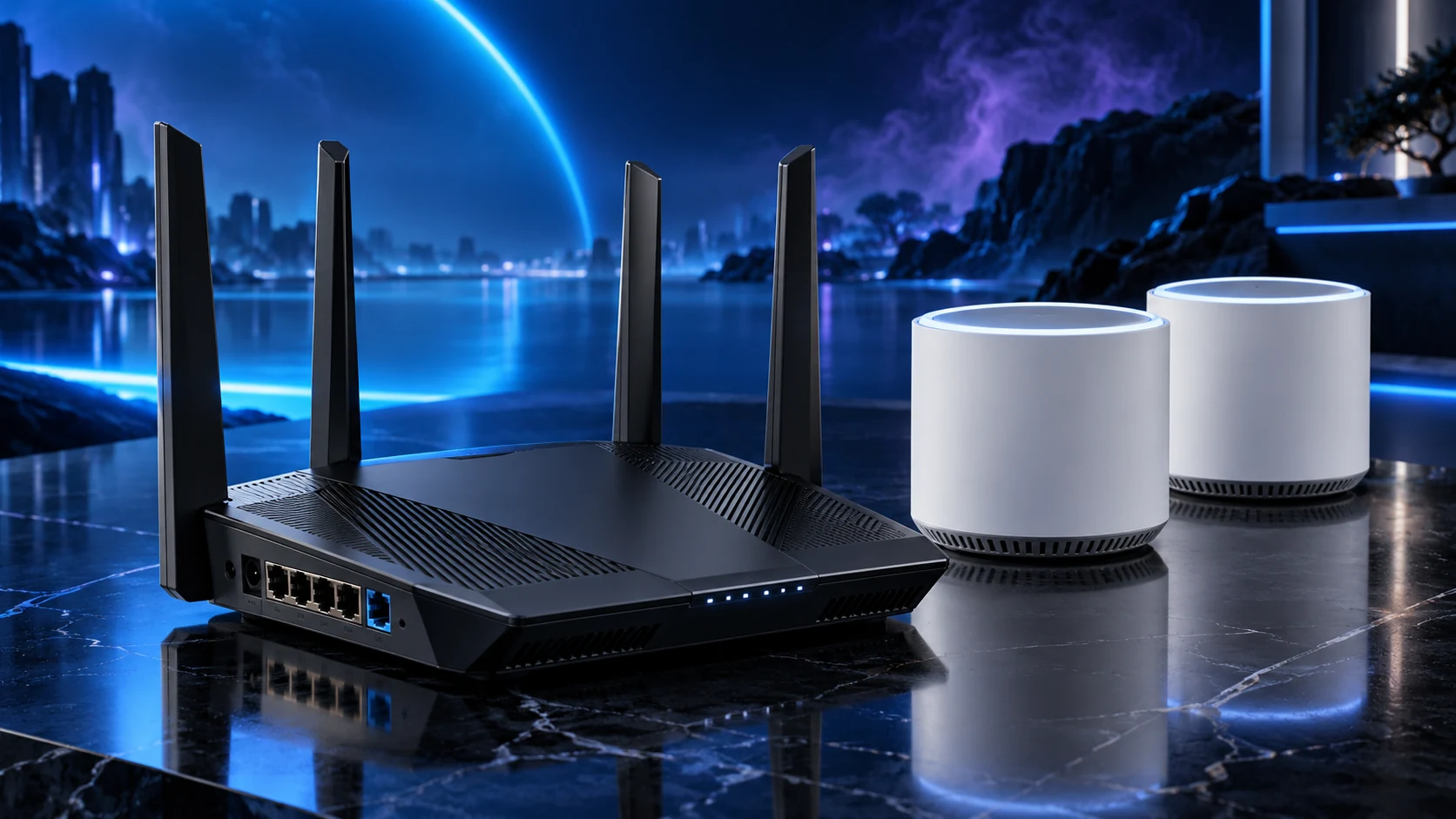
Choose mesh for the rooms and the connection between nodes. Deco X50 is my Wi-Fi6 starting route, BE25 adds 2.5Gb/s ports on a dual-band Wi-Fi7 system, and BE65 adds a tri-band 6GHz route for compatible devices and the planned backhaul.
Table of Contents
ToggleThe shortlist: choose for your setup
| Use | My choice | Why choose it | Choose another when |
|---|---|---|---|
| Wi-Fi6 whole-home start | TP-Link Deco X50 | A dual-band mesh route with three gigabit ports per unit. | You need a complete 2.5Gb/s path or a specific 6GHz requirement. |
| Dual-band Wi-Fi7 with 2.5Gb/s ports | TP-Link Deco BE25 | A dual-band Wi-Fi7 route with two 2.5Gb/s ports per unit. | You specifically want a 6GHz band or need more local sockets at each node. |
| Tri-band 6GHz route | TP-Link Deco BE65 | The UK tri-band model adds 6GHz and four 2.5Gb/s ports per unit. | Your devices/layout do not use the extra band or the simpler mesh covers the job. |
Node count and radio generation do not guarantee coverage through every wall. A wired backhaul changes the layout options substantially, and a Wi-Fi7 label does not by itself mean 6GHz.
Wi-Fi6 whole-home start: TP-Link Deco X50
Choose X50 when gigabit ports cover the wired connections and you want a manageable mesh system. Start with the useful node positions rather than buying the largest pack because the property has several floors.
Connect nodes with Ethernet where practical and supported. If using wireless backhaul, place each node where it still has a useful upstream signal. The placement guide addresses the common mistake of putting the satellite directly in the worst dead spot.
Dual-band Wi-Fi7 with 2.5Gb/s ports: TP-Link Deco BE25
BE25 is the step-up comparison when the wired ports and compatible Wi-Fi7 functions matter. It is dual-band: the Wi-Fi7 label does not add a 6GHz radio to this model. That distinction makes it a different purchase from BE65.
Count the sockets left after the upstream/backhaul connection. A node with two ports may need a switch beside a desk with several wired devices. Plan that small addition with the mesh purchase.
Tri-band 6GHz route: TP-Link Deco BE65
BE65 is the higher-feature route when compatible 6GHz clients, the backhaul arrangement and local port count justify it. Match the UK/EU hardware model; nearby regional product pages can describe different combined rate classes.
The added radio does not remove the effect of walls or distance. For reliable fixed-room links, Ethernet backhaul remains a strong layout option. Choose the feature set around the home rather than treating the top combined rate as a coverage measurement.
Choose router or AP mode deliberately
If the provider router stays in charge of the network, Deco’s supported AP mode can add coverage without another routing layer. Some Deco router-specific features are unavailable in AP mode, so decide which device supplies them.
In router mode, follow the documented backhaul topology behind the main Deco. Avoid redundant Ethernet paths that create a loop. Keep labels for node locations and cable connections.
Finish the setup
Place the initial nodes, apply supported firmware, then check the actual PCs in the rooms that matter. Use the placement steps and the complete network guide before adding more nodes.
Specifications and setup: X50 UK ports · BE25 bands/ports · BE65 UK model · Backhaul topology · AP mode features.