
Mesh Wi-Fi versus wired access points: choose the home layout
By James Thompson · Updated:
Some links in my articles are affiliate links. I may earn a commission when you buy through them.
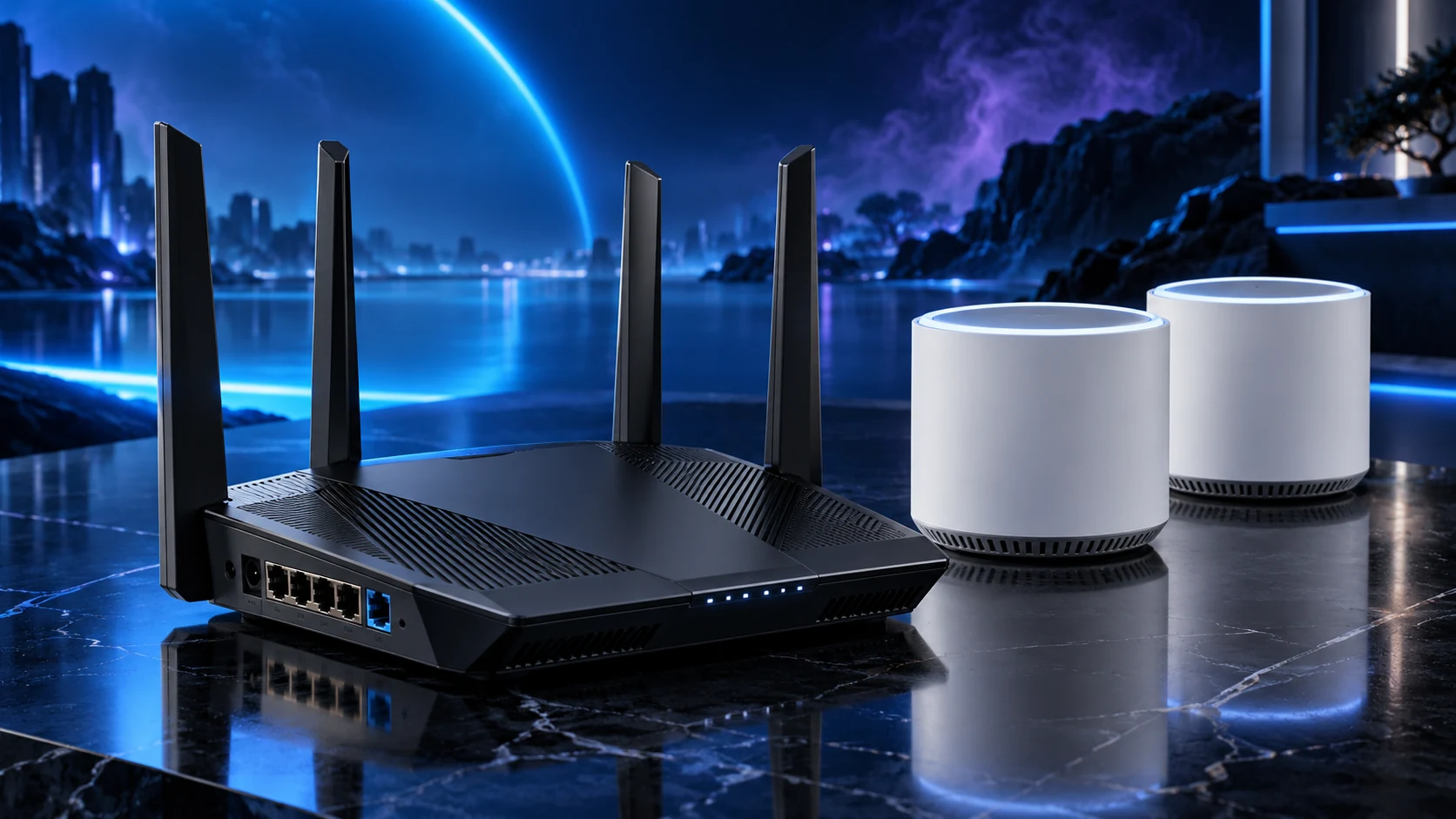
Choose by the upstream connection you can provide. Mesh is useful where a managed multi-node system solves the layout; wired access points place coverage independently where Ethernet can reach. A mesh system can also use Ethernet backhaul.
The backhaul is the important distinction
Backhaul is the connection that carries a node’s traffic back towards the rest of the network. A wireless satellite depends on the radio path upstream as well as the client connection. A wired AP uses Ethernet for that upstream path.
A mesh product is not necessarily wireless-only. Supported Ethernet backhaul can make a mesh kit useful in a cabled home while retaining its own management system. The mesh shortlist identifies the port/band routes.
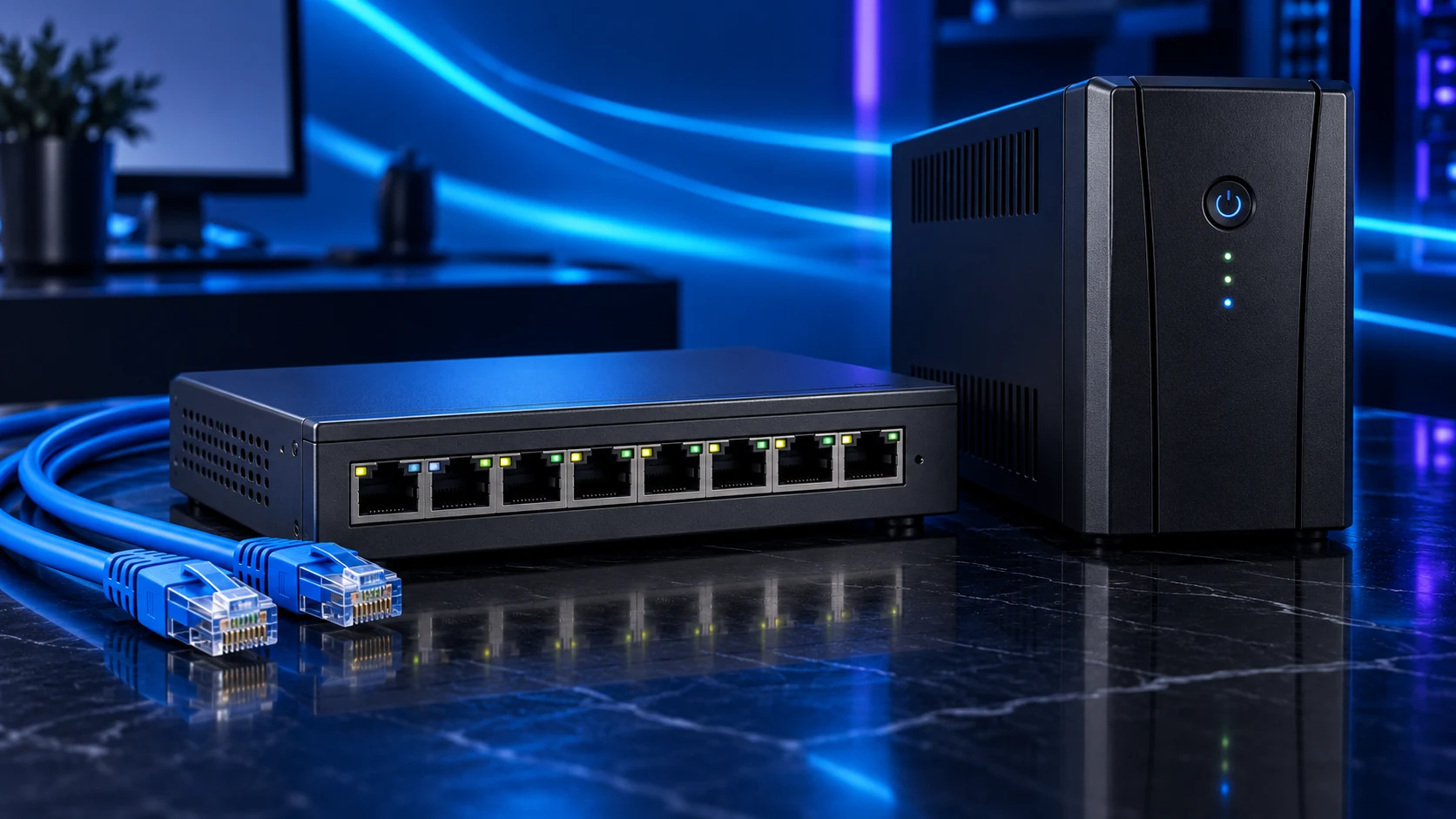
Compare the practical layouts
| Layout | Useful when | Plan |
|---|---|---|
| Wireless mesh | Running cable is impractical and useful node positions exist | Strong upstream connection for each satellite |
| Mesh with Ethernet backhaul | Cable is available and the mesh system’s management suits you | Supported topology and available ports |
| Wired access points | Cable reaches the chosen coverage zones | Mounting, power, settings and management |
| One well-placed router | The intended area already has useful coverage | Placement before extra equipment |
Choose wired APs when independent positions and a supported managed installation suit the house. Choose mesh when its layout and management solve the actual room problem. There is no benefit in adding nodes where they create overlap without addressing a weak area.
Keep the routing role clear
Internet gateway and intended home routing
Switch or direct Ethernet connection
Supported AP-mode mesh or wired APs
PCs and mobile devices on the intended LAN
When the provider router remains responsible for the LAN, use supported AP-mode equipment where appropriate. Some mesh security/parental features belong to router mode and are unavailable in AP mode. Decide where the required functions will run.
For router-mode mesh, follow the maker’s supported layout rather than placing another switch wherever the cables happen to meet. Avoid redundant links that form a network loop.
Choose by the home, then check the result
Start with the floor-plan/network guide and placement steps. Include power and mounting in the access-point budget; include the required pack size and backhaul route in the mesh budget.
Compare the same client task in each important room. If the improvement is only near the main unit, revisit the path between nodes before buying another radio generation. Fixed Ethernet links can serve PCs while Wi-Fi serves the moving devices.
Specifications and setup: Supported mesh backhaul · AP mode · Wired AP requirements · Mesh placement.