
M.2 vs SATA vs NVMe: SSD Types and Compatibility Explained
By James Thompson · Updated:
Some links in my articles are affiliate links. I may earn a commission when you buy through them.
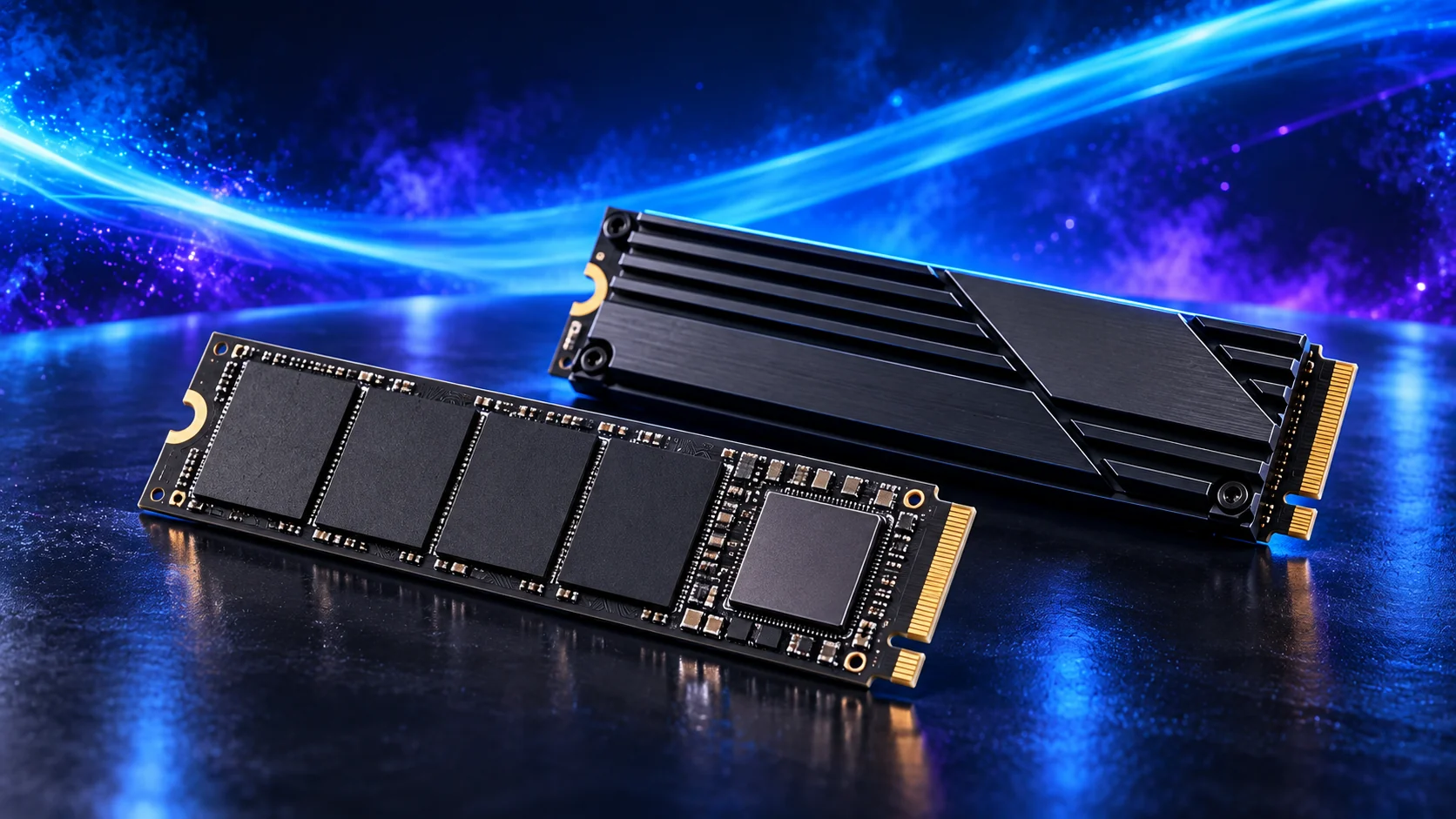
M.2 describes a drive’s physical format; NVMe describes its communication protocol; SATA and PCIe describe connection technologies. Check all three against the exact motherboard socket. A drive that fits physically can still use an unsupported interface.
Table of Contents
ToggleSeparate the labels on the listing
| Term | It describes | Purchase consequence |
|---|---|---|
| M.2 | A compact card format with defined lengths and connector keys. | Match protocol, length and mounting. |
| 2.5-inch | A drive enclosure format. | Needs a suitable bay/mount and connections. |
| SATA | A storage connection commonly used by HDDs and SATA SSDs. | Match SATA support and power/data provision. |
| PCIe | The link used by many NVMe SSDs. | Check generation, lanes and slot support. |
| NVMe | A storage protocol designed for non-volatile storage. | Commonly paired with PCIe SSDs. |
M.2 SSDs have existed in SATA and NVMe forms. Do not buy one for an older machine simply because the connector looks like the empty socket. The board manual’s protocol support is the useful confirmation. Kingston’s M.2 comparison distinguishes those drive types.

Read 2230, 2242 and 2280 as dimensions
In familiar M.2 size codes, the first two digits give width in millimetres and the remaining digits give length. A 2280 drive is 22mm wide and 80mm long; a 2230 drive is 22mm wide and 30mm long. Check the mounting position rather than assuming a shorter card secures at the long drive’s screw point.
The product family may offer several physical lengths. Record the exact model/capacity code, supported slot lengths and the board’s standoff or latch arrangement. A loose or bent card is not an acceptable installation.
Also check whether the drive and heatsink fit on the intended side of the board. A rear Mini-ITX socket or a laptop bay can have tight height limits. The form-factor guide and compact fit checks help with those constrained builds.

Connector keys are a filter, not the complete answer
Notches in the drive connector help distinguish supported arrangements. They do not replace the host’s protocol and lane specification. A physically compatible connector is only one part of the check.
For an enclosure or USB adapter, select one explicitly supporting the drive’s SATA or NVMe type and length. A SATA-only enclosure will not convert an NVMe SSD merely because both are M.2. If you need a migration adapter, match it to the exact drive first.
Use the additional-SSD guide for internal installation. For a drive replacing another one, preserve the backup and identify source and destination before using any cloning tool.
Generation and lane count set the available link
A drive described as PCIe 4.0 x4 expects a supported PCIe connection and uses up to four lanes. A compatible older-generation slot can limit the negotiated link. That does not make the drive’s quoted maximum the performance you will receive on every board.
Check the installed CPU’s effect on the slot as well as the board specification. Then read shared-resource notes: an M.2 population can disable a SATA port or alter another PCIe connection. The lane-sharing guide gives the configuration method.
For the speed premium, use the PCIe 4.0/5.0 comparison. A larger suitable drive can be more useful than extra interface capability that your workload or slot does not use.
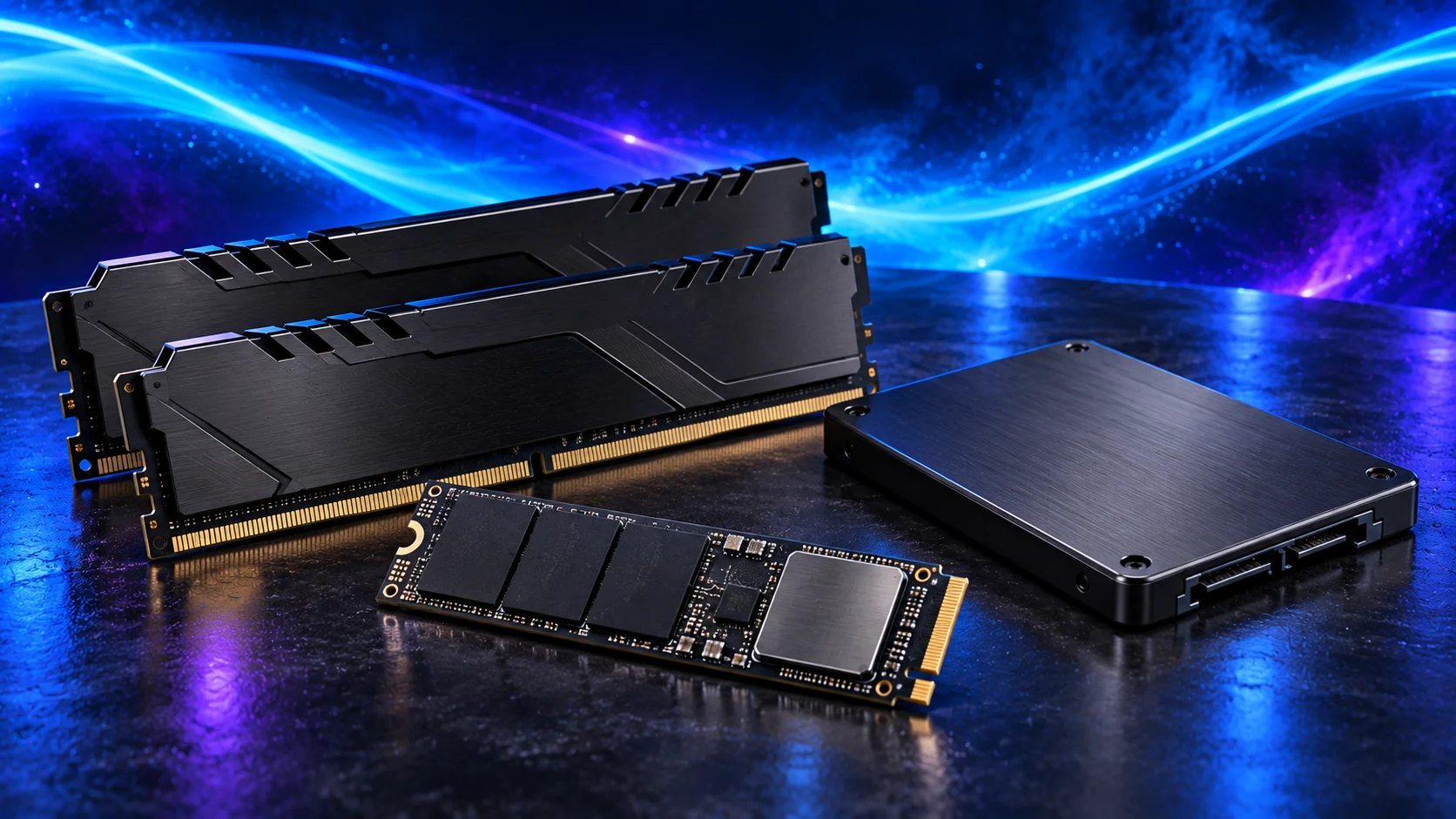
A complete compatibility record
Write down drive format, protocol, length, capacity, intended slot and cooling arrangement. For a SATA drive, include mounting, data cable and the approved PSU power connection. For M.2, include the board’s supplied fastening and thermal-pad instructions.
Choose capacity using the storage plan, then compare the SSD buying guide. The storage overview connects Windows, active work and archive needs without treating every drive as interchangeable.
M.2 keys, protocols and shared resources · NVMe and PCIe terminology