Best Network Upgrades for a Home Media Server in 2027
By James Thompson · Updated:
Some links in my articles are affiliate links. I may earn a commission when you buy through them.
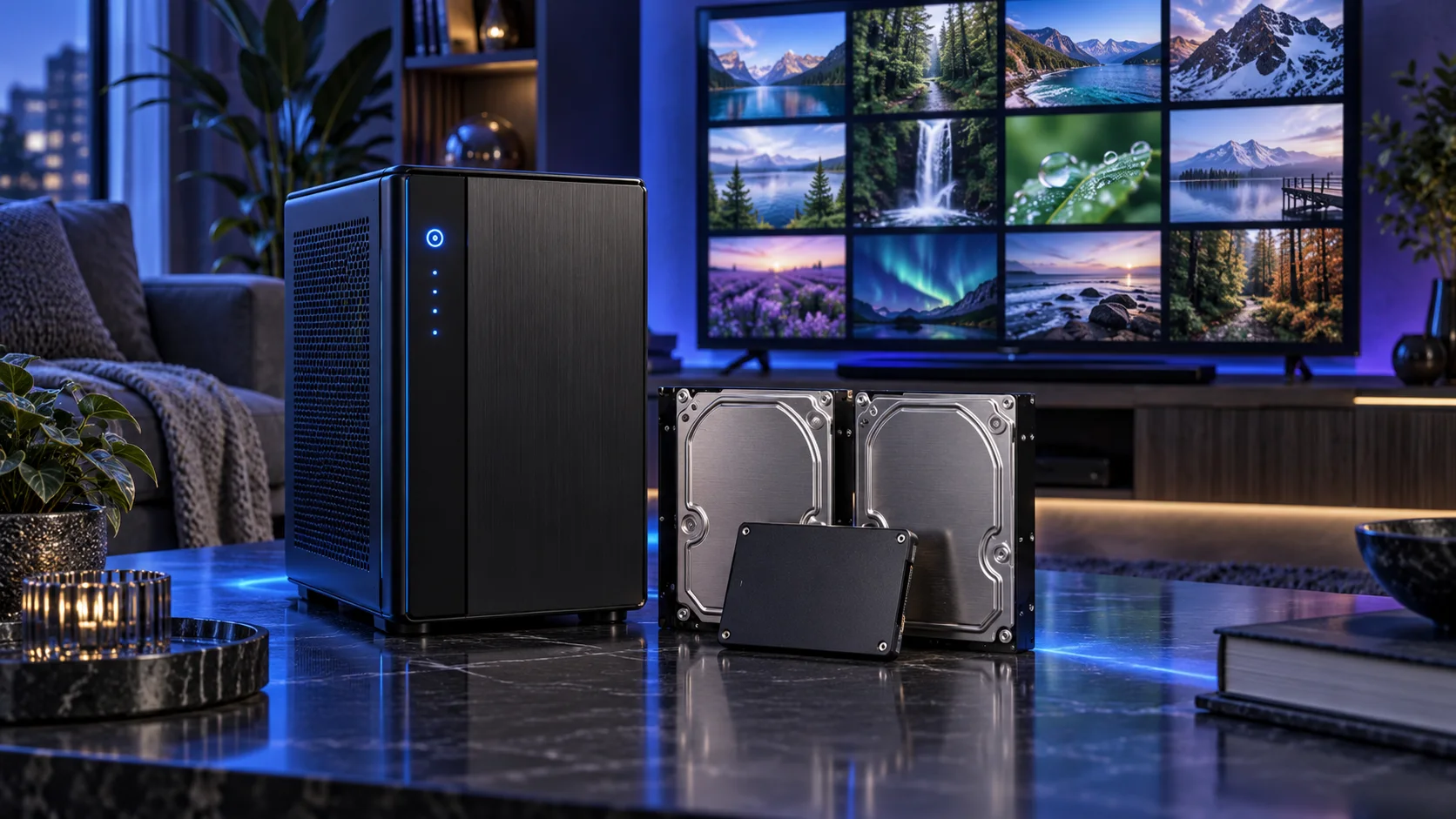
Start with the existing wired connection and find the actual limit. A 2.5GbE upgrade is useful for faster local transfers between compatible devices; it does not automatically improve an internet upload or a client that only has a slower connection. Here is the shortlist I would use, with the lower-cost and more capable routes kept alongside the complete plex and jellyfin media servers setup.
Table of Contents
ToggleChoose the right option for your build
| Best for | My choice | Why it fits |
|---|---|---|
| Best adapter upgrade for an older PC | TP-Link TX201 2.5GbE adapter | Add a supported 2.5GbE PCIe adapter when the existing motherboard lacks that connection. |
| Best small 2.5GbE local network | TP-Link TL-SG105-M2 2.5GbE switch | Connect compatible desktops and the server through a suitable multi-gigabit switch. |
Start with the shortlist below, then use the complete build guide to match your choice to the rest of the setup.
Start with the full home-network setup when the upgrade spans both server copies and room coverage.
Best adapter upgrade for an older PC: TP-Link TX201 2.5GbE adapter
Add a supported 2.5GbE PCIe adapter when the existing motherboard lacks that connection.
The TP-Link TX201 is the PCIe 2.5GbE upgrade route for a machine that lacks a suitable built-in port. I would buy it when the other end of the network can also use 2.5GbE and there is a free slot for it.
Confirm the hardware revision and driver support for the chosen OS or kernel. A faster adapter does not speed up a link that still ends at a gigabit switch or a slow disk.
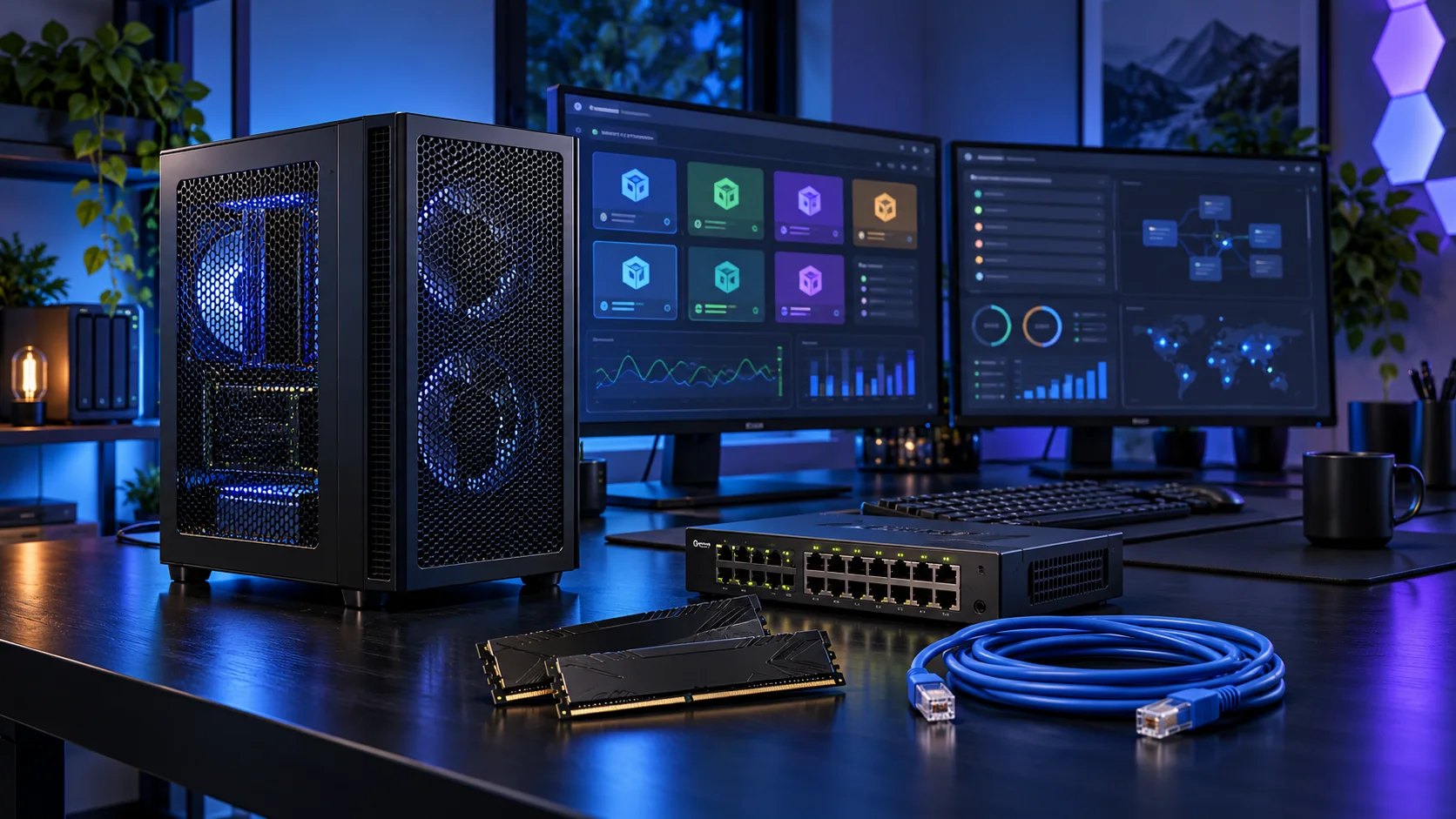
Best small 2.5GbE local network: TP-Link TL-SG105-M2 2.5GbE switch
Connect compatible desktops and the server through a suitable multi-gigabit switch.
The TP-Link TL-SG105-M2 is the five-port 2.5GbE switch route. I would choose it to join compatible PCs and a server on the same faster local network, rather than upgrade one endpoint in isolation.
Plan the port count after connecting the router, server and desktop. Local link speed and internet subscription speed are different limits; a faster switch is chiefly a local-transfer purchase.

How I would choose between these routes
Trace both ends of the route. The server, switch, client and cable must support the intended local link, while disk throughput can be another limit. If the suggested board’s onboard 2.5GbE already works for the chosen OS, an extra adapter has no useful job. Buy it for an older endpoint or a specific second network connection.
For remote viewing, the internet upload and client connection sit outside the faster local switch. Match the media bitrate and supported playback format to that route. Establish a working wired local stream first, then configure any remote access through the application’s supported secure workflow.
Include the rest of the setup
List the players, file formats and where you watch. Direct play sends a compatible file without converting the video; transcoding changes it for the client or connection. A local television, a remote phone and a player using image-based subtitles can create different demands. The useful parts choice starts with those combinations rather than a promise of a fixed number of streams.
Install the supported media-server software and driver path, then try direct play with a known compatible file. Enable the chosen acceleration route and verify it through the application while converting a file that actually needs it. Plex Pass belongs in the Plex hardware-transcoding plan.

The supporting parts I would put beside it
Use a separate SSD for the OS, applications and metadata, and a disk arrangement for the library. Keep irreplaceable personal recordings backed up independently. Transcode scratch space has a different role from the archive, so leave working room rather than filling every drive to its last gigabyte.
| Role | Suggested route | Why I include it |
|---|---|---|
| Memory | Corsair Vengeance LPX 32GB DDR4-3200 | Choose capacity for the active work and surrounding desktop. |
| Working drive | WD_BLACK SN850X 2TB | Keep active files and useful free space on the NVMe drive. |
| Case | Fractal Node 804 | Use the complete layout rather than an isolated component maximum. |
Complete the purchase plan
Test the real client and subtitle combination rather than infer success from one simple file. Keep local playback working before changing remote access. For a storage-heavy library, follow the NAS layout guide; for many guests and applications, use the home-lab platform guide.
Compare the complete basket for the chosen route and keep the exact variant in the order. Use the wider network upgrades guide for the underlying choice, or return to the complete plex and jellyfin media servers build for the supporting purchases.
Build a plex and jellyfin media servers PC
Technical references: Plex hardware acceleration and Plex Pass · Jellyfin hardware acceleration.
Choose the exact network and recovery upgrade
For large local transfers, use the complete 2.5Gb/s upgrade plan, the switch comparison and the adapter guide. The cable guide distinguishes desk patching from permanent installation.
For whole-home access, compare mesh with wired APs around the available backhaul. Finish an independent NAS backup and supported shutdown power rather than treating a faster connection as recovery protection.