
Best 2.5Gb Ethernet adapters for desktops and laptops in 2027
By James Thompson · Updated:
Some links in my articles are affiliate links. I may earn a commission when you buy through them.
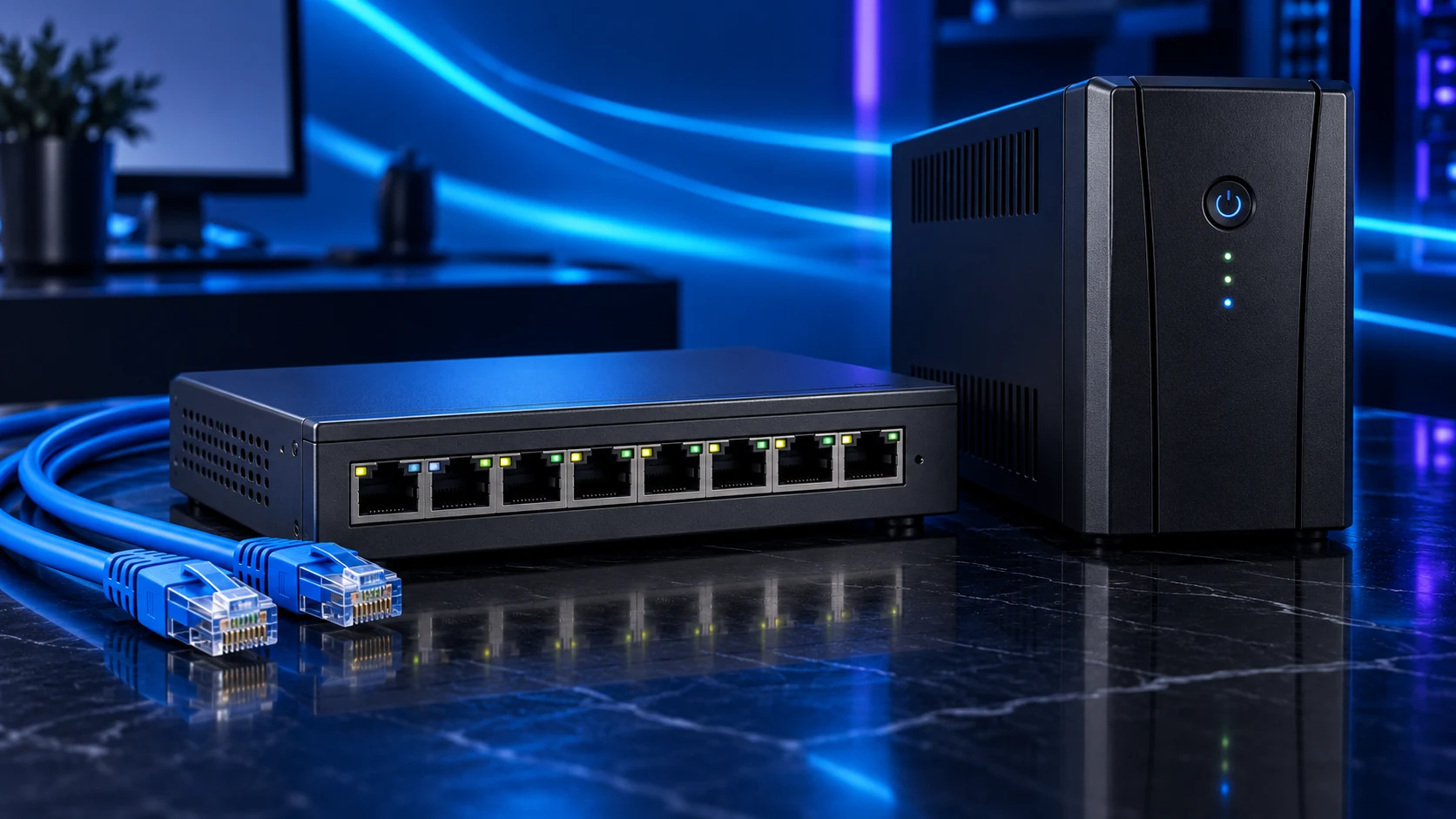
Add the adapter that fits the computer: PCIe for a suitable tower or USB for an external connection. TP-Link TX201 is the desktop route; UE302C and StarTech US2GC30 are USB-C options to compare around operating-system support and the available port.
Table of Contents
ToggleThe shortlist: choose for your setup
| Use | My choice | Why choose it | Choose another when |
|---|---|---|---|
| Desktop PCIe installation | TP-Link TX201 | A 2.5Gb/s PCIe adapter for a supported tower with an accessible slot. | The PC has no usable slot or needs an external portable adapter. |
| Straightforward USB-C route | TP-Link UE302C | A USB-C to 2.5Gb/s Ethernet adapter for a suitable data port and supported system. | The available port is USB2 or the operating system lacks the required support. |
| Documented multi-system USB option | StarTech US2GC30 | A USB-C 5Gb/s-host adapter with 2.5Gb/s Ethernet and published driver guidance. | A PCIe installation is preferred or its supported OS/features do not fit the job. |
An adapter cannot make a gigabit switch or slow storage source faster. The exact driver, operating system, USB/PCIe path and other endpoint belong in this purchase.

Desktop PCIe installation: TP-Link TX201
TX201 is the clean tower route when a usable PCIe slot and supported driver are available. Check slot access with the installed GPU and the case bracket arrangement; a nominal spare slot can be physically blocked.
Install with the PC shut down and disconnected, then use the supported current driver. The board’s usable slot layout helps assess the installation before ordering.
Straightforward USB-C route: TP-Link UE302C
UE302C avoids an internal installation and fits a laptop or compact PC with a suitable USB data connection. Use the model’s supported driver requirements for the installed operating system rather than assuming every USB-C port and OS combination is identical.
Keep it on a useful direct host path when copying large files. A shared hub can introduce another limit or power arrangement. Confirm the negotiated Ethernet link after connection.

Documented multi-system USB option: StarTech US2GC30
Compare US2GC30 when the supported operating systems and driver documentation match your desk. It provides a different supplier/support route from UE302C rather than a claim that one USB adapter has a universally faster transfer result.
Features such as wake-on-LAN, PXE and VLAN use depend on the documented system support. Buy for a specific required function only after checking that complete host/software arrangement.
Confirm the useful connection
Check the operating system’s link speed and the switch connection, then copy representative data between the PC and the intended server. A 2.5Gb/s link indicator proves negotiation, not the speed of every application or drive.
If it negotiates at gigabit, inspect both endpoint ports, the intervening switch and cable. Change one part at a time. For a USB adapter, try a direct suitable port before making wider network changes.
Usable PCIe slot or suitable USB data port
Supported OS and driver
2.5Gb/s switch and other endpoint
Storage and application can use the path
Finish the setup
Use the switch shortlist and cable guide. For Wi-Fi coverage, mesh and wired APs solve a separate problem.
Specifications and setup: TX201 slot/driver · UE302C support · US2GC30 host/features.