
Best PC Build for VR Sim Racing in 2027
By James Thompson · Updated:
Some links in my articles are affiliate links. I may earn a commission when you buy through them.
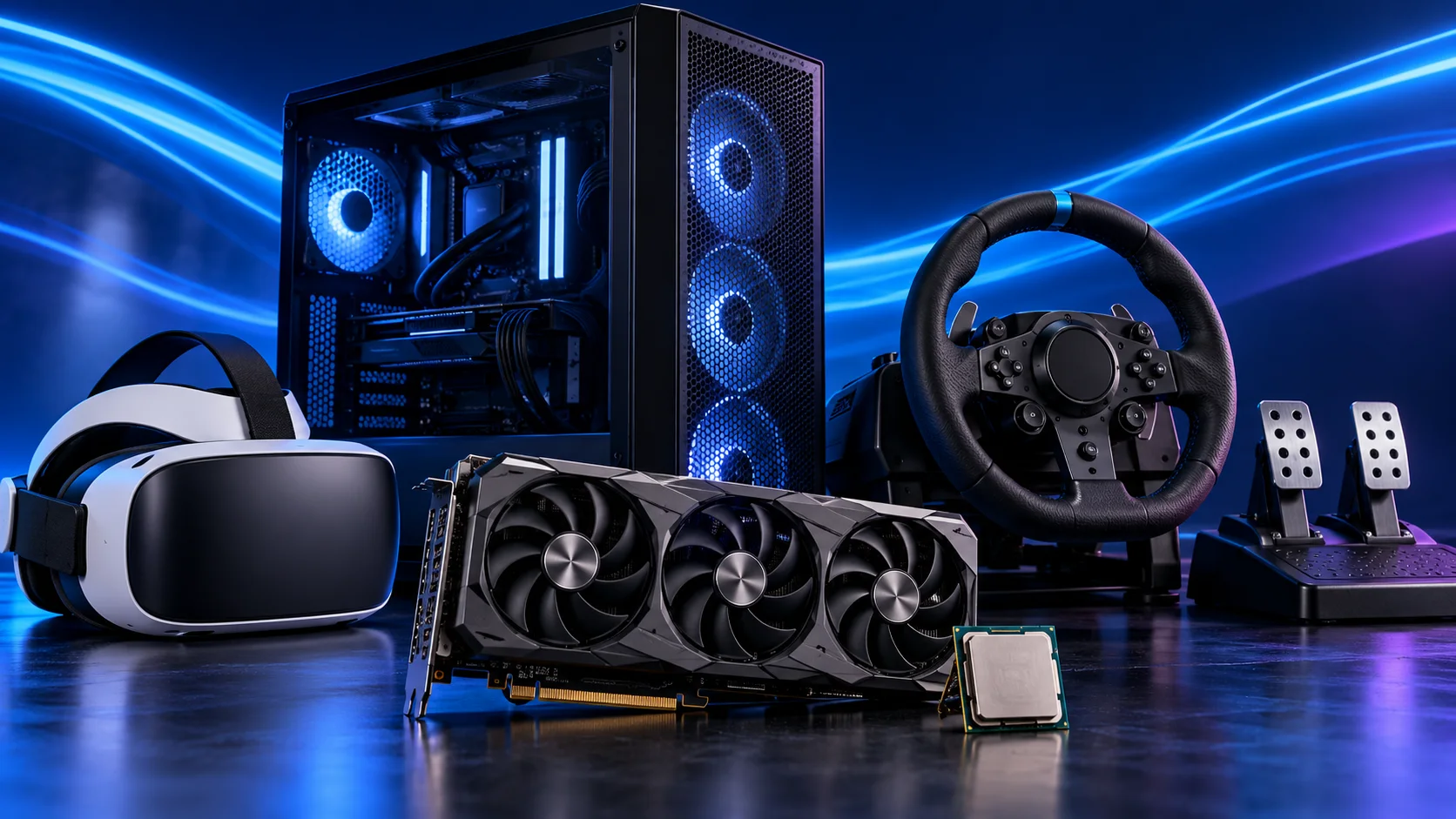
My starting VR racing tower uses a Ryzen 7 9850X3D, RTX 5070 Ti 16GB and 32GB DDR5. The RTX 5080 is the premium step for a more demanding headset configuration. Choose the headset and connection method first, then build the PC around its render settings and supported software.
Table of Contents
ToggleStart with the headset connection
VR places the cockpit around you, so head movement becomes part of how you look through a corner. The hardware job includes the two rendered views, the headset runtime and the way the image reaches the headset. Pick that path before filling the PC basket.
A headset using a direct display connection needs the appropriate GPU port and any required USB connection. A Quest-style PC connection streams an encoded image over USB or Wi-Fi. Those routes have different connection requirements even when both run the same racing title.
The Meta Quest 3 is a familiar consumer PC-VR route to investigate if you want a headset that also runs standalone content. Use its current PC software and requirements for the connection you choose. A standalone headset does not mean the PC racing game runs inside it without a suitable computer.
For seated racing, plan the cable path and controls around the seat. Leave enough slack for normal head movement and keep the cable out of the pedals. Make sure the wheel’s useful buttons are reachable without seeing them.
Useful technical references: Meta hardware and Link setup.
The complete VR racing tower
| Component | My choice | Why it belongs here |
|---|---|---|
| Processor | Ryzen 7 9850X3D | Eight-core AM5 X3D platform for a racing-focused build. |
| Graphics card | MSI RTX 5070 Ti 16G Ventus 3X OC | 16GB card with three DisplayPort outputs for the specialist racing setup. |
| Motherboard | Gigabyte B650 Eagle AX | AM5 board with wired networking and useful rear USB connections. |
| Memory | Corsair Vengeance 32GB DDR5-6000 CL30 | One matched 2×16GB DDR5 kit. |
| Storage | Crucial P310 2TB M.2 2280 | 2TB M.2 SSD for Windows, racing titles and updates. |
| Power supply | Corsair RM850e (2025) | 850W ATX supply with the modern GPU connection route. |
| Case | NZXT H5 Flow (2024) | Airflow-focused mid-tower with room to route cables. |
| CPU cooler | Thermalright Peerless Assassin 120 SE | AM5 air cooling without the cost and routing of a large radiator. |
The X3D CPU and 5070 Ti are the specialist choices here. Keep the storage, motherboard and memory practical, then spend extra on the part that serves the headset configuration.
The linked MSI GPU has 16GB memory and three DisplayPort outputs, but a spare output alone does not establish headset compatibility. Match the runtime and connection specification. For an encoded USB or wireless stream, the software path and network or cable are part of the system.
For a premium headset/render-scale plan, compare Gigabyte RTX 5080 Gaming OC 16GB. For a controlled-budget first PC-VR setup, compare Ryzen 5 9600X and MSI RTX 5060 Ti 16GB Shadow 2X OC Plus at a lower rendering target. Adjust the target with the hardware choice instead of preserving premium settings on a smaller budget.

Choose CPU and GPU for consistent delivery
| Best for | My choice | Why I’d choose it |
|---|---|---|
| Dedicated-rig processor | Ryzen 7 9850X3D | X3D AM5 route for the simulation side of the workload. |
| Central GPU choice | MSI RTX 5070 Ti 16G Ventus 3X OC | 16GB specialist shortlist with the Nvidia iRacing route. |
| Premium GPU step | Gigabyte RTX 5080 Gaming OC 16GB | For more demanding render resolution and settings. |
| Budget processor route | Ryzen 5 9600X | When a lower-cost complete setup is the priority. |
A headset needs its frames delivered regularly. Average frame rate alone can hide interruptions that are obvious when the view follows your head. Keep both CPU and GPU work in mind when tuning the sim.
If the CPU is holding up the simulation, dropping texture quality is not the same kind of change as reducing CPU-heavy scene work. If the GPU is overloaded, render resolution and expensive visual effects are useful places to start.
Do not size the GPU only from the headset’s advertised panel resolution. The runtime’s actual render target can be different, and supersampling increases it again. Write down the settings you choose so a software update or accidental slider change is easier to identify.

Choose memory, storage and cooling
I’d use a matched 32GB DDR5 kit and a 2TB SSD. Those are sensible starting parts for the gaming tower; allocating more of the budget to them does not remove a graphics or runtime limit.
For the standard tower, choose Corsair Vengeance 32GB DDR5-6000 CL30, Crucial P310 2TB M.2 2280 and Thermalright Peerless Assassin 120 SE. The motherboard and case must fit the cooler, and the processor needs the correct BIOS support.
Keep the PC’s intake clear beside the cockpit. Long sessions are a good reason for straightforward airflow and accessible dust filters. If fan noise is intrusive, improve the fan curve and airflow path before assuming every VR tower needs a larger liquid cooler.
Connect the wheel and headset where they can be unplugged independently. A tidy cable bundle should not make a connection fault harder to isolate.

USB cable or wireless PC connection
| Route | What to plan | First useful check |
|---|---|---|
| USB | Suitable data cable, correct host port and cable routing | Run the headset software’s connection check |
| Wireless | Stable local link between PC, router/access point and headset | Use wired Ethernet for the PC where practical |
For a USB route, Meta Link cable is the branded cable option to compare. A charging cable with the right-shaped connector is not automatically a suitable high-bandwidth data cable. USB charging capability and sustained data operation are separate parts of the choice.
For wireless VR, internet download speed is not the local wireless link to the headset. Put the networking plan around the room and access point, and avoid making the PC’s own Wi-Fi connection an unnecessary extra hop.
Choose one connection route and get it stable before repeatedly changing game quality. A connection fault and a GPU rendering limit can feel similar through a headset, but require different fixes.

Set up iRacing and your controls
Select the appropriate headset runtime, then configure iRacing for that display mode. Use the relevant stereo-rendering options for the GPU and runtime. Nvidia-specific SPS is part of iRacing’s specialist route, not a feature that should be assumed in every game.
Start with a manageable render resolution and refresh setting, then tune the sim. Change one setting at a time and use the kind of session you intend to race. Keep the runtime’s own smoothing or reprojection behaviour in view rather than treating every displayed frame as a newly rendered game frame.
Set the seat and wheel before calibrating the headset’s seated position. Map useful controls—reset view, menu navigation and key racing functions—to buttons you can find by feel. Secure the pedals so their position does not change while your view is inside the cockpit.
If you prefer to see your physical wheel and buttons throughout the race, the triple-screen route is the alternative to compare.
Useful technical references: iRacing configuration · Headset connection guidance.